
Build dimensional movement
Wrap, segment or layer the source image to create depth without manually constructing a 3D scene.
Online 3D photo animation maker
Upload your photo, choose a dimensional treatment, preview the full movement and save the project free. 1-Year Access unlocks rendering and downloads.

Dimension without losing the original image
Use cylinder, voxel, sphere, cube and layered-tile motion around an existing photo. Structured movement adds depth and energy while the subject returns to a readable final frame.
How DanceLogo works
A focused browser workflow takes your image from upload to dimensional motion without a traditional 3D animation suite.

Start with a PNG, JPEG or WebP image from your device or choose a saved photo from My Assets.

Try cylinder, voxel, sphere, cube and layered-tile motion that suits the subject and frame.

Adjust depth, timing, scale, framing and background, then inspect the complete movement before rendering.
Built around your photo
Balance structure, depth, recognition and pace, preview the complete movement and keep every project ready for another placement.
Wrap, segment or layer the source image to create depth without manually constructing a 3D scene.
Tune the strength, pace and scale of the effect so the structure supports the image instead of overpowering it.
Preview the complete transformation and make sure the subject returns to a clear, recognizable frame.
Watch rotation, perspective and reassembly in your browser before deciding how the final take should feel.
Keep projects online so you can replace the photo, revisit the structure or refine the timing later.
Prepare animated image and video files for social media, websites, campaign edits and presentations.
Where dimensional motion earns attention
A structured move can add presence to products, editorial images and digital displays without replacing the source photography.
Give launches, promotions and product photography a more dimensional entrance or transformation.
Turn portraits and feature images into more expressive posts, covers and digital stories.
Add structured movement to slides, event screens, digital signage and branded installations.
Studio-ready starting points
Preview voxel, sphere, cube and layered-tile motion, replace the source and tune the structure around your own image.
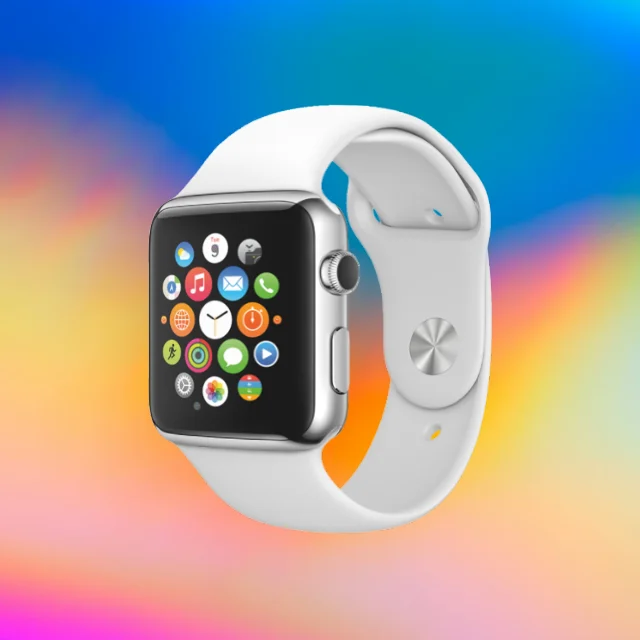 Photo Template
Fast pace · 1,080 × 1,080
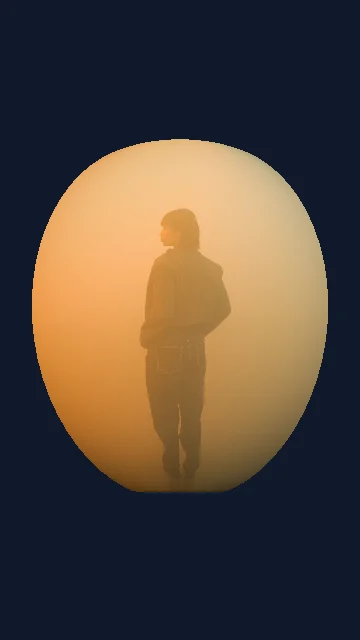 Photo Template
Balanced pace · 1,080 × 1,920
 Photo Template
Slow pace · 1,080 × 1,080
 Photo Template
Balanced pace · 1,920 × 1,080
Frequently asked questions
Clear answers about the artwork, workflow, previews and final files.
Yes. Upload a PNG, JPEG or WebP image, or choose one from My Assets, then select a compatible dimensional effect in DanceLogo Studio.
The source image is wrapped, layered, segmented or transformed with perspective-based motion to create a dimensional result inside the browser.
Images with a clear subject, strong contrast and comfortable spacing around important details usually remain easier to read during rotation and reconstruction.
Yes. Compatible effects provide controls for timing, intensity, scale and composition, with exact options varying by the selected treatment.
Yes. Creating, saving and watching the Studio preview is free. Active paid access is required before rendering starts or files can be downloaded.
DanceLogo supports a PNG frame, GIF, animated WebP, Frame ZIP, WebM and MP4. Sound and transparency support depend on the selected format.