
Keep the product clear
Build motion around the source photo without hiding the silhouette, material or details customers need to see.
Animated product photo maker
Upload your product image, choose a presentation style, preview the complete movement and save the project free. 1-Year Access unlocks rendering and downloads.

More visual presence without hiding the product
Use rise, refraction, foil, fabric and light treatments to shape product photography for launches, promotions and digital displays. The effect adds polish while the item remains the focus.
How DanceLogo works
A focused browser workflow takes your product photo from upload to campaign-ready movement without a heavy desktop animation suite.

Start with a PNG, JPEG or WebP product image from your device or choose a saved photo from My Assets.

Try a rise, refraction, foil, fabric or light treatment that supports the material and campaign tone.

Adjust timing, intensity, crop and canvas, preview the complete product moment and render for the intended placement.
Built around the product
Balance product clarity, crop, visual treatment and output needs, preview the complete take and keep every campaign project ready to reuse.
Build motion around the source photo without hiding the silhouette, material or details customers need to see.
Tune pace, scale and intensity for a clean catalog moment, premium reveal or energetic promotion.
Preview square, portrait and landscape canvases so the product stays balanced throughout the movement.
Match effect strength, background and framing to the visual language of the launch or promotion.
Keep projects online so you can replace the product image, reuse the direction or refine the timing later.
Prepare animated image and video files for social posts, product pages, advertisements and presentations.
Where product motion earns attention
A focused motion treatment can strengthen launches, social content and display assets without competing with the item being presented.
Give new products, seasonal offers and campaign announcements a stronger visual entrance.
Turn still product photography into more expressive feed posts, feature assets and short-form visuals.
Add motion to promotional edits, landing-page features, presentation slides and retail screens.
Studio-ready starting points
Preview a product-friendly treatment, replace its source and tune the framing and pace around your own photography.
 Photo Template
Balanced pace · 1,080 × 1,080
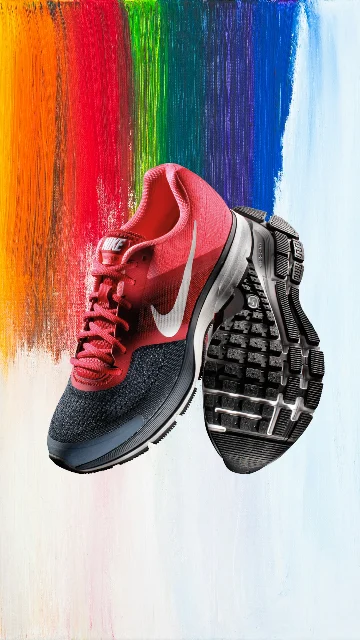 Photo Template
Fast pace · 1,080 × 1,920
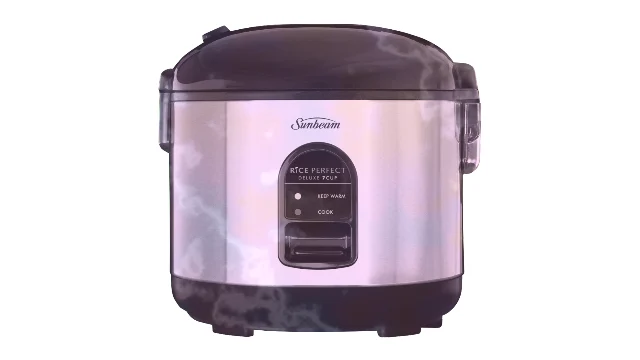 Photo Template
Balanced pace · 1,920 × 1,080
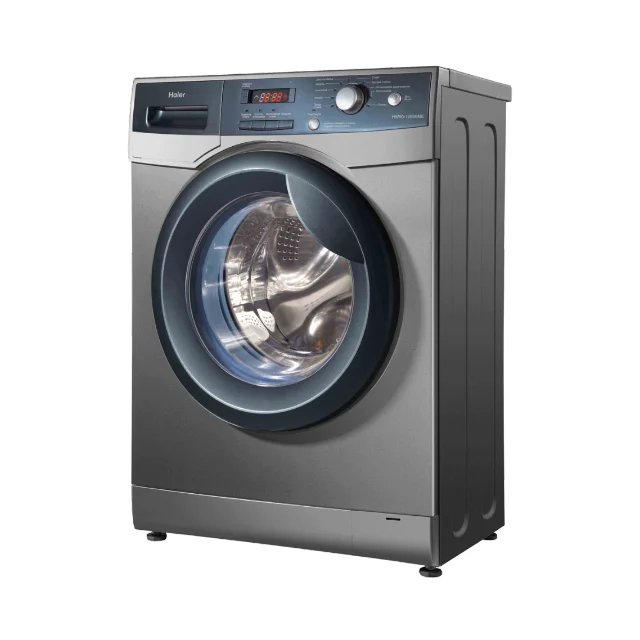 Photo Template
Balanced pace · 1,080 × 1,080
Frequently asked questions
Clear answers about the artwork, workflow, previews and final files.
Yes. Upload a PNG, JPEG or WebP image, or choose one from My Assets, then explore compatible effects in DanceLogo Studio.
Clear images with a well-lit subject, useful contrast and comfortable space around the product are easier to animate and reframe.
Yes. Adjust scale, composition and canvas settings, then preview the full motion to confirm important details remain in frame.
Yes. Choose a loop-friendly effect when continuous movement suits the placement and preview several cycles before exporting.
Yes. Creating, saving and watching the Studio preview is free. Active paid access is required before rendering starts or files can be downloaded.
DanceLogo supports a PNG frame, GIF, animated WebP, Frame ZIP, WebM and MP4. Platform support, sound and transparency depend on the chosen format.