
Preview the full take
Watch the motion from the first frame to the last while refining its timing and intensity.
Online photo animator
Upload a PNG, JPEG or WebP image. Add depth, parallax, distortion or cinematic movement. Create, save and preview free. Unlock rendering and downloads with 1-Year Access — $49 once for 365 days, plus applicable VAT. No automatic renewal.
Animate my photo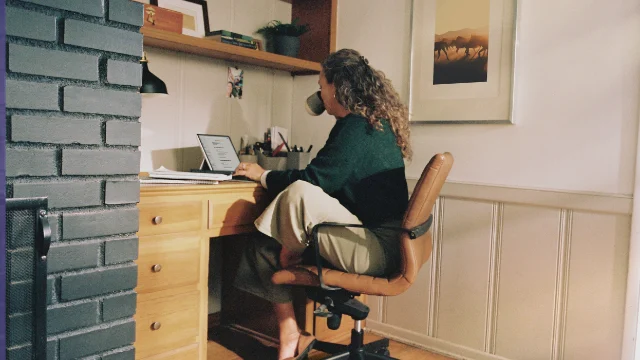
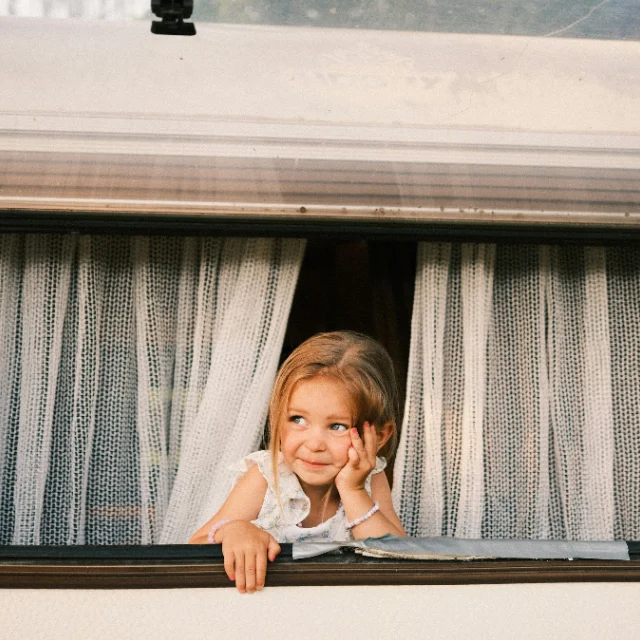

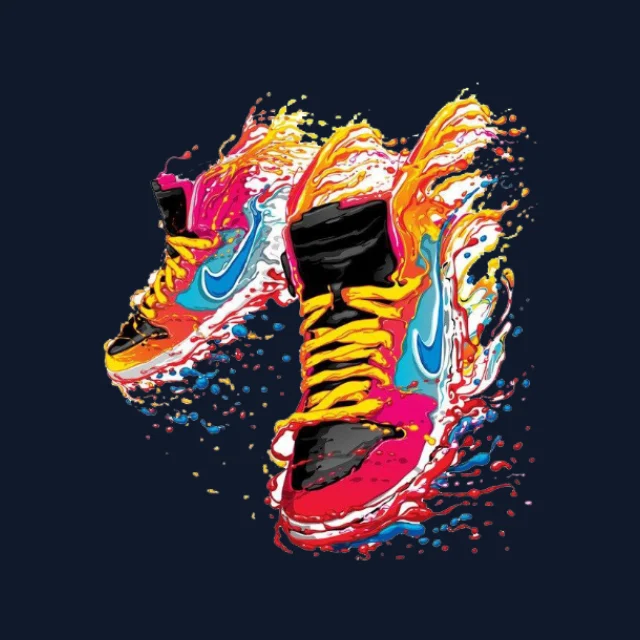
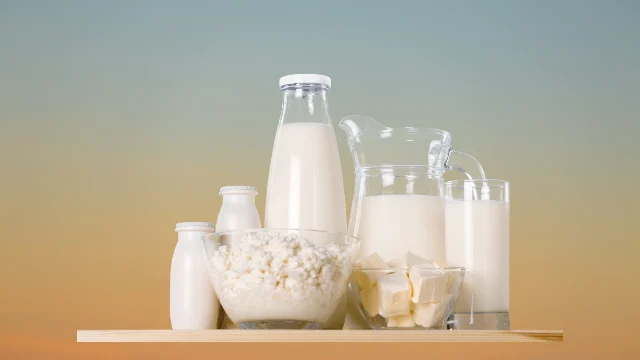
Movement that respects the frame
Add movement without replacing or rebuilding the original image. DanceLogo helps guide the eye with depth and pace while keeping the subject, crop and visual hierarchy in control.
How DanceLogo works
Upload your image, choose compatible motion, then preview and refine the complete result before export.

Start with your own PNG, JPEG or WebP photo, or select a saved image from My Assets.

Explore compatible depth, parallax, distortion, reveal, cinematic and seamless-loop effects.

Adjust duration, intensity, scale, canvas, framing, background and optional sound. Create and preview free; activate 1-Year Access before rendering or downloading files.
Built around the asset
Add atmosphere, depth and focus while keeping the original subject readable throughout the animation.
Watch the motion from the first frame to the last while refining its timing and intensity.
Adjust duration, intensity, scale and movement around the subject and composition.
Keep portrait, square and landscape images balanced inside the selected canvas.
Choose optional audio, preview it with the motion and control its volume for supported video formats.
Keep photo-animation projects online and return whenever the image is ready for another take.
Prepare animated image and video files for campaigns, social media, websites and presentations.
Plan the next move
Explore a focused path based on the motion style, composition or placement your image needs.
Studio-ready starting points
Explore ready-made photo animations with real previews. Replace the image with your own, then adjust the timing, canvas, background and sound.
 Photo Template
Balanced pace · 1,920 × 1,080
 Photo Template
Balanced pace · 1,080 × 1,920
 Photo Template
Slow pace · 1,080 × 1,920
 Photo Template
Balanced pace · 1,080 × 1,920
Frequently asked questions
Learn what you can upload, preview, refine, save and export before creating your first photo animation.
Yes. Upload a PNG, JPEG or WebP image, or select one from My Assets. DanceLogo presents effects designed for photo compositions.
Choose from depth, parallax, cinematic, distortion, reveal and seamless-loop effects. DanceLogo filters the motion library around the selected image.
Yes. DanceLogo supports flexible canvas shapes so you can frame motion for vertical posts, square placements and widescreen content.
You control the canvas, scale and composition. Preview the complete movement before export to keep the subject and important edges inside the frame.
Yes. DanceLogo shows the motion directly in your browser while you refine duration, intensity, framing, background and optional sound.
DanceLogo supports a PNG frame, GIF, animated WebP, WebM, MP4 and Frame ZIP. Availability can depend on your browser and transparency requirements.