When Shared Files Fall Short: Elevating Design Collaboration
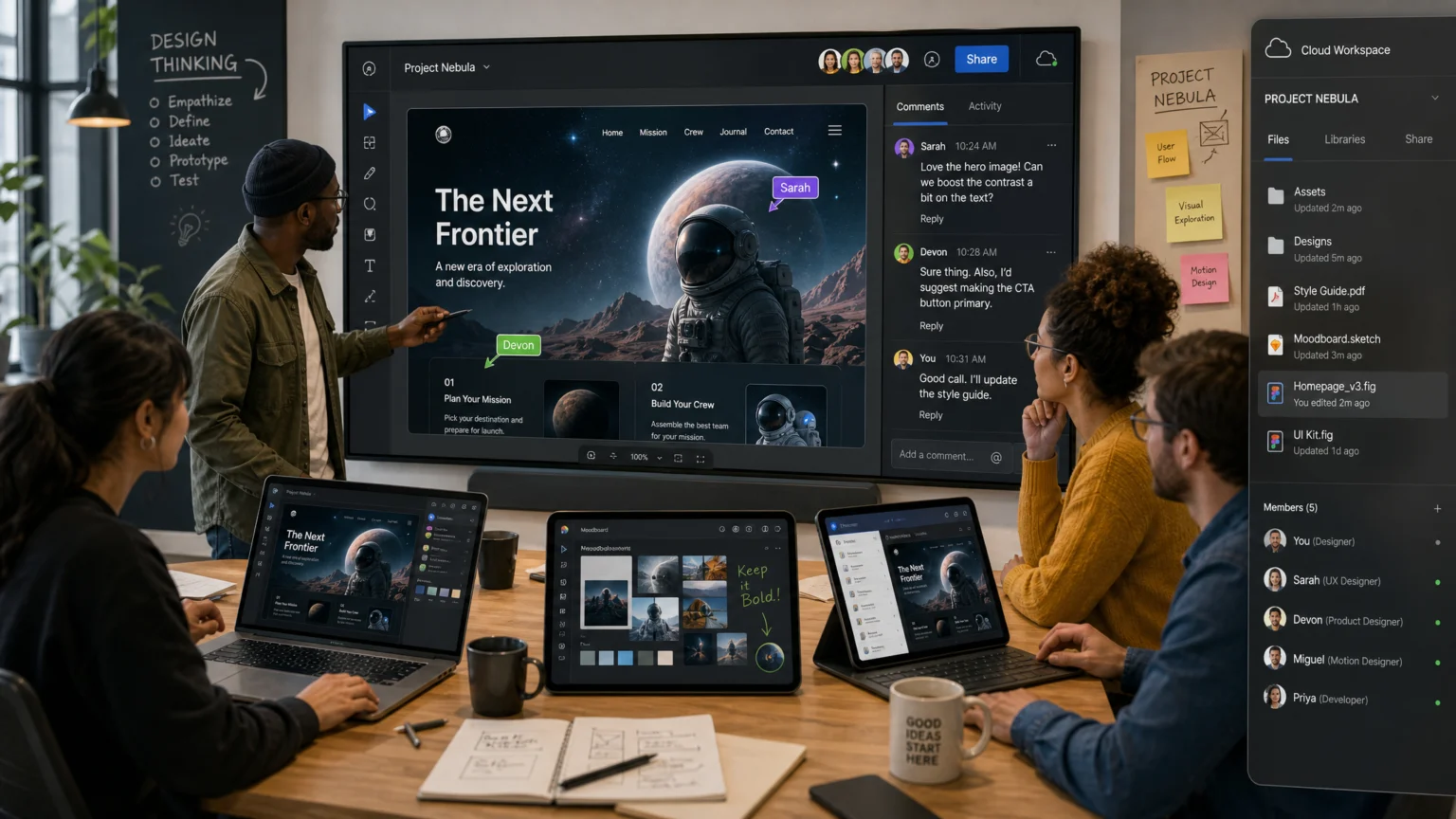
Many design teams struggle with a common problem: sharing files is straightforward, but achieving true collaboration—where ideas flow, feedback integrates seamlessly, and versions manage without friction—often feels out of reach. Imagine a designer sending a file, receiving feedback through scattered emails or chat messages, making changes, and then repeating this cycle, frequently losing context or overwriting previous iterations. This back-and-forth drains creative energy and introduces errors. A well-chosen cloud design platform, however, transforms this process by embedding collaboration directly into the design environment, making visible decisions the central point of interaction rather than an afterthought.
Instead of merely hosting files, a modern cloud design platform functions as a dynamic shared workspace where every team member, from designers to stakeholders, can contribute meaningfully. This necessitates evaluating platforms beyond their core design capabilities, focusing instead on how they support real-time interaction, robust version control, and efficient feedback loops. For example, a fast-paced agency might prioritize seamless real-time editing for rapid prototyping, while a brand team focused on long-term asset consistency might value comprehensive version history with comment retention. Understanding these distinct needs is crucial for selecting a platform that genuinely enhances your team’s unique workflow.
Real-Time vs. Asynchronous: Tailoring Collaboration to Your Pace
The effectiveness of team design often hinges on how a platform manages simultaneous work. Some teams thrive on synchronized, real-time editing, where multiple designers can work on the same canvas concurrently, seeing each other’s cursors and changes as they happen. This approach proves especially useful for brainstorming sessions, rapid prototyping, or when tight deadlines demand parallel work on different project sections. Other teams, particularly those with distributed members or complex approval processes, might prefer a more asynchronous model. Here, feedback is left on specific elements, allowing designers to address it at their own pace without immediate pressure.
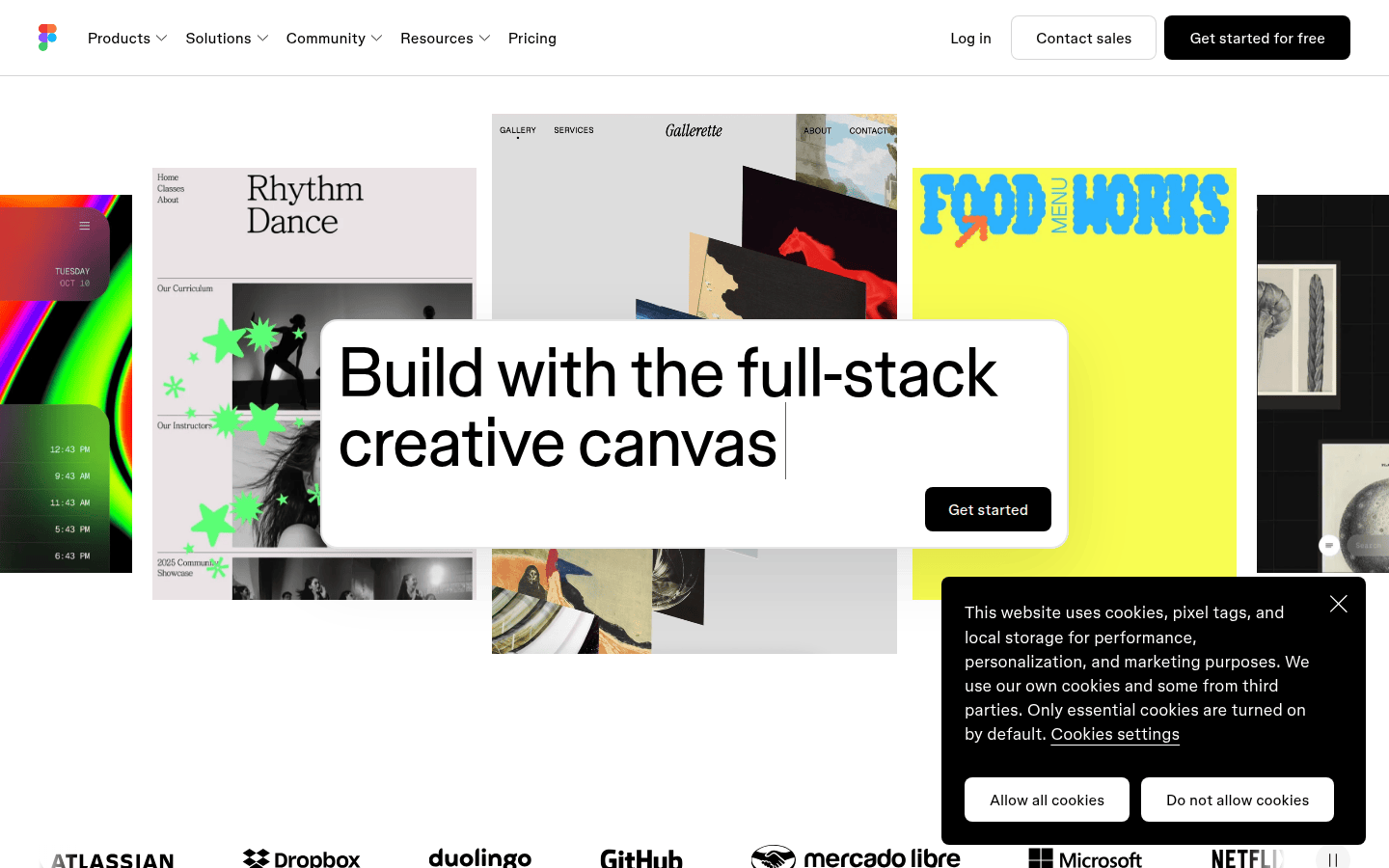
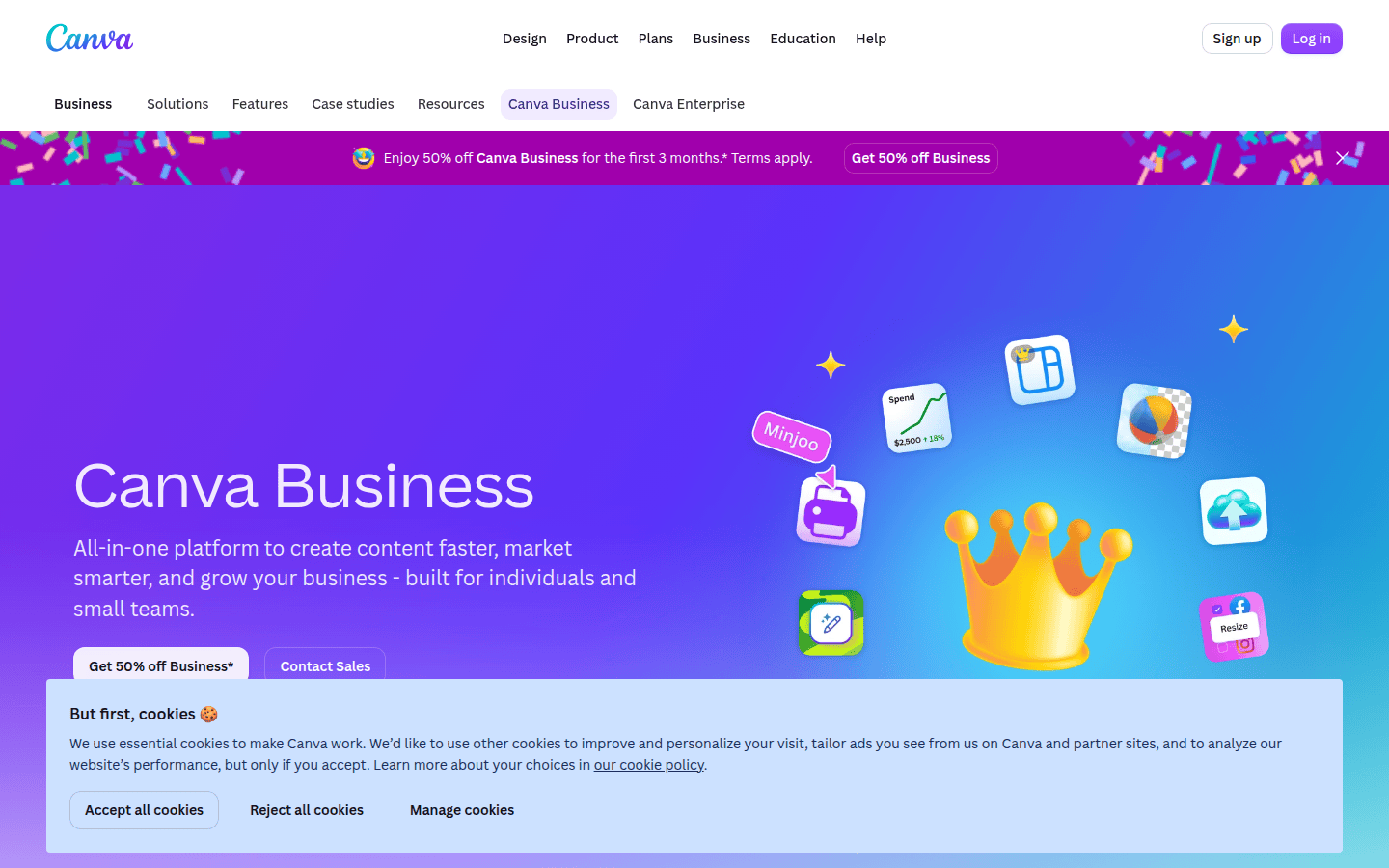
Figma excels in synchronized real-time collaboration, allowing multiple users to edit a design file simultaneously. This feature fosters a dynamic environment where design decisions can be made and implemented instantly, significantly reducing the need for constant file sharing and merging. Penpot also offers real-time collaboration, enabling teams to work together with immediate updates and shared visibility. In contrast, platforms like Canva Teams, while supporting collaboration through shared access and commenting, often lean more towards an asynchronous workflow. Team members contribute at different times, reviewing and approving changes rather than co-editing every pixel in real-time. The choice between these approaches depends on your team’s preferred working rhythm and project demands.
Version History and Recovery: Preserving Design Evolution
Design is inherently an iterative process, and the ability to track, compare, and restore previous versions is critical for maintaining project integrity and learning from past decisions. A robust version history prevents accidental loss of work and provides a safety net for experimentation. However, not all version histories are created equal. Some platforms merely save snapshots, while others offer a more granular view, even preserving comments associated with specific versions, which adds invaluable context.
Figma provides a comprehensive file version history, accessible directly from the file name menu. A notable advantage is that when a previous version is restored, comments from all versions are retained. This means that even if you revert to an older design, the feedback and discussions from later iterations are not lost, preserving crucial context for ongoing development. Canva, particularly in its Pro, Teams, Education, and Nonprofits plans, also offers version history, allowing users to review and restore older design versions. It enables users to compare saved versions side-by-side before committing to a restore, providing a visual aid for decision-making. Penpot includes version history as part of its collaborative features, ensuring that changes are tracked and can be revisited, supporting an iterative design process. Figma’s official documentation confirms its robust versioning capabilities.
Structured vs. Freeform: Managing Feedback Effectively
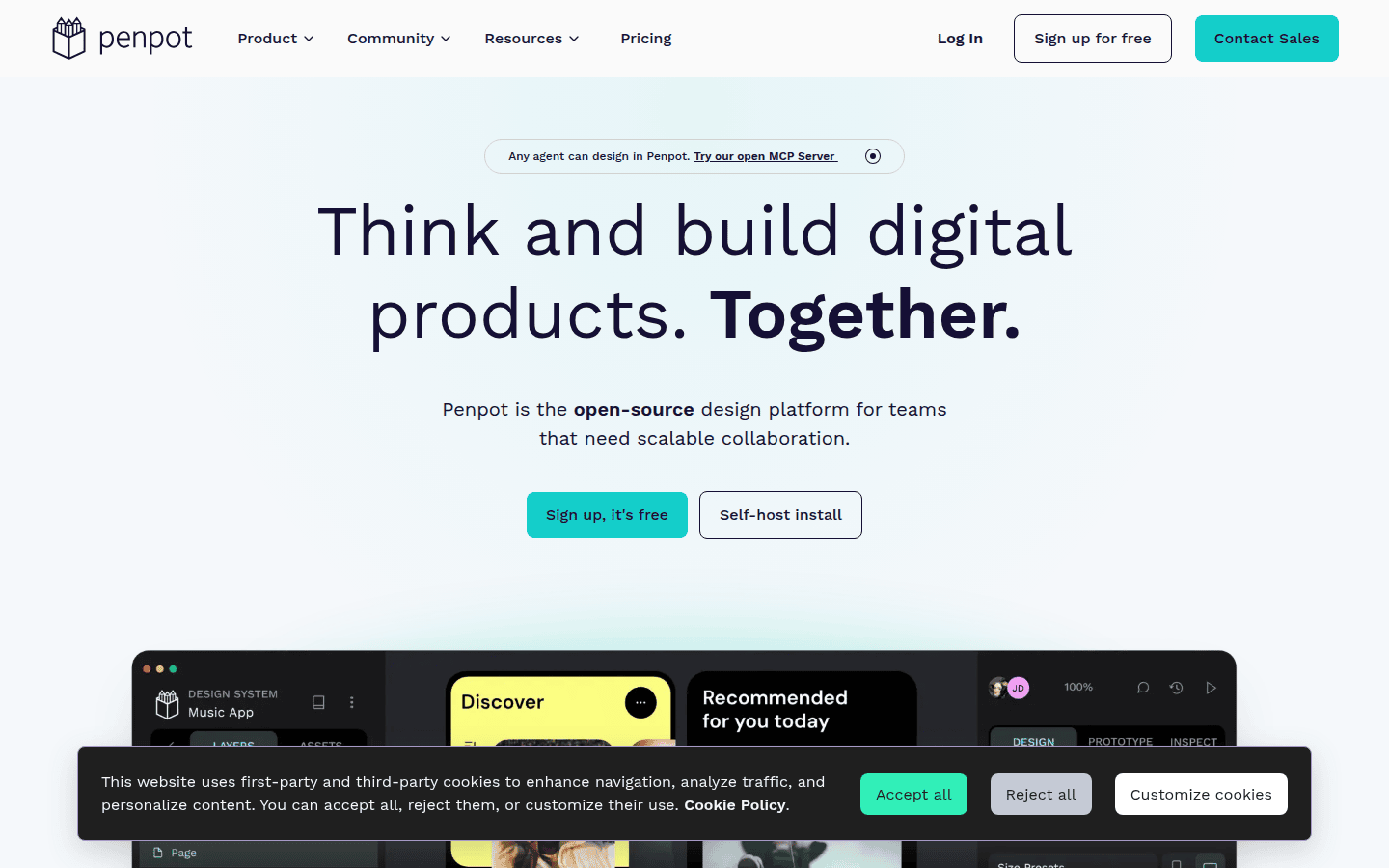
Effective feedback is precise, actionable, and tied directly to the design elements it addresses. Cloud design platforms approach comments and feedback in different ways, directly impacting how easily teams can understand and act on suggestions. Some platforms offer highly structured commenting tools, allowing users to pin comments to specific layers or objects, ensuring clarity. Others provide more general annotation capabilities, which can be useful for broader conceptual feedback.
Figma’s commenting system allows collaborators to leave comments directly on the canvas, often pointing to specific areas or elements. These comments persist across versions, even if a file is restored, which is invaluable for maintaining a continuous dialogue around design decisions and their evolution. Penpot also integrates comments as part of its real-time collaboration suite, facilitating direct communication within the design environment, making feedback an immediate part of the workflow. Canva provides commenting functionalities within its team plans, enabling feedback on designs. The clarity and visibility of these comments directly influence how quickly designers can iterate and how well stakeholders feel their input is being heard. Canva’s help center details its version history and feedback features.
Asset Organization and Sharing: Centralized Control vs. Project Flexibility
Beyond individual files, how a platform helps organize and share design assets significantly impacts team efficiency and brand consistency. For larger organizations or those with extensive design systems, a centralized asset library is crucial for maintaining a cohesive visual identity. For smaller teams or project-based work, a more flexible, project-specific asset management approach might suffice. The overarching goal is to ensure that designers can quickly find and use approved assets without duplicating work or introducing inconsistencies.
While specific details on centralized asset libraries vary across these platforms, the underlying principle is consistent: reduce friction in asset access. Figma’s component system and shared libraries allow teams to create and manage reusable design elements, ensuring consistency across projects and accelerating design workflows. Canva’s Brand Kits (available in Canva Pro and Teams) enable users to store brand assets like logos, colors, and fonts, making them easily accessible for all team members and ensuring adherence to brand guidelines. Penpot, as an open-source platform, offers flexibility in how teams manage assets, often relying on integrated version control for shared components and custom setups. For teams focused on maintaining a cohesive visual identity, platforms that offer robust asset management features are essential. Choosing a dedicated brand asset management platform can further streamline this process for complex needs, especially when managing a vast array of digital assets.
Permission and Access Controls: Balancing Security and Workflow
Controlling who can view, edit, or comment on design files is fundamental for both security and efficient workflow management. Different teams require varying levels of granularity in their permission settings. A large enterprise might need complex role-based access to protect sensitive information, while a small startup might prefer simpler sharing options for agility. The platform’s ability to adapt to these needs directly impacts project security and overall team efficiency.
Figma offers detailed permission controls, allowing users to specify precisely who can view, edit, or comment on files and prototypes. This granular control is vital for larger teams working with sensitive client information or navigating complex approval hierarchies. Canva provides team-based permissions, where administrators can manage who has access to specific designs and folders, often categorized by roles like “team member” or “template designer,” simplifying access management for many teams. Penpot, being open-source, typically offers robust access controls that can be configured to suit specific team structures and project requirements, often leveraging standard version control permissions for a high degree of customization. The choice here depends on the complexity of your team’s structure and the level of control required over your valuable design assets.
Selecting the Ideal Platform for Your Design Team
When selecting a cloud design platform, carefully consider your team’s existing collaboration habits and the specific demands of your projects. If real-time co-editing, persistent comment history, and robust versioning are paramount, Figma offers a strong, industry-leading solution. For teams that prioritize ease of use, brand consistency through templates, and clear version comparison, Canva Teams might be a better fit, especially for those with less technical design needs. If your team values an open-source environment with real-time collaboration and customizable workflows, Penpot presents a compelling alternative, offering flexibility and community support. Test each platform with a small, representative project to see how it integrates into your team’s unique rhythm and visual decision-making process before committing to a long-term solution. This practical evaluation will reveal which platform truly enhances your team’s creative output and collaborative synergy.
 Icon Template
 Icon Template
 Logo Template
 Logo Template