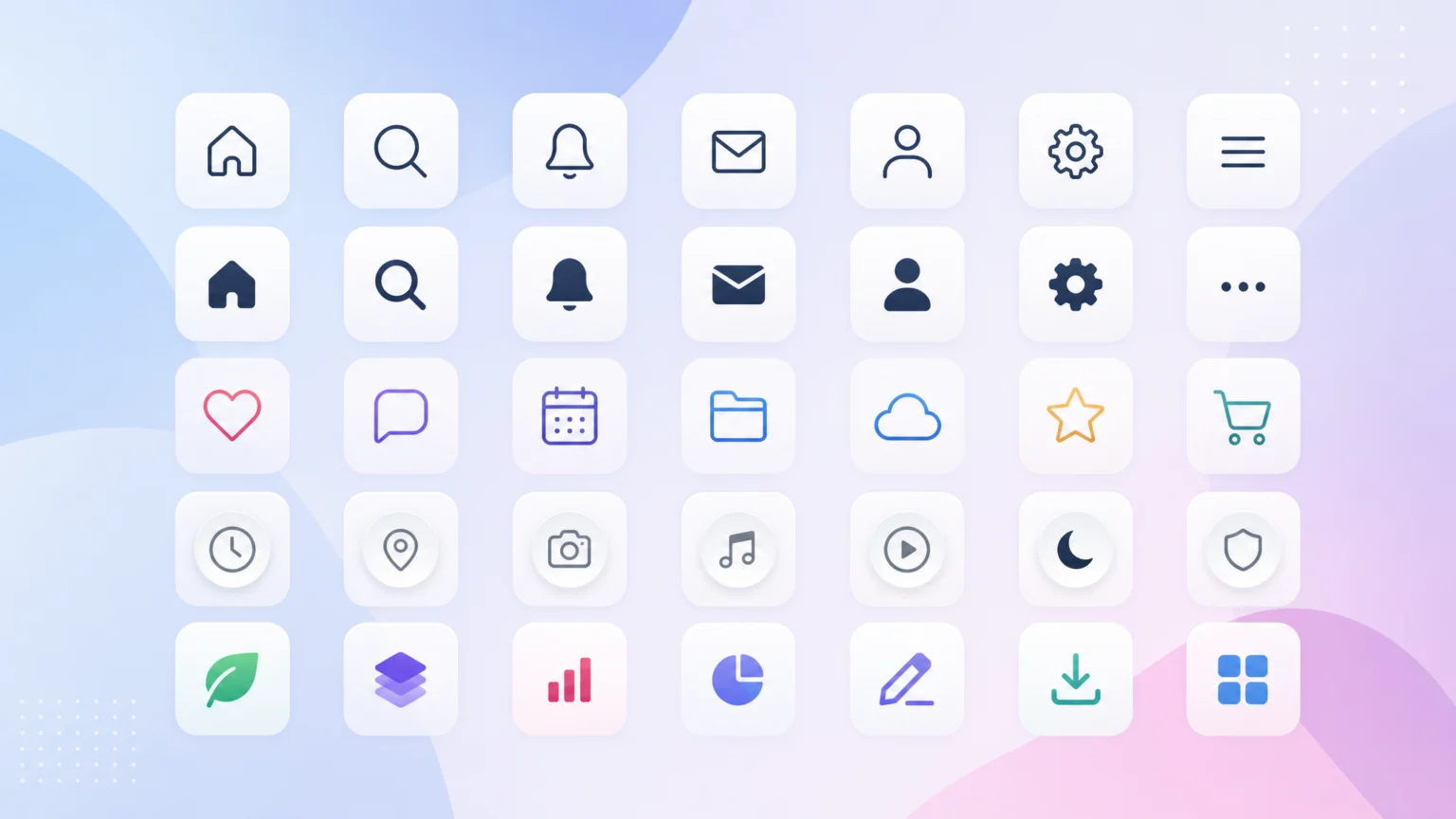
When an Icon Set Doesn’t Quite Fit
You’ve found what looks like the perfect free icon set: clean lines, modern aesthetic, and a good range of common symbols. Then you start integrating it into your UI system. Suddenly, you notice missing icons for specific actions, or the existing ones don’t quite match the visual weight of your typography. Worse, you dig into the license only to find vague terms that could cause issues down the line. The initial excitement fades as you realize the time saved finding a free set might be lost in custom modifications or legal reviews. This friction point often arises because designers prioritize initial visual appeal over practical considerations like comprehensive coverage, consistent style across a growing library, and explicit licensing.
For any UI project, icons are more than just decorative elements; they are crucial visual cues that guide users. A cohesive icon set reinforces brand identity and improves usability. When choosing a free icon library, the real challenge isn’t just finding a collection of SVGs, but selecting one that scales with your project, maintains visual integrity, and offers clear usage rights. This comparison looks at three popular open-source icon sets—Feather, Heroicons, and Lucide—to help you make a practical decision for your next design system.
Feather Icons: Simplicity and Consistency
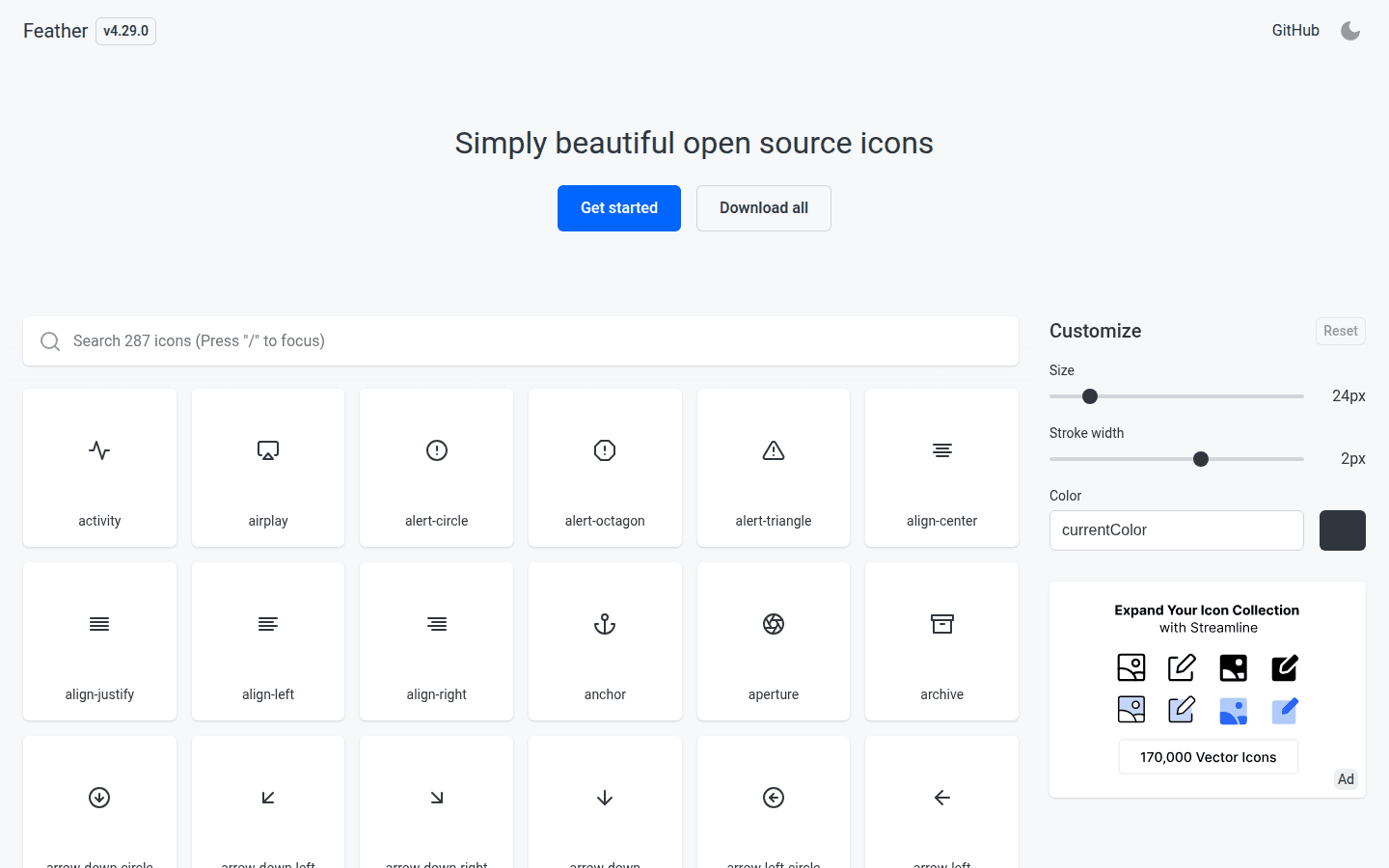
Feather Icons positions itself as a collection of “simply beautiful open-source icons.” Each icon is designed on a 24×24 grid, which contributes to its minimalist and consistent appearance. This strict grid system ensures that every icon, from a basic arrow to a more complex gear, maintains a uniform visual weight and scale. This consistency is a significant advantage for UI designers who need a predictable visual language across an application or website. For a documented checkpoint, compare this step with Feather – Simply beautiful open source icons.
The strength of Feather lies in its straightforward approach. The icons are line-based, with a clean, geometric style that integrates well into many modern interfaces without drawing undue attention. For projects where visual noise needs to be minimized and clarity is paramount, Feather provides a solid foundation. Its simplicity also makes it relatively easy to customize stroke width or color programmatically, aligning the icons with specific brand guidelines.
Heroicons: Tailored for Tailwind Ecosystems
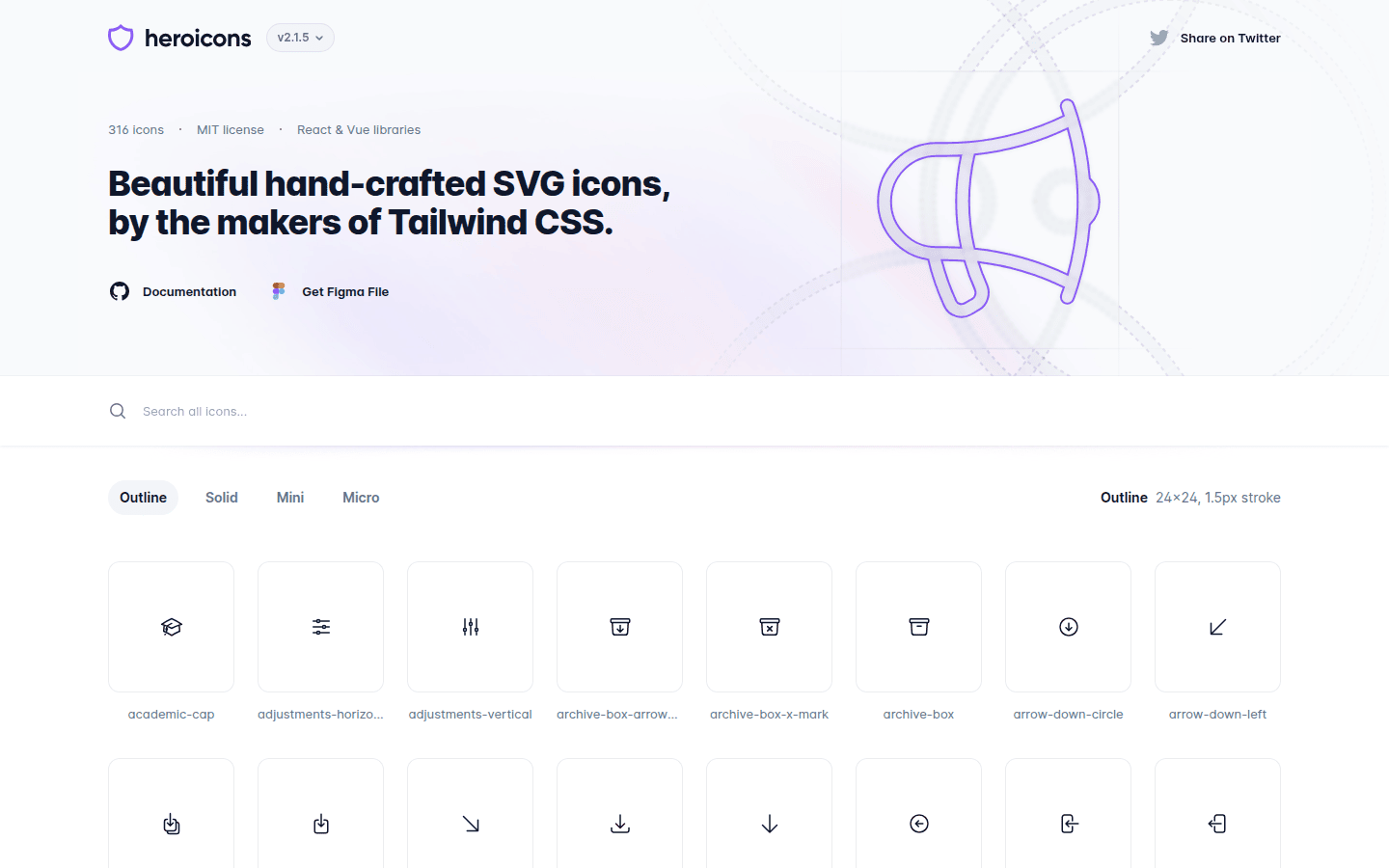
Heroicons, developed by the creators of Tailwind CSS, offers a set of high-quality SVG icons optimized for web applications, particularly those built with Tailwind. This optimization means that Heroicons often integrates seamlessly into projects already using Tailwind, benefiting from shared design philosophies and utility-first approaches. The set provides both outline and solid styles, offering flexibility for different visual contexts within a UI.
The dual styling option in Heroicons is a key differentiator. An outline icon might suit a navigation menu, while a solid version could be used for a primary action button, providing visual hierarchy without introducing a completely different icon set. This choice allows designers to maintain a consistent visual language while adapting to varying levels of emphasis. Heroicons also includes a range of common UI elements, making it a practical choice for many web development projects.
Lucide: Expanded Feather-Derived Library
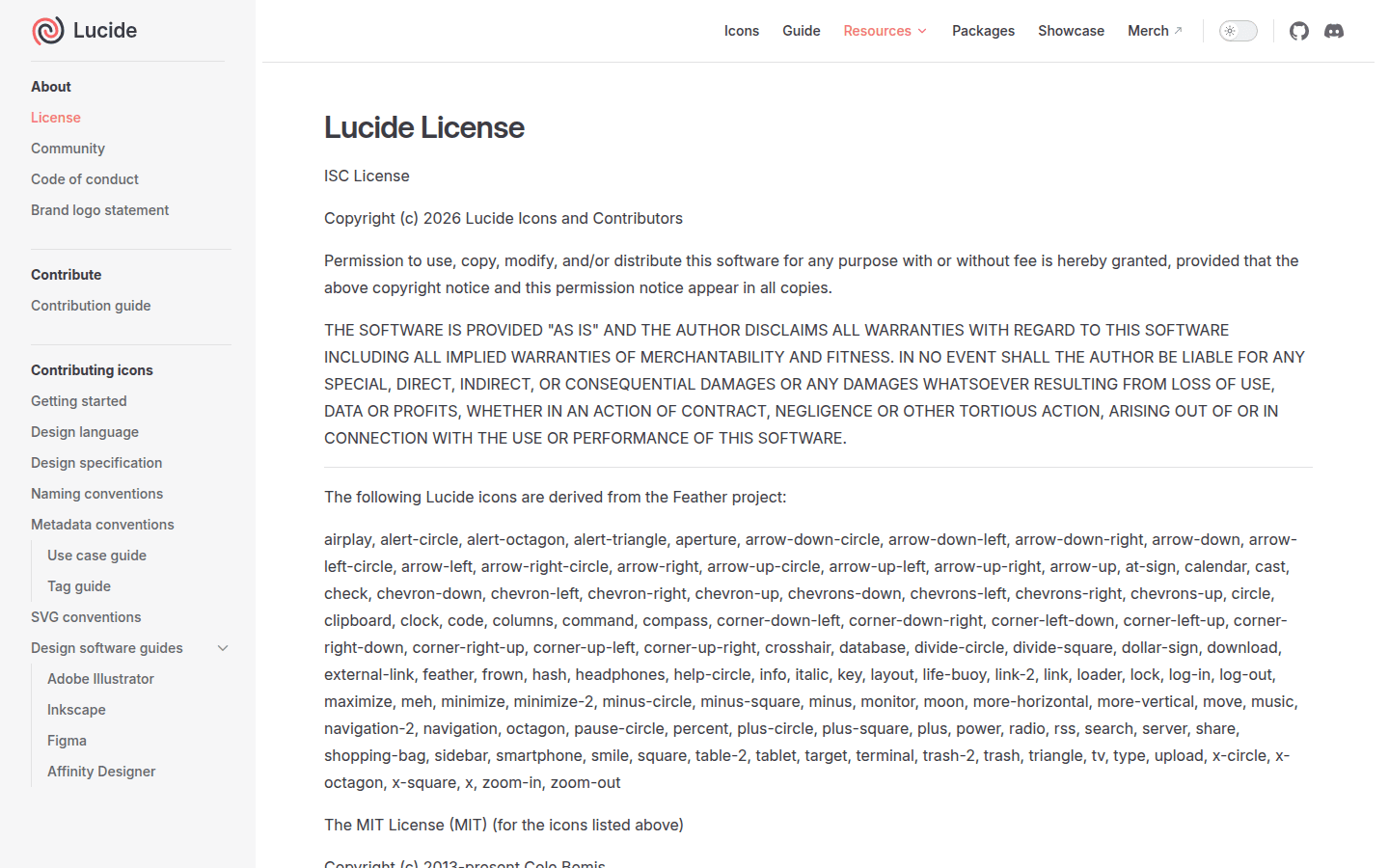
Lucide emerges as a community-maintained fork of Feather Icons. This means it retains the core design principles of Feather—simplicity, consistency, and readability—but significantly expands the icon library. For designers who appreciate Feather’s aesthetic but find its coverage lacking for more niche or extensive UI needs, Lucide offers a compelling solution. It aims to provide a broader range of icons while adhering to the original visual style.
The benefit of Lucide being a fork is that projects can often transition from Feather with minimal visual disruption, gaining access to hundreds of additional icons. This expansion is crucial for complex applications that require a wider array of specific symbols without compromising the established visual language. Lucide’s license page explicitly notes the Feather-derived icons, ensuring transparency about its origins and contributions.
Comparing Style Consistency and Coverage
When evaluating icon sets, style consistency is paramount for a professional UI. Feather Icons excels here due to its strict 24×24 grid and minimalist line-art approach. Every icon feels like part of the same family, which is ideal for brand systems that prioritize understated elegance. However, its coverage can feel limited for highly specialized applications. For example, if your project requires an icon for a specific data visualization type, like a candlestick chart, Feather might not offer a direct match, necessitating a custom creation.
Heroicons offers strong consistency within its own ecosystem, particularly for Tailwind users. The availability of both outline and solid versions provides stylistic flexibility while maintaining a unified look. Its coverage is robust for general web UI needs, but it might not extend as far into niche categories as some larger libraries. Consider a project needing icons for specific e-commerce features, such as a “wishlist” or “compare products” icon; Heroicons provides solid options for common actions but might require a custom solution for highly specialized e-commerce functions.
Lucide directly addresses Feather’s coverage limitations by expanding the library while preserving the original style. This makes it a strong contender for projects that need both the clean aesthetic of Feather and a more extensive range of symbols. The challenge with community-driven projects can sometimes be maintaining absolute consistency across all additions, though Lucide actively manages this. For instance, if you need an icon for a specific medical device or a unique financial instrument, Lucide is more likely to have a suitable option within its expanded collection, reducing the need for bespoke icon design.
File Formats and Customizability
All three icon sets primarily offer icons in SVG format, which is the industry standard for scalable vector graphics on the web. SVG allows for infinite scalability without loss of quality, making these icons adaptable to various screen sizes and resolutions. Beyond SVG, these sets often provide access through npm packages, allowing for easy integration into modern development workflows.
Customizability is a key advantage of open-source SVG icons. Designers can easily modify stroke width, color, and even path data using CSS or graphic design software. Feather’s simple line-based structure makes it particularly easy to adjust. Heroicons, with its outline and solid variants, offers built-in customization options for visual weight. Lucide, by maintaining Feather’s base style, also offers similar levels of easy customization, allowing designers to tweak them to perfectly match their UI’s visual language.
License Clarity: MIT for All
One of the most critical aspects of using free icon sets in commercial projects is understanding their licensing. All three icon sets—Feather, Heroicons, and Lucide—are released under the MIT License. This is a permissive open-source license that allows for broad use, modification, and distribution, even for commercial purposes, without requiring attribution in most cases. This clarity simplifies legal considerations for development teams.
Feather’s repository explicitly states its MIT license. Heroicons also has an official license page detailing its usage terms, backed by an MIT license file in its GitHub repository. Lucide’s official license page confirms its MIT license and transparently includes attribution notes for icons derived from Feather, which is a good practice for community-maintained forks. This consistent use of the MIT license across all three options provides peace of mind for designers and developers. Another useful checkpoint is MIT License – feathericons/feather.
Which Icon Set Fits Your Project?
Choosing between Feather, Heroicons, and Lucide depends on your project’s specific needs and existing tech stack. If your priority is extreme minimalism and a lightweight footprint for a simple UI, Feather Icons offers unparalleled consistency and clarity. It’s an excellent choice for projects where every visual element needs to be understated and precise.
If you are building an application with Tailwind CSS and need icons that integrate seamlessly with its utility-first approach, Heroicons is likely your best fit. Its dual style options (outline and solid) provide immediate flexibility for visual hierarchy within a consistent framework.
For projects that love the aesthetic of Feather but require a significantly broader range of icons to cover more complex or niche UI elements, Lucide is the clear winner. It provides the familiar clean lines of Feather with an expanded library, making it suitable for larger applications that demand extensive icon coverage without sacrificing style.
Before committing, consider a small test: integrate a handful of critical icons from each set into a mock-up of your UI. Pay attention to how they sit alongside your typography and other UI elements. This visual test will quickly reveal which set truly aligns with your project’s overall design language and functional requirements. A practical approach involves checking for key icons like ‘settings’, ‘user profile’, ‘notifications’, and any domain-specific symbols your application requires. If a set consistently provides these without needing significant modification, it’s a strong candidate.
For further exploration of open-source licensing, the GNU website offers comprehensive resources on various open-source licenses and their implications.
 Photo Template
 Logo Template
 Photo Template
 Photo Template