When a Packaging Mockup Needs to Look Real, Not Just Presentable
Imagine a client presentation where your packaging design, vibrant on screen, falls flat as a mockup. The subtle curve of a bottle, the way light plays across an embossed logo, or the tactile feel of a matte box can be lost in a generic rendering. This disconnect often leaves stakeholders questioning the final product’s quality, not just the design. The real challenge isn’t just creating a visual, but crafting one that truly mimics physical presence without requiring a massive budget or a steep learning curve.
This comparison explores three distinct packaging mockup tools, each offering a different balance of visual fidelity, creative control, and cost: Canva’s accessible generator, Pacdora’s web-based 3D solution, and Adobe Dimension for advanced rendering. We’ll examine their capabilities for creating convincing visuals, helping you decide which tool best fits your project’s specific demands.
Evaluating Realism: Beyond a Flat Image
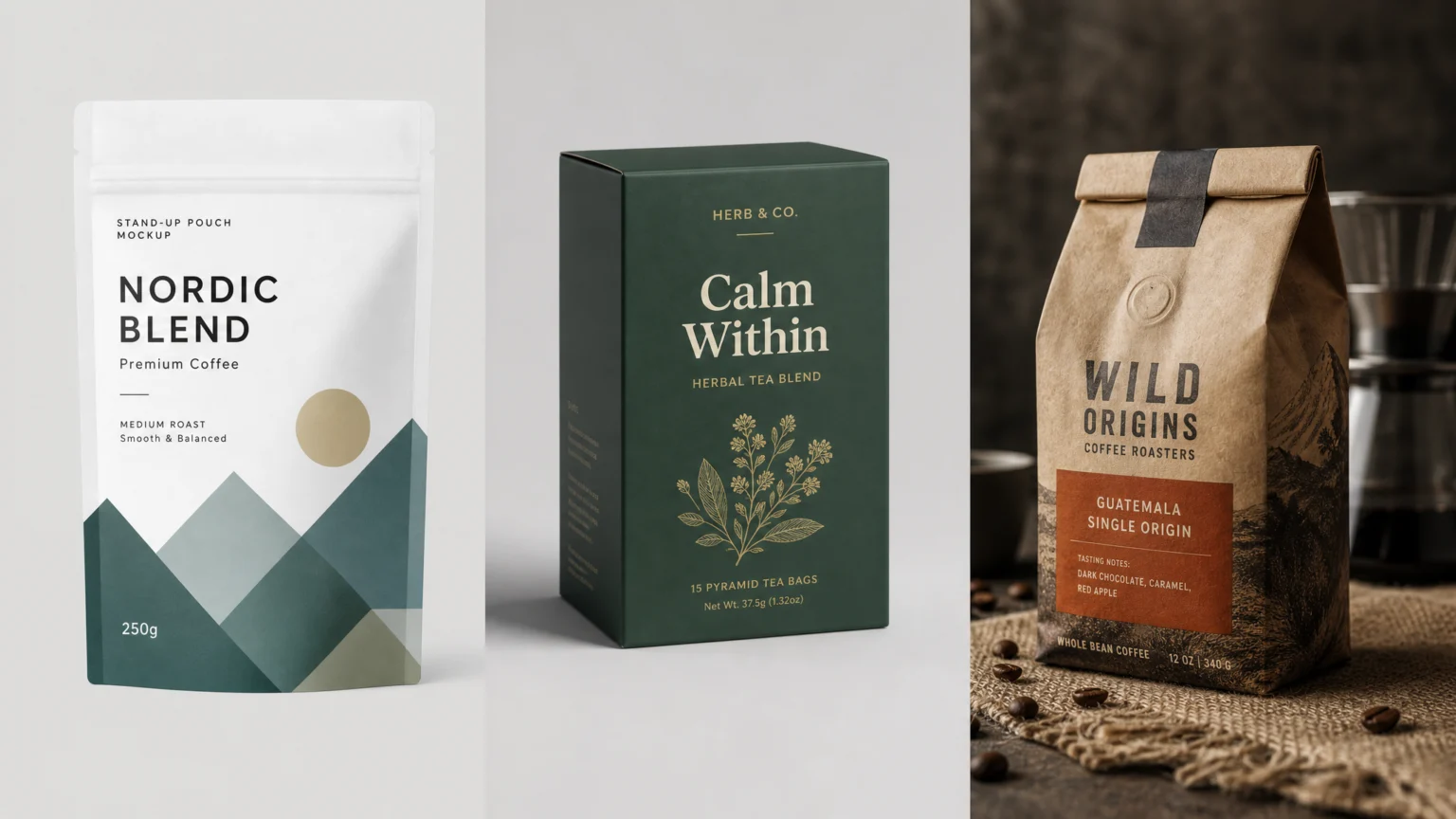
Realism in a packaging mockup extends beyond mere high resolution. It’s about how accurately the digital representation captures physical properties. This includes precise light and shadow, authentic material textures, and how the design conforms to the packaging’s unique geometry. A truly realistic mockup conveys depth, form, and the intricate interplay of light on surfaces.
Consider a glossy bottle finish: it should reflect its environment, while a matte box should absorb light and reveal subtle surface imperfections. When evaluating tools, assess their control over these nuanced visual cues. The goal is to avoid mockups that appear as flat artwork simply pasted onto a 3D shape, which can diminish the perceived quality of the design itself.
Canva Packaging Mockup Generator: Quick Visuals for Early Stages
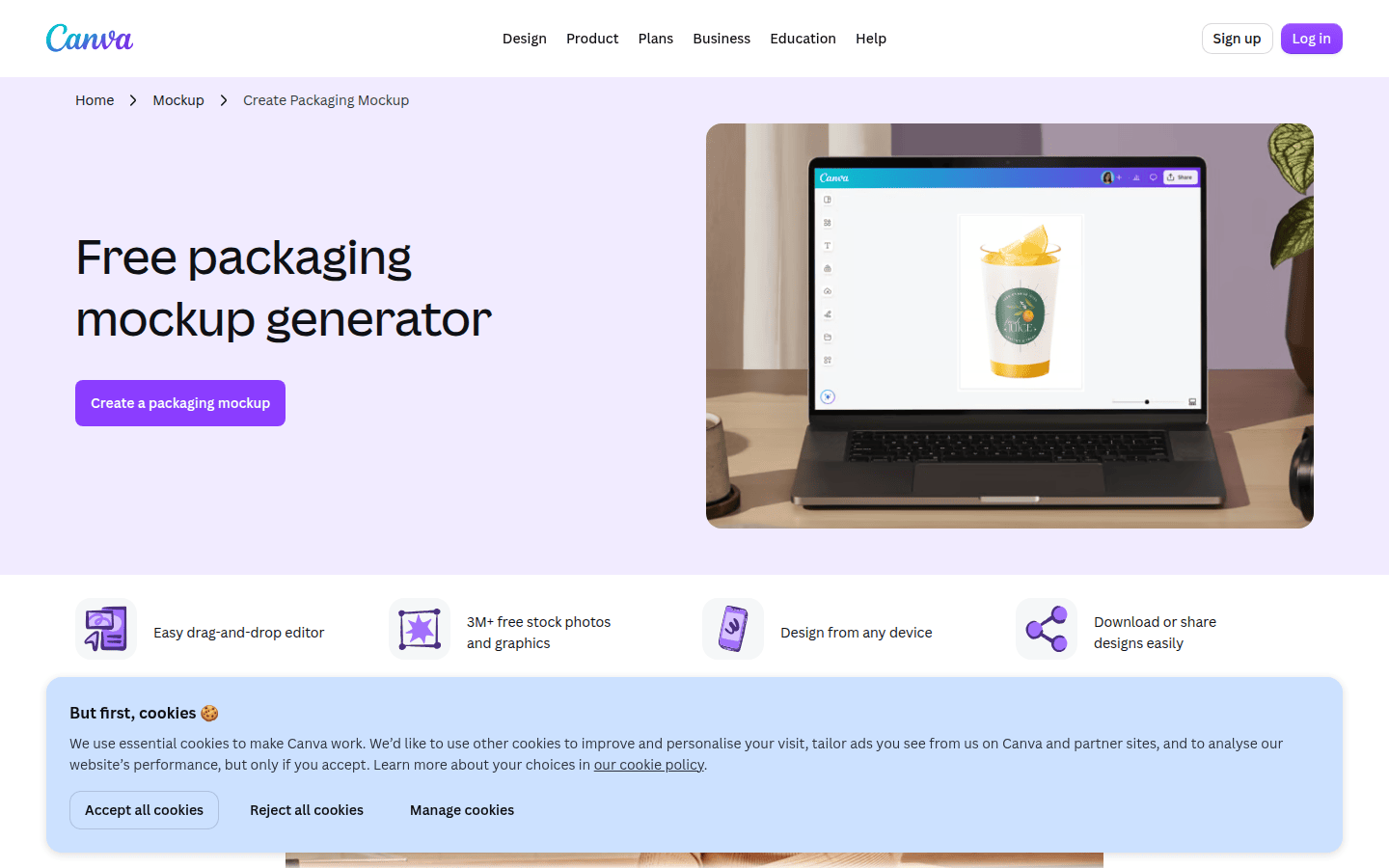
Canva offers a free packaging mockup generator, providing a straightforward way to visualize designs on various package templates. It’s built for speed and accessibility, making it ideal for early-stage concepts or presentations where a polished, yet not hyper-realistic, visual is sufficient. The process is typically quick: select a template, upload your design, and see it applied instantly.
While convenient, Canva’s approach to realism focuses more on presenting a design in context rather than simulating physical properties with high fidelity. Customization options for lighting, shadows, or material textures are limited. This means the output will generally have a more graphic, less photographic quality. It’s perfect for internal reviews or social media posts where the emphasis is on the design itself, not a perfect product simulation.
Pacdora 3D Packaging Mockup Generator: Free 3D with Premium Depth
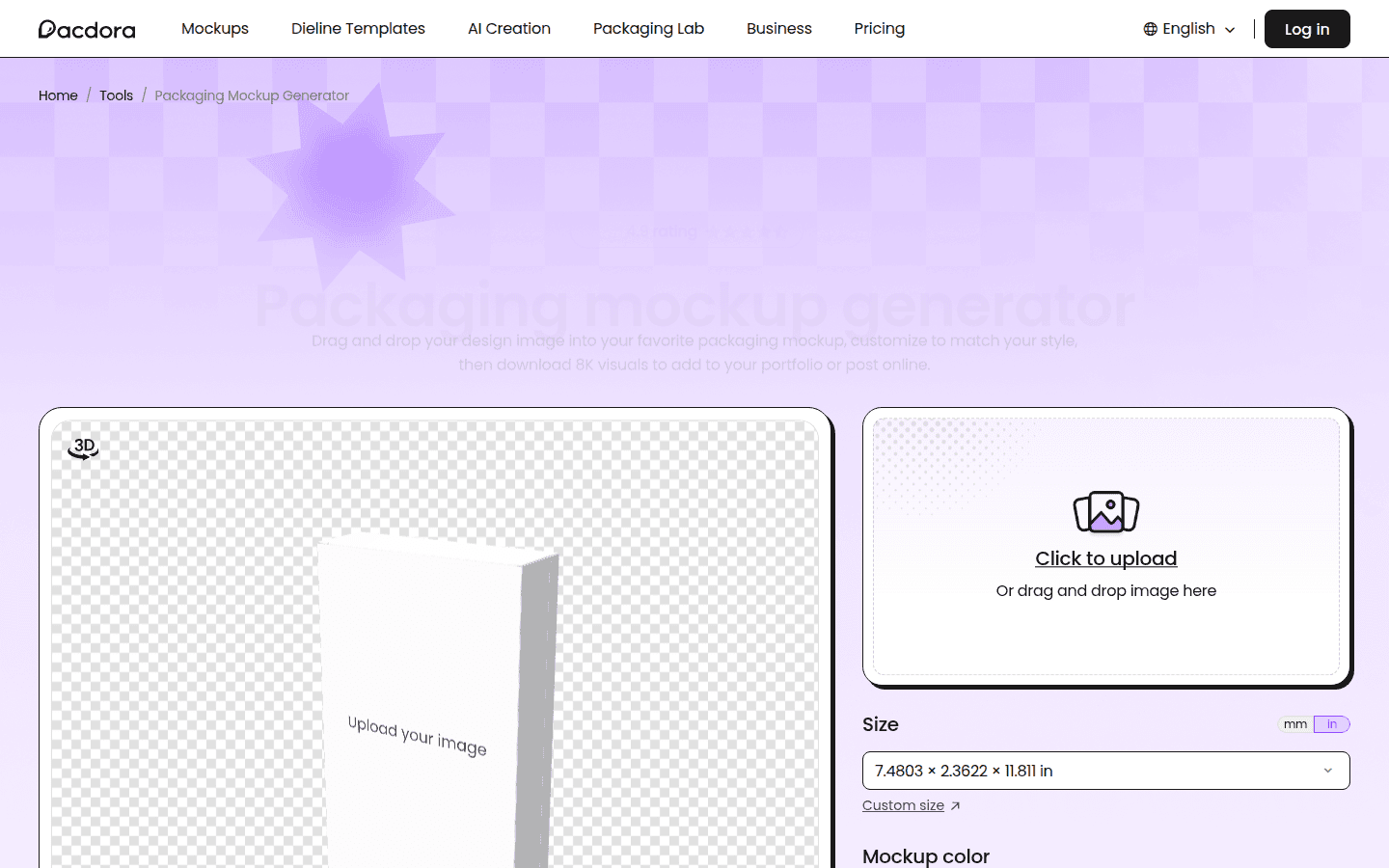
Pacdora’s 3D Packaging Mockup Generator offers a significant step up in realism by providing free 3D mockups directly in a web browser. It boasts a large library of 3D mockups, including boxes, bags, and more, allowing users to browse, upload, and customize designs. This platform balances ease of use with the ability to create more convincing 3D representations.
The free features allow for basic customization, enabling designers to see their artwork applied to a 3D model with some degree of perspective and depth. For those needing more advanced controls over rendering quality, specific export formats, or higher resolutions, Pacdora directs users to its premium services. This tiered approach lets you start with a solid 3D foundation and upgrade only if your project demands greater visual sophistication. Explore their extensive library at Pacdora Mockups.
Adobe Dimension: Professional Photorealism and Scene Control
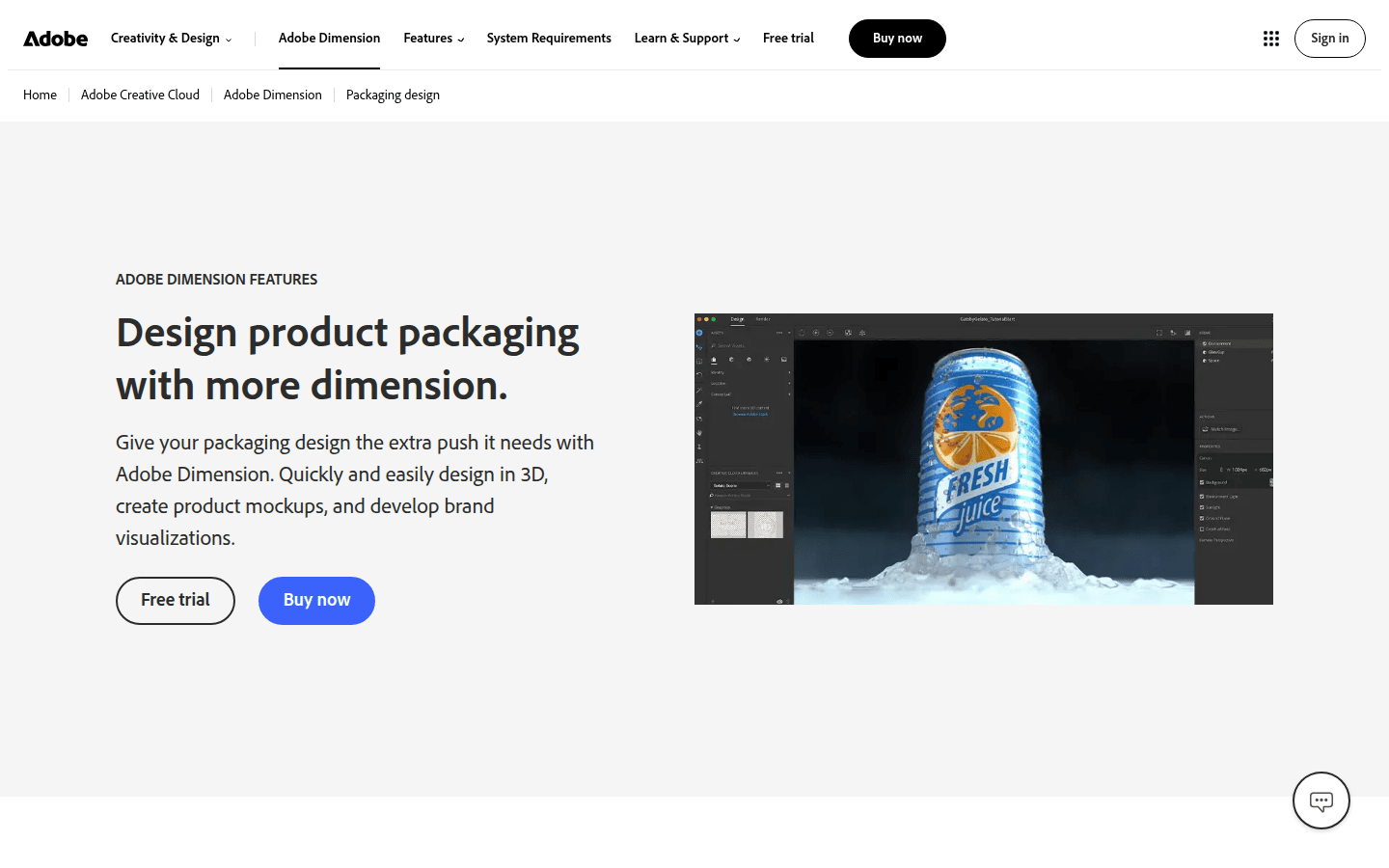
For designers requiring truly photorealistic 3D packaging images, Adobe Dimension stands out. It’s a professional tool designed for composing, adjusting, and rendering 3D scenes, making it possible to create highly convincing product shots. Dimension allows for fine-tuned control over every aspect of the scene, from lighting and camera angles to material properties like reflectivity, roughness, and opacity.
The software integrates seamlessly with other Adobe Creative Cloud applications. Designers can bring in 2D artwork from Illustrator or Photoshop and apply it to 3D models. This level of control is crucial for projects where the mockup must be indistinguishable from a photograph, such as for marketing materials, e-commerce listings, or high-stakes client presentations. However, this professional capability comes with a steeper learning curve and a subscription cost as part of Adobe Creative Cloud.
Cost Exposure: Free, Freemium, or Subscription?
The budget for packaging mockups can vary significantly. Understanding the cost models of these tools is crucial for making an informed decision.
- Canva: Its packaging mockup generator is described as free to use. This makes it an excellent zero-cost option for basic needs, though advanced features in Canva’s broader ecosystem may require a subscription. You can start creating mockups immediately at Canva’s Packaging Mockup Generator.
- Pacdora: Offers free features for its packaging mockup generator, allowing users to create and customize mockups without initial payment. Premium services, likely for higher-resolution exports, more templates, or advanced rendering options, are available through a pricing page. This freemium model lets you test the waters before committing financially.
- Adobe Dimension: Requires a Creative Cloud subscription, either as a standalone app or as part of a larger Creative Cloud plan (like Creative Cloud Pro or Business). This represents a recurring cost, but it also unlocks a suite of professional design tools essential for a comprehensive design workflow. Find more details on their packaging design page at Adobe Dimension Packaging Design.
Your choice depends on whether you need a quick, no-cost visual, a scalable freemium solution, or a professional-grade tool that justifies a monthly investment.
Customization and Control: Shaping the Scene
The ability to customize the mockup scene goes beyond merely applying a design. It involves controlling the environment, light sources, and material properties to truly sell the illusion of a physical product.
Canva offers minimal control over the scene itself, focusing on template application. Pacdora provides more flexibility within its 3D environment, allowing for different angles and some basic scene adjustments, especially with premium features. Adobe Dimension, however, offers comprehensive control. You can adjust environmental lighting, add directional lights, modify material properties (like glossiness, metallic, or translucency), and even place your product into realistic background images. This granular control is what allows for truly bespoke and photorealistic results.
Export Formats and Resolution: Ready for Any Platform
The utility of a mockup also depends on its output. Can you get the file types and resolutions you need for different applications?
Canva typically provides standard image formats suitable for digital use, though specific resolution limits might apply to free users. Pacdora’s free tier likely offers standard web-friendly resolutions, with premium options for higher-quality exports. Adobe Dimension, being a professional rendering tool, supports high-resolution image exports suitable for print, web, and even video. It can render images with transparent backgrounds, allowing for easy integration into other design compositions. This flexibility is critical for designers who need mockups for diverse applications, from print advertisements to detailed e-commerce product pages.
Ease of Use for Packaging Workflows
A tool’s power is only as useful as its accessibility. Consider how each platform fits into your existing design workflow and skill set.
Canva is designed for maximum ease of use, requiring minimal design experience. Its intuitive interface makes it quick to generate mockups, ideal for those who need fast results without deep technical knowledge. Pacdora also aims for an accessible online experience, making 3D mockups achievable for users without extensive 3D software experience. Adobe Dimension, while powerful, has a steeper learning curve due to its advanced 3D features. Designers familiar with the Adobe ecosystem will find it more approachable, but newcomers to 3D rendering will need to invest time in learning its intricacies. The choice here depends on your team’s existing skills and the time available for learning new software.
Choosing the Right Tool for Your Project
The best packaging mockup tool isn’t a one-size-fits-all solution; it depends on your specific project needs, budget, and desired level of realism. Each tool offers a distinct value proposition, and understanding these differences is key to making an informed decision.
- If you need quick, no-cost visuals for early concepts or social media, Canva Packaging Mockup Generator is an excellent starting point. It prioritizes speed and simplicity over hyper-realism, making it ideal for rapid iteration.
- For those seeking a balance of 3D visualization and cost-effectiveness, Pacdora 3D Packaging Mockup Generator offers free basic 3D features with an option to upgrade for more advanced capabilities. It’s a strong contender for projects that need more depth than a 2D mockup but don’t require full professional rendering.
- When photorealistic rendering, precise scene control, and integration with a professional design suite are paramount, Adobe Dimension is the clear choice. It’s an investment in both time and money, but it delivers unparalleled visual fidelity for high-impact presentations and marketing materials.
Consider a project requiring a simple visual for an internal pitch versus a high-resolution image for a product launch campaign. For the pitch, Canva or Pacdora’s free tier might suffice, offering sufficient clarity without over-investing. For the launch, Dimension’s ability to simulate exact lighting and material properties would be invaluable, ensuring the product looks its best. Evaluate your project’s visual demands and budget before committing to a tool, and remember that sometimes a combination of tools can serve different stages of your design process.
 Icon Template
 Logo Template
 Logo Template
 Icon Template