When Visuals Need to Convince, Not Just Illustrate
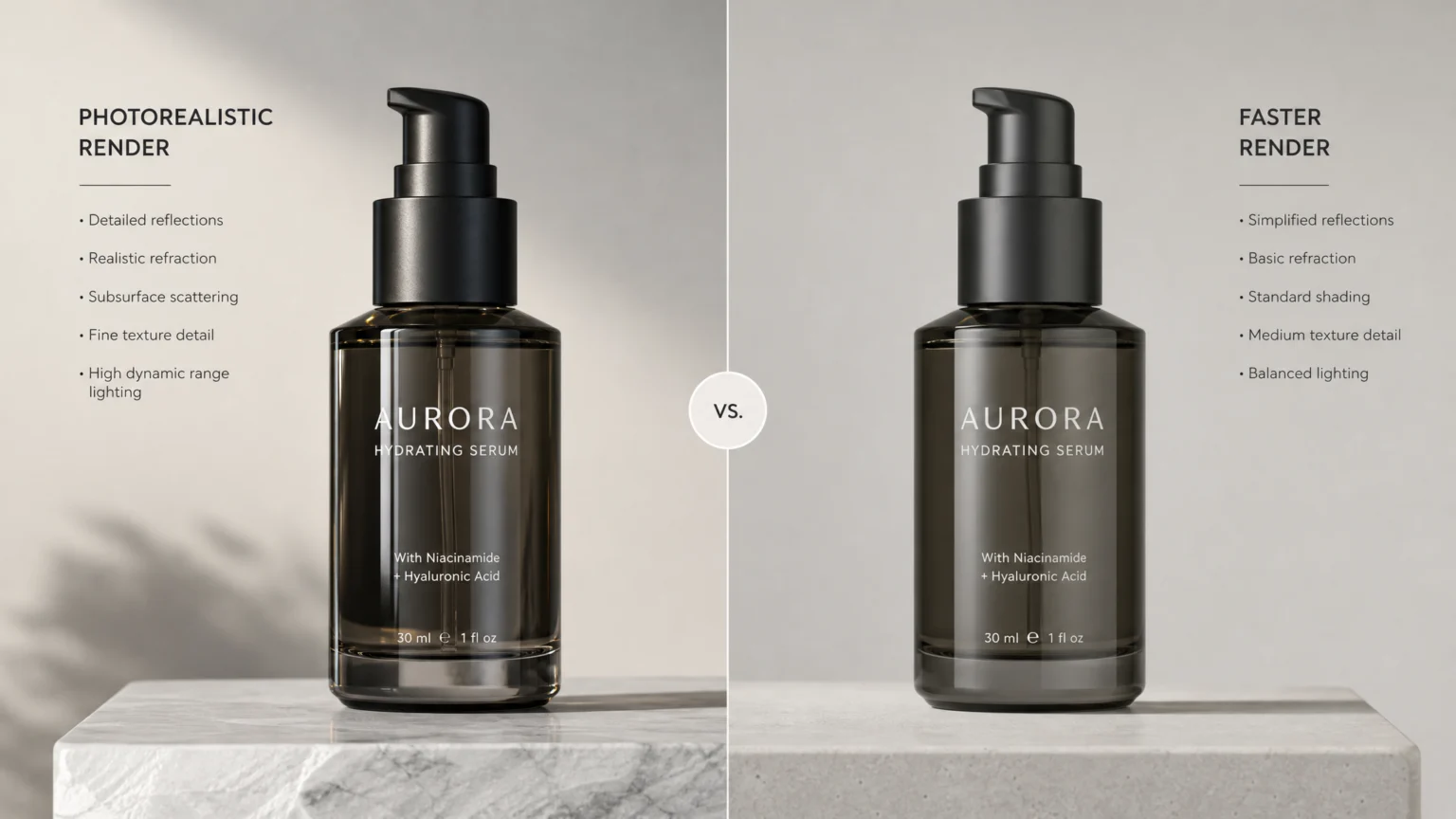
Ecommerce teams often face a dilemma: product visuals need to be compelling and realistic enough to stand in for a physical product, but the tools to create them can be overly complex or slow. The goal isn’t just to show a product, but to make it feel tangible, allowing customers to visualize it in their hands or homes. This requires a careful balance between the visual fidelity of a 3D render and the efficiency of your team’s workflow. A high-fidelity render that takes days to produce for every product variation won’t scale, while a quick, low-quality mockup might undermine customer trust.
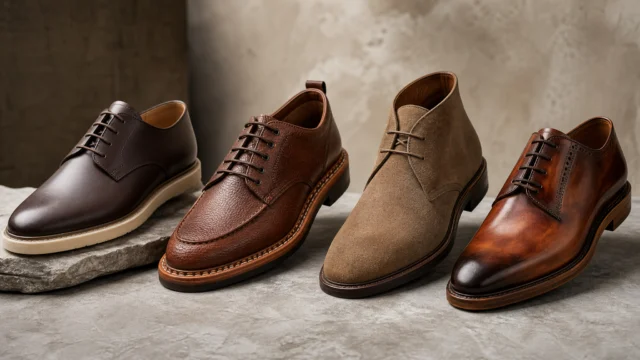
Consider a new line of customizable sneakers. Simply showing a flat image of each color option might not convey the texture of the material or how light catches the laces. A 3D mockup, however, can showcase these details, allowing for dynamic angles and even interactive exploration. The challenge lies in achieving this level of realism without requiring a dedicated 3D artist for every product launch. This comparison examines three distinct approaches to 3D product visualization, helping you decide which tool best fits your team’s technical comfort and visual ambition.
Threekit: Specialized for Dynamic Product Visualization
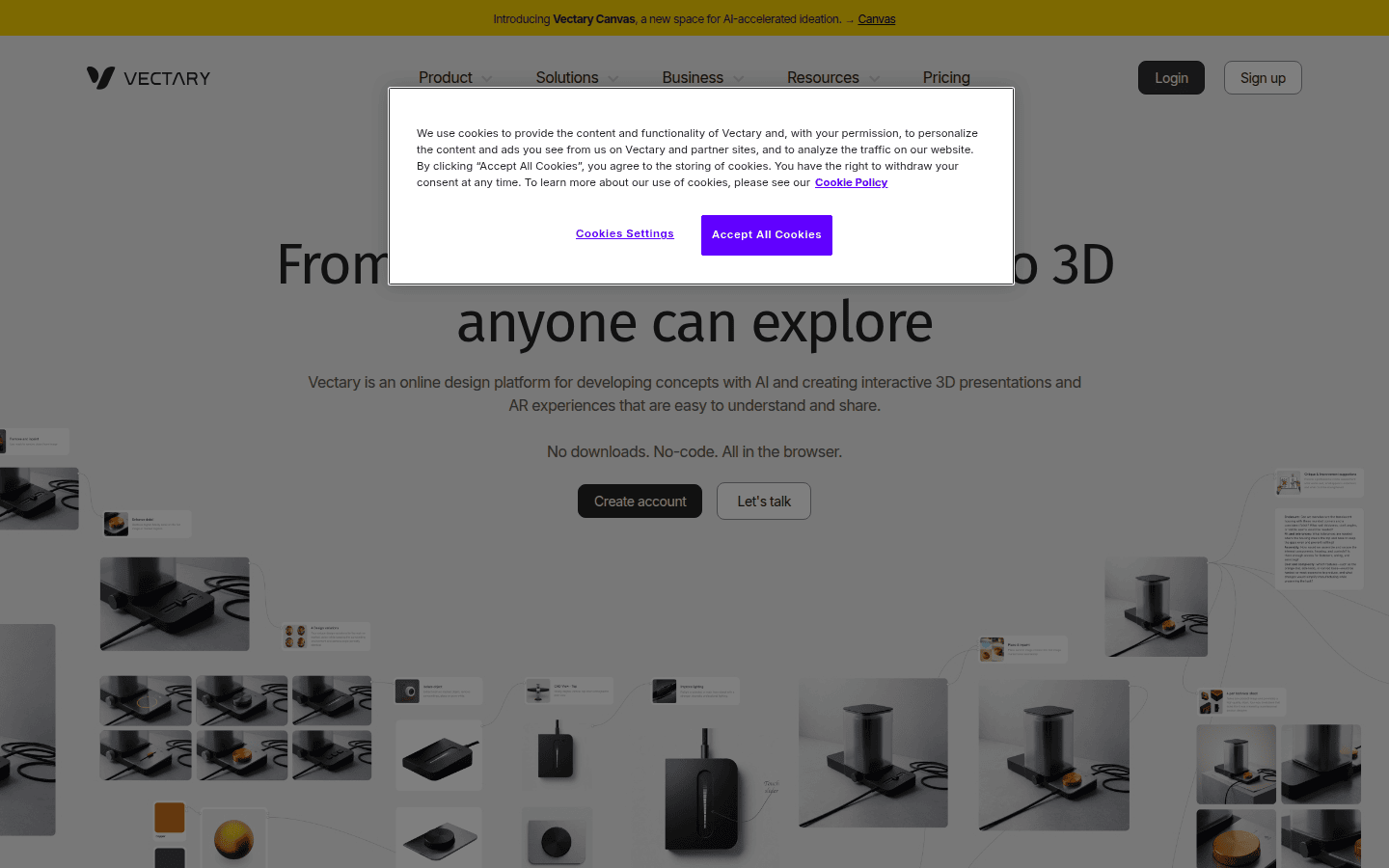
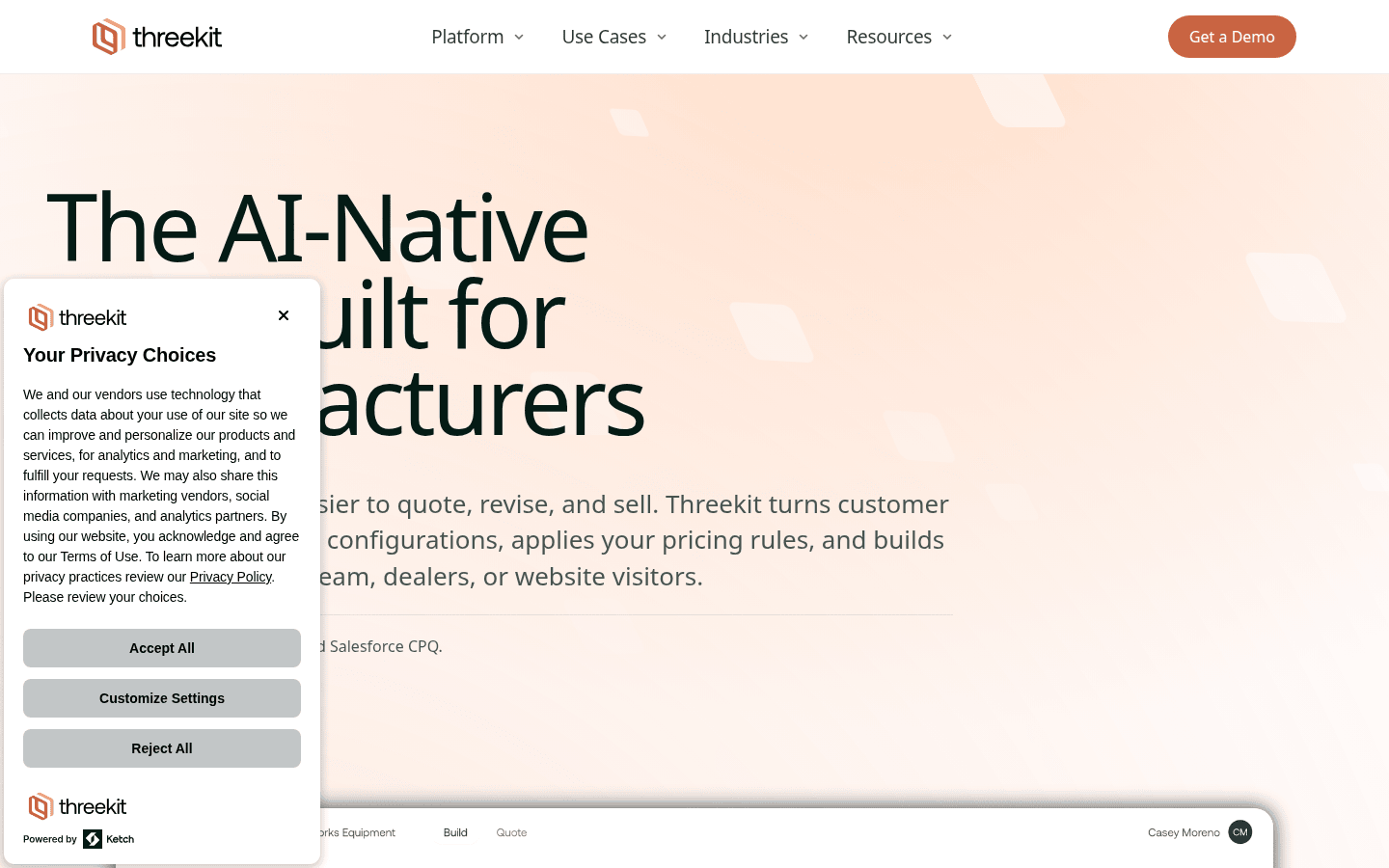
Threekit positions itself as a specialized platform for dynamic product visualization, separating the responsibilities of product configuration from the actual visualization process. This means one part of the platform handles how a product can be customized (e.g., color, material, accessories), while another focuses on how those configurations are rendered visually. This structured approach can be beneficial for ecommerce businesses with complex, configurable products.
The platform supports a range of outputs, including virtual photography, interactive 360-degree views, and augmented reality experiences. For instance, a furniture company could use Threekit to allow customers to configure a sofa with different fabrics and leg styles, then view it in their living room via AR, all from a web browser. Threekit’s documentation highlights its capabilities in managing models, materials, scenes, cameras, and rendering, suggesting a comprehensive toolset for achieving high visual fidelity in a controlled environment. While its enterprise pricing model means it’s aimed at larger operations, its dedicated focus on product visualization simplifies a complex process for that specific use case. For a documented checkpoint, compare this step with Threekit Platform Reference.
Best for: Web-based product visualization with AR/360° capabilities, especially for configurable products.
Threekit’s platform showcases dynamic product visualization, including interactive 3D and AR experiences. Another useful checkpoint is Platform Overview | ThreeKit Community.
Vectary: Collaborative 3D Design with Optimization
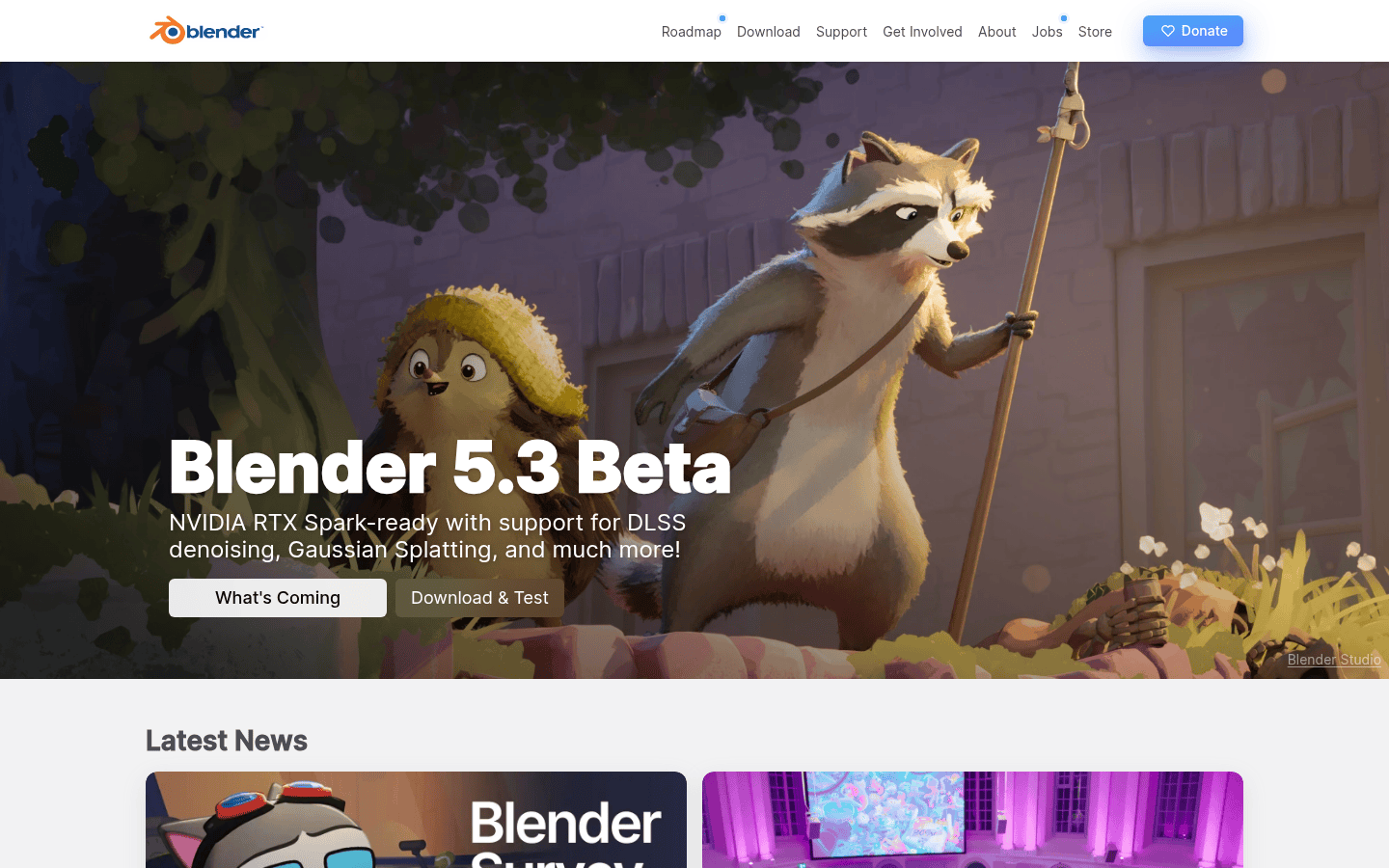
Vectary offers a web-based 3D design platform that aims to make 3D creation more accessible and collaborative. Its Studio + Canvas environment provides tools for 3D import, animations, and interactions, alongside features for material optimization. This combination makes it suitable for teams that need to create and share 3D content efficiently, without requiring extensive local software installations or powerful hardware.
A small design agency, for example, might use Vectary to quickly create 3D mockups of packaging designs, allowing clients to view and interact with the models directly in their browser. The platform’s material optimization features help ensure that these 3D assets perform well online, which is crucial for maintaining fast loading times on product pages. Vectary offers a Free plan, making it an attractive option for individuals or smaller teams to experiment with 3D design before committing to a paid subscription, which starts at $12/month. Its web-based nature, however, might introduce performance considerations for extremely complex scenes or very high-resolution renders.
Best for: Teams needing collaborative 3D design with material optimization, particularly for web deployment.
Vectary provides a web-based environment for 3D design, emphasizing collaboration and material optimization.
Blender: Open-Source Power for Full Control
Blender stands apart as a free and open-source 3D creation suite, offering a comprehensive set of tools for modeling, sculpting, animation, simulation, rendering, and more. Its material system is built with physically based rendering (PBR) in mind, allowing for highly realistic interactions between objects and light. This level of control extends to its rendering documentation, which covers everything from materials and render engines to cameras, lights, and world environments.
For a product designer needing to create highly detailed, photorealistic renders of a new prototype, Blender provides the granular control necessary to fine-tune every visual aspect. Imagine rendering a new watch design, where the subtle reflections on the metal casing and the texture of the leather strap are critical to conveying quality. Blender’s robust capabilities allow for such precision. The trade-off for this power and flexibility is a steeper learning curve. While it’s free, mastering Blender requires a significant time investment, making it best suited for advanced users or teams with dedicated 3D artists. Its comprehensive nature means it can handle virtually any visualization workflow, but its complexity can be a barrier to entry for those new to 3D.
Best for: Advanced users needing full control over materials, lighting, and rendering for maximum realism.
Blender offers an extensive suite of tools for 3D creation, including advanced physically based rendering.
Comparing Key Factors for Ecommerce Teams
When choosing a 3D mockup tool, ecommerce teams must weigh several factors beyond just the final image quality. The learning curve, the level of control over materials and lighting, and how easily assets can be integrated into existing workflows are all critical.
Learning Curve and Accessibility
- Blender: Has the steepest learning curve. Its vast feature set and node-based workflows require significant time and dedication to master. It’s a professional-grade tool that demands a commitment to learning 3D fundamentals.
- Vectary: Offers a more approachable entry point, especially with its web-based interface and free tier. While still requiring an understanding of 3D concepts, its focus on ease of use and collaboration makes it more accessible for designers without extensive 3D backgrounds.
- Threekit: While powerful, its specialized nature for product visualization means its learning curve is focused on its specific workflow rather than general 3D creation. Teams primarily focused on configurable products might find its structure intuitive, but it’s not a general-purpose 3D design tool.
Material Realism and Lighting Control
The ability to accurately represent product materials and how they interact with light is fundamental to photorealism. This is where the visual fidelity of a mockup truly shines.
- Blender: Excels here with its physically based rendering (PBR) material system and comprehensive lighting controls. Users can define intricate material properties and place lights with precision, achieving highly convincing results. This level of control is unmatched among the three.
- Threekit: Also prioritizes high visual fidelity, especially for virtual photography and AR. It handles models, materials, and scene setups effectively, aiming for photorealistic output within its product visualization context.
- Vectary: Provides material optimization features, which are important for web performance, but the depth of control over individual material properties and complex lighting scenarios might be less granular than Blender or Threekit.
Export Options and Integration Workflow
Getting your 3D mockups into your ecommerce platform or marketing materials efficiently is as important as creating them.
- Threekit: Designed for dynamic product visualization, its strength lies in generating interactive 360-degree views and AR experiences directly for web integration. This is its core workflow.
- Vectary: Supports 3D import and offers private share links, making it easy to share interactive models. Its material optimization helps ensure assets are web-ready.
- Blender: Offers a wide array of export formats for static images, animations, and 3D models. However, integrating interactive 3D content into a web environment typically requires additional tools or development work beyond Blender itself.
For teams needing to manage a growing library of visual assets, consider how these tools fit into your broader brand asset management strategy. The ease of updating, versioning, and distributing these 3D assets can significantly impact workflow efficiency.
Choosing the Right Tool for Your Team
The “right” 3D mockup tool depends on your team’s specific needs, skill set, and the complexity of your products.
- If your primary need is to create interactive, configurable product visuals for a web store with AR capabilities, and you have the budget for an enterprise solution, Threekit offers a specialized, streamlined workflow. It’s built for this specific purpose, reducing the need for extensive general 3D expertise.
- For teams seeking a more accessible, collaborative web-based solution to create 3D mockups and optimize them for online use, Vectary provides a good balance. Its free tier allows for experimentation, and its focus on material optimization supports efficient web deployment.
- When unparalleled control over every aspect of rendering, materials, and lighting is paramount for achieving the highest level of photorealism, and your team has the expertise (or willingness to learn), Blender is the most powerful and flexible option. It’s free, but demands significant time investment for mastery.
Ultimately, the decision comes down to a visible trade-off: the depth of creative control versus the speed and accessibility of the workflow. Evaluate your team’s existing skills and the visual impact you need to make. Sometimes, a simpler tool that enables consistent, good-enough visuals quickly is more effective than a powerful tool that remains underutilized due to its complexity. Test a few options with a representative product to see which one genuinely accelerates your visual production without compromising the convincing realism your customers expect.
 Logo Template
 Icon Template
 Logo Template
 Logo Template