When Brand Visuals Need to Grow Without Losing Integrity
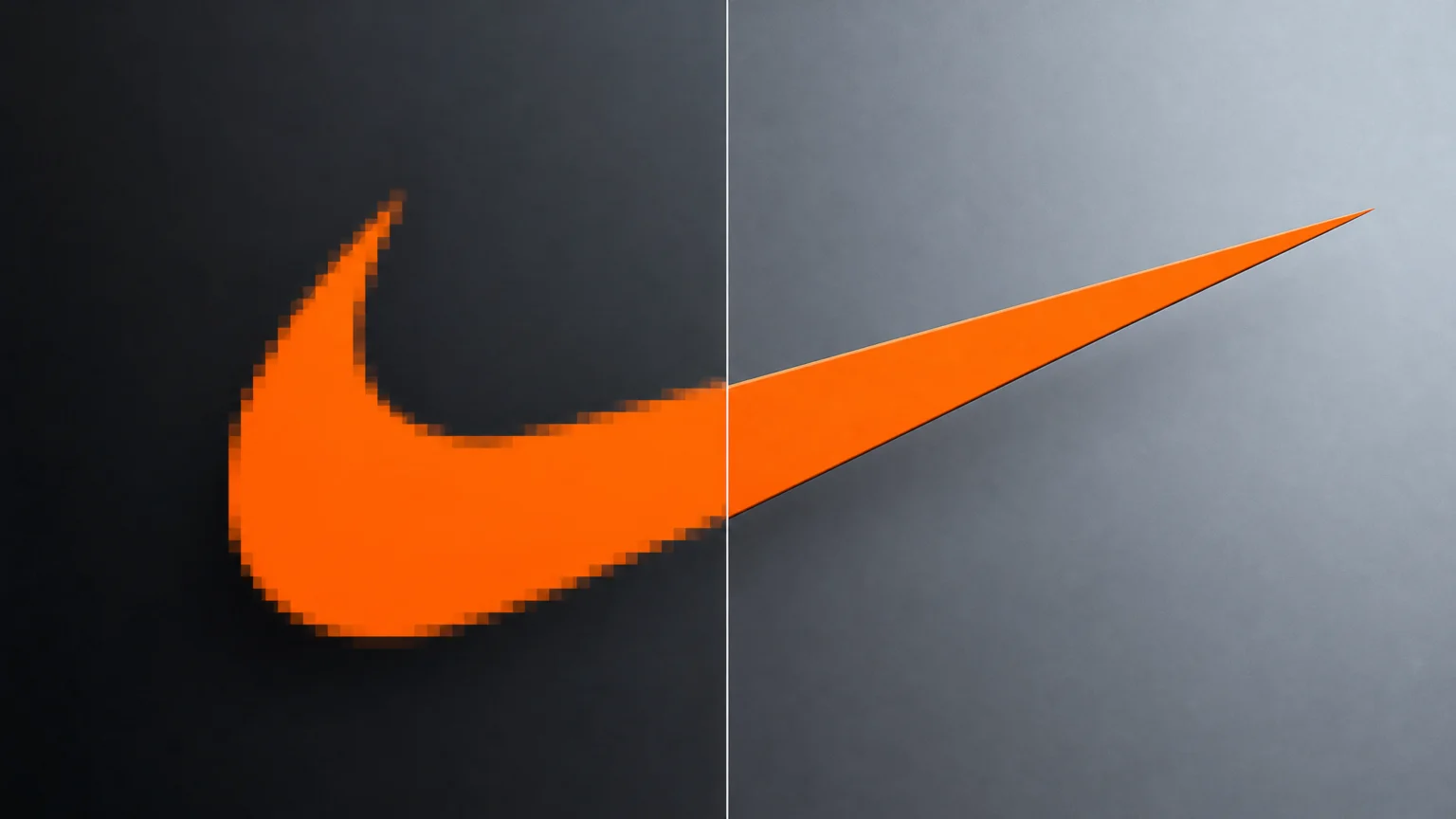
A brand’s visual identity hinges on consistency. Imagine a logo, meticulously crafted for a website, now needing to grace a large-format print banner. Or a product photo, perfect for an e-commerce listing, suddenly destined for a billboard. Simply stretching an image often results in pixelation, blur, or distorted lines, which compromises brand recognition and perceived quality. The visual integrity of logos, product shots, and other brand assets is paramount, yet scaling them up without introducing artifacts or color shifts remains a persistent design friction point.
AI image upscalers promise to solve this by intelligently adding pixels and detail, but their effectiveness varies. For brands, the critical questions are: which tool maintains the sharp edges of a logo, preserves the subtle textures of a product, and ensures colors remain consistent with established guidelines? This comparison explores three prominent AI upscaling solutions—Topaz Gigapixel, Adobe Super Resolution, and Let’s Enhance—to evaluate their performance in preserving detail and brand consistency.
Upscale Scale and Output Resolution Behavior
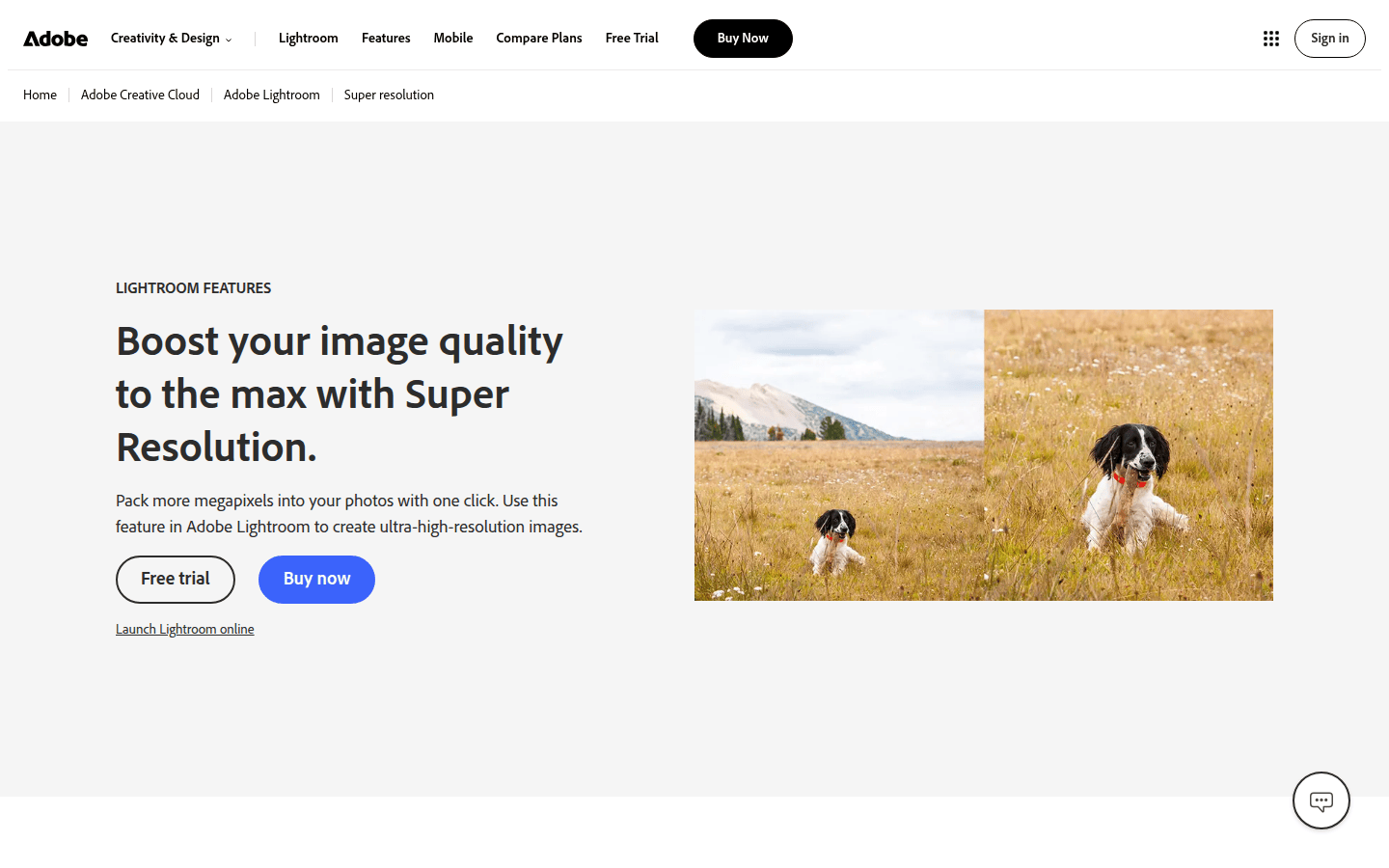
The core function of an upscaler is to increase an image’s resolution, but the degree and quality of this increase differ significantly across tools. Adobe Super Resolution, for example, focuses on doubling a photo’s width and height, resulting in a fourfold increase in total pixel count. This provides a straightforward, predictable scaling factor, primarily designed for photographic enhancement within Adobe’s ecosystem. It’s a reliable choice when a consistent, moderate enlargement is needed for existing photographic assets.
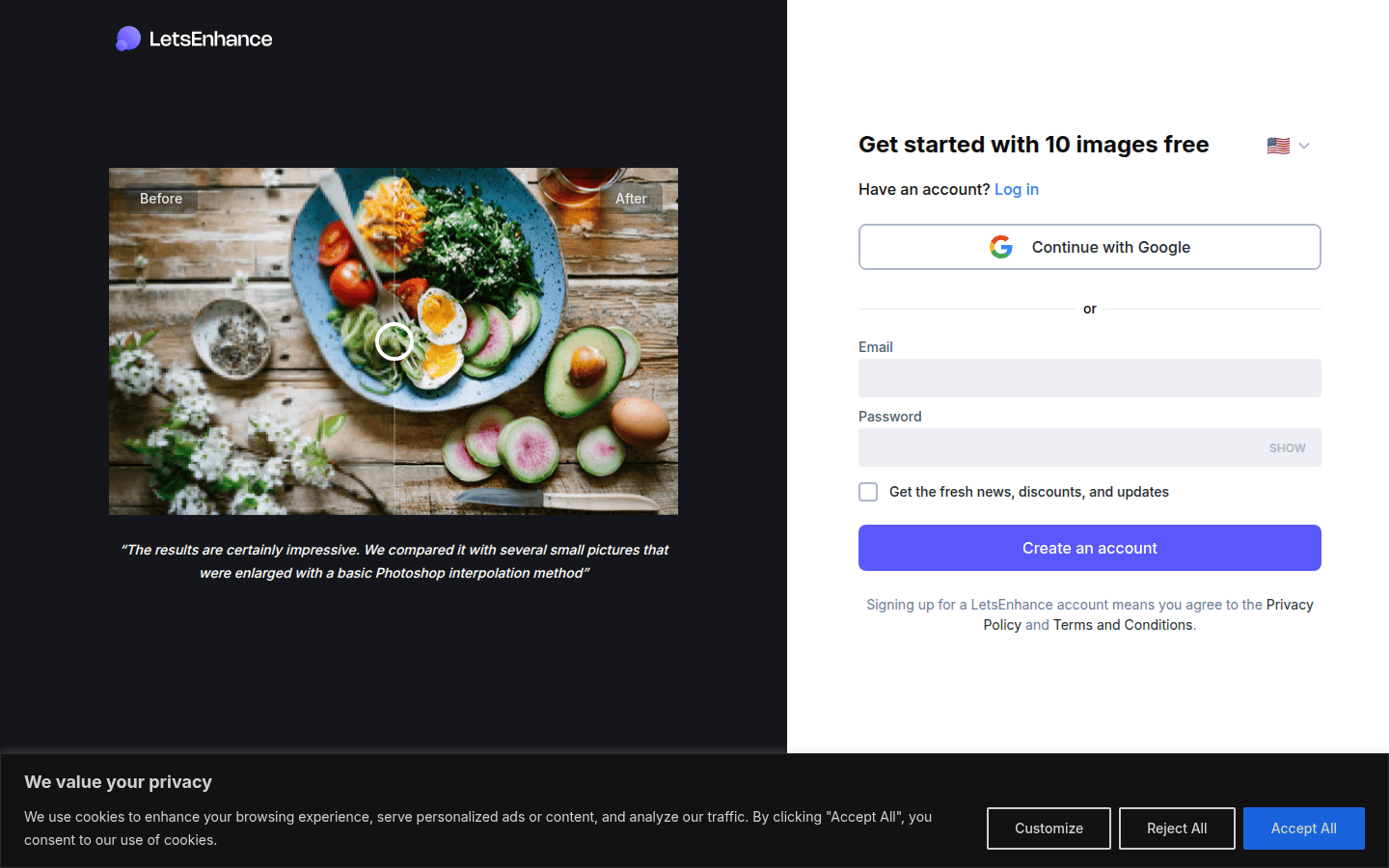
In contrast, Let’s Enhance offers a more aggressive scaling capability, claiming to increase resolution up to 16 times and output images as large as 512 megapixels. This higher ceiling might be appealing for extreme enlargements, such as those required for very large prints or digital displays where the original asset is significantly undersized. Topaz Gigapixel also aims to super-size images, with a focus on maximizing detail and accuracy to the original, suggesting flexible scaling options to suit various needs. When considering these tools, evaluate whether your projects require a fixed, moderate upscale or if you need the flexibility for much larger, more dramatic enlargements.
Detail Preservation and Artifact Reduction
When enlarging images, the true test of an upscaler lies in its ability to add detail without creating artificial-looking textures or smoothing away important features. Topaz Gigapixel describes itself as maximizing both detail and accuracy to the original. It offers multiple enhancement models, suggesting a nuanced approach to different image types, and can combine upscaling, sharpening, and denoising in a single click. This integrated approach aims to tackle common image degradation issues simultaneously, which is beneficial for complex brand assets.
Let’s Enhance explicitly highlights features like edge sharpening, noise reduction, and detail restoration. It also claims to add “authentic detail,” which is crucial for brand assets where invented textures could compromise visual integrity. This is particularly important for logos with intricate patterns or product shots where material textures are key. Adobe Super Resolution, built on a machine-learning model, is designed to intelligently reconstruct image information, aiming for a natural look in enlarged photographs. For photographic assets, its focus on natural reconstruction can prevent the ‘plastic’ look sometimes associated with over-processed images.
Fidelity to the Source Image and Brand Colors
Maintaining brand consistency means ensuring that enlarged visuals retain their original color palette and overall visual identity. A logo with a slightly shifted hue or a product image with altered color saturation can undermine brand recognition and trust. While all three tools aim for accuracy, their methods and emphasis vary, making careful selection important for color-critical brands.
Topaz Gigapixel’s emphasis on “accuracy to the original” directly addresses this concern, suggesting a strong commitment to preserving source fidelity. This is vital for brands with strict color guidelines, such as those using specific Pantone colors in their logos. Let’s Enhance also mentions correcting exposure, which can indirectly help maintain color balance by ensuring brightness and contrast are consistent. Adobe Super Resolution’s integration into professional photo editing workflows (Camera Raw and Photoshop) implies that color management can be closely controlled before and after upscaling. This is a significant advantage for designers already working within the Adobe ecosystem, as it allows for precise color calibration and proofing.
Support for Photos, Logos, and Mixed Asset Types
Brand visuals encompass a wide range of asset types, from photographic product shots to vector-based logos and intricate illustrations. Each type presents unique challenges for upscaling, and not all tools are equally adept at handling every format. Adobe Super Resolution is specifically designed for photos, doubling their pixel count, and is integrated into Adobe Camera Raw and Photoshop, making it ideal for photographers and retouchers. It excels with raster images where natural detail reconstruction is key.
Let’s Enhance positions itself more broadly, with a dedicated page for “sharp 300 DPI prints,” implying suitability for various print-ready assets, including those that might incorporate text or graphic elements alongside photos. This versatility makes it a strong contender for marketing materials that combine different visual elements. Topaz Gigapixel’s general positioning as an “image upscaler” that maximizes detail across different models suggests versatility for various image types, including potentially logos and illustrations, though its primary examples often lean towards photography. When choosing, consider the dominant type of asset you need to upscale: photographic, graphic, or a mix of both.
Batch or Workflow Suitability
For designers and marketing teams handling large volumes of brand assets, the ability to process images efficiently is key. Manual upscaling of hundreds of images is impractical. Adobe Super Resolution’s integration within Adobe Camera Raw and Photoshop means it fits seamlessly into existing professional photography workflows, allowing for batch processing of images already managed within these applications. This can save significant time for photographers preparing large sets of product images.
Topaz Gigapixel’s “one-click upscale, sharpen, and denoise” feature suggests a streamlined process that could be beneficial for batch operations, especially given its local rendering approach. This means you can set up a queue of images and let the software work through them on your machine. Let’s Enhance, as an online service, likely offers batch processing capabilities, which are common for cloud-based tools handling high volumes of images, though specific details would depend on its interface and subscription tiers. For high-volume needs, an upscaler with robust batch processing can dramatically improve workflow efficiency.
Local vs. Cloud Processing and File Support
The choice between local and cloud processing impacts not only workflow but also data security and speed. Topaz Gigapixel emphasizes local rendering, stating that files never leave the user’s computer. This can be a critical factor for brands dealing with sensitive or proprietary visual assets, ensuring data privacy and potentially faster processing times for large files, depending on local hardware. For agencies handling client work, local processing can be a non-negotiable security requirement.
Adobe Super Resolution operates within Adobe applications, meaning processing occurs locally on the user’s machine. This offers similar security benefits to Topaz Gigapixel. Let’s Enhance, being an online service, processes images in the cloud. While convenient and accessible from any device, this means files are uploaded to and processed on external servers. Brands must weigh the convenience of cloud processing against their data security policies and internet bandwidth when choosing an upscaler. Consider your organization’s data handling policies and the size of your typical image files when making this decision.
Making the Right Choice for Your Brand Assets
Choosing an AI upscaler for brand assets involves balancing resolution needs, detail preservation, color fidelity, and workflow integration. For those deeply embedded in the Adobe ecosystem and primarily working with photographs, Adobe Super Resolution offers a familiar and integrated solution with predictable scaling. Its machine-learning model is geared towards natural-looking photographic enlargements, making it a solid choice for product photography and marketing images.
If local processing and maximum control over detail and accuracy are paramount, especially for a mix of image types, Topaz Gigapixel stands out with its multiple enhancement models and combined sharpening/denoising capabilities. This flexibility makes it suitable for diverse brand assets, from intricate illustrations to detailed product shots. For brands requiring extreme resolution increases for print-ready assets or seeking an online solution with robust detail restoration, Let’s Enhance provides impressive scaling factors and a focus on authentic detail. Before committing, consider a small test with your most critical brand assets to see which tool best preserves the visual hierarchy and contrast that define your brand, ensuring your enlarged visuals remain unmistakably yours.
 Photo Template
 Icon Template
 Photo Template
 Icon Template