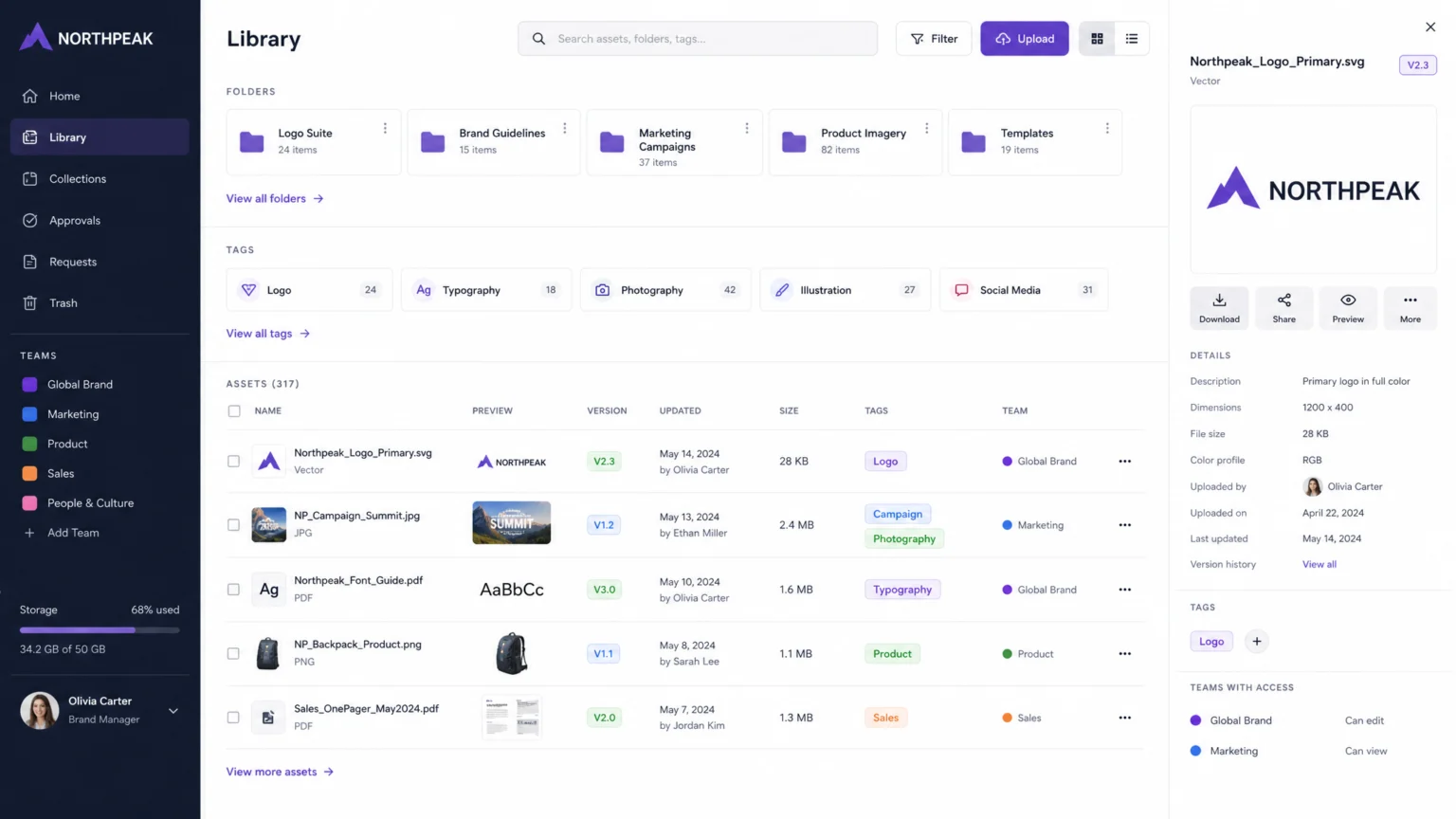
Imagine a marketing team launching a new campaign, only to discover they’re using an outdated logo. Meanwhile, the sales team struggles to find approved product images for a crucial presentation. This common scenario highlights a significant challenge: when multiple teams need access to the same brand assets, the process often becomes a bottleneck, leading to wasted time and inconsistent brand messaging.
The friction arises from a lack of clear organization and governance within brand asset libraries. A well-structured library centralizes approved materials, making them easily discoverable and ensuring consistency across all touchpoints. This checklist provides seven essential steps to help your organization move from scattered files to a streamlined system that supports efficient cross-team collaboration.
1. Centralize All Approved Assets in One Location
The first critical step in organizing your brand asset library is to bring all approved materials into a single, accessible system. This means moving away from disparate folders on individual hard drives, shared network drives, or various cloud storage solutions. A centralized system ensures that every team member, regardless of their department or location, can find the most current versions of logos, images, templates, and guidelines. Without a single source of truth, teams often resort to using older files or recreating assets, leading to inconsistencies that dilute brand identity. For example, a marketing team might use a logo with an outdated tagline, while the sales team uses a different version in their presentations. Centralization eliminates this guesswork and ensures everyone is working with the same approved materials.
2. Establish a Logical Folder Hierarchy
Once assets are centralized, structure them in a way that mirrors how your teams actually search for content. A logical folder hierarchy is crucial for intuitive navigation. Instead of generic folders like “Marketing Assets,” consider organizing by categories such as campaign, channel, asset type, or product line. This approach helps users quickly narrow down their search. For instance, a folder structure might look like: Campaigns > [Campaign Name] > Social Media > Images or Product Lines > [Product A] > Packaging > Print Ready. This level of detail guides users directly to what they need, reducing the time spent browsing. A well-thought-out hierarchy minimizes friction and makes the library a tool for efficiency, not frustration. For more on organizing digital assets, DanceLogo has a guide to organizing digital assets for faster creative work.
3. Implement Consistent Tagging and Metadata Standards
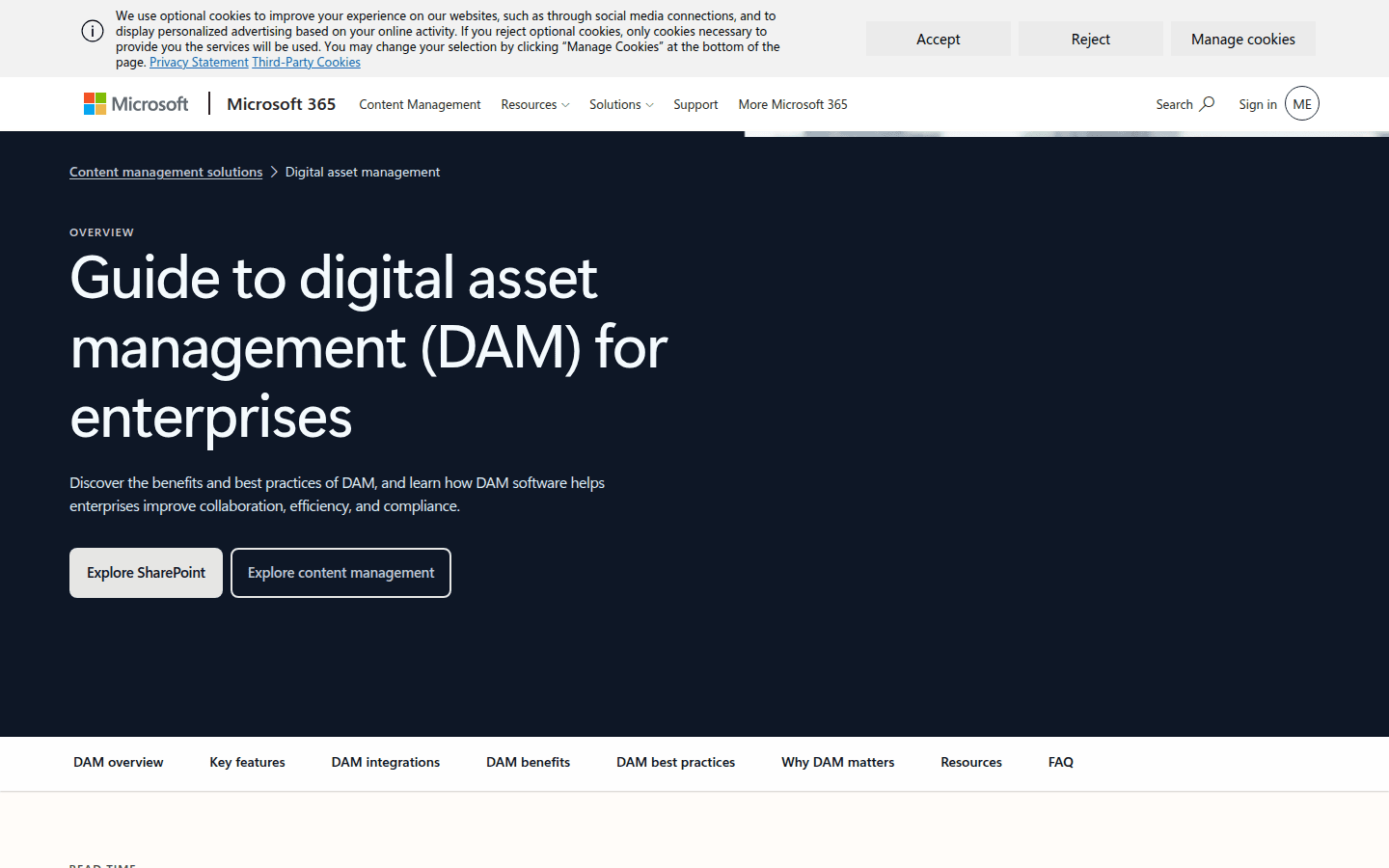
Beyond folder structure, consistent tagging and metadata are vital for searchability and reusability. Tags act as keywords that describe an asset’s content, purpose, and usage. Metadata provides additional context, such as creation date, copyright information, or associated campaigns. These elements allow teams to find assets even if they don’t know the exact file name or folder location. Develop a standardized vocabulary for tags and metadata fields. For example, all images featuring a specific product should be tagged with that product’s name, along with descriptors like “lifestyle,” “studio,” or “web.” This consistency prevents duplicate tags and ensures that a search for “product X lifestyle” yields all relevant results. Microsoft’s guide to digital asset management emphasizes that tagging and metadata help in organizing and retrieving assets efficiently. For a documented checkpoint, compare this step with Guide to Digital Asset Management (DAM) for Enterprises – Microsoft.
DanceLogo also offers a guide on how to tag and categorize brand assets for faster retrieval. Consider the trade-off between too few tags, which makes assets hard to find, and too many, which can lead to clutter and inconsistency. A good practice is to start with a core set of mandatory tags and allow for optional, more specific tags as needed. Regularly review your tagging schema to ensure it remains relevant to your teams’ evolving needs.
4. Define Role-Based Access Controls and Permissions
Not everyone needs the same level of access to every asset. Role-based access controls (RBAC) ensure that different teams and partners can use assets appropriate to their roles without inadvertently altering or deleting critical files. This prevents unauthorized modifications and maintains the integrity of your brand assets. For example, a marketing team might have full access to download and use approved campaign images, while an external agency might only have view-only access to specific project folders. The creative team, however, would have edit permissions for source files. Marq notes that access controls ensure only authorized personnel can modify assets, preventing accidental changes to master files. Clearly defining these roles and permissions from the outset prevents confusion and potential brand damage.
5. Establish Clear Version Control Practices
Outdated versions of assets can cause significant confusion and undermine brand consistency. Implement robust version control practices to keep current files clearly identifiable and to archive or delete obsolete ones. This means establishing a clear process for naming new versions, indicating their status (e.g., “draft,” “final,” “archived”), and ensuring older versions are not easily accessible for general use. A common scenario is a logo update: without version control, teams might continue using the old logo for months, creating a fragmented brand experience. Bynder’s glossary on brand asset management emphasizes that version control prevents the use of outdated or incorrect assets. Make sure your system clearly marks the definitive current version and provides a history of changes for transparency. This also helps in auditing and compliance, as you can always trace back to previous iterations.
6. Develop and Communicate File-Naming Standards
Consistent file-naming standards are often overlooked but are critical for quick identification and searchability. A standardized naming convention helps users understand an asset’s content and context at a glance, without needing to open the file. This is especially important when assets are downloaded and used across various platforms. A good file-naming convention might include elements like asset type, project name, date, and version number (e.g., Logo_Company_Primary_CMYK_v3.ai or Campaign_SummerSale_HeroImage_Web_20260928.jpg). Communicate these standards clearly to all teams and enforce them during the asset upload process. This proactive step saves significant time and reduces errors in the long run. Consider creating a simple, accessible guide or cheat sheet for your team to reference.
7. Schedule Regular Audits and Updates
A brand asset library is not a static repository; it requires ongoing maintenance to remain effective. Schedule regular audits to remove expired assets, archive outdated versions, and update brand rules and metadata. This helps the library stay current, relevant, and free from clutter. During an audit, review usage analytics to understand which assets are frequently accessed and which are rarely used. This data can inform future content creation and help refine your organization strategy. Marq suggests that regular audits ensure the library remains current and relevant, preventing it from becoming a digital graveyard of forgotten files. Also, ensure that all teams receive training and onboarding on how to use the library effectively, including understanding naming conventions and governance rules. Without consistent upkeep, even the best-designed system can quickly become disorganized and ineffective. Another useful checkpoint is Brand Asset Management for Growing Teams.
Implementing these seven steps transforms a chaotic collection of files into a strategic resource that empowers all your teams. By centralizing, organizing, and governing your brand assets, you ensure consistency, improve efficiency, and protect your brand’s visual integrity across every touchpoint. This proactive approach not only streamlines workflows but also reinforces your brand identity, making it stronger and more cohesive in the marketplace.
 Icon Template
 Photo Template
 Photo Template
 Logo Template