When Background Removal Needs Precision, Not Just Speed
Removing backgrounds from images has become an everyday task for many designers and marketers. The challenge isn’t just speed but maintaining image quality, especially around fine details and complex edges. A tool that quickly removes a background but leaves jagged artifacts or color fringing can create more work than it saves. The decision often comes down to how much control you need over the cutout process versus the volume of images you handle.
This comparison examines three tools—remove.bg, Adobe Express, and Canva—focusing on their documented capabilities for edge refinement, transparent PNG export, batch processing, and overall workflow. Each offers a different balance, making them suitable for distinct use cases, from quick social media assets to more demanding product photography.
Edge Refinement and Restore Controls
The quality of a background removal often hinges on how well the tool handles intricate edges, such as hair, fur, or complex object outlines. Beyond initial automation, the ability to refine these areas manually or restore parts of the original image is crucial for a polished result.
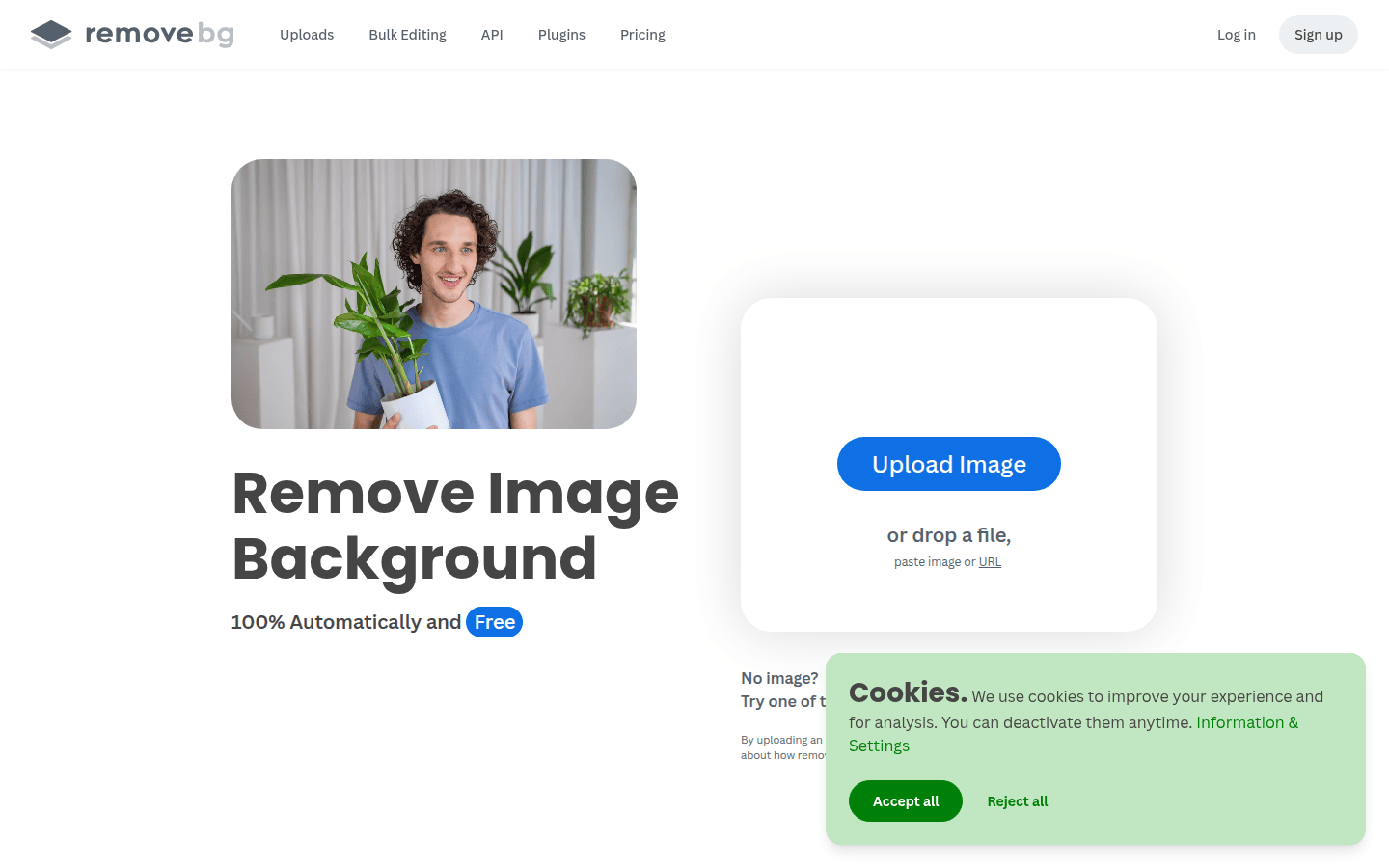
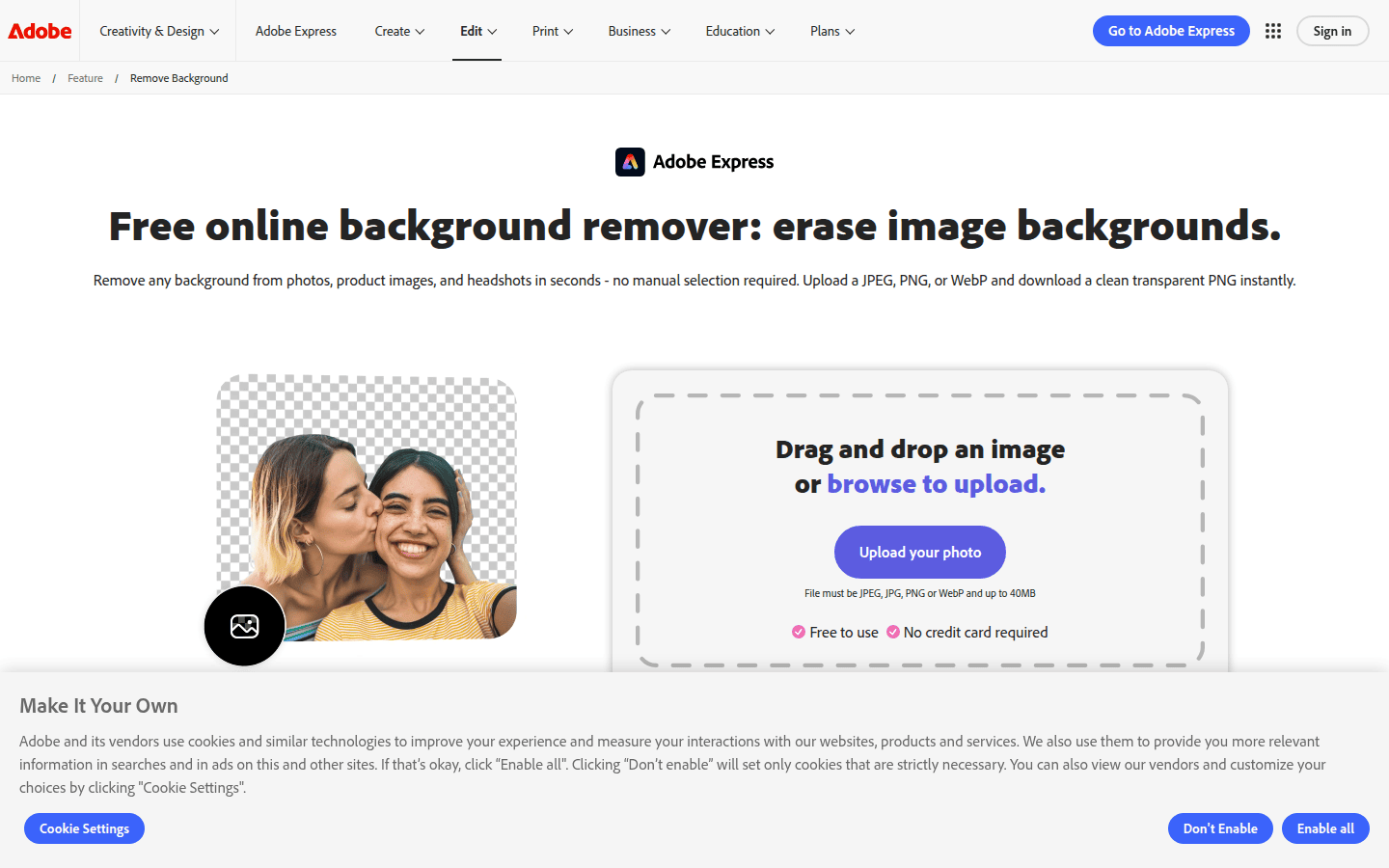
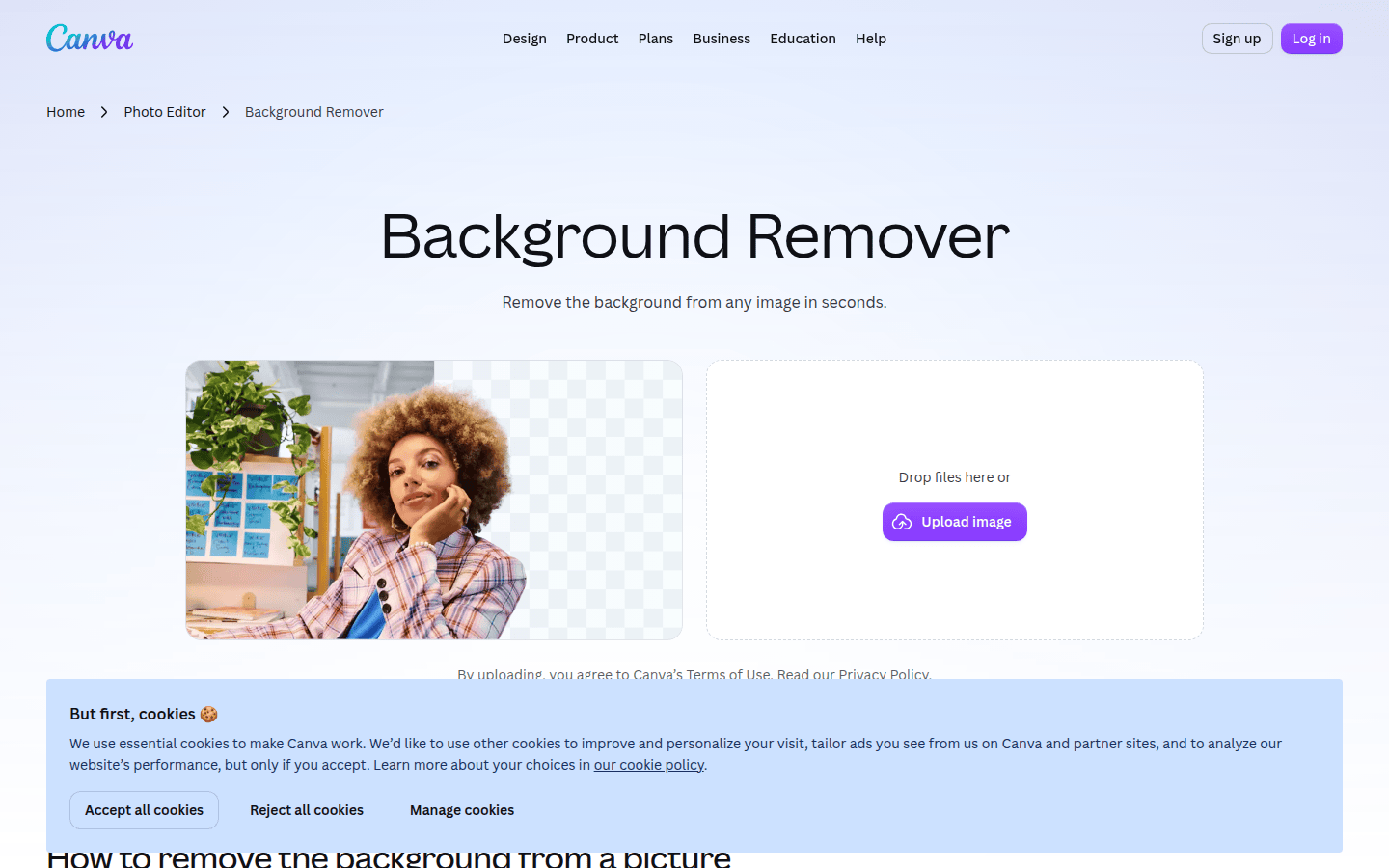
Adobe Express documents a “Remove Background” control within its editor, alongside a restore option. This suggests a workflow where users can quickly apply the automated removal and then make targeted adjustments. Similarly, Canva’s Help Center outlines a background-removal process within its editor, also including a restore action. This allows users to correct any areas where the automation might have been overzealous or missed a detail. While remove.bg focuses on speed and automation, its documentation emphasizes the quick, automated removal process, implying less direct, granular control over edge refinement within the initial pass.
Transparent Export Support
Once a background is removed, exporting the image with a transparent background, typically as a PNG, is essential for compositing into new designs. The simplicity and clarity of this export process can significantly impact workflow efficiency.
Canva specifically documents PNG download guidance, indicating a straightforward path to obtaining transparent assets. This is critical for users who need to layer images in presentations, social media graphics, or web designs. Adobe Express, integrated into the broader Adobe ecosystem, naturally supports transparent exports, aligning with professional design workflows. For remove.bg, the primary function is background removal, and the output is inherently designed for transparency, making transparent PNG export a core offering.
Batch or Bulk Processing Support
For projects involving many images, such as e-commerce product listings or large content libraries, the ability to process images in bulk can be a significant time-saver. Manual, one-by-one processing quickly becomes inefficient.
remove.bg documents robust bulk editing capabilities, claiming it can process up to 500 images per minute. This high-volume capacity makes it particularly suitable for scenarios where speed and scale are paramount. Its documented integrations with platforms like Figma, Photoshop, and Zapier further enhance its utility in automated workflows. Neither Adobe Express nor Canva explicitly highlights high-speed bulk processing on the same scale, generally focusing on single-image editing within their respective creative environments. For example, while you can process multiple images sequentially in Canva, it does not document the same level of automated bulk throughput as remove.bg.
Workflow Simplicity in Editor or Standalone App
The ease of integrating background removal into an existing design workflow is another key consideration. Some users prefer a dedicated, single-purpose tool, while others benefit from a feature embedded within a larger design suite.
Adobe Express documents that it can remove photo backgrounds in seconds without manual selection, emphasizing a streamlined, click-and-go experience within its editor. This makes it a strong contender for users already working within the Adobe ecosystem or those needing quick, integrated edits. Canva also offers its background remover as a feature within its broader design platform, making it convenient for users who create entire designs there. remove.bg operates more as a standalone utility, often accessed via its website or through its integrations, suggesting a workflow where background removal is an initial step before moving to another design tool.
Documented Limits or Constraints
Understanding any practical limitations of a tool is essential for managing expectations and planning workflows, especially concerning file size, resolution, or daily usage caps.
Canva’s learn page documents specific practical limits for its background remover, including a 9MB file-size cap and a 10MP downscale threshold for uploaded images. These constraints are important for users working with high-resolution photography or large files, as they might necessitate pre-processing or alternative tools. Neither remove.bg nor Adobe Express explicitly details similar hard limits on file size or resolution in their public documentation, though performance may vary with extremely large files. Awareness of such limitations helps in selecting the most appropriate tool for a given image asset.
Choosing the Right Tool for Your Transparent Assets
When selecting a tool for transparent backgrounds, consider your primary workflow. If you handle a high volume of images and need rapid, automated processing with integrations, remove.bg’s documented bulk capabilities and integrations make it a strong choice. For users embedded in a broader creative suite who value quick, integrated edits with some restore options, Adobe Express offers a seamless experience. If you’re designing directly within a platform and need a background remover that fits into that ecosystem, with clear guidance on export and awareness of practical file limits, Canva provides a convenient solution. Each tool makes visible decisions about its core strengths, whether that’s raw processing power, integrated editing, or user-friendly design platform features.
For designers prioritizing edge refinement, Adobe Express and Canva offer more manual control, while remove.bg excels in speed and scale. If your workflow involves frequent compositing, transparent PNG export is a given across all three, but Canva’s explicit documentation may provide clearer guidance for beginners. Ultimately, the choice depends on whether your priority is bulk processing, editor integration, or a balance of both.
 Photo Template
 Icon Template
 Logo Template
 Icon Template