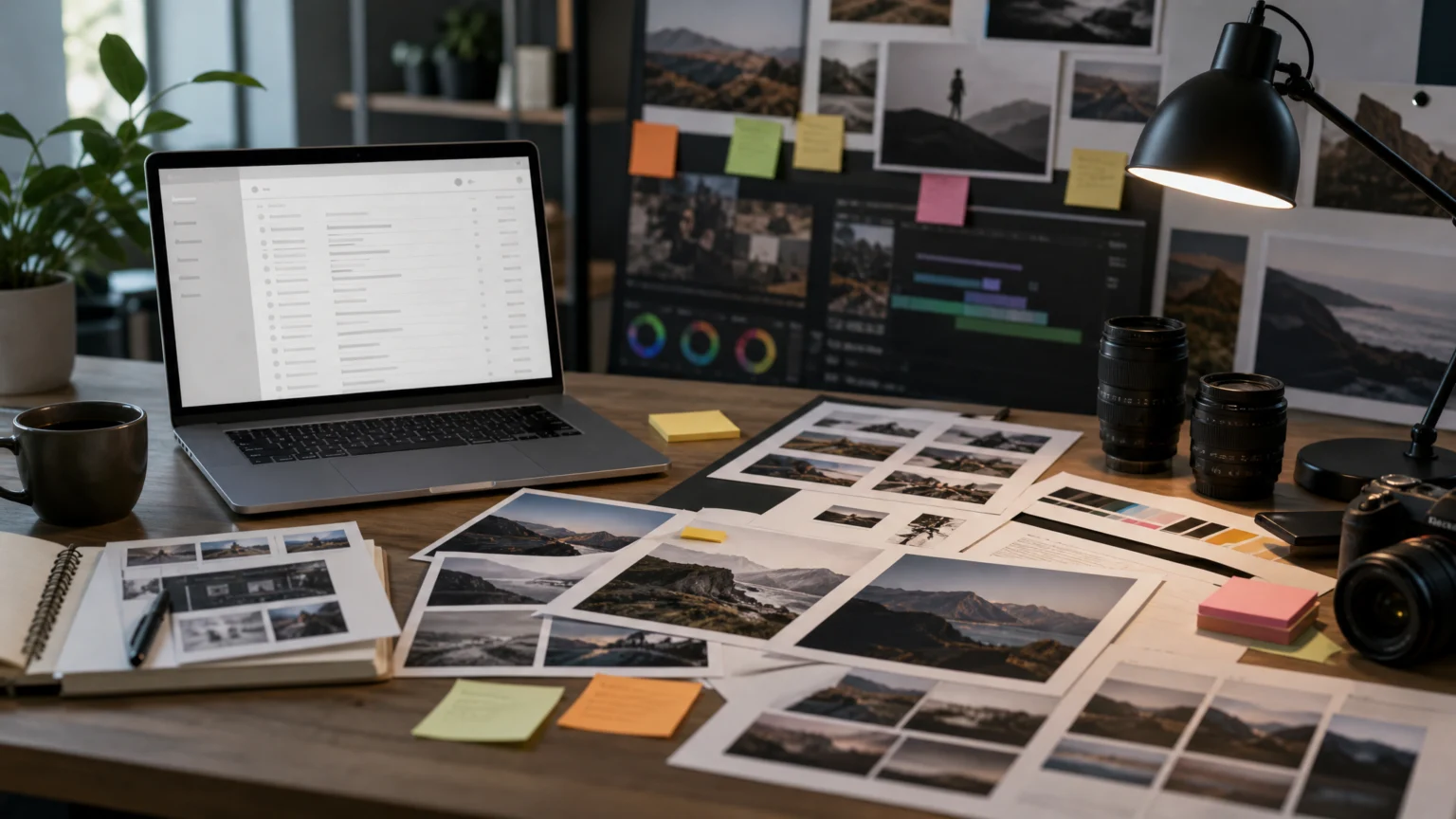
A PDF arrives in Gmail, gets stored in Drive, picks up comments, and circles back for revision. When editing tools appear inside that path instead of beside it, the value is not just new AI. It is shorter distance between request and finished file.
Adobe and Google have expanded their strategic partnership to integrate Google’s AI models into Adobe creative and productivity tools. The integration touches Firefly, Photoshop, Premiere, Adobe Express, and Acrobat, while Adobe’s tools are also set to appear across Google platforms including Gmail, Google Drive, Gemini, Gemini Enterprise, and AI Mode in Google Search.
Placement changes what a tool can do
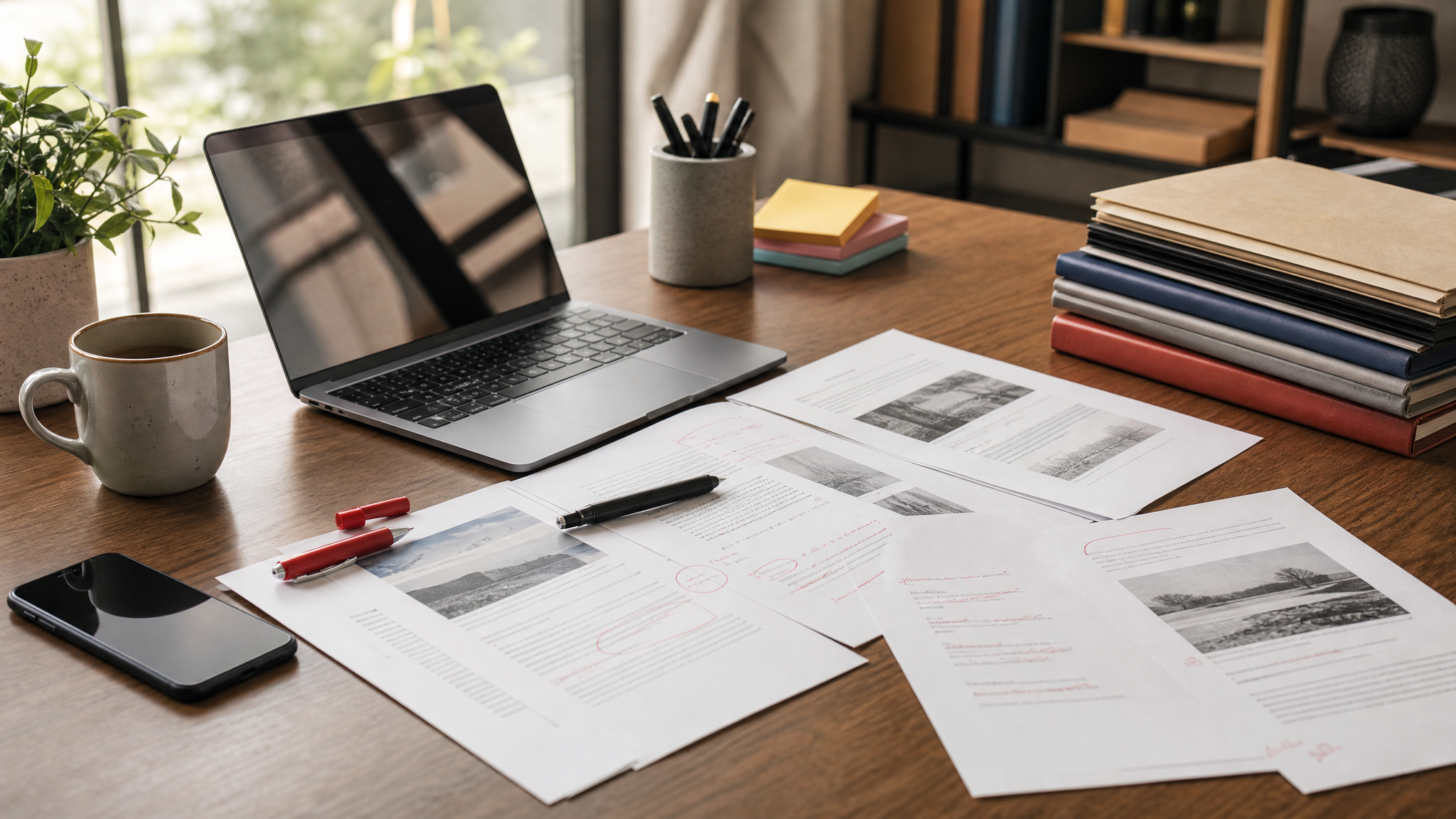
Software becomes more useful when it shows up at the exact moment a decision is being made. Acrobat becoming available through Google Workspace, with PDF editing access directly inside Gmail and Google Drive, is a clear example. That is less about adding to a feature list and more about removing a detour.
For teams, that distance matters. A PDF often arrives as an attachment, sits in Drive, gathers comments, then returns for revision. Putting editing in the same path changes the timing of the work and can reduce handoffs, making small corrections feel like part of one continuous task instead of a separate stop.
This broader pattern echoes a shift we have been watching for a while: interfaces no longer begin and end on a single page. When pages stop being the whole interface, the surrounding system starts carrying more of the experience.
Photoshop becomes the first testing ground

Adobe and Google DeepMind plan to collaborate on new AI-powered image editing capabilities, beginning with Photoshop. That starting point makes sense. Photoshop is where visual changes become concrete enough to judge, reject, refine, and compare.
The two companies are exploring technology for near-real-time image editing through text prompts, with multiple image version options for users to choose from. That detail matters because versioning is often where AI feels either useful or careless. A single generated result can feel like a guess, while several plausible directions give the designer something closer to selection and control.
For brand work, that means the conversation may move from “Can this be changed?” to “Which variation keeps the signature intact?” Teams already face that question when working with automated visuals, especially when color, edges, and material cues need to stay stable. The same concern appears in AI image generation for on-brand visuals: speed helps only when the result still looks like it belongs to the brand.
Version review becomes part of the design work
Multiple image options sound modest, but they change the character of AI editing. Choice creates a review step. Review creates standards. Standards are where visual systems stay together.
In practice, that can help teams separate acceptable variation from drift. A product image can become cleaner, warmer, sharper, or more spacious while still staying within brand bounds. Without visible options, AI often hides its assumptions. With side-by-side versions, those assumptions become easier to inspect.
That is especially relevant for Photoshop, where edits rarely live alone. They move into decks, product pages, ads, social posts, and video frames. If near-real-time prompting shortens iteration without obscuring differences, it could improve both speed and judgment.
Video enters the same system
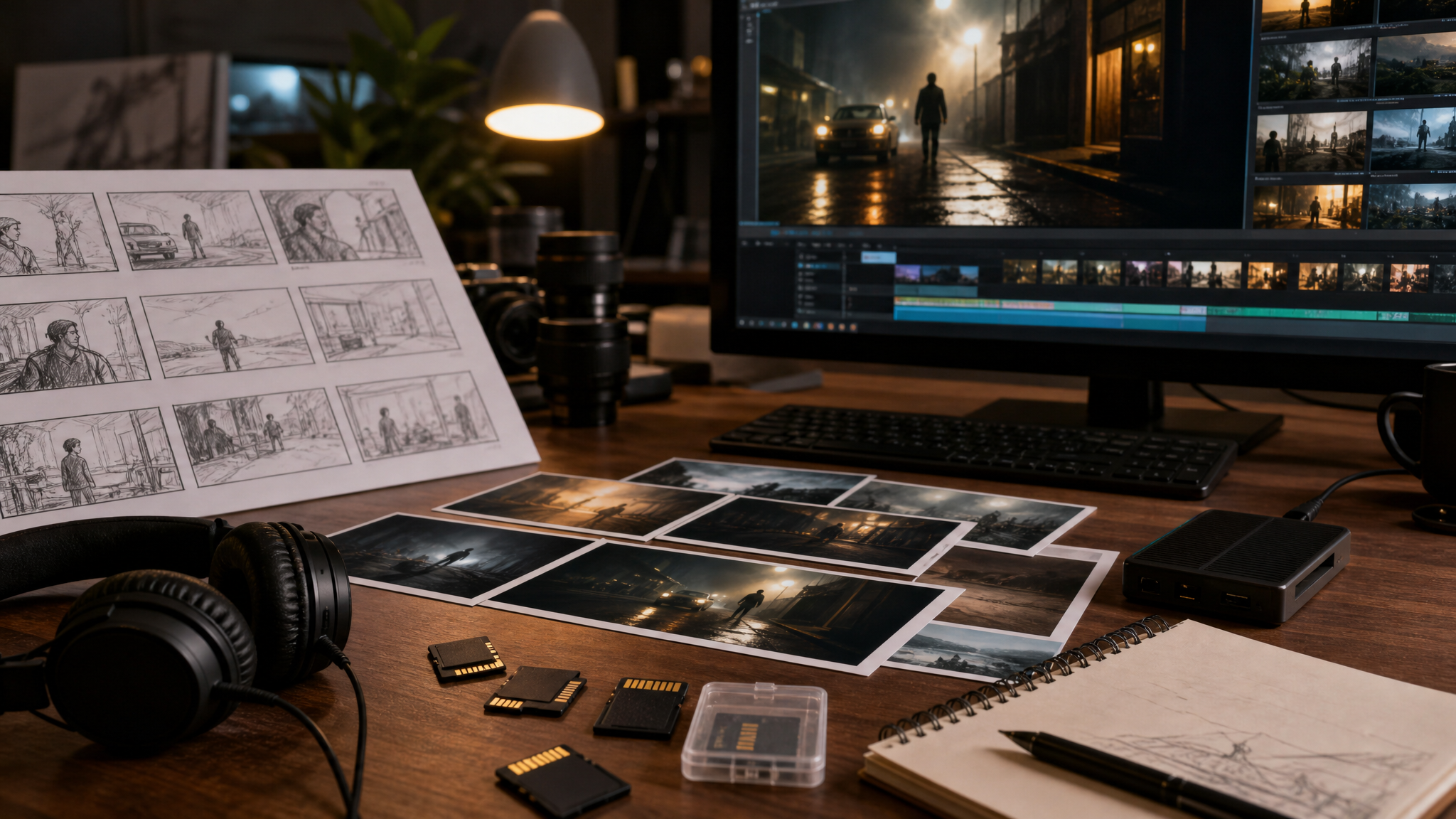
Google’s latest imaging and video models are coming to Adobe Firefly, Photoshop, Premiere, and Adobe Express. That places still images and moving images within the same expanding AI relationship, rather than treating video as a separate lane.
For creative teams, this shared direction is practical. Many projects now require one visual idea to travel across formats: a still for approval, a short cut for social, a quick edit for presentation, a lightweight version for internal review. When image and video tools evolve together, asset families are easier to keep aligned.
Premiere and Adobe Express matter here because they sit at different ends of the production spectrum. One is a deeper editing environment. The other is often closer to everyday publishing. If the same partnership improves both, teams may be able to keep a more consistent visual performance as concepts move from rough prompt to distributed content.
Documents are moving into the creative flow
Google’s Gemini models will help power AI capabilities in Acrobat, and Acrobat will be available through Google Workspace. That may sound administrative next to Photoshop and Premiere, but document work is often where creative approval actually advances or stalls.
Briefs, contracts, presentation PDFs, marked-up exports, and sign-off rounds all pass through document tools. When Acrobat sits closer to Gmail and Drive, the approval layer stops feeling separate from the making layer. The result is practical: fewer context switches, quicker revisions, and a cleaner path from feedback to delivery.
Designers often talk about the front-stage artifact and forget the backstage structure that lets it move. PDF editing inside familiar workspace tools is part of that structure. It does not change the poster, frame, or slide by itself. It changes how quickly those things can be reviewed and returned.
Search, chat, and creation are closing ranks
Adobe’s tools are also being brought into Gmail, Google Drive, Gemini, Gemini Enterprise, and AI Mode in Google Search. That list sketches a broader interface map. Work may begin in an email, continue in a file repository, branch into a chat prompt, and loop back through search-assisted help without fully leaving the ecosystem around it.
This is a strong sign that creative software is being repositioned as an embedded layer rather than a destination. The shift is subtle but important. People increasingly start with a question, a prompt, or an attachment rather than an empty canvas. The software that meets them there has a directional advantage.
That also helps explain why Adobe has been pushing creative intake closer to conversational interfaces. Adobe is turning the chat window into creative intake because the prompt is becoming part of the workflow, not just a shortcut around it.
Where design teams will feel it first
For teams deciding how to adapt, a few implications stand out:
- Watch the handoff points. The biggest gains may come from fewer jumps between inbox, storage, document review, and editing tools.
- Treat version review as a skill. If AI editing surfaces more options faster, the ability to compare and reject weak variants becomes more valuable.
- Protect brand cues early. Near-real-time image edits can speed concepting, but they need clear standards for color, proportion, material feel, and acceptable variation.
- Expect prompt-based work to spread. Once prompts become normal in Photoshop and adjacent tools, they influence briefs, feedback language, and approval habits.
Teams that publish animated brand assets may also feel the effect downstream. Faster image and video iteration usually creates more demand for motion-ready outputs, especially when one approved visual needs to become a reveal, loop, or short branded clip. In that setting, a focused tool such as logo reveal animation or social media photo animation becomes less of a specialty add-on and more of a final-mile production step.
The deeper shift is proximity
The headline feature is AI integration, but the more interesting design story is proximity. Editing moves nearer to files. PDFs move nearer to email. Prompts move nearer to established tools. Search, documents, images, and video now sit in tighter formation than before.
That kind of closeness changes habits before it changes aesthetics. It alters where people begin, how they compare options, and how quickly they can act on feedback. For designers, the challenge is familiar: keep judgment sharp while the software gets faster.
 Logo Template
 Logo Template
 Icon Template
 Logo Template