
The choice is not just batch design versus more templates
Imagine your team already has an approved social post layout. The next problem is repetition: you need fifty versions, not one. Names change, offers change, and dates change, but the frame should stay put.
The bigger divider is not brand kit versus no brand kit. It is whether the tool can turn spreadsheet data into designed variations, or whether it mainly helps you move finished graphics into scheduled posts.
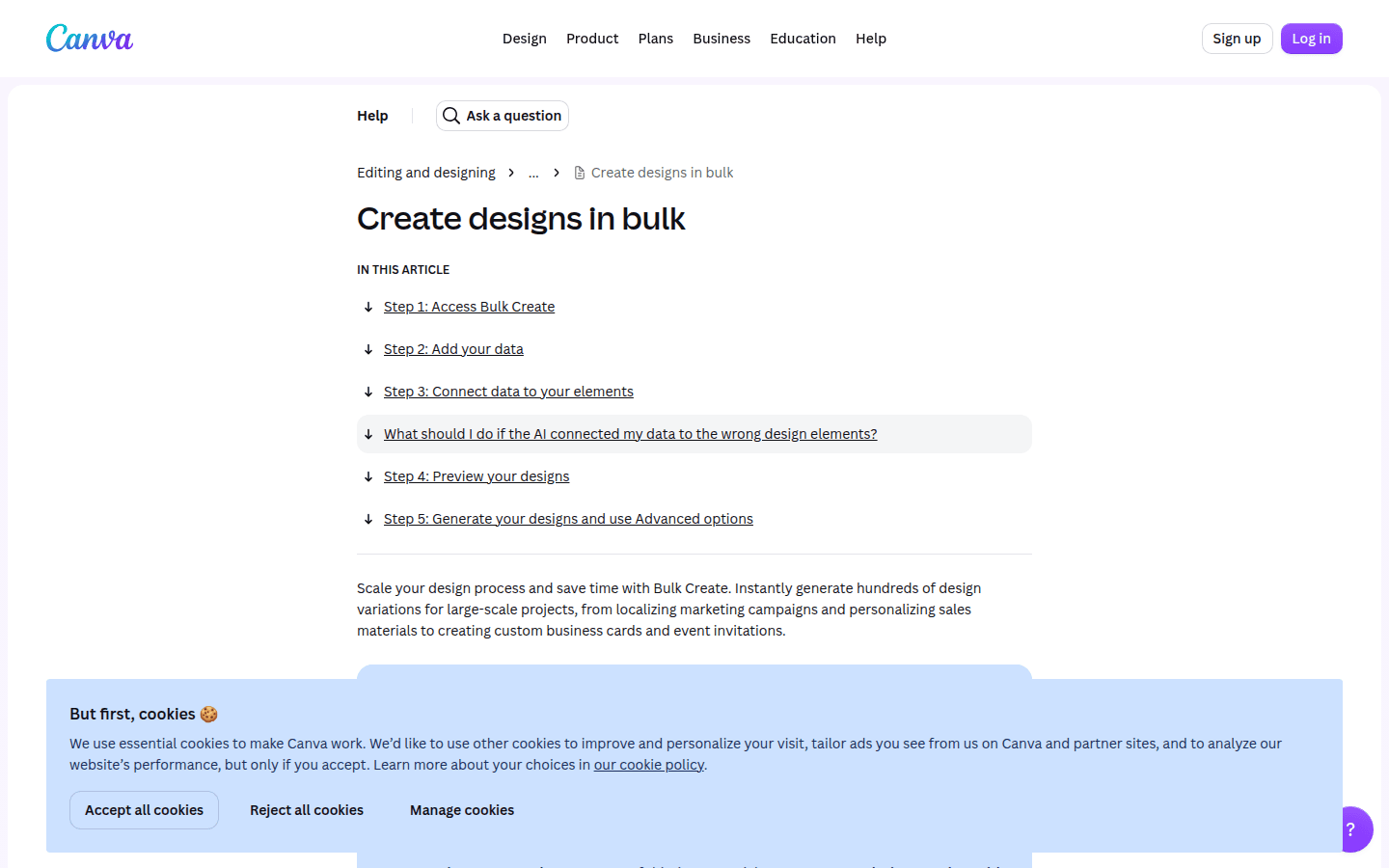
Figma Buzz, Canva, and Adobe Express all document bulk-creation workflows tied to structured data. That makes them the main contenders when one approved design should drive many outputs.
By contrast, ContentStudio is documented here as a bulk publishing tool, with CSV scheduling and AI-generated post workflows. VistaCreate shows reusable design duplication and export flexibility, but not CSV- or XLSX-driven batch variation creation in the public material cited here.
That distinction matters early because it saves time. If your team expects a spreadsheet to fill names, headlines, prices, or locations directly into one locked design, two of these tools drop out almost immediately.
If your wider problem is governance across approved assets, permissions, and template control, this related guide may help before you choose a batch workflow: How to choose a platform for on-brand social graphics from approved assets in 2026.
When spreadsheet input is the hard requirement
Start with one plain question: can the tool ingest structured data and map it into a design you already approved? If the answer is no, it may still be useful, but not for this exact job.
Figma Buzz is the most direct match for teams that want one starting asset to generate many static marketing pieces. Its help material says you can bulk create by importing CSV or XLSX data into a single starting asset.
That is a specific workflow advantage. If your source sheet already exists in Excel or a shared spreadsheet export, you do not need to rebuild each variation by hand just to swap text fields or related content blocks.
Canva is similarly strong on input flexibility. Its Bulk Create docs say you can generate hundreds of design variations by linking row-and-column data to placeholders, and it accepts both CSV and XLSX uploads.
In practice, Canva suits teams that think in templates first and spreadsheets second. The workflow is still structured, but the product language is friendlier to marketers who want a fast path from tabular data to many finished posts.
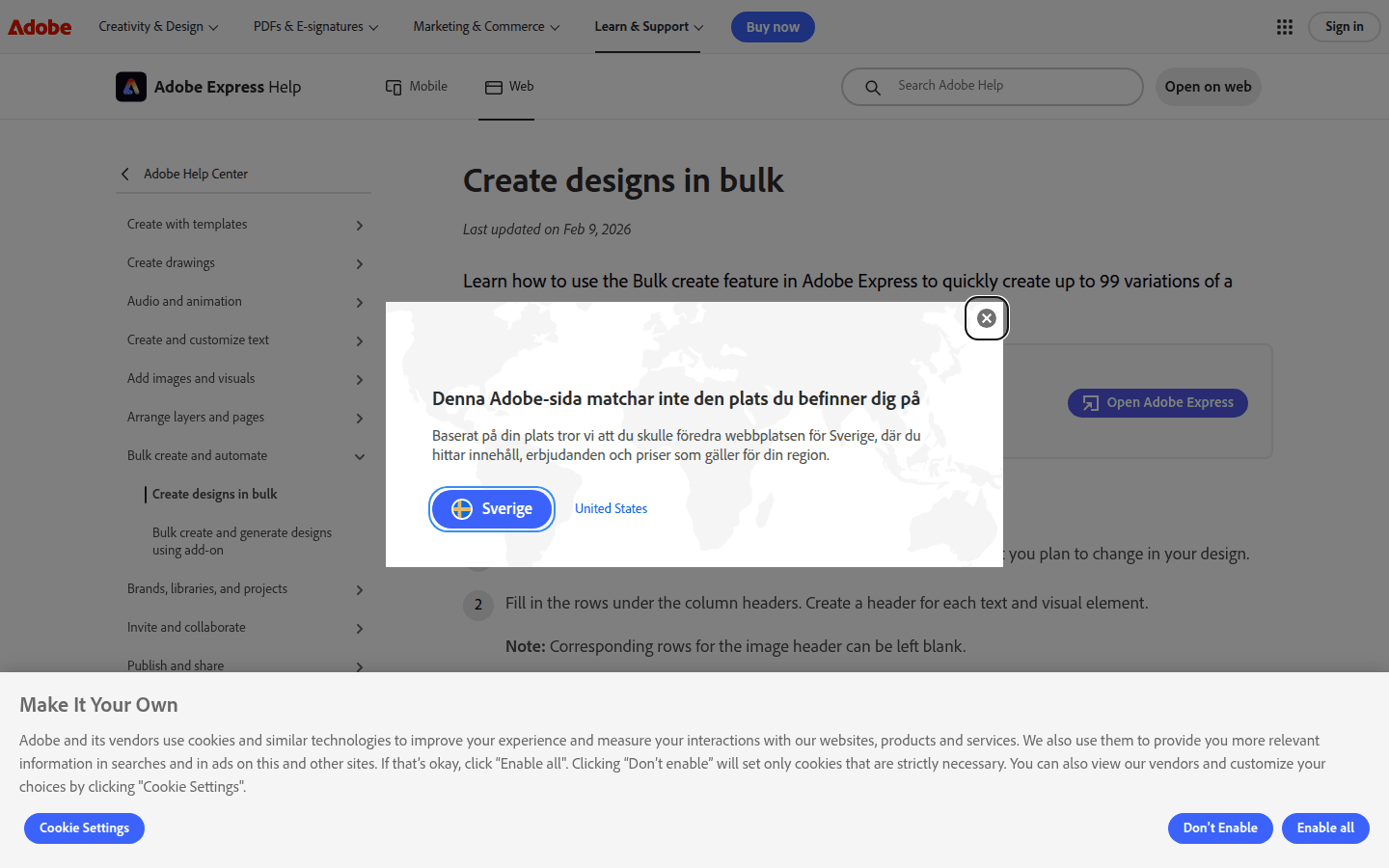
Adobe Express also belongs in this group, though with a narrower public input path. Its bulk create workflow uses CSV, not XLSX in the guidance cited here, and Adobe says it can generate up to 99 variations of a chosen design.
That 99-variation cap is not a footnote. For a monthly campaign, one event series, or a small franchise run, 99 may be enough. For catalog-scale batches, it becomes a planning constraint.
Canva has a different kind of limit. Its Bulk Create feature is documented as desktop-only and available only on certain plan types. If your team often edits from phones or tablets, that can break the workflow before design quality even enters the conversation.
So the first shortlist is simple. If spreadsheet-driven generation is mandatory, keep Figma Buzz, Canva, and Adobe Express. Move ContentStudio and VistaCreate out of this decision lane unless you need them for the later publishing step.
How approval holds up once teammates start editing
Once a template is approved, the next risk is not creativity. It is drift. Someone nudges the logo, overrides the type style, stretches the safe area, or edits a headline treatment that was supposed to stay fixed.
Figma Buzz is strong here because its template workflow is explicitly tied to publishing for teams and locked objects. Figma says you can lock objects before publishing a template to keep anyone using it on brand.
That helps when the approved asset has both fixed and variable zones. A badge, brand mark, or background system can stay frozen while the editable data fields change from row to row.
Canva takes a similarly practical approach through Brand Template locks. Its help pages say locks can prevent changes to logos, text styles, and layout components, which covers the areas most teams usually want protected.
Adobe Express frames governance in team language rather than bulk-first language. Its business page describes approved templates with locked elements and style controls so people can make updates without leaving the brand rails.
For Adobe-centered teams, that is reassuring. The governance story is clear, even if the bulk-generation guidance is narrower than Canva on input formats and narrower than Figma Buzz on the starting-asset workflow.
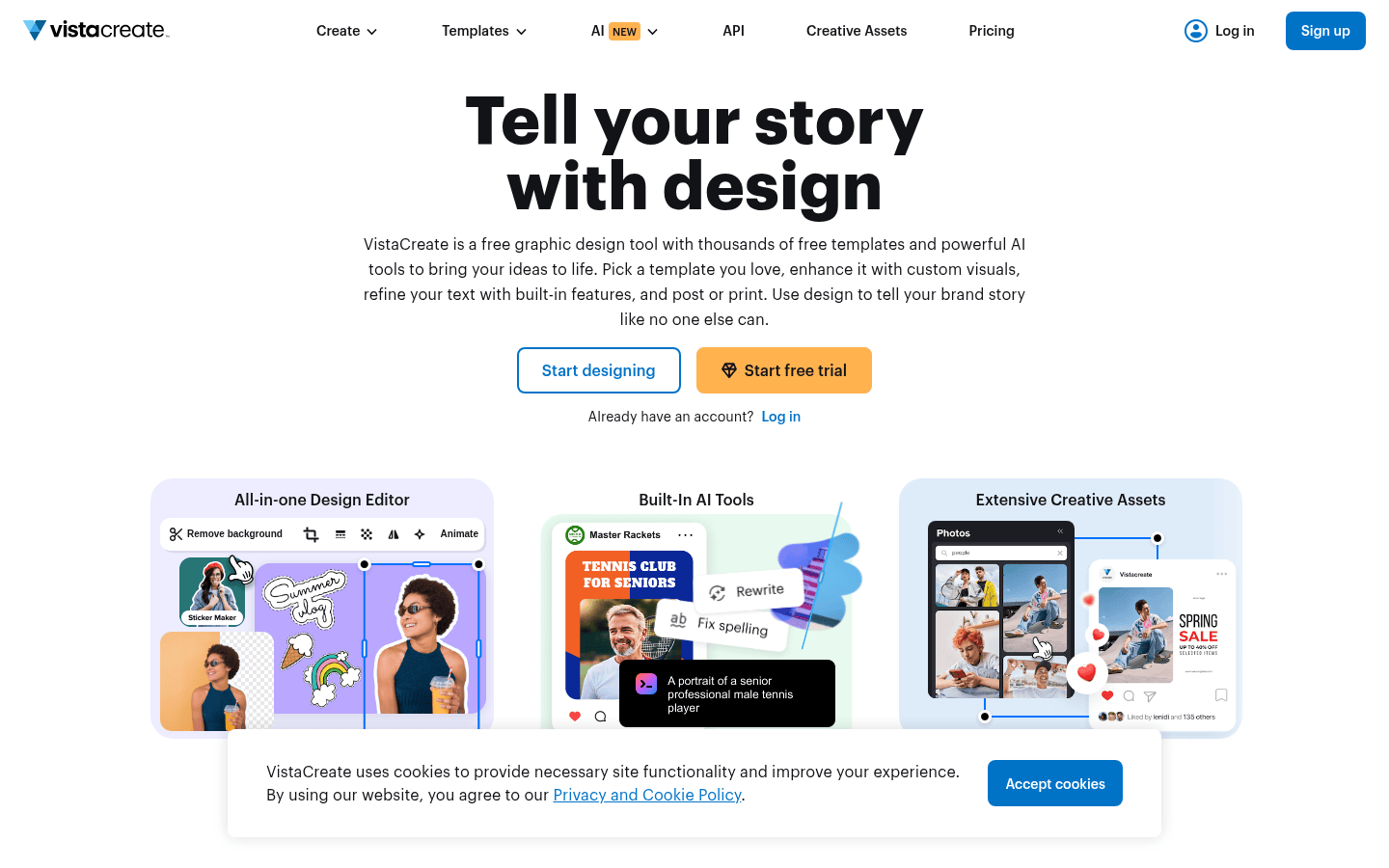
VistaCreate is the outlier here. Its help material says there is no specific feature for marking created designs as templates, so users copy a project each time they want to reuse it.
That does not make VistaCreate unusable. It does mean reuse is looser. If many teammates touch the same campaign system, copying projects is less controlled than working from published templates with locked objects or locked brand components.
From there, the governance choice gets easier. If several people will produce variations from one approved source, Figma Buzz, Canva, and Adobe Express all offer clearer guardrails than VistaCreate in the public documentation cited here.
What the workflow produces at the finish line
Not every team needs the same finish line. Some just need folders full of social-ready files. Others want the design step to flow directly into a scheduling environment without a lot of downloading, renaming, and re-uploading.
Figma Buzz sits clearly on the asset-production side. Its export docs say you can export assets individually or in batches as PNG, JPG, PDF, or MP4, depending on the media type.
That is a solid end point for design operations teams, agencies, or marketers who pass approved assets into another publishing system. The workflow ends cleanly at file export rather than trying to be a full posting platform.
Canva’s documented output is a little different. Bulk Create can produce one multi-page design or separate individual designs, which gives teams some flexibility in how they package campaign variations.
That can help when a reviewer wants all versions in one deck-like file first, then separate outputs later. It also suits smaller teams that still review social batches visually before final publishing.
VistaCreate’s strongest documentation in this comparison is actually at the export stage. Its help material lists PDF Standard, PDF Print, JPG, PNG, PNG Transparent, MP4, and GIF among supported formats.
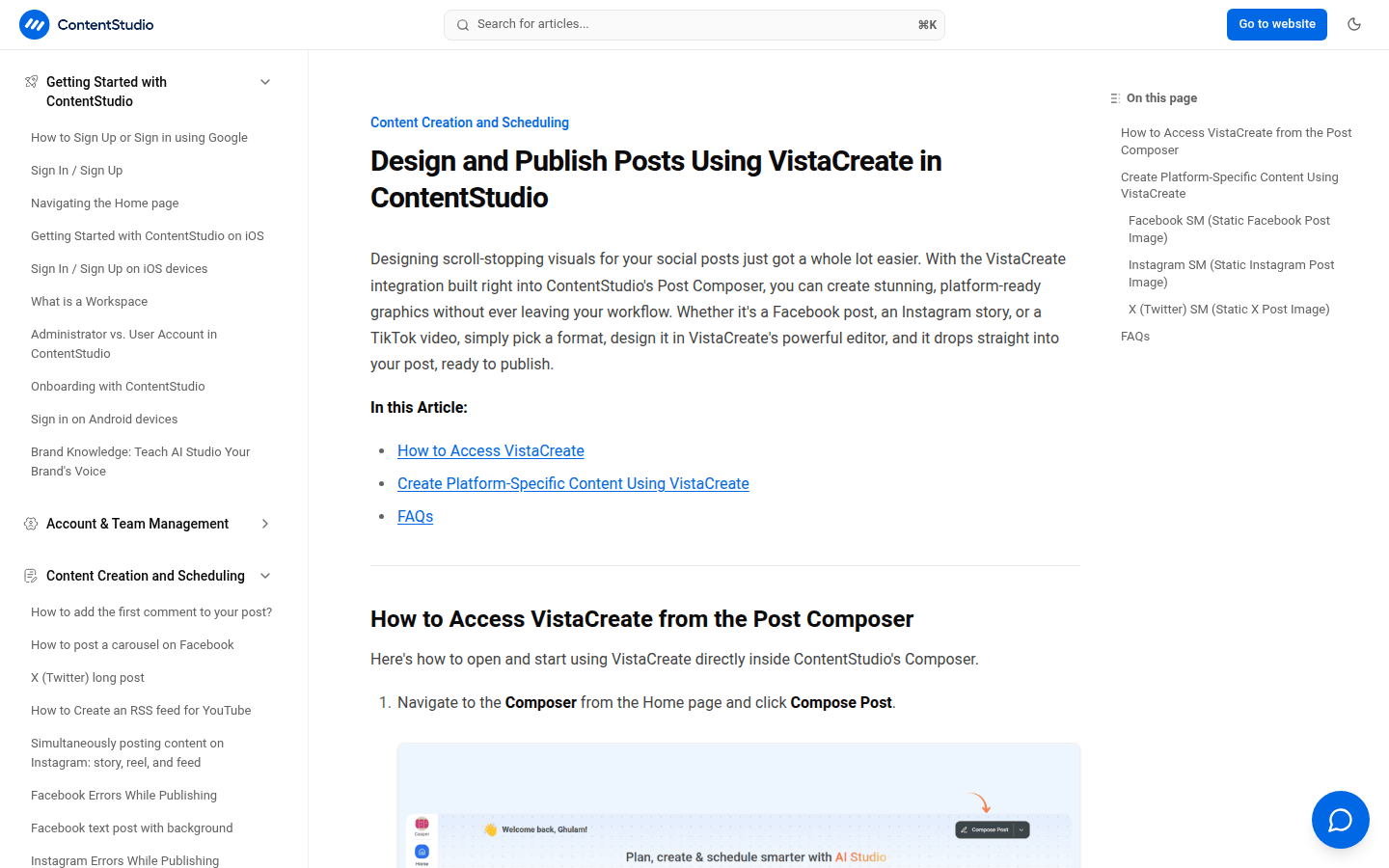
By contrast, ContentStudio matters after the files exist. Its documentation says VistaCreate is integrated into the Post Composer and that saved designs return as media attachments ready to publish.
That makes ContentStudio useful for teams whose bottleneck is not generating the graphic variations themselves, but moving completed creative into scheduled posts at scale. Its bulk features sit on the publishing side.
In practice, this is where a two-tool stack can make sense. A governed design tool creates the approved variations, then a publishing tool handles queueing, channel selection, and scheduling volume.
Constraints worth checking before a trial
Feature lists tend to blur together. Hard limits do not. A few documented constraints here are sharp enough to eliminate an option before you spend time on setup.
Adobe Express has the clearest numeric cap: up to 99 variations. If your campaign routinely needs more than that from one sheet, you are already planning around the ceiling.
Canva’s main friction is operational rather than numeric. Bulk Create is desktop-only, and the feature is tied to certain plan types. For some teams that is fine. For distributed, mobile-heavy workflows, it is a real obstacle.
ContentStudio has its own cap, but in a different part of the process. Its Bulk Schedule recipe can schedule up to 500 posts per recipe, which is useful for publishing volume, not for generating graphic variations inside the platform.
Its AI-based bulk scheduling also works one platform at a time per session. That may still be efficient, but it is not the same as building one universal batch and sending it everywhere at once.
VistaCreate’s limit is more about missing support for this buying decision. The public materials cited here support project duplication and exports, but not CSV- or XLSX-driven batch generation from an approved source sheet.
Figma Buzz has a subtler constraint. Template publishing availability is plan-dependent in the material supplied, so teams that care about broad template rollout should verify that part carefully before committing.
None of these limits make the products weak. They point to different jobs. The mistake is judging a publishing workflow like a design engine, or judging a design engine like a social scheduler.
A practical shortlist by team situation
If your first eliminator is structured data import, start with Figma Buzz, Canva, and Adobe Express. They are the only tools here with direct support for turning spreadsheet-style input into design variations.
Choose Figma Buzz when the approved template needs stronger team governance around one starting asset, especially if locked objects and batch export matter more than native publishing.
Choose Canva when your team wants a familiar bulk-design workflow with CSV and XLSX support, broad placeholder mapping, and firm template locks around logos, text styles, and layout pieces.
Choose Adobe Express when your team already works in Adobe and the batch size fits the documented limit. The CSV workflow and approved-template controls are real strengths, but the 99-variation cap is decisive.
Choose VistaCreate when your main need is reusable social design with flexible exports, not a documented spreadsheet-driven batch engine. It fits duplication and output variety better than governed, data-fed generation.
Choose ContentStudio when the heavier need is scheduling many posts or moving designs into a publishing flow. Its CSV bulk scheduling and VistaCreate Composer integration are helpful, but it is not a like-for-like batch graphic generator.
The cleanest way to decide is to use the first real eliminator, not the longest feature list. If you need data import, start with Figma Buzz, Canva, or Adobe Express. If you need stronger governance, narrow further by locks and template controls. If your bigger pain starts after the design is done, look at the publishing handoff instead.
 Photo Template
 Icon Template
 Photo Template
 Logo Template