What matters more than the logo preview: the files you can still use next week
A polished mockup is easy to like. The harder question is what you still have after download: a transparent file for your site header, a scalable file for resizing, alternate lockups for profile pictures and cover images, stored brand colors and fonts, and enough assets to avoid rebuilding everything from scratch.
That shifts the decision from taste to handoff. The useful criteria here are simple: transparent export, confirmed vector or scalable export, multiple logo versions, brand asset storage, font handoff clarity, post-download editing, rollout assets, and how clearly each service separates basic access from higher paid tiers.
These five tools do not solve the same problem. Looka gives the clearest packaged handoff. Wix Logo Maker / Wixel is strongest when the logo needs to feed business cards, social graphics, and a site. Adobe Express works better as a wider design workspace. Canva makes a stronger case as a collaborative brand editor than as a fixed logo bundle. VistaCreate fits template-led reuse, with one plain limitation: vector export is not confirmed on the public pages cited here.
Quick answer: which tool fits which kind of buyer
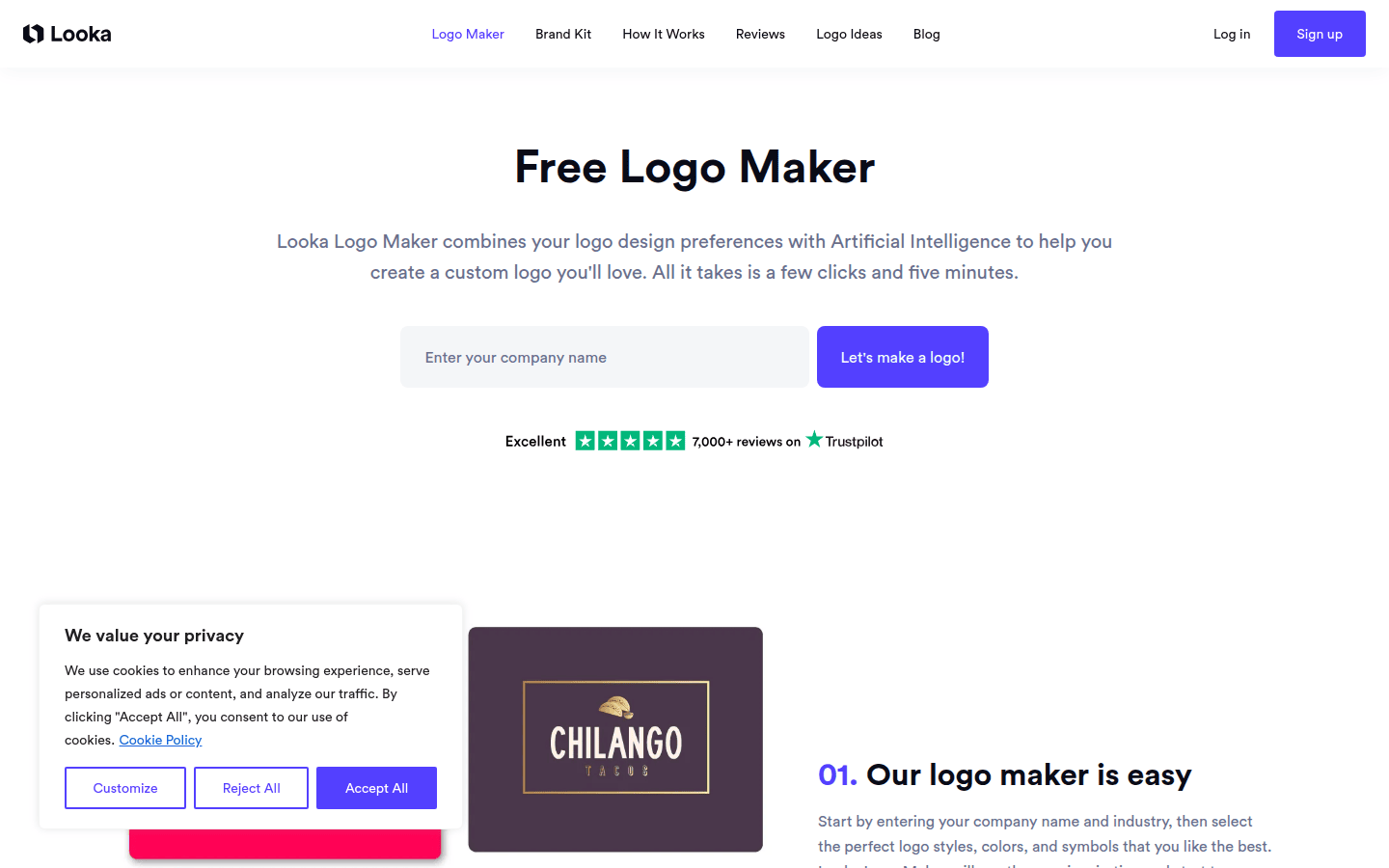
Choose Design.com if you want to generate a logo quickly but still have plenty of room to refine it. Its AI logo maker generates thousands of logo variations in seconds from your business name, keywords, industry, and style preferences. You can then customize the colors, fonts, icons, layout, and spacing, or use its AI chat editor to request changes in plain language.
Choose Looka if you want the cleanest bundle of reusable logo files and supporting assets. Its official pages are unusually direct about what paid buyers get: vector files, transparent versions, 15+ logo variations, Brand Guidelines, and 300+ branded assets on Brand Kit subscriptions.
Choose Wix if your logo is one part of a wider rollout. Its plans can connect logo files to Brand Kit access, unlimited post-download edits on selected tiers, and extras such as business cards, social posts, social media covers, and a branded website.
Choose Adobe Express if you want the logo inside an editable brand system with logos, colors, fonts, and graphics stored together. It clearly confirms transparent PNG plus PNG, JPG, and PDF downloads, but its official logo pages cited here do not explicitly confirm SVG export.
Choose Canva if your brand lives in a shared editor and you care about keeping logos, colors, fonts, and assets organized. Canva clearly documents transparent PNG and SVG downloads, but it is more convincing here on workflow and asset management than on a dedicated logo-package handoff.
Choose VistaCreate if you want transparent exports and a lightweight brand kit that applies your logo, colors, and fonts to templates. Its main gap is straightforward: SVG or vector logo export is not confirmed on the cited public pages.
Comparison table: what you actually get after export
| Service | Transparent logo export confirmed? | SVG or vector export confirmed? | Multiple logo versions or variations confirmed? | What the brand kit stores | Fonts: names, uploads, or files? | Post-download edits confirmed? | Ready-to-use rollout assets confirmed? | Key plan caveat | Best fit |
|---|---|---|---|---|---|---|---|---|---|
| Design.com | Yes | Yes, SVG, EPS and PDF | Yes, thousands of AI variations plus customizable layouts | Logo, colors, typography, and branded assets | 750+ fonts, including 525+ exclusive fonts; font files not included | Yes, unlimited edits on paid plans | Yes, business cards, social posts, email signatures, letterheads, websites and more | Free plan includes logo creation, customization, commercial use, and vector downloads; paid plans start at $3/month billed annually | Fast AI logo creation with extensive customization |
| Adobe Express | Yes, transparent PNG | Not explicitly confirmed on the cited logo pages | Yes, several PNG versions or a folder of variations on desktop | Logos, colors, fonts, graphics | Font storage confirmed; font-file handoff not confirmed | Not explicitly confirmed | Broader design workspace confirmed, but no packaged asset count confirmed here | Plan boundaries and exact export scope are not fully clear here | Editable brand workspace around the logo |
| Canva | Yes, PNG transparency | Yes, SVG download documented | Not specifically confirmed | Logos, colors, fonts, assets | Storage confirmed; font-file handoff not confirmed | Not explicitly confirmed | Editor ecosystem is strong, but no dedicated bundle is confirmed here | Brand logos are paid-plan only | Collaborative brand management |
| Looka | Yes, transparent variations | Yes, EPS, SVG, PDF, PNG | Yes, 15+ versions | Guidelines and branded assets are clearly packaged; storage workflow matters less than delivery | Font names and colors revealed; no TTF or OTF files | Not explicitly confirmed | Yes, Brand Guidelines and 300+ branded assets | One-time logo packages differ from annual Brand Kit subscriptions | Clearest packaged handoff |
| Wix Logo Maker / Wixel | Yes, SVG files have transparent background by default | Yes, SVG on higher plans; PNG also available | Yes, multiple versions | Brand Kit included on selected plans, though storage detail is less fully spelled out here | Customization confirmed; font-file handoff not confirmed | Yes, unlimited edits on selected plans | Yes, business cards, social posts, social covers, branded website on some plans | SVG and Brand Kit are plan-gated; naming is changing | Rollout assets plus ongoing edits |
| VistaCreate | Yes, PNG Transparent | Not confirmed | Yes, multiple logo variations in Brand Kit | Logos, colors, fonts | Custom font upload confirmed | Not explicitly confirmed | Yes, template application confirmed | Vector export remains the big gap | Template-ready brand kit |
The table points to something easy to miss: a usable export package is not just about file types. It is also about how much work the platform saves when you need a favicon, social avatar, transparent overlay, presentation slide, or quick promo graphic.
Best if you want fast AI-generated logos with plenty of room to customize: Design.com
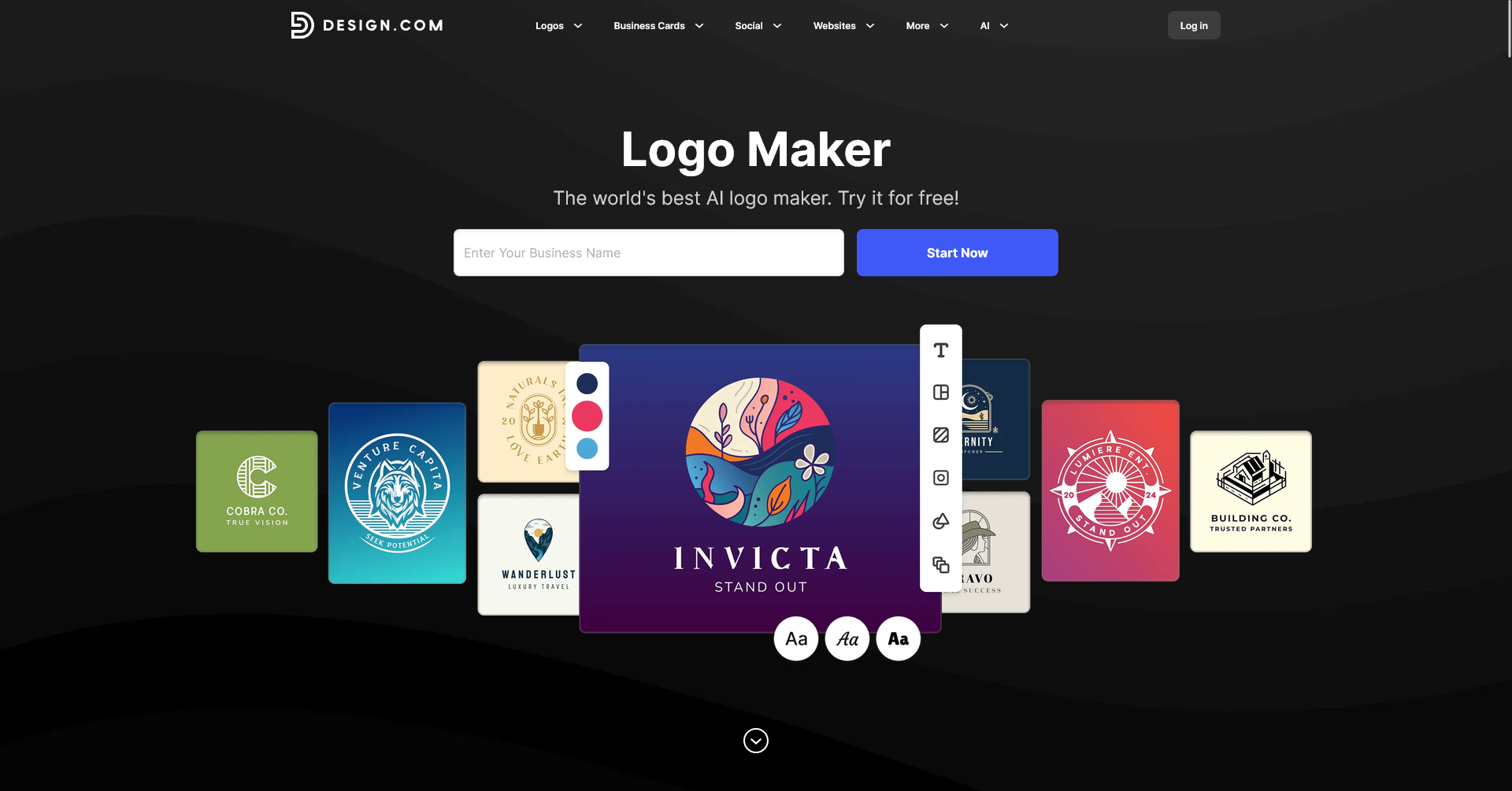
Design.com is built around a simple process: enter your business name and a few keywords, and the AI logo maker generates logo concepts in seconds. In Design.com’s 2026 testing, its first results appeared in just 1–3 seconds, making it one of the fastest tools tested.
The speed is useful, but the bigger advantage is the number of directions you can explore. Design.com’s AI logo generator draws from a library of 500,000+ designs, 62,000+ vector shapes, and 525+ exclusive fonts. The platform uses your business name, keywords, industry, and other brand information to make the results more relevant to the business rather than simply matching a single keyword.
Once you find a direction you like, you can edit the logo manually or use the AI chat editor. You can change fonts, colors, icons, spacing, and layouts yourself, or describe the change you want in plain language and let the AI handle it. Paid plans include unlimited edits to your chosen logo.
The free plan is also more usable than a typical trial. Design.com says you can create, customize, and download a free logo, including vector files, without having to upgrade. Paid plans start at $3/month when billed annually and add features such as additional branding assets and access to the wider design library.
Design.com is a good fit if you want to quickly turn a business idea into a usable logo while still having enough customization to make the result feel specific to your brand. The main limitation is that each subscription is tied to a single logo, so creating a completely new logo requires an additional purchase rather than simply starting unlimited new projects under the same subscription.
Best if you want the clearest packaged handoff: Looka
Looka is the most direct option for buyers who want a logo package that already feels like a designer handoff. Its official pages say Premium Logo Packages and Annual Brand Kit Subscriptions include 15+ different logo versions, including transparent files, PNG, PDF, and vector files.
That matters because it cuts down the cleanup step. Instead of getting one main mark and improvising the rest, you start with variations that can cover dark backgrounds, light backgrounds, profile crops, and different placements.
Looka also separates logo-only purchases from annual Brand Kit subscriptions on its pricing page. That distinction helps because it tells you if you are buying just files or a broader operating kit.
On the Brand Kit side, Looka says it includes Brand Guidelines and 300+ branded assets. That gives it a stronger downstream story than many logo generators, especially for solo founders who need something usable right away rather than an open-ended editor.
The main trade-off is fonts. Looka says paid buyers can see the font names and colors used in their account, but it does not provide TTF or OTF font files.
Looka fits the buyer who wants clarity more than flexibility: defined outputs, defined variations, and a clear line between one-time logo packages and subscription brand kits. If you already know you need vector files and transparent versions, it is the most complete packaged handoff in this group.
Best if you want logo files tied to rollout assets and ongoing edits: Wix
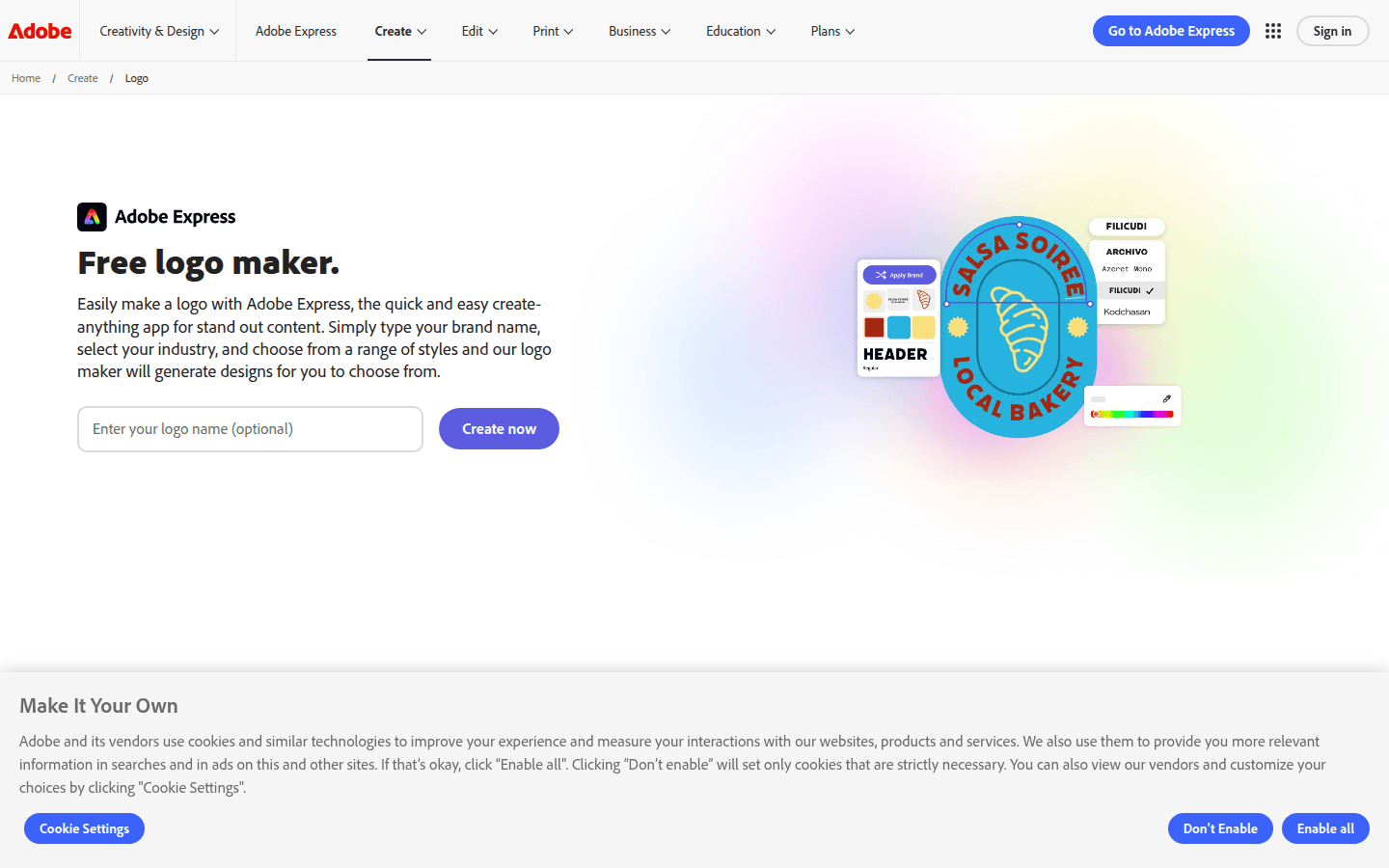
Wix Logo Maker / Wixel is strongest when the logo is not the finish line. Its official pages say you can customize fonts, colors, icons, and layout, create multiple logo versions, and download SVG or PNG files.
The more useful detail sits in Wix help documentation. Wix says SVG files are included on higher plans and come with a transparent background by default, while selected plans include Brand Kit access, unlimited post-download edits, and additional file types.
That mix is practical. If your business name shifts, your colors drift, or you need a different lockup after launch, ongoing edits can matter more than a one-time export list.
Wix also ties some plans to rollout materials beyond the mark itself. Its plan documentation says logo and online presence packages can include printable business cards, social posts, social media covers, and a branded website built from the logo.
This makes Wix a good match for first-time business owners, local services, or side projects that need branded pieces quickly. The trade-off is plan complexity.
You should not assume SVG is included everywhere, and Wix’s product naming is shifting between Wix Logo Maker and Wixel, which makes plan reading a little less tidy than Looka’s packaging. If your logo will live inside a Wix-led business setup, those moving parts make more sense.
Best if you want a broader design workspace around the logo: Adobe Express
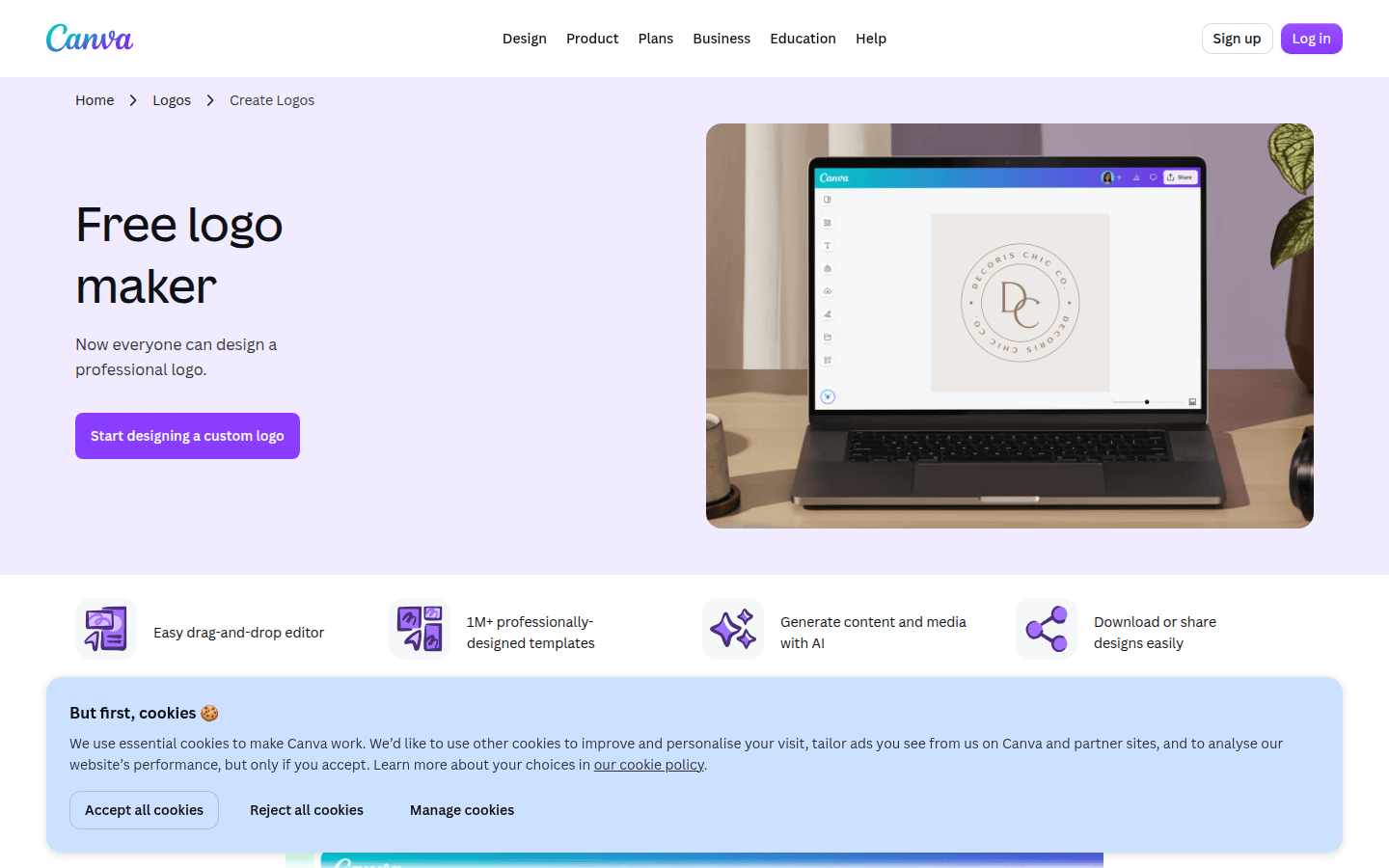
Adobe Express treats the logo as part of a design system rather than a fixed logo package. Adobe says users enter a brand name, choose an industry and style, pick an icon, and receive logo designs to choose from.
For export, Adobe clearly states that downloads can include PNG, JPG, and PDF, and it explicitly offers transparent PNG downloads. Its PNG and transparent-logo pages also say desktop users can receive several PNG versions or an entire folder of logo variations.
That makes Adobe Express more useful than a single-file generator, especially if your immediate needs are web graphics, presentations, social posts, or light print use. It also has a documented brand workflow for storing logos, colors, fonts, and graphics, which is the strongest part of its long-term reuse story.
The limitation is specific: the cited official logo pages do not explicitly confirm SVG logo export. If vector output is a must-have and you do not want to infer anything, Adobe Express is less clear than Looka, Canva, and certain Wix plans.
There is one more small caution. Adobe mentions desktop-specific variation downloads, so you should not assume every device gets the same export behavior.
Adobe Express works best for people who want the logo to stay editable inside a broader brand environment. If you value workspace continuity over a tightly boxed logo handoff, it makes a strong case.
Best if your brand kit lives inside a collaborative editor: Canva
Canva earns its place less through a logo-package promise and more through brand organization. Canva Help says Brand Kits let users upload and organize official logos, colors, fonts, and assets in one place.
That is a real advantage for teams making lots of everyday materials. Instead of treating the logo as a final download, Canva treats it as one ingredient in a reusable brand system.
Canva also documents two practical export points clearly: PNG supports transparency, and SVG is available as a download format that preserves quality at any size. In this comparison, that gives Canva a clearer scalable-export position than Adobe Express.
Still, the fit depends on what you mean by “logo maker.” The cited material does not confirm a specific number of logo variations or a dedicated logo-package handoff.
Canva’s brand-logo help page also says brand logos are only available on paid plans, even though supported upload formats include JPG, PNG, and SVG. So Canva is a smart choice if your real need is keeping a brand system tidy inside a collaborative editor.
Best if you want a lightweight template-ready brand kit: VistaCreate
VistaCreate sits in a narrower but useful lane. Its logo maker FAQ lists downloads including JPG, PNG, PNG Transparent, PDF, MP4, and GIF, and it explicitly supports transparent-background output.
Its Brand Kit stores logos, colors, and fonts, and VistaCreate also confirms custom font upload. That is a practical detail for small teams that already have a type choice and want to keep it consistent.
VistaCreate’s brand-kit feature page also says users can create multiple logo variations, add those options to the brand kit, and apply brand elements to templates. That gives it a clear reuse path for social posts, promotional graphics, and quick everyday content.
The trade-off is the missing vector proof. SVG or other vector logo export is not confirmed on the cited public pages, which puts VistaCreate behind Looka, Canva, and higher Wix plans for buyers who need scalable master files.
That does not make it a poor option. It makes it better suited to digital-first, template-led use than to buyers who want the deepest file handoff.
How to choose in one minute
- Pick Looka if you want the most clearly packaged handoff: vector files, transparent versions, many logo variations, guidelines, and branded assets.
- Pick Wix if you want your logo connected to edits after purchase and to rollout pieces like business cards, social posts, covers, and possibly a site.
- Pick Adobe Express if you want a logo generator inside an editable brand workspace and you do not need this comparison to confirm SVG export.
- Pick Canva if your priority is organizing logos, colors, fonts, and assets inside a shared editor with transparent PNG and SVG downloads.
- Pick VistaCreate if you want transparent exports plus a simple brand kit that pushes your logo and colors into templates fast.
Once you have the right exported file, the next practical step is often motion. Transparent files are especially useful if you plan to build a transparent logo animation or reuse the mark in animated logos for social media. If the logo is heading straight onto your homepage, this guide to animated logos for websites is the natural next step.
What to watch before you buy
Adobe Express has the clearest unresolved export question in this group. Transparent PNG, PNG, JPG, PDF, and multiple desktop variations are confirmed, but SVG logo export is not explicitly stated on the cited official logo pages.
Canva clearly documents Brand Kits, transparency, and SVG downloads, but not every brand feature sits on free plans. The cited material also does not confirm a logo-variation count or a distinct logo-package bundle.
Wix has a strong after-export story, but you need to read the plan language carefully. SVG access is tied to higher plans, Brand Kit access sits on selected plans, and the naming shift from Wix Logo Maker to Wixel can make the system feel less tidy than it is.
VistaCreate confirms transparent export, custom font upload, multiple logo variations in Brand Kit, and template application. What it does not confirm here is SVG or vector logo export, which matters for some buyers.
Looka is the most complete packaged option, but it still has one handoff limit worth noting: font names are visible to paid buyers, while TTF and OTF font files are not included. If your print vendor or in-house designer expects font files in the handoff itself, that distinction matters.
Looka is best when you want a tidy logo package, Wix is best when you want rollout materials and editing continuity, Adobe Express is best when you want a wider brand workspace, Canva is best when your team works inside a shared editor, and VistaCreate is best for template-driven reuse with transparent exports.
 Photo Template
 Photo Template
 Logo Template
 Photo Template