
A transparent asset tool is only useful if it gives you the right file at the end. Brand familiarity matters less than whether you need a cutout PNG, an editable vector, or a reusable illustration with simpler usage terms.
These services start from different places. Some begin with your uploaded photo and return a transparent cutout. Others begin with a searchable library and place vector access or attribution terms behind a plan choice.
That difference shapes the whole buying decision. A transparent PNG, an editable SVG, and a licensed stock illustration solve different design jobs, so treating them as the same category usually leads to the wrong pick.
In this group, remove.bg and Adobe Express are upload-first cutout tools. Flaticon is an icon library, Freepik mixes asset sourcing with light cleanup, and Canva is stronger as an editor and exporter than as the main asset source here.
Unsplash and Pexels sit further from the center of this comparison. Unsplash offers illustration downloads in SVG, EPS, PNG, and JPG, with commercial-use language that does not require attribution, while Pexels has free-use stock licensing but no confirmed transparent-output or vector-download role here.
Start with the handoff file, not the homepage promise
The cleanest way to choose is to work backward from the file you need to deliver. If the job starts with your own image and ends with a transparent subject, PNG support is the first filter.
If you need to recolor shapes, adjust strokes, or scale artwork without raster limits, vector access matters more than background removal. That quickly shifts the shortlist toward Flaticon, Freepik, or selected Unsplash illustrations.
Usage terms belong in the same decision set. Free access can still bring attribution rules, plan-based format restrictions, or export limits that make a free workflow less useful than it first appears.
So the practical criteria are simple: final file type, upload-first versus library-first workflow, transparent PNG support, vector formats, attribution, commercial-use clarity, editing continuity, and free-volume limits.
For uploaded-image cutouts, output details matter more than asset breadth
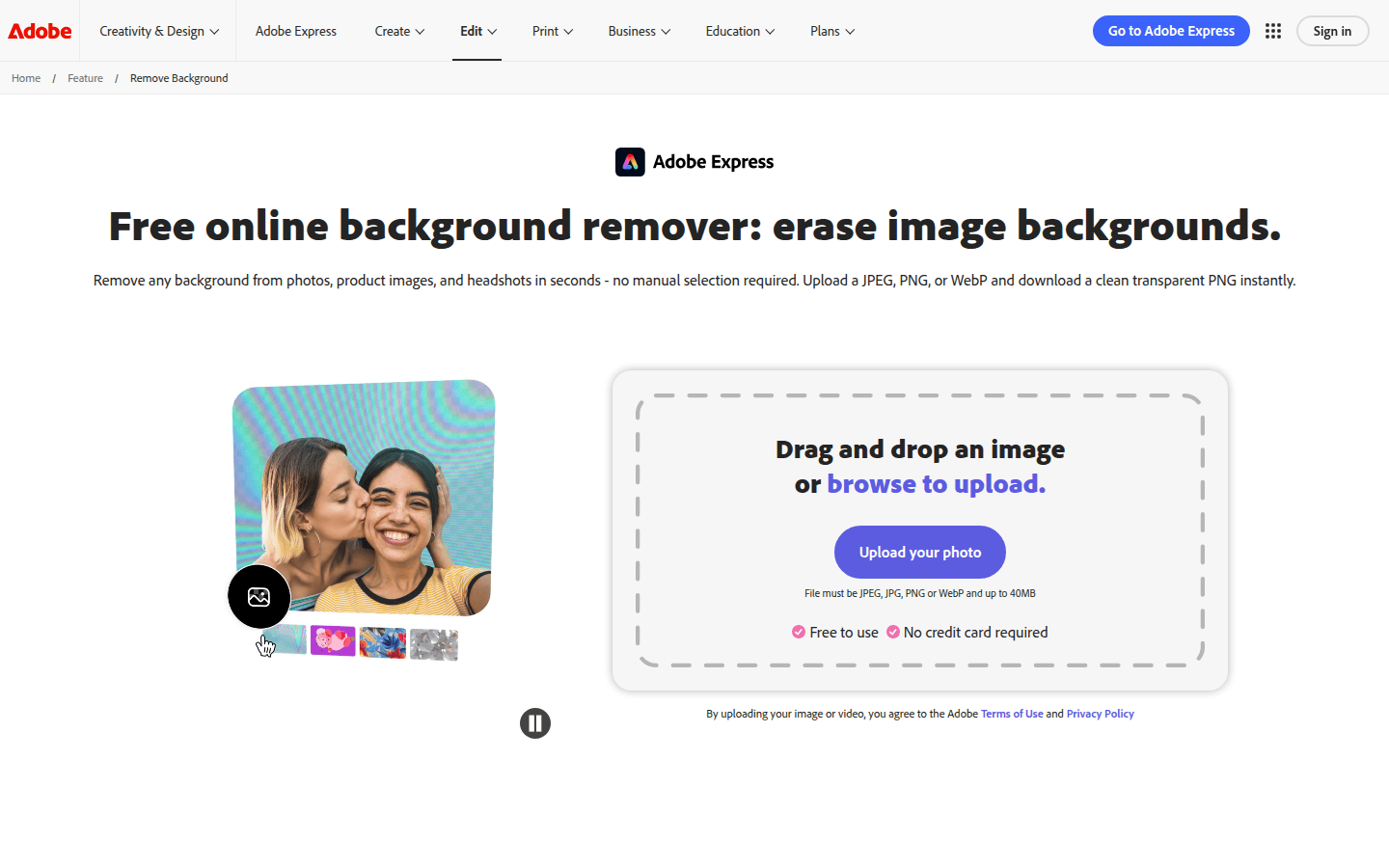
remove.bg is the most direct fit in this set when you are isolating your own image. Its public pitch is straightforward: remove the background automatically and create a transparent PNG.
Its API documentation is also unusually specific about output handling. It lists PNG, JPG, WebP, and ZIP formats, and notes that PNG is the format that supports transparency.
There is a meaningful limit attached to that clarity. The same documentation says PNG output is limited to up to 10 megapixels, and recommends WebP or ZIP if you need transparency on larger outputs.
That makes remove.bg especially useful for teams that care about exact downstream file behavior, automated workflows, or batch processing. It is built less for browsing assets and more for cleanly isolating your own image.
Adobe Express starts in a similar place but points toward a different kind of finish. It accepts JPEG, PNG, and WebP uploads and says you can download a clean transparent PNG instantly.
Adobe also leans on convenience around that step. Its page says no software download is required and no account is required to get started, which lowers the friction for quick browser work.
The larger distinction is what happens after the cutout. Adobe Express says you can save the transparent PNG or open the result in Adobe Express to add a new background, apply filters, or place it into a design.
That continuity matters if the cutout is only one step inside a social post, quick ad, or simple composite. You do not have to stop after background removal and move elsewhere right away.
Freepik and Canva overlap with this job, though both come with narrower fit. Freepik outputs PNG files with transparent backgrounds, but its free use is limited to one image per day.
Canva also offers a Background Remover, yet its own documentation says it works for photos and is not available for vector images. That makes it more useful for cleanup inside Canva than as a universal remover.
If your starting point is almost always your own photo and your ending point is a transparent cutout, remove.bg and Adobe Express are the clearest first stops. Freepik and Canva make more sense once ecosystem convenience becomes the bigger concern.
Editable icon workflows hinge on vector access and credit rules
Icon sourcing introduces a different kind of friction. The main question is usually not whether you can download an asset quickly, but whether the file stays editable after download.
Flaticon is very clear about its role. Its homepage presents the service around icons and stickers in PNG, SVG, EPS, PSD, and CSS formats.
The pricing page sharpens the split. Free downloads are positioned in PNG, while Premium adds SVG, EPS, PSD, and BASE64 downloads.
That makes Flaticon easy to understand when you know you are shopping for icons rather than removing backgrounds. The tradeoff is a plain one: free raster convenience versus paid vector flexibility.
The legal terms are just as important as the format list. Flaticon says free use is authorized when content is duly credited, and that a subscription is required to use content without that crediting.
So Flaticon suits designers who want a dedicated icon library and do not mind treating vector access and no-credit use as paid decisions. It is a weaker fit if broad free reuse without attribution is the priority.
Freepik covers a wider range of asset needs, but the format rules take more attention. Its documentation lists SVG, EPS, and AI as vector formats, and describes PNG as suitable for transparency.
The same format table says JPG and PNG are available on free and premium tiers. SVG is available free with attribution and on premium, while EPS, AI, and PSD require a paid plan.
That gives Freepik more flexibility than Flaticon if you want mixed asset types inside one account. The tradeoff is that you have to track both format eligibility and attribution status more carefully.
Its licensing terms make that plain. Free users must attribute, while Premium, Premium+, and Pro users do not, and for many teams that policy alone determines whether the free tier is workable.
Unsplash is different again. Its Help Center says illustrations are vectors available to download in SVG, EPS, PNG, and JPG formats.
Its terms also allow commercial use without permission or attribution, subject to license limits. That can be appealing when attribution friction is more annoying than the absence of a dedicated icon catalog.
Still, Unsplash is not really an icon platform. It works better as an illustration source when you need a reusable graphic asset, not as the main destination for systematic icon-file sourcing.
Broad ecosystems help most when one account matters more than pure specialization
Some teams do not want the best remover and a separate best icon library. They want one login, one search habit, and one place to keep the work moving.
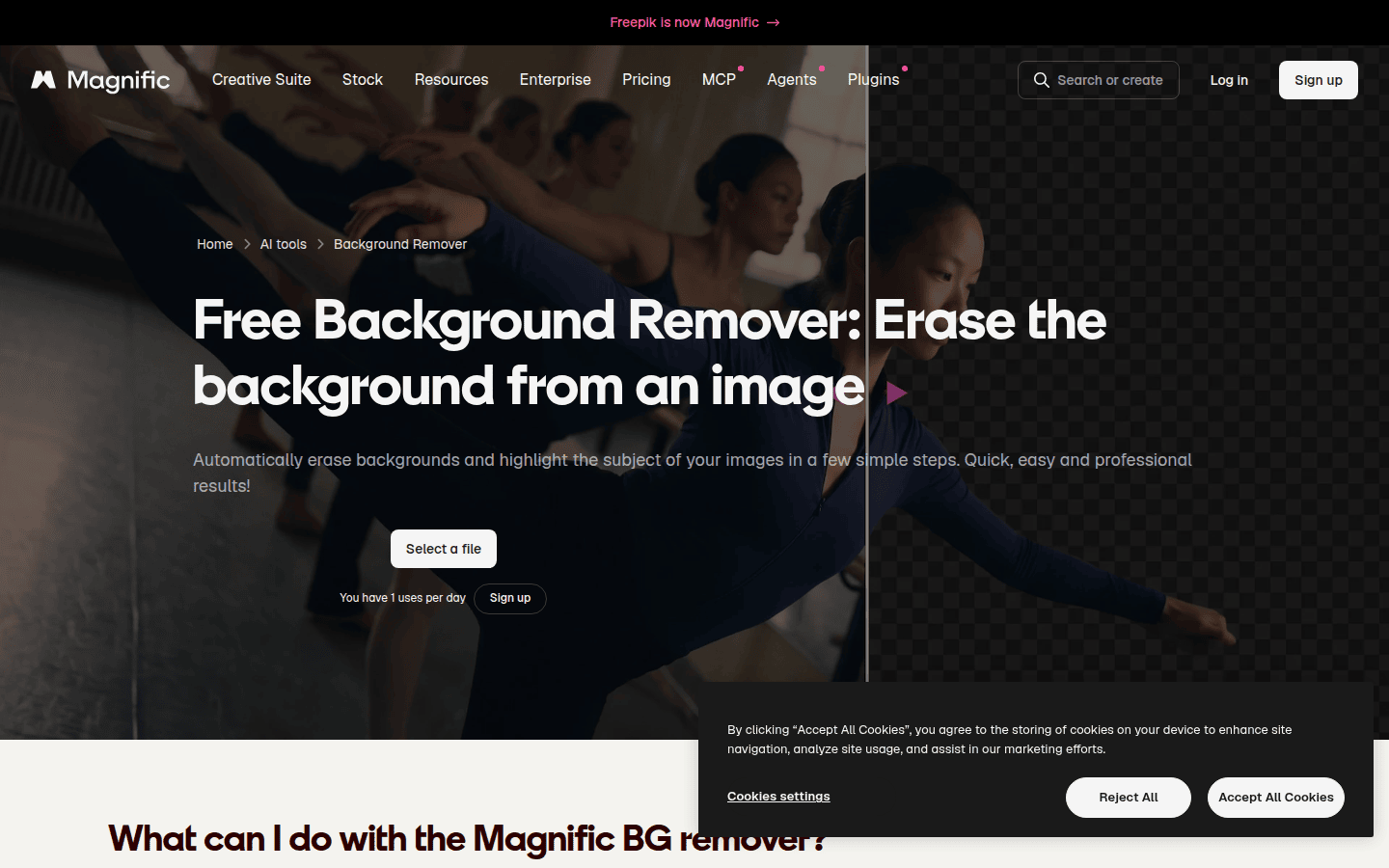
Freepik is the strongest example of that middle ground in this group. It combines vector-format access with a background remover that outputs transparent PNG files.
That blend is useful when the workflow mixes found assets and simple cleanup. You might pull vectors for one layout, then isolate a product photo or portrait without leaving the same service.
The limits are what keep it from being the default answer for everyone. SVG on the free tier still requires attribution, EPS and AI are paid-only, and free background-remover use is capped at one image per day.
So Freepik works best when breadth matters more than simplicity. It can cover more jobs than Flaticon or remove.bg alone, but it asks the user to pay closer attention to plan rules.
Canva looks broad from the outside, but its strongest role here comes later in the chain. Canva documents transparent-background PNG export on eligible paid or nonprofit and education plans.
It also documents SVG downloads on eligible plans and notes that SVG supports transparency. That is useful when your asset already lives inside a Canva design and you need a cleaner export path.
Its own remover limitation is the important check. Canva says its Background Remover is not available for vector images, so it is not the place to solve every transparent-asset problem from scratch.
Adobe Express sits between specialist tool and wider editor in a different way. Its strength here is not vector sourcing, but the ability to remove a background and continue editing in the same service.
If your typical need is a quick promotional graphic built from your own cutout rather than a deep icon archive, Adobe Express can feel more coherent than moving between a remover and a separate editor.
Licensing details can outweigh file specs
File format is only part of the decision. An asset can be technically perfect and still be awkward to use if it carries a credit requirement your placement cannot support.
Flaticon is explicit on this point. Free use requires crediting, and a subscription is the route to using its content without that crediting.
Freepik follows a similar pattern. Free users must attribute, while paid users do not, which makes the free tier easier for drafts or visible credits than for many client-facing placements.
Unsplash is looser on attribution. Its terms allow commercial use without permission or attribution, subject to license limits.
That can change the practical choice. Some teams care less about vector purity than about keeping reuse conditions light, and Unsplash can remove a legal friction point that free icon libraries often keep in place.
Pexels belongs here mostly as context. Its license says photos and videos are free to use and attribution is not required, but that does not make it a confirmed transparent-asset or vector-download tool in this set.
remove.bg needs a different kind of caution. Its subscription-benefits page describes commercial-use permission as a subscription benefit, so free usage should not be assumed to carry the same permission.
That is easy to miss because background removers can feel like file utilities rather than licensed services. But if the cutout is heading into paid brand work, the rights language still matters.
Practical picks by workflow
Choose remove.bg when the work starts with your own photo and ends with a transparent cutout, especially if output specifics matter. Its PNG promise is direct, and its API documentation gives concrete format detail.
Choose Adobe Express when the cutout is only the first step. It is the cleaner fit for browser-based work that continues straight into editing, layout, and quick reuse inside the same tool.
Start with Flaticon when your real need is an editable icon file and you want a dedicated icon library. Just treat vector access and no-credit use as paid decisions from the start.
Pick Freepik when you want a broader asset ecosystem that can handle both sourcing and light cleanup. It is the strongest fit here for mixed workflows, as long as its free limits and attribution rules do not slow you down.
Keep Canva in the stack when assembly and export are the main tasks. It is more useful as a downstream editor than as the primary answer to transparent-asset sourcing, especially if vector-image removal matters.
Use Unsplash as a side route when illustration downloads matter more than dedicated cutout or icon tooling. It is not the leader for systematic cutouts or icons, but it can be the easier rights choice for reusable illustrations.
If the reason you need transparency is motion rather than print or layout, a clean export still matters later. That is where a transparent logo animation workflow becomes easier, because the file arrives with less cleanup attached.
The simplest rule is still the best one: for uploaded photos, use a cutout tool; for editable icons, use a vector or icon library; for mixed sourcing and cleanup, use the ecosystem whose limits you can actually live with.
 Icon Template
 Photo Template
 Photo Template
 Icon Template