
Before you start
- Choose a template for the same product mode as your source: logo, photo or icon.
Steps
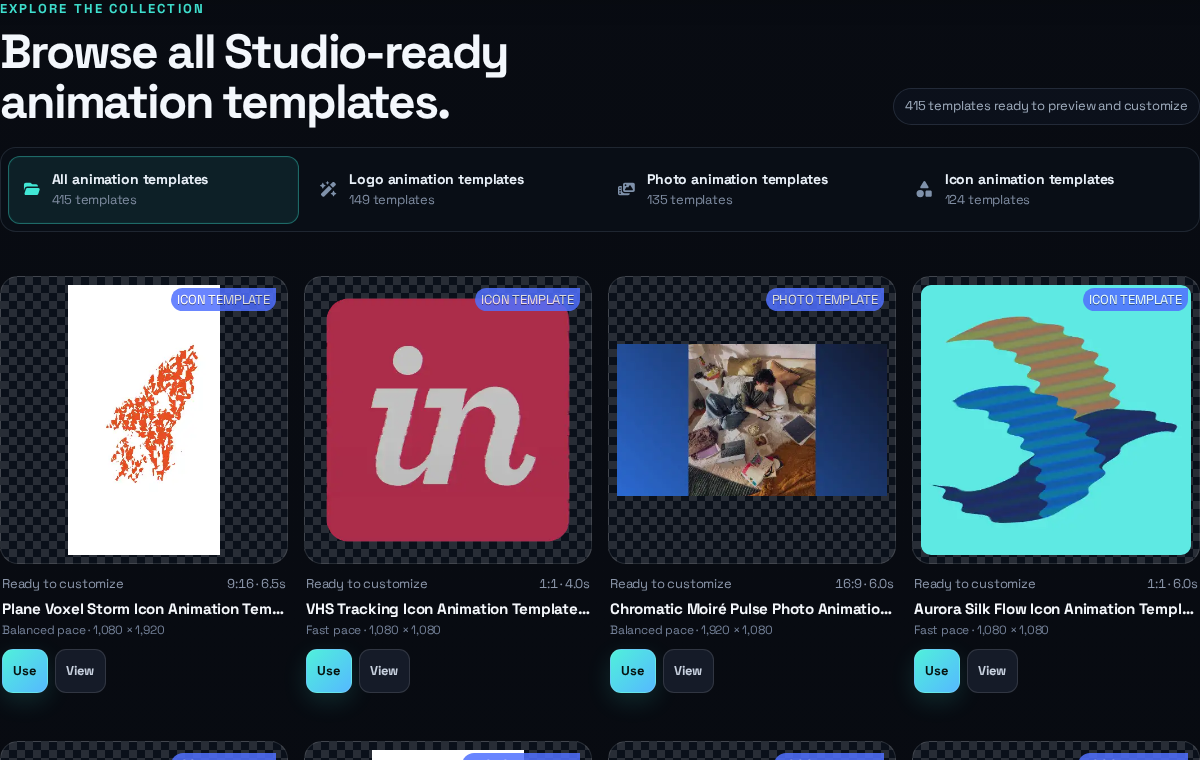
- Open the template library and choose a product collection.
- Choose View to inspect the public preview and details.
- Choose Use to open the template in Studio.
- Replace the source with your own compatible asset.
- Review the timing, canvas, background, sound and effect-specific controls before saving.
Expected result
Your saved result becomes a separate project; the public template and your original source are not modified.
Common problems
- If a template does not suit the source, return to the matching template collection or choose another animation effect in Motion.