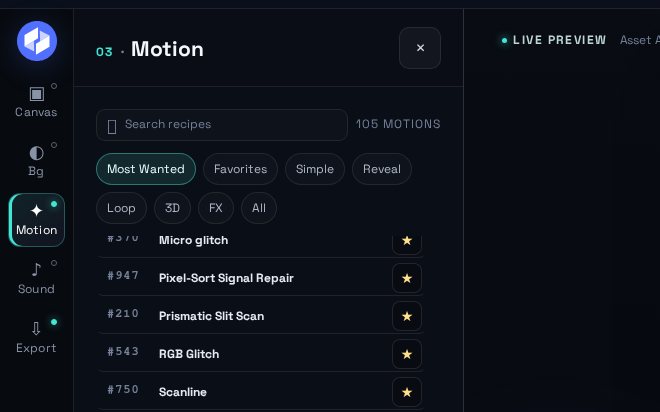
How to choose an animation effect and change its settings
General
Logo
Photo
Icon
Open Motion to browse compatible animation effects, then use the controls exposed by the selected animation effect. Duration, scale and background are shared project settings; direction, intensity, depth, fragments, copies and other controls appear only when that effect supports them.
Browse Help topicsOpen full sizeAnimation effects expose shared controls and additional settings specific to the selected effect.On this page