
Animate with a purpose
Use movement to guide attention through a hero, feature or campaign moment instead of animating every image.
Animated images for websites
Upload your image, choose purposeful web motion, preview it at practical sizes and save the project free. 1-Year Access unlocks rendering and downloads.

Visual motion that respects the page
Use concise depth, lens, pulse and surface treatments for hero areas, feature panels, product sections and visual stories. Motion adds focus while readability, responsiveness and page performance remain the priority.
How DanceLogo works
A focused browser workflow takes your photo from upload to purposeful web motion without a heavy desktop animation suite.

Start with a PNG, JPEG or WebP image from your device or choose a saved photo from My Assets.

Try concise depth, lens, pulse or surface motion for a hero, feature panel, campaign section or editorial story.

Check responsive framing, timing, dimensions and background, then render for the intended website placement.
Built around your image and the page
Balance motion, responsive framing, efficiency and accessibility, preview the asset at real sizes and keep every project ready for publishing.
Use movement to guide attention through a hero, feature or campaign moment instead of animating every image.
Match duration, dimensions and visual complexity to the placement to reduce unnecessary page weight and delay.
Check desktop and mobile crops so the subject and motion remain clear across practical display sizes.
Keep a clean static image available for reduced-motion preferences, unsupported playback and slower connections.
Keep projects online so you can replace the image, revisit the web placement or refine the timing later.
Choose dimensions and a format appropriate for the browser, content system and final placement.
Where web image motion supports the experience
A purposeful animation can strengthen a web moment while keeping content speed and attention in view.
Introduce a page or story with one focused motion moment while the content remains the priority.
Give launches, promotions and feature imagery more presence inside a responsive page layout.
Add controlled movement to selected work, case studies and narrative images without overwhelming the page.
Studio-ready starting points
Preview a web-friendly animation, replace its source and tune the framing and pace around your own image.
 Photo Template
Fast pace · 1,920 × 1,080
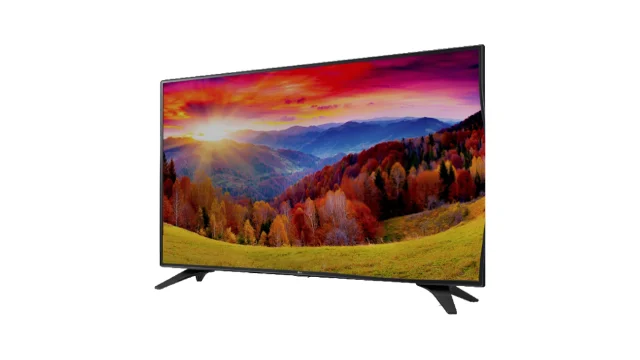 Photo Template
Balanced pace · 1,920 × 1,080
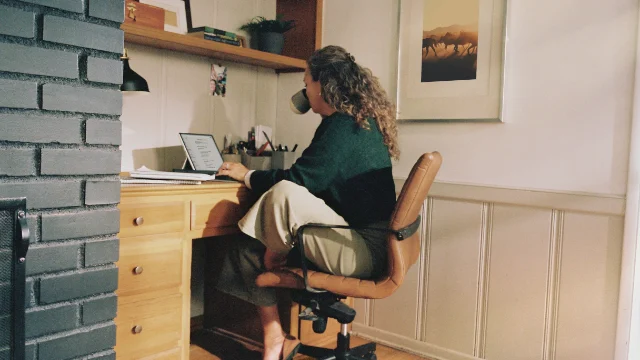 Photo Template
Balanced pace · 1,920 × 1,080
 Photo Template
Balanced pace · 1,920 × 1,080
Frequently asked questions
Clear answers about the artwork, workflow, previews and final files.
Good placements include hero areas, feature panels, product sections, campaign pages and editorial stories where motion supports attention or narrative.
Any media adds weight. Use suitable dimensions, duration and compression, reserve layout space and avoid loading a larger animation than the placement requires.
Usually only subtle ambient movement should repeat. Strong transformations work better as a purposeful entrance or interaction.
Provide a still image or reduced-motion state and let the website respect the visitor’s prefers-reduced-motion setting.
Yes. Save separate projects or exports when the placements need different aspect ratios, framing or dimensions.
DanceLogo supports a PNG frame, GIF, animated WebP, Frame ZIP, WebM and MP4. Browser support, sound and transparency depend on the chosen format.