
Keep the subject readable
Add movement around the original frame without losing the subject, hierarchy or visual focus.
Online image animation maker
Upload your image, choose a compatible movement, preview the complete result and save the project free. 1-Year Access unlocks rendering and downloads.

Movement that respects the original composition
Use depth, sway, fabric, lens and cinematic treatments to add atmosphere around an existing image. The movement creates focus while the original subject and composition remain readable.
How DanceLogo works
A focused browser workflow takes your image from upload to polished movement without a heavy desktop animation suite.

Start with a PNG, JPEG or WebP photo from your device or choose a saved image from My Assets.

Try depth, sway, fabric, lens and cinematic treatments that suit the subject and composition.

Adjust timing, intensity, crop, canvas and background, then preview and render for the intended placement.
Built around your image
Balance motion, composition, pacing and output needs, preview the complete take and keep every project ready for another placement.
Add movement around the original frame without losing the subject, hierarchy or visual focus.
Tune duration, intensity, scale and movement to fit a subtle editorial image or energetic campaign asset.
Preview portrait, square and landscape framing so important details remain inside the final canvas.
Watch the complete movement in your browser before deciding how the final animation should feel.
Keep projects online so you can replace the image, revisit the direction or refine the timing later.
Prepare animated image and video files for websites, social media, campaigns and presentations.
Where image motion earns attention
Controlled movement can add focus to social posts, campaigns and digital layouts without replacing the photography people need to see.
Give portraits, stories, announcements and feature images more movement in crowded feeds.
Turn still campaign and product photography into more expressive launch and promotional assets.
Add controlled motion to hero areas, feature sections, slides and branded digital experiences.
Studio-ready starting points
Preview a photo animation, replace its source and tune the framing and pace around your own image.
 Photo Template
Fast pace · 1,920 × 1,080
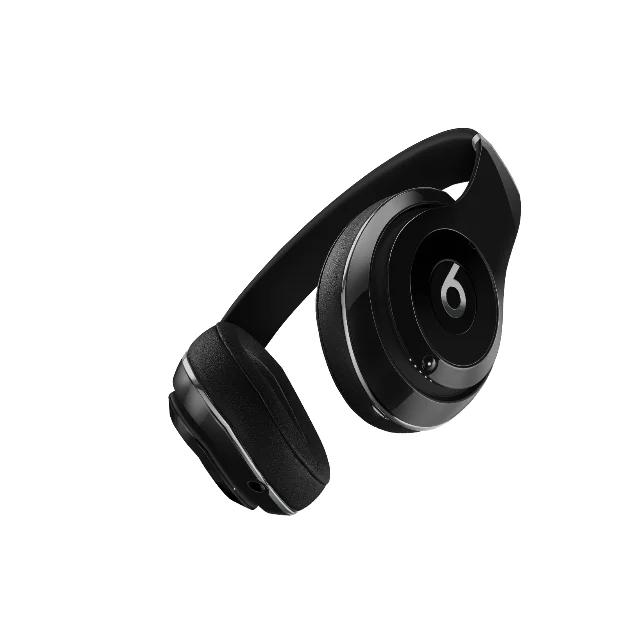 Photo Template
Balanced pace · 1,080 × 1,080
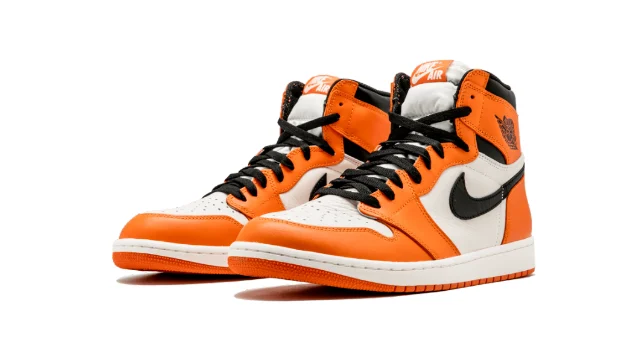 Photo Template
Balanced pace · 1,920 × 1,080
 Photo Template
Balanced pace · 1,080 × 1,920
Frequently asked questions
Clear answers about the artwork, workflow, previews and final files.
Yes. Upload a PNG, JPEG or WebP image, or choose one from My Assets, then select compatible motion in DanceLogo Studio.
Clear images with a strong subject and comfortable space around important details are easier to animate and reframe across different canvases.
Yes. Adjust the framing and canvas for portrait, square or landscape placements, then preview the complete movement before exporting.
Yes. Choose a loop-friendly motion when repeated playback suits the placement, and preview several cycles before rendering.
Yes. Creating, saving and watching the Studio preview is free. Active paid access is required before rendering starts or files can be downloaded.
DanceLogo supports a PNG frame, GIF, animated WebP, Frame ZIP, WebM and MP4. Sound and transparency support depend on the selected format.