
Build for repetition
Choose movement that returns to a compatible visual state without an obvious jump between cycles.
Online seamless photo loop maker
Upload your photo, choose a loop-friendly movement, preview repeated cycles and save the project free. 1-Year Access unlocks rendering and downloads.
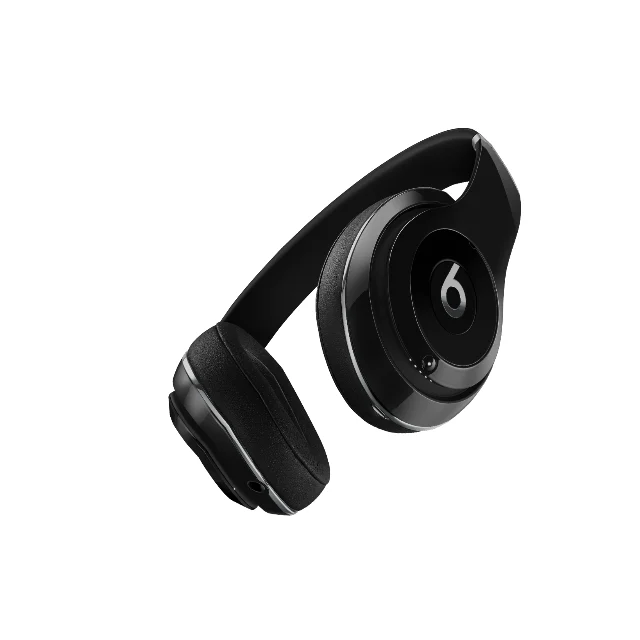
Continuous motion without the visible reset
Use sway, orbit, echo and flowing motion to create a repeatable path around an existing photo. A controlled rhythm adds ambient energy while the subject remains clear across every cycle.
How DanceLogo works
A focused browser workflow takes your image from upload to repeatable motion without a heavy desktop animation suite.

Start with a PNG, JPEG or WebP image from your device or choose a saved photo from My Assets.

Try sway, orbit, echo and flowing motion with a visual path designed for repeated playback.

Adjust timing, intensity, scale and framing, then watch several restarts before rendering the final loop.
Built around your photo
Balance rhythm, composition, recognition and output needs, preview multiple cycles and keep every project ready for another placement.
Choose movement that returns to a compatible visual state without an obvious jump between cycles.
Tune duration and intensity so the motion can repeat without becoming distracting or exhausting.
Build continuous movement around the source frame while preserving the subject and visual hierarchy.
Watch repeated cycles in your browser and check the transition from the final frame back to the first.
Keep projects online so you can replace the photo, revisit the rhythm or refine the movement later.
Prepare animated image and video files for social media, websites, digital displays and presentations.
Where continuous photo motion adds value
A repeatable movement can support social posts, digital features and ambient screens without demanding attention on every restart.
Create repeatable photo motion for feeds, stories, cover visuals and always-on campaign content.
Add continuous visual interest to hero areas, feature panels, displays and waiting screens.
Keep photography moving across slides, stage visuals, venue screens and branded installations.
Studio-ready starting points
Preview sway, orbit, echo and flow loops, replace the source and tune the rhythm around your own photo.
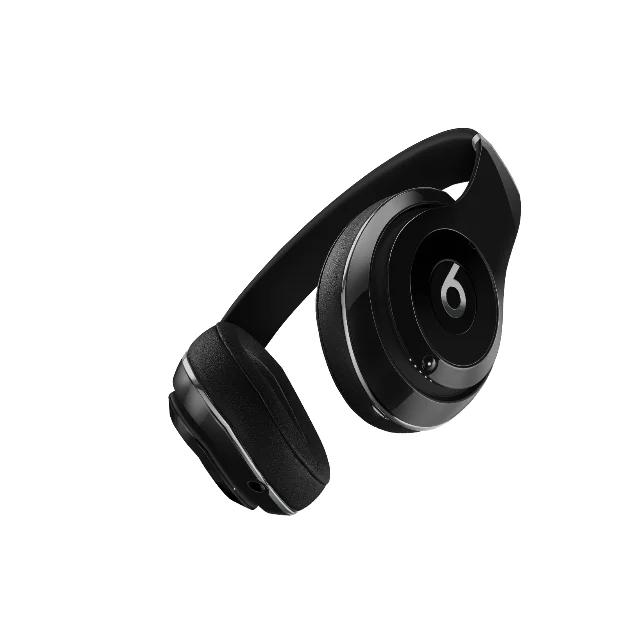 Photo Template
Balanced pace · 1,080 × 1,080
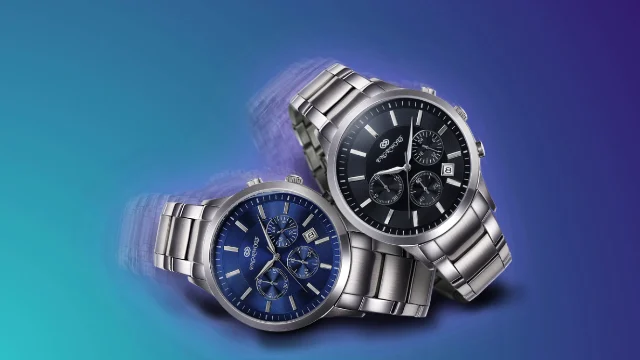 Photo Template
Slow pace · 1,920 × 1,080
 Photo Template
Fast pace · 1,920 × 1,080
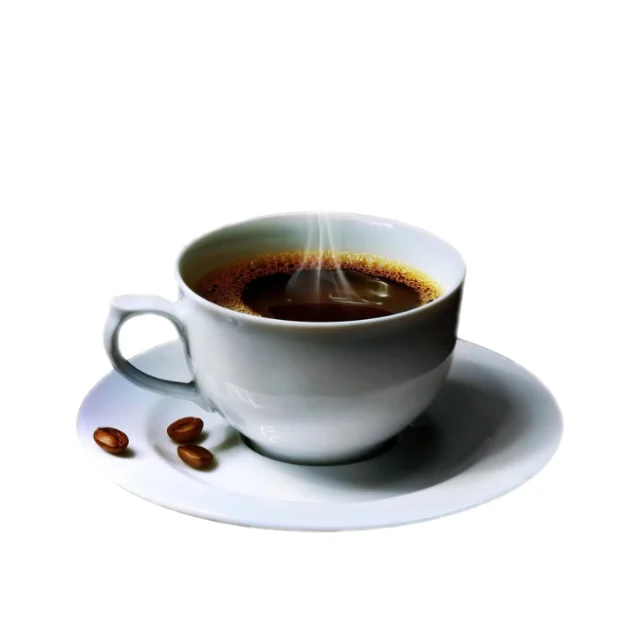 Photo Template
Balanced pace · 1,080 × 1,080
Frequently asked questions
Clear answers about the artwork, workflow, previews and final files.
Yes. Upload a PNG, JPEG or WebP image, or choose one from My Assets, then select a loop-friendly effect in DanceLogo Studio.
A seamless loop returns to a compatible visual state where it began, allowing repeated playback without an obvious jump or pause.
DanceLogo includes sway, orbit, echo, flow and other continuous motion, with compatible choices and controls varying by effect.
Yes. Preview repeated playback in Studio and refine the restart, pacing and composition before rendering the final file.
Yes. Creating, saving and watching the Studio preview is free. Active paid access is required before rendering starts or files can be downloaded.
DanceLogo supports a PNG frame, GIF, animated WebP, Frame ZIP, WebM and MP4. Sound and transparency support depend on the selected format.