
Design for the feed
Preview the photo at practical mobile sizes so the subject and movement register before the next swipe.
Social media photo animation maker
Upload your photo, choose a social-ready effect, preview it at practical feed sizes and save the project free. 1-Year Access unlocks rendering and downloads.
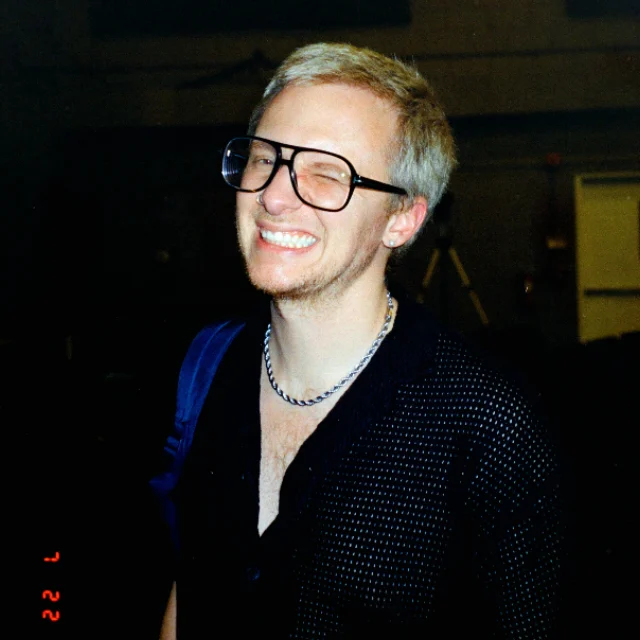
More stopping power without losing the image
Use rise, pulse, spin, refraction and afterimage motion for posts, short-form stories and campaign assets. The effect adds feed energy while the original photo remains recognizable.
How DanceLogo works
A focused browser workflow takes your image from upload to compact social motion without a heavy desktop animation suite.

Start with a PNG, JPEG or WebP image from your device or choose a saved photo from My Assets.

Try a concise rise, pulse, spin or refraction effect that reads clearly on a small screen.

Check square framing, mobile readability, timing and background, then render for the intended social placement.
Built around your photo
Balance pace, recognition, mobile framing and output needs, preview the complete take and keep every campaign project ready to reuse.
Preview the photo at practical mobile sizes so the subject and movement register before the next swipe.
Build energy around the original frame without losing the person, product or message people need to see.
Tune duration and intensity for short attention windows while leaving enough time for the image to read.
Watch repeated playback in your browser and make sure the loop or restart feels intentional.
Keep projects online so you can adapt a campaign direction, replace the photo or refine the pacing later.
Choose dimensions and a format appropriate for the social platform, editing workflow and final placement.
Where social photo motion earns attention
A focused animation can introduce, connect or emphasize social content while keeping recurring posts and campaigns visually consistent.
Give announcements, portraits, milestones and evergreen photography more movement in the feed.
Turn a still frame into an opener, transition or visual beat for recurring short-form content.
Add energy to product drops, event announcements, offers and coordinated campaign assets.
Studio-ready starting points
Preview a feed-friendly animation, replace its source and tune the framing and pace around your own photo.
 Photo Template
Balanced pace · 1,080 × 1,080
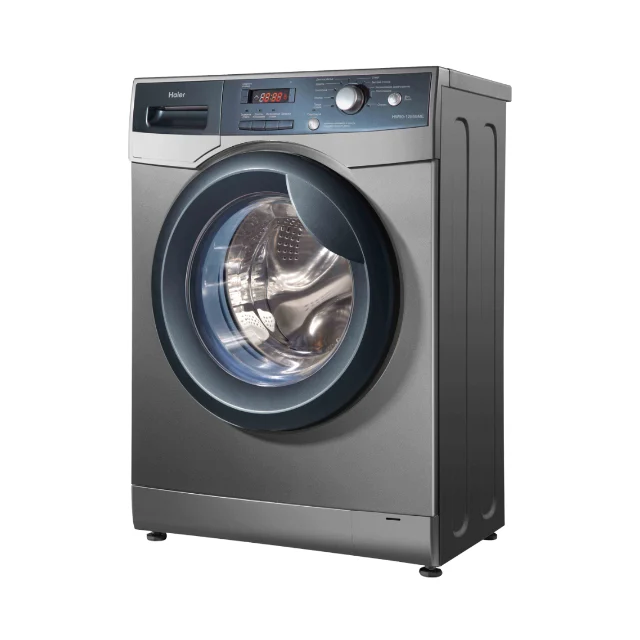 Photo Template
Balanced pace · 1,080 × 1,080
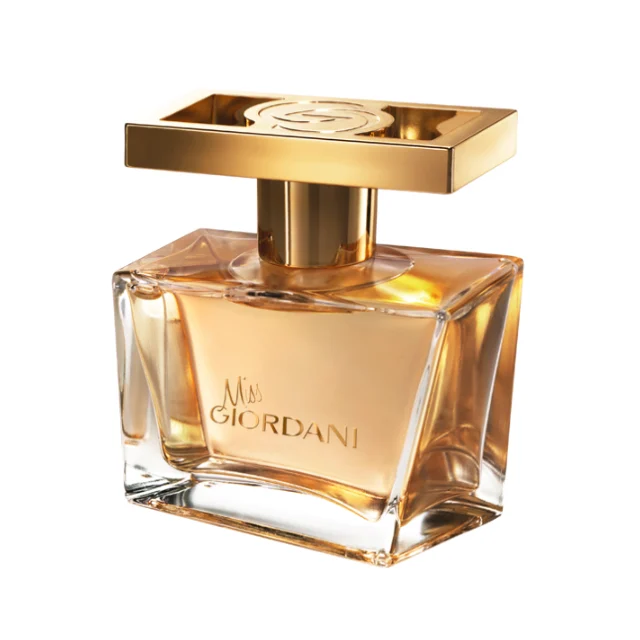 Photo Template
Balanced pace · 1,080 × 1,080
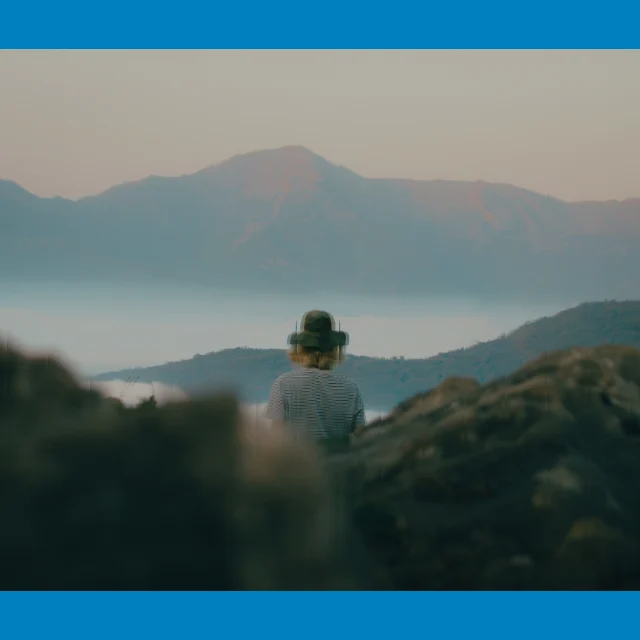 Photo Template
Balanced pace · 1,080 × 1,080
Frequently asked questions
Clear answers about the artwork, workflow, previews and final files.
Yes. Upload a PNG, JPEG or WebP image, or choose one from My Assets, then explore compatible effects in DanceLogo Studio.
Choose the canvas for the intended placement. Square is flexible across many feeds, while portrait and landscape can suit specific story, reel and campaign layouts.
Keep it concise enough to communicate quickly. Strong transformations often work in a few seconds, while subtle ambient movement can loop longer.
Yes. Choose a loop-friendly effect when repeated playback suits the post and preview several cycles before exporting.
Yes. Creating, saving and watching the Studio preview is free. Active paid access is required before rendering starts or files can be downloaded.
DanceLogo supports a PNG frame, GIF, animated WebP, Frame ZIP, WebM and MP4. Platform support, sound and transparency depend on the chosen format.