
Keep the subject in focus
Add atmosphere and energy around the original photo while preserving the visual hierarchy people need to read.
Online photo motion effects
Upload your photo, explore compatible motion, preview the complete effect and save the project free. 1-Year Access unlocks rendering and downloads.

More atmosphere without losing the subject
Use flow, distortion, elastic, particle and camera-inspired motion to add energy around an existing image. The effect supports the subject and composition instead of replacing them.
How DanceLogo works
A focused browser workflow takes your image from upload to expressive motion without a heavy desktop animation suite.

Start with a PNG, JPEG or WebP image from your device or choose a saved photo from My Assets.

Explore flow, distortion, elastic, particle, lens and camera-inspired effects compatible with the image.

Adjust timing, intensity, scale and framing, preview the complete movement and render for the intended channel.
Built around your photo
Balance effect, intensity, crop and pace, preview the complete take and keep every project ready for another placement.
Add atmosphere and energy around the original photo while preserving the visual hierarchy people need to read.
Tune pace, scale and intensity from a restrained ambient move to a stronger campaign treatment.
Preview portrait, square and landscape framing so motion supports the crop instead of fighting it.
Watch the animation from first frame to last and check repeated playback before deciding on the final take.
Keep projects online so you can revisit the direction, replace the image or explore another motion style later.
Prepare animated image and video files for campaigns, social media, websites and presentations.
Where visual motion adds value
A focused effect can strengthen portraits, campaigns and digital features without distracting from the photography people need to see.
Add atmosphere to portraits, editorial photography and narrative images without replacing the original frame.
Give announcements, launches and promotional photography more energy in fast-moving digital placements.
Turn static hero images, slides and display visuals into more engaging focal points.
Studio-ready starting points
Preview flow, atmospheric, elastic and particle motion, replace the source and tune the effect around your own image.
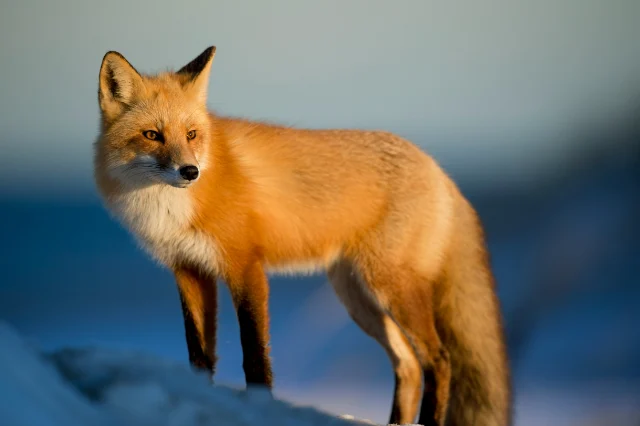 Photo Template
Balanced pace · 1,622 × 1,080
 Photo Template
Balanced pace · 1,920 × 1,080
 Photo Template
Balanced pace · 1,080 × 1,080
 Photo Template
Balanced pace · 1,080 × 1,920
Frequently asked questions
Clear answers about the artwork, workflow, previews and final files.
DanceLogo includes depth, sway, flow, lens, particle, distortion, reveal and cinematic motion, with compatible choices and controls varying by image and effect.
Yes. Upload a PNG, JPEG or WebP image, or choose one from My Assets, then explore the compatible effects shown in DanceLogo Studio.
Yes. Refine timing, intensity, scale, framing and canvas settings, with exact controls depending on the selected effect.
Yes. Select a loop-friendly effect when continuous playback suits the placement and preview several cycles before exporting.
Yes. Creating, saving and watching the Studio preview is free. Active paid access is required before rendering starts or files can be downloaded.
DanceLogo supports a PNG frame, GIF, animated WebP, Frame ZIP, WebM and MP4. Sound and transparency support depend on the selected format.