When Flat Designs Need to Look Real
Imagine a new logo, product packaging, or website interface. Presenting it effectively often means showing it in context, not just as a flat design file. A static image, no matter how polished, rarely conveys the full impact of a brand asset in the real world. Traditionally, achieving this meant hours in Photoshop, meticulously warping and adjusting designs onto stock photos. The rise of AI-powered mockup generators promises to cut this time dramatically, transforming static artwork into presentation-ready visuals with minimal effort. But which tool delivers the most convincing results for brand presentations, client pitches, and internal reviews?
The core challenge isn’t just generating a mockup; it’s about creating one that maintains brand consistency, offers sufficient customization, and integrates smoothly into an existing workflow. A tool that saves time on one end but creates more work in quality control or file management isn’t a true efficiency gain. This comparison evaluates four prominent AI mockup generators—Mockuuups Studio, Canva AI Mockup Generator, Smartmockups, and Artboard Studio—to help you identify the best fit for your specific needs, focusing on how each can enhance your brand’s visual storytelling.
Mockuuups Studio: Deep Library and Flexible Pricing
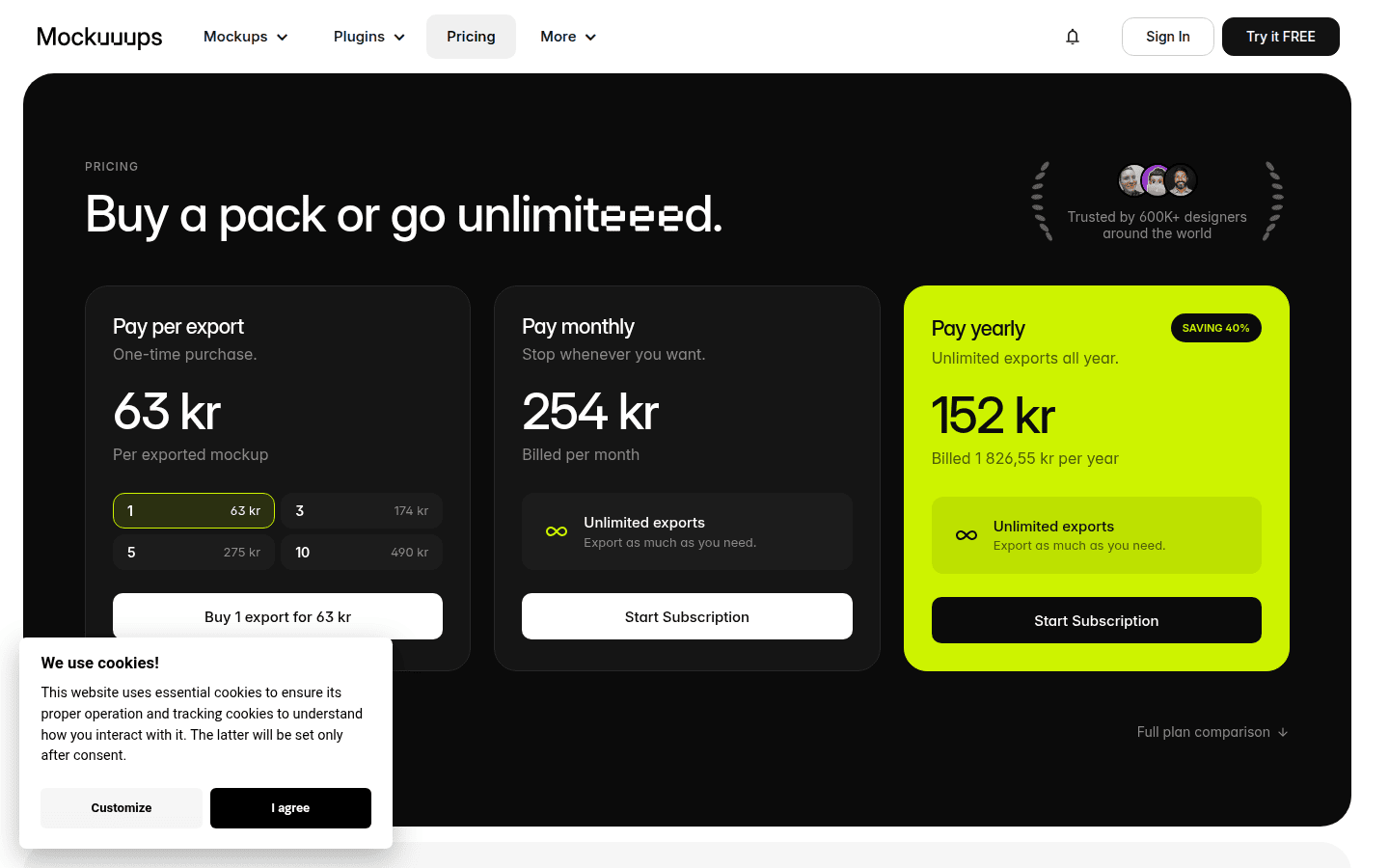
Mockuuups Studio offers a robust solution for designers and marketers who need a vast library of mockups and flexible purchasing options. With access to over 5000 mockups, it caters to a wide range of presentation scenarios, from digital screens to physical products. The platform provides both subscription plans and one-time purchase export pricing, which can be particularly appealing for teams with fluctuating project volumes or those seeking to avoid recurring costs for specific outputs. Educational discounts are also available, making it accessible for students and academic institutions.
The strength of Mockuuups Studio lies in its sheer volume of templates and its focus on realistic, high-quality visuals. This depth allows for diverse presentation styles, ensuring that a brand’s assets can be showcased across various contexts without feeling repetitive. For example, a new app interface can be shown on multiple device types, held by different models, or placed in various environmental settings, all while maintaining visual consistency. This extensive library is crucial for comprehensive brand presentations that require diverse visual storytelling.
Mockuuups Studio also features API integration, which can be a significant advantage for larger teams or agencies looking to automate parts of their mockup generation process or integrate it directly into other design tools and asset management systems. This capability reduces manual intervention and helps maintain a consistent visual output across multiple projects and team members, a common challenge in large-scale brand initiatives.
Best For: Teams needing extensive mockup libraries and API integration for automated workflows.
Canva AI Mockup Generator: Quick, Accessible Brand Visuals
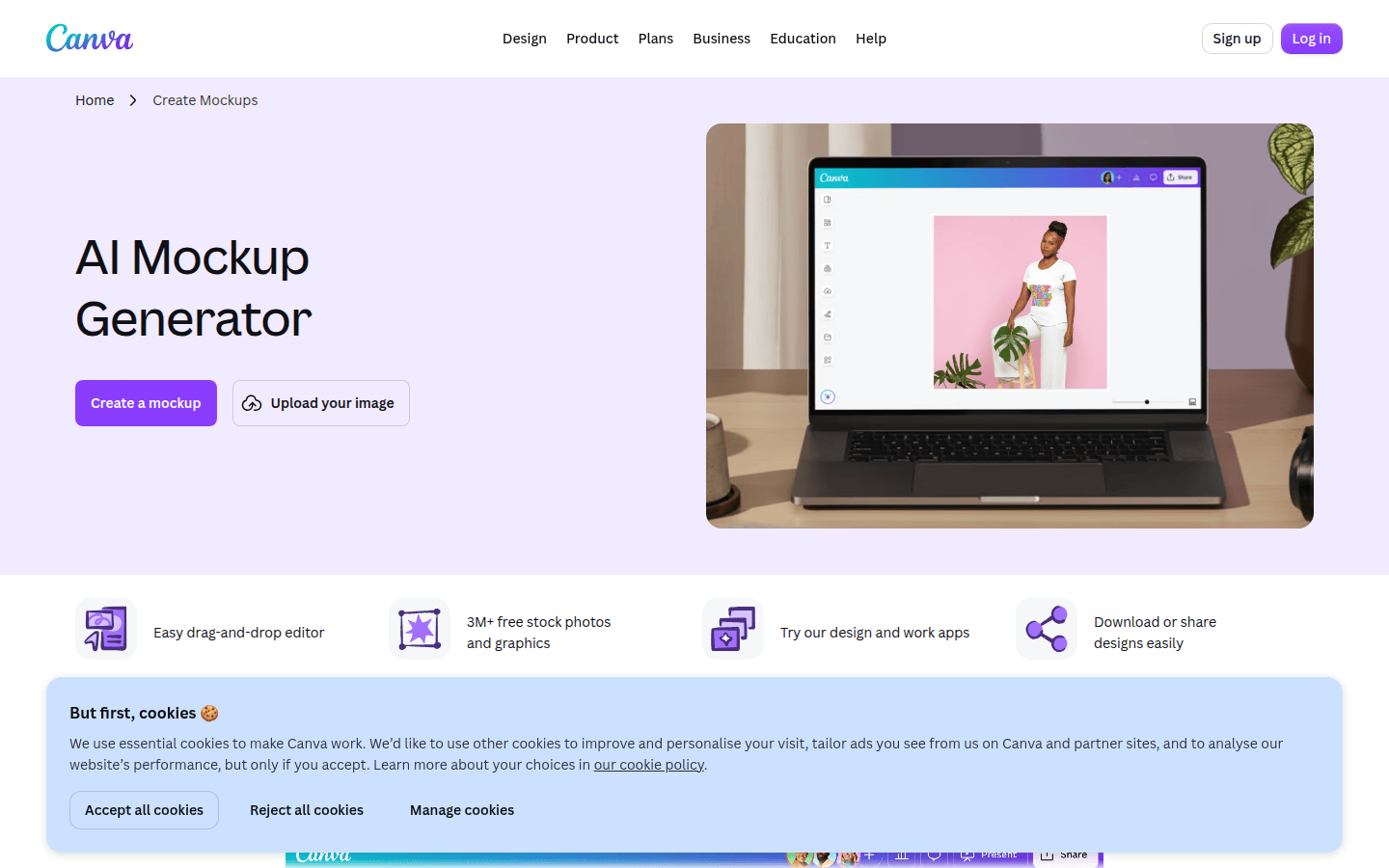
Canva’s AI Mockup Generator integrates seamlessly into its broader design ecosystem, making it an accessible choice for users already familiar with the platform. It excels at creating realistic AI mockups of various products with a single click. This ease of use is a major draw for individuals and small businesses that need to generate professional-looking visuals quickly without specialized design software or extensive training. Another useful checkpoint is AI Mockup Generator – Create AI Mockups Online.
The tool can generate mockups for items like t-shirts, websites, and posters, allowing users to visualize their designs on common products. For instance, a new logo can be instantly applied to a t-shirt worn by a model, or a website design can be placed within a desktop screen, providing immediate context. While it may not offer the same depth of customization or sheer volume of templates as specialist tools, its one-click simplicity and integration within Canva’s suite make it highly efficient for basic, everyday presentation needs.
Canva’s mockup generator is part of its overall pricing structure, meaning users with a Canva subscription can access this feature without additional costs. This bundled approach makes it a cost-effective option for those already subscribed to Canva for other design tasks. Its primary limitation is its focus on quick generation rather than deep customization, which might not suit complex branding projects requiring precise control over every visual detail.
Best For: Quick generation of basic branded mockups within an existing Canva workflow.
Smartmockups: Interface Designs to Presentation Shots
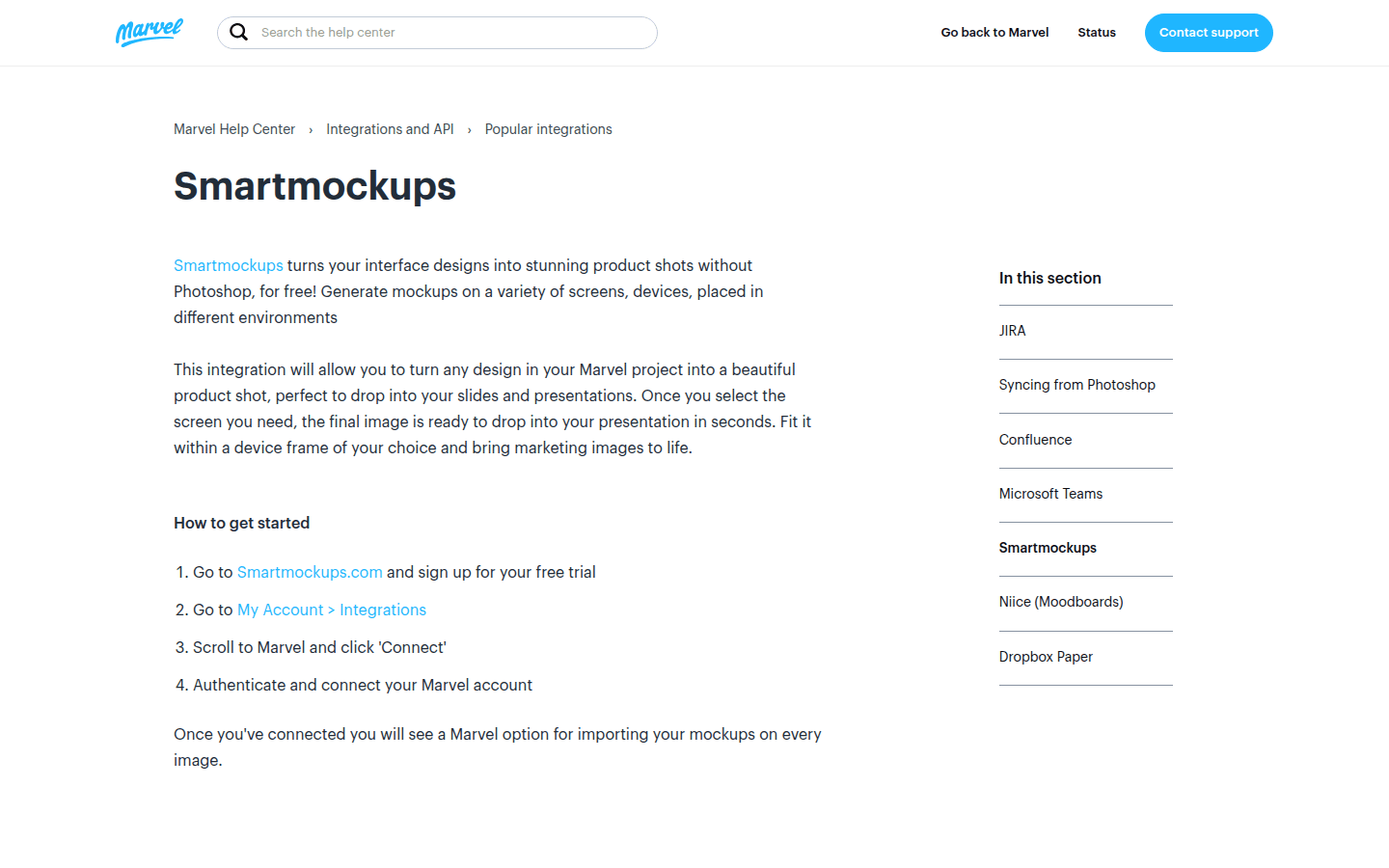
Smartmockups, now part of Marvel, focuses on transforming interface designs into polished product shots suitable for slides and presentations. Its core value proposition is the ability to create high-quality mockups without requiring Photoshop skills. This makes it an excellent choice for UI/UX designers, product managers, and marketing teams who need to visualize digital products in realistic settings for pitches and client reviews.
The platform is designed to take raw interface designs—like screenshots of an app or website—and place them convincingly onto various digital devices, print materials, or environmental scenes. This process helps stakeholders visualize how a digital product will look and feel in actual use, moving beyond abstract wireframes or static screens. For example, a mobile app screen can be shown on a smartphone held in a hand, or a desktop application can be displayed on a laptop in a workspace.
Smartmockups emphasizes presentation-ready outputs, ensuring that the generated visuals are suitable for direct inclusion in slide decks, marketing materials, or case studies. While specific pricing details were not available in the provided sources, its integration with Marvel suggests it aims to be a seamless part of a broader design and prototyping workflow. The tool’s focus on digital interface visualization makes it a specialist in that domain, offering a streamlined experience for a particular type of brand asset.
Best For: Converting interface designs into presentation-ready product shots without requiring Photoshop.
Artboard Studio: AI-Enhanced Visuals for Client Pitches
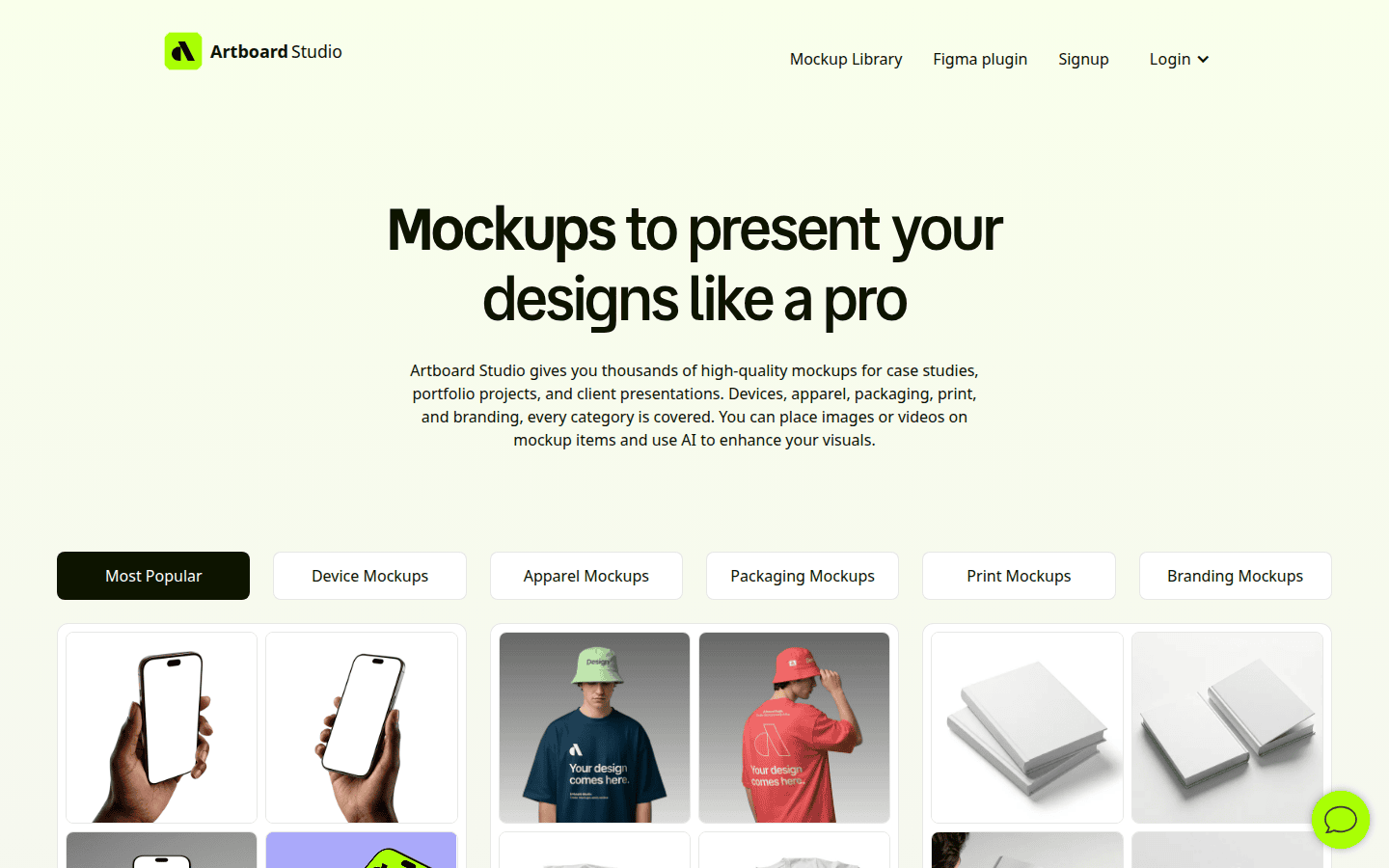
Artboard Studio positions itself as an online mockup generator and editor for designers, offering thousands of mockups with AI-enhanced visuals specifically for client presentations. It aims to provide a comprehensive solution for creating professional, visually rich presentations that impress clients and effectively communicate brand concepts. The platform’s emphasis on AI enhancement suggests it goes beyond simple placement, potentially offering more sophisticated adjustments for realism and visual appeal.
The extensive library of thousands of mockups means designers have a wide array of options for showcasing their work across different product categories and scenarios. This variety is critical for creating compelling case studies and client pitches that require diverse visual evidence of a brand’s application. Whether it’s packaging design, editorial layouts, or environmental branding, Artboard Studio aims to provide the contextual visuals needed to tell a complete brand story.
For example, a new beverage label can be shown on various bottle shapes in a lifestyle setting, or a magazine layout can be presented within a realistic print mockup, complete with shadows and reflections. The AI-enhanced visuals likely contribute to a higher degree of realism, helping to bridge the gap between digital design and physical perception. While pricing details were not specified, its focus on professional designers and client presentations suggests a robust feature set tailored to high-stakes visual communication.
Best For: Client presentations and case studies requiring a wide range of AI-enhanced, professional mockups.
Choosing the Right AI Mockup Generator
When selecting an AI mockup generator, consider your primary use case and the level of control you need over the final visual. Each tool offers a distinct approach to transforming your designs into presentation-ready assets. The “best” choice depends on how deeply you need to integrate mockups into your workflow, the variety of assets you typically present, and your budget constraints.
Brand Asset Integration
- Mockuuups Studio: Strong with API integration, suitable for automating asset placement across a large volume of projects. Its extensive library supports diverse brand applications.
- Canva AI Mockup Generator: Excellent for quick, one-off integrations within Canva’s ecosystem. Ideal for basic brand assets like logos on apparel or simple screen designs.
- Smartmockups: Specializes in integrating UI/UX designs into device mockups, making it perfect for digital product presentations.
- Artboard Studio: Offers broad integration for various product types, with AI enhancements to ensure brand assets look realistic in context.
Template Variety
- Mockuuups Studio: Offers over 5000 mockups, providing unparalleled variety for almost any scenario. This breadth is valuable for agencies managing diverse client portfolios.
- Canva AI Mockup Generator: Provides a good selection for common products (t-shirts, websites, posters), suitable for general marketing and social media content.
- Smartmockups: Focuses heavily on digital device mockups, offering depth within that specific category.
- Artboard Studio: Features thousands of mockups, covering a wide range of physical and digital products, with an emphasis on presentation quality.
Customization Depth
- Mockuuups Studio: Allows for significant customization given its large library, enabling users to select specific angles, environments, and models.
- Canva AI Mockup Generator: Offers limited customization beyond basic placement, prioritizing speed and simplicity.
- Smartmockups: Provides focused customization for device and interface presentations, ensuring the digital content is displayed optimally.
- Artboard Studio: Offers AI-enhanced visuals, suggesting a higher degree of sophisticated customization and realism in the final output.
Output Resolution and Quality
While specific resolution details were not consistently provided across all sources, tools like Mockuuups Studio and Artboard Studio, which cater to professional designers and client presentations, typically prioritize high-resolution outputs suitable for print and large-screen displays. Canva’s outputs are generally optimized for digital use and social media, while Smartmockups focuses on presentation-ready visuals for digital interfaces. Always verify the export options and file formats to ensure they meet your project’s technical requirements.
Pricing Model and Export Limits
- Mockuuups Studio: Offers both subscription and one-time purchase options, providing flexibility. Paid plans grant access to the full library and educational discounts.
- Canva AI Mockup Generator: Included as part of the broader Canva subscription, making it a value-add for existing users.
- Smartmockups & Artboard Studio: Pricing information was not detailed in the provided sources. It’s advisable to check their official websites for current subscription models and any export limitations.
Workflow Fit for Presentations, Pitches, and Client Decks
Consider how each tool integrates into your existing design and presentation workflow. If you frequently use Canva for other design tasks, its integrated mockup generator offers convenience. For teams requiring extensive libraries and potential API automation, Mockuuups Studio stands out. UI/UX designers will find Smartmockups tailored to their specific needs, while Artboard Studio caters to those who need high-quality, AI-enhanced visuals for impactful client pitches and case studies. For more on creating compelling visuals, consider how AI image generation works for on-brand visuals or how to evaluate product mockups for honest scale and perspective. You might also explore Adobe’s approach to mockup generation for another perspective on integrating design assets into realistic contexts.
Ultimately, the best AI mockup generator is the one that most efficiently translates your flat designs into compelling, contextual visuals, allowing your brand story to resonate clearly with your audience. Evaluate each option against your specific project demands and team capabilities to make an informed decision that enhances your visual communication strategy.
 Icon Template
 Photo Template
 Icon Template
 Logo Template