Why Consistent Social Templates Prevent Visual Drift
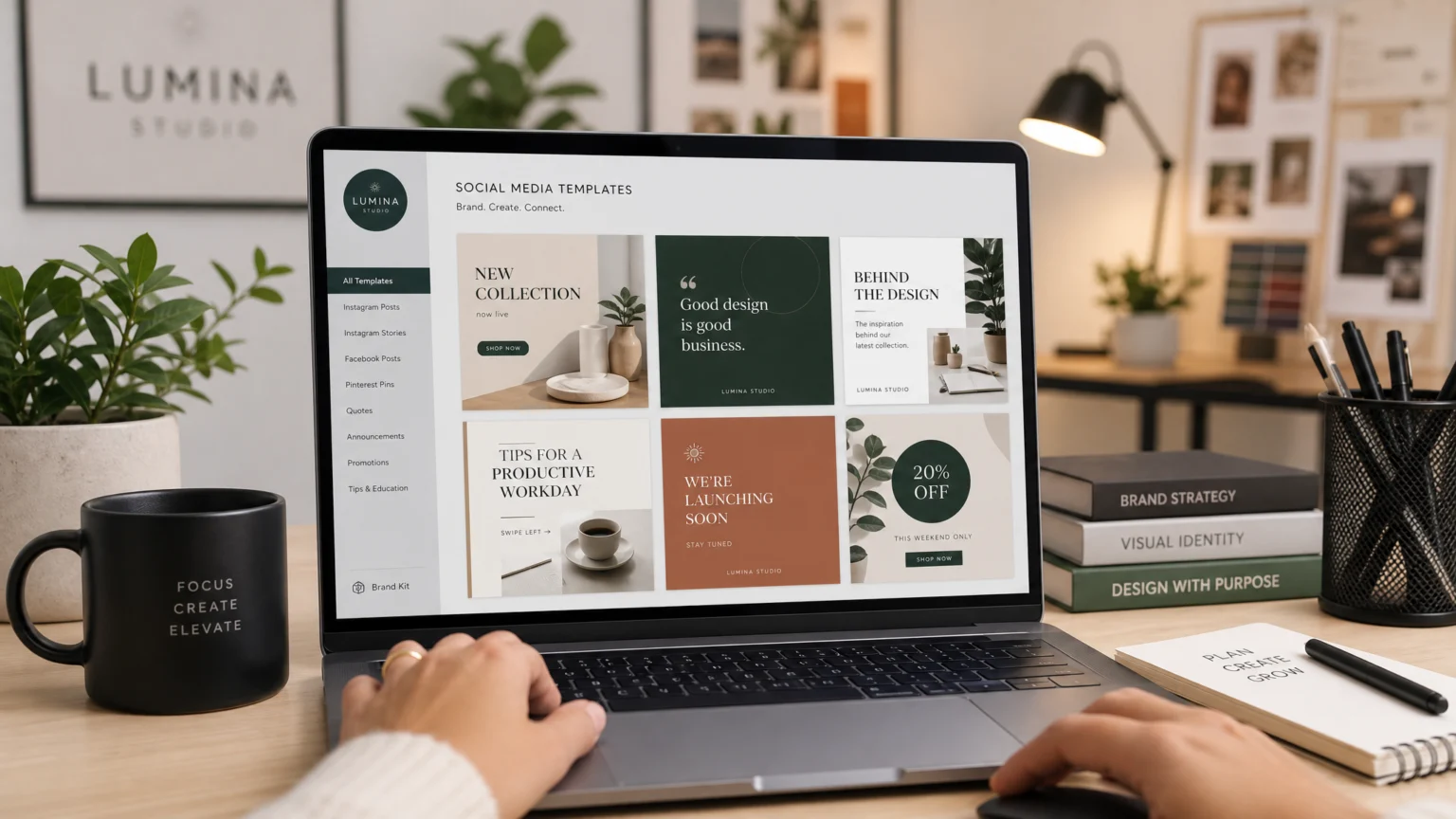
Imagine a brand’s social media feed where every post looks slightly different: logos are stretched, colors are off-palette, and fonts vary wildly. This visual inconsistency, often called ‘visual drift,’ erodes brand recognition and trust. It signals a lack of attention to detail, making it harder for audiences to connect with your message. This problem frequently arises when multiple team members or agencies contribute content without clear design guardrails.
The solution isn’t just about creating more content; it’s about ensuring every piece aligns with a unified brand identity. Branded social media templates enforce design standards while still allowing for necessary content variations. These tools centralize brand assets and streamline the creation process, empowering content creators to work efficiently without compromising visual integrity. This comparison explores platforms that balance creative freedom with strict brand control, helping teams produce high-quality, on-brand social content at scale.
Canva Brand Templates: Balancing Accessibility with Control
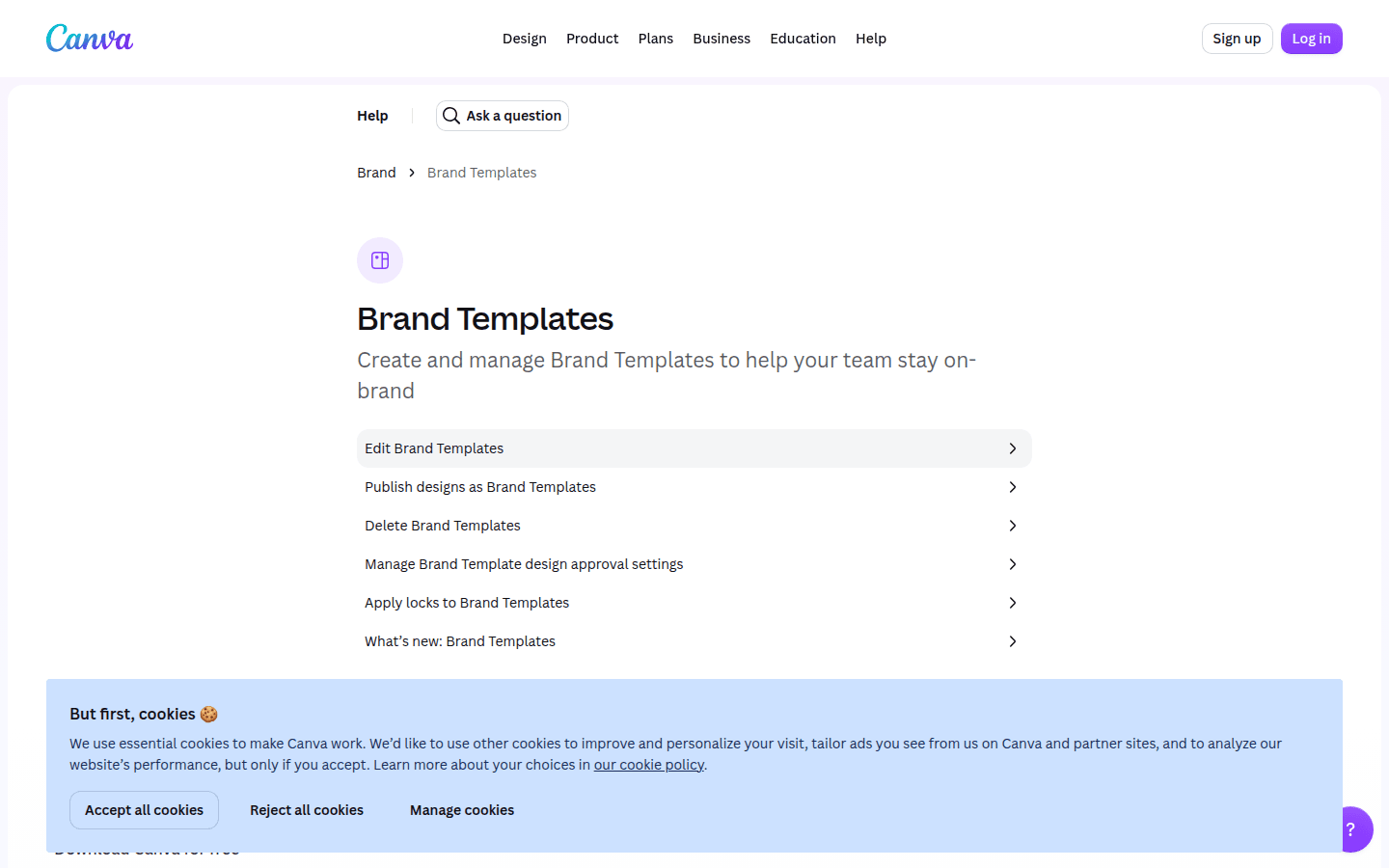
Canva has become a staple for many teams due to its intuitive interface and extensive template library. For branded social media content, its Brand Templates feature offers a structured approach to design creation. Team owners, administrators, and brand designers can publish, update, and manage these templates, ensuring that only approved designs are available for use. This centralized control helps prevent off-brand content from circulating.
The platform also integrates design approval controls before templates are published, adding another layer of brand protection. Once established, users can easily find Brand Templates through the homepage search bar, the dedicated Brand tab, or directly within the editor. These templates reside alongside other essential brand assets like logos, colors, and fonts in the Brand area, making it a single source of truth for visual identity. This structure makes Canva a strong contender for teams that need broad accessibility without sacrificing oversight. For example, a marketing team might create a series of Instagram story templates with specific font pairings and logo placements. Junior designers can then populate these templates with new text and images, knowing the core brand elements remain locked. Another useful checkpoint is Use Brand Templates – Canva Help Center.
Frontify: Structured Templates for Content at Scale
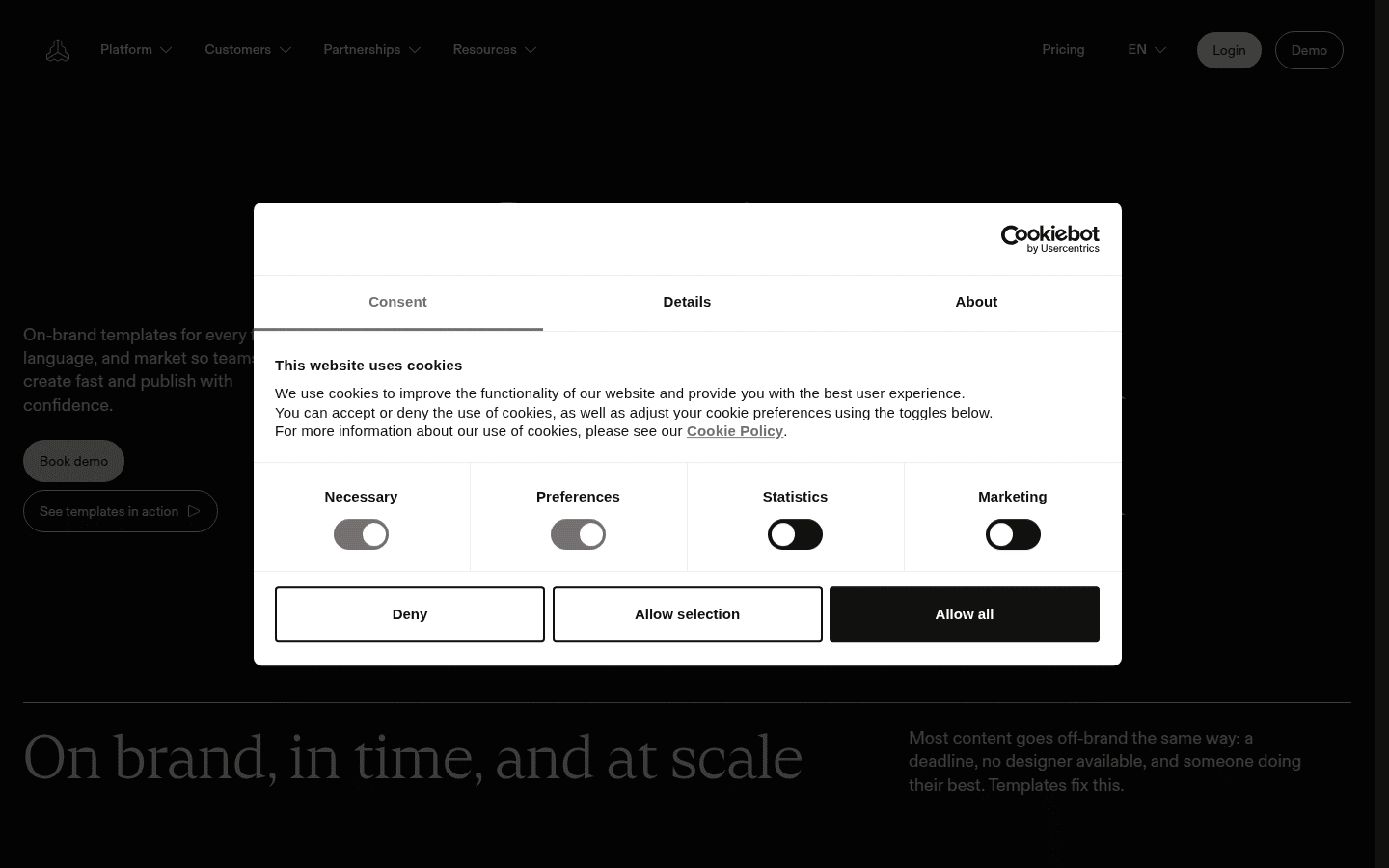
Frontify approaches branded content creation with a focus on turning brand-approved designs into highly editable formats. This platform is designed for organizations that require rigorous brand governance but also need to empower various teams to produce content efficiently. Frontify’s templates are not just static layouts; they are dynamic frameworks that support flexible editing, allowing users to reorder, duplicate, delete, and even copy pages between templates. This flexibility is crucial for adapting content across different social platforms or campaign needs without starting from scratch.
The core benefit of Frontify lies in its ability to enforce brand guidelines through structured templates. This means that while content creators can modify text and images, core elements like brand colors, fonts, and logo usage remain locked and consistent. For instance, a global brand with regional marketing teams could provide a master Facebook ad template. Each regional team could then localize the copy and imagery within the approved structure, ensuring brand cohesion across diverse markets. This level of control and adaptability makes Frontify particularly suitable for larger enterprises or those with complex brand architectures.
Adobe Express: Bridging Professional Tools and Social Design
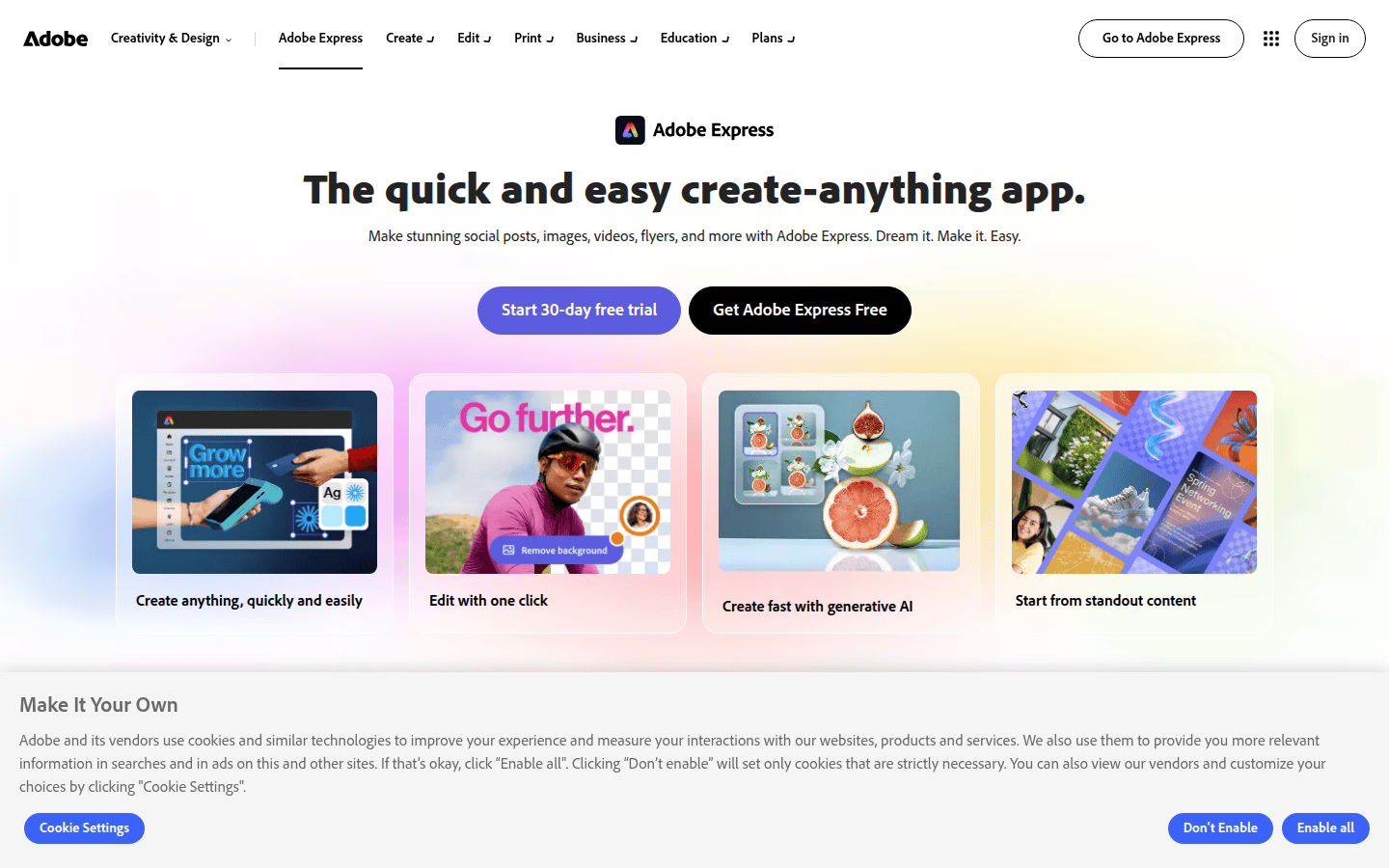
Adobe Express positions itself as a streamlined design tool for creating social graphics, videos, and other content quickly. While it shares some similarities with Canva in its accessibility, its connection to the broader Adobe ecosystem suggests a different user profile. For teams already invested in Adobe Creative Cloud, Express can offer a more integrated workflow for branded social design. The platform aims to simplify complex design tasks, making it easier for non-designers to produce visually appealing content that aligns with brand standards.
While Adobe Express provides a robust environment for general social design, its specific capabilities for enforcing strict brand template controls, similar to Canva’s dedicated Brand Templates or Frontify’s structured approach, require careful evaluation. Teams considering Express should verify how it handles asset locking, approval workflows, and centralized template management to ensure it meets their specific brand governance needs. For example, a small agency might use Adobe Express for rapid prototyping of social ads, leveraging its integration with other Adobe products for asset creation, but might still need a separate system for formal brand template distribution and approval. For more details on its features, visit the Adobe Express product page.
Marq: Dedicated Resources for Brand Template Management
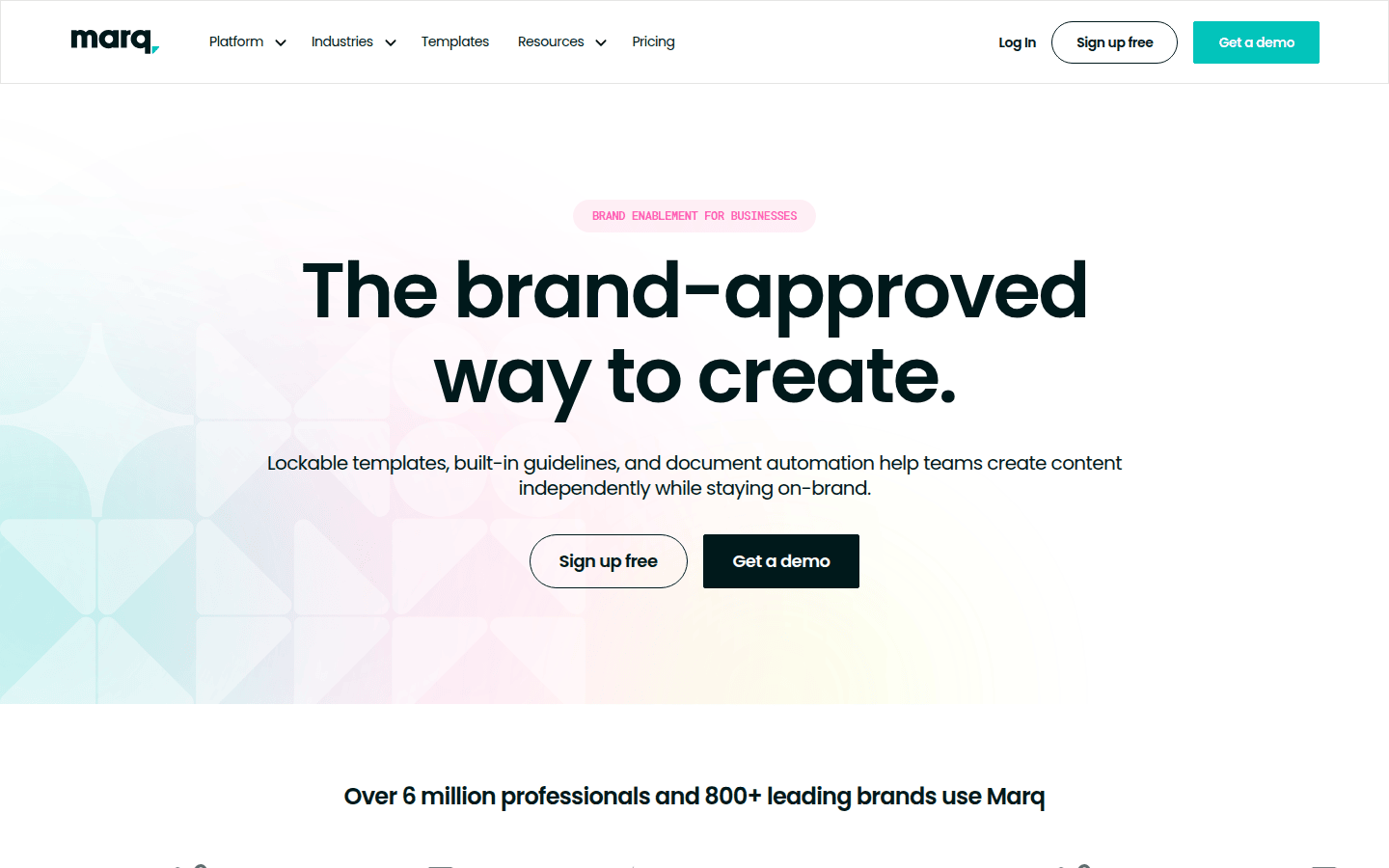
Marq (formerly Lucidpress) focuses on providing brand template resources for teams looking to maintain consistency across various marketing materials, including social media. Its core strength lies in its ability to empower users to create on-brand content without needing advanced design skills, while still giving brand managers the tools to lock down critical elements. This approach helps reduce the risk of brand deviation, a common challenge when multiple stakeholders contribute to content creation.
Like other platforms in this category, Marq aims to streamline the content creation process by centralizing brand assets and offering user-friendly template customization. Teams should investigate Marq’s current features for specific social media template capabilities, including how it handles different social aspect ratios, video integration, and real-time collaboration. A large corporation, for instance, might use Marq to distribute approved social media templates to its sales force, allowing them to personalize messages for local markets while adhering to corporate branding. this helps that even decentralized teams can produce visually consistent communications. Explore Marq’s offerings on their official website.
Key Considerations for Choosing a Social Template Tool
When selecting a platform for creating branded social media templates, consider how each tool addresses four key areas: template creation and reuse, brand control, discovery and access, and overall fit for social content production.
Template Creation and Reuse Workflows
A robust tool should simplify the initial creation of templates and make them easy to adapt. Canva’s strength lies in its intuitive drag-and-drop interface, making template creation accessible to designers and non-designers alike. Frontify, on the other hand, emphasizes flexible editing within approved structures, which is ideal for complex organizations that need deep customization without breaking brand rules. The ability to reorder, duplicate, and copy pages between templates, as Frontify offers, can significantly speed up content repurposing across different social channels. Consider how easily your team can create new templates and modify existing ones for various campaigns.
Brand Control and Approval Safeguards
Maintaining brand integrity is paramount. Canva allows team owners and brand designers to publish and manage templates with built-in approval controls, ensuring designs meet standards before wider use. This prevents unauthorized modifications. Frontify also focuses on turning brand-approved designs into editable formats, implying strong underlying controls. When evaluating tools, look for features like asset locking, version control, and clear permission settings that dictate who can create, edit, and approve templates. This is critical for preventing visual inconsistencies that can dilute brand recognition over time. Strong controls ensure every post reinforces your brand. For a documented checkpoint, compare this step with Publish designs as Brand Templates – Canva Help Center.
Template Discovery and Access Permissions
Even the best templates are useless if teams can’t find or access them easily. Canva organizes Brand Templates in a dedicated Brand area, alongside other assets, and makes them discoverable via search or a dedicated tab. This centralized access point reduces friction for content creators. Consider how each platform allows different user roles to access specific templates. For example, a social media manager might need access to all approved templates, while a regional marketing coordinator might only see templates relevant to their specific campaigns. Clear permissions prevent accidental misuse and streamline the content workflow. Easy access means faster content creation.
Fit for Social-Content Production Across Teams
The ideal tool should support the diverse needs of social media content production. This includes accommodating various aspect ratios for different platforms (e.g., Instagram Stories vs. LinkedIn posts), integrating with scheduling tools, and enabling collaboration. Canva’s broad appeal and ease of use make it suitable for teams of varying design skill levels. Frontify’s focus on scalable content creation aligns with larger enterprises that have distributed teams. Adobe Express may appeal to those already in the Adobe ecosystem, seeking a more integrated workflow. Marq offers dedicated template resources for consistent marketing materials. The best fit depends on your team’s size, existing tech stack, and the complexity of your brand guidelines. Choose a tool that grows with your team’s evolving needs.
Ultimately, the choice hinges on your organization’s specific needs for design flexibility versus strict brand enforcement. A smaller team with simpler guidelines might thrive with a more accessible tool, while a larger enterprise with a complex brand architecture will benefit from a platform offering more granular control and advanced workflow capabilities. Evaluate each option against your daily content production challenges and long-term brand consistency goals. Prioritize tools that empower your team without compromising your visual identity, ensuring every social post strengthens your brand presence.
 Photo Template
 Logo Template
 Icon Template
 Photo Template