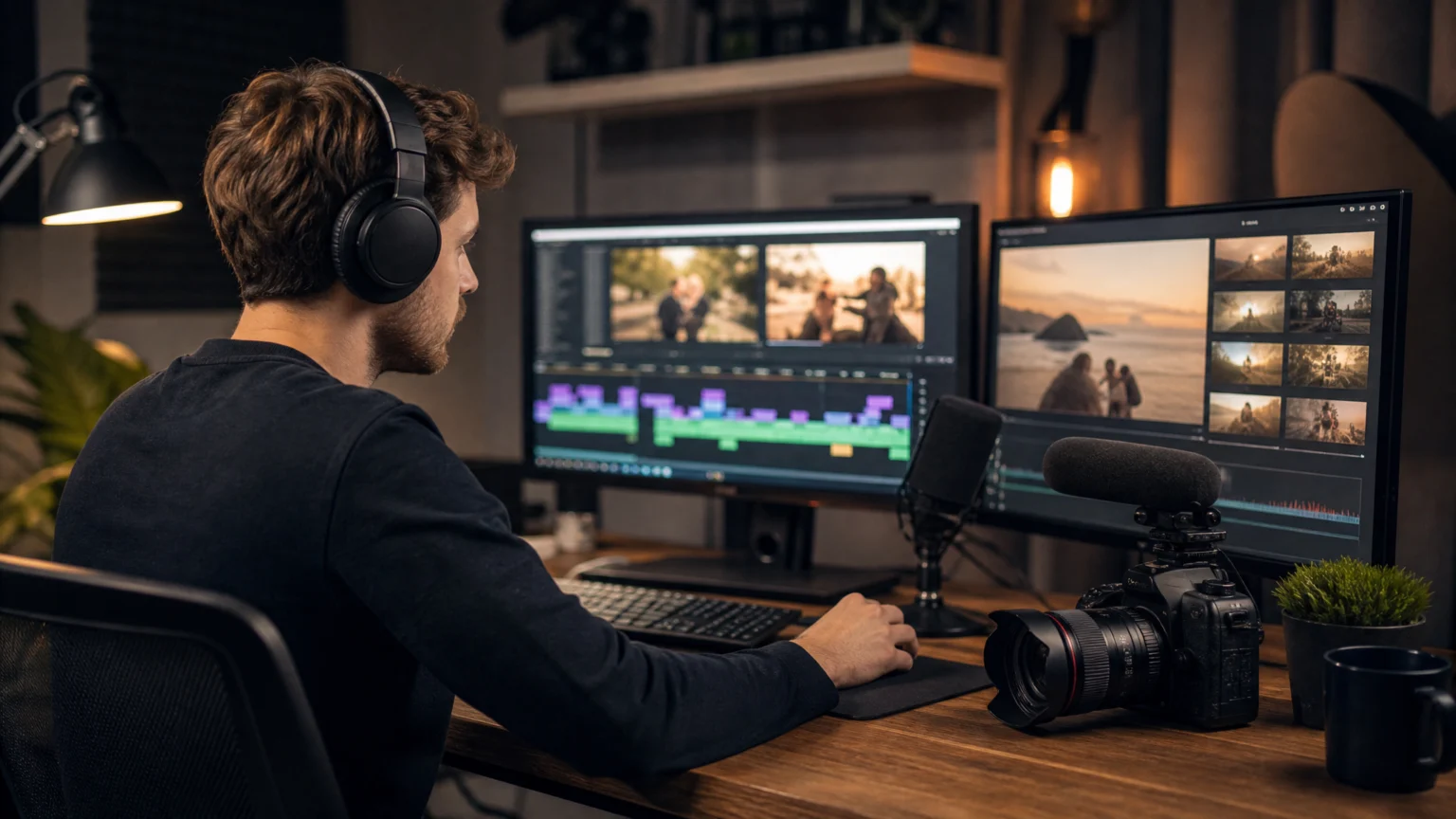
AI video editors are software tools that use artificial intelligence to automate the repetitive parts of making a video: cutting dead footage, syncing multicam angles, generating captions, and turning long recordings into shorter clips. For YouTube creators, the stakes are speed and consistency. A channel that posts weekly needs to cut editing hours without cutting quality. This guide compares five AI video editors built for different parts of that workflow, from full agentic timeline editors to phone-first clipping apps.
How We Evaluated These Tools
We evaluated these tools based on five factors: creative control, AI automation, video format support, collaboration features, and pricing. We looked at how much editing work each tool automates, whether it supports both long-form videos and shorts, how easily teams can work together, and whether it offers good value for YouTube creators.
Comparison Table
| Tool | Best for | Key output or feature |
| Invideo Editor | Long-form creators who want an agent to assemble the first cut | Agentic assembly, multicam sync, full manual timeline |
| Descript | Talking-head and tutorial creators | Transcript-based video editing |
| CapCut | Mobile-first Shorts and fast turnarounds | Auto captions, one-click background removal |
| Opus Clip | Turning one long upload into many Shorts | Virality-scored clip extraction |
| Adobe Premiere Pro | Full manual control with AI layered in | Firefly Generative Extend, footage search |
Invideo Editor
Invideo Editor splits editing into two roles. You keep the creative judgment, while an agent takes on the repetitive execution. Its agentic video editing reviews raw footage against a plain-language brief and builds a base cut, removing filler, syncing multicam angles, and dropping unusable takes.
Beyond assembly, agents can search footage by describing a moment, restructure pacing, match color, and dub dialogue with lip sync preserved. A full manual timeline, with keyframes, color wheels, and a built-in audio workstation, stays open the whole time for hands-on polish.
For creators looking for a youtube video editor that combines AI automation with hands-on editing control, invideo editor helps streamline the process from raw footage to a polished video.
Key features:
- AI agents assemble rough cuts, remove mistakes, and select the best takes from raw footage.
- Automatically sync multiple camera angles for podcasts, interviews, and multicam recordings.
- Find specific shots or moments using natural-language footage search.
- Refine edits with a manual timeline, keyframes, trimming tools, and transitions.
- Match colors, improve audio quality, adjust dialogue, and balance background music.
Best for: creators who record long, raw footage (podcasts, vlogs, interviews) and want an agent to hand back a workable first cut before they take over.
Pricing: Manual timeline editor is free to use. Paid plans start at $20/month with the Starter plan, which offers limited AI agent access. Full agent access unlocks on the $60/month Plus plan, while Max costs up to $150/month for higher usage.
Descript
Descript transcribes your footage automatically, and deleting a sentence from that transcript deletes the matching video segment. For talking-head content, this turns a rough cut into a document-editing task rather than a timeline-scrubbing one.
Transcription accuracy runs around 92 to 95 percent on clean, single-speaker audio, dropping to roughly 80 percent with crosstalk or multiple speakers. Studio Sound cleans up rough audio automatically, and an AI voice tool can patch flubbed lines without a re-record.
Key features:
- Edit videos by deleting or rearranging words in the automatically generated transcript.
- Convert spoken dialogue into searchable text to quickly locate specific sections.
- Automatically identify and remove filler words such as “um” and “uh.”
- Reduce background noise and enhance dialogue clarity using Studio Sound.
- Correct recorded dialogue with AI-generated speech without re-recording entire sections.
Best for: creators making tutorials, interviews, or podcasts who want fast, transcript-driven cuts.
Pricing: Starts free on a plan capped at 60 minutes a month. Paid plans begin at $16/month on Hobbyist and scale up to $65/month on Business for more transcription hours and team seats.
CapCut
CapCut was built for short-form vertical editing on TikTok and Reels, and that DNA shows in its speed. Auto captions, one-click background removal, and template-driven AI effects make it fast to turn a phone recording into a postable clip.
For YouTube Shorts specifically, that mobile-first workflow is a real advantage over desktop-only tools.
Key features:
- Automatically generate and customize captions for YouTube Shorts and social media videos.
- Remove or replace video backgrounds without using a green screen.
- Apply AI-powered effects, filters, and enhancements to improve video visuals.
- Create short-form videos using ready-made templates, transitions, and text animations.
- Convert written scripts into AI-generated voiceovers using text-to-speech.
Best for: creators publishing YouTube Shorts, or repurposing clips, who want to edit mostly from a phone.
Pricing: Free to start. Watermark-free exports and the AI toolkit begin around $10/month, scaling up to around $25/month on the Teams plan for collaboration features.
Opus Clip
Opus Clip takes a single long-form upload, a podcast, webinar, or YouTube video, and extracts the strongest moments into standalone clips. Each clip gets captions, a vertical reframe, and a predicted virality score to help you decide what to post first.
Key features:
- Automatically extract engaging moments from long-form recordings into standalone Shorts.
- Assign predicted virality scores to help prioritize clips for publishing.
- Reframe horizontal footage into vertical videos while keeping subjects in focus.
- Generate customizable captions with animated text and highlighted keywords.
- Add relevant AI-generated or stock B-roll to enhance short-form videos.
Best for: creators who already record long-form video and want a fast way to generate multiple Shorts from a single upload.
Pricing: The free plan includes 60 credits a month with watermarked exports. Paid plans start at $15/month and scale up to $29/month on the Pro plan for higher volume.
Adobe Premiere Pro
Premiere Pro remains a professional-grade timeline editor, now with Firefly-powered features layered on top. Generative Extend can add up to about two seconds to a clip or ambient sound, and Media Intelligence lets you search footage by describing what’s in it rather than scrubbing manually.
Text-based editing and caption translation across 27 languages round out the AI layer, while the core timeline still offers frame-accurate manual control.
Key features:
- Extend video clips and ambient audio using Adobe Firefly-powered Generative Extend.
- Search imported footage using natural-language descriptions with Media Intelligence.
- Edit dialogue-heavy videos by modifying automatically generated transcripts.
- Generate and translate captions across 27 languages for international audiences.
- Make frame-accurate edits with advanced trimming, keyframing, color grading, and audio mixing tools.
Best for: established creators who want full manual precision and only need AI for narrow assist tasks, like extending a shot or finding footage.
Pricing: Starts at $22.99/month on the Single App plan, scaling up to $59.99/month on the All Apps plan for the full Creative Cloud suite. Extra Firefly credits are a separate add-on starting at $9.99/month.
Which One Should You Use
Recording long raw footage and wanting an agent to build the first cut → Invideo Editor.
Prefer editing by deleting words from a transcript → Descript.
Editing mostly from your phone on a tight upload schedule → CapCut.
Already have long-form video and just need Shorts out of it → Opus Clip.
Want full manual, frame-accurate control with AI as a side tool → Adobe Premiere Pro.
FAQ
What is the best free AI video editor for YouTube?
CapCut and Descript both offer usable free tiers. CapCut’s free plan covers full manual editing with 1080p exports, while Descript’s free plan covers up to 60 minutes of transcript-based editing a month.
Can AI video editors turn a long YouTube video into Shorts automatically?
Yes. Opus Clip is built specifically for this, scoring and extracting the strongest moments from a long upload. Invideo Editor and Descript can also generate cut-downs, though clip extraction isn’t their primary function.
Do AI video editors replace a real editing timeline?
No, the strongest tools on this list keep a full manual timeline available. Invideo Editor and Adobe Premiere Pro both let AI handle repetitive work while keeping every change visible and adjustable by hand.
Which AI video editor works best for talking-head or tutorial videos?
Descript is the strongest fit, since its transcript-based editing suits scripted or semi-scripted talking-head content well. Invideo Editor also handles single-camera, scripted footage as one of its five supported footage types.
Which AI video editor gives you the most control after the AI does its pass?
Invideo Editor is the strongest fit here. It builds a full base cut from raw footage using agentic assembly, then leaves a real manual timeline open so you can still polish everything by hand.
Is CapCut good enough for YouTube, not just TikTok?
It handles Shorts and quick edits well, but its template library and interface are optimized for short vertical video. Creators doing longer, more polished YouTube uploads often pair it with, or move to, a timeline editor like invideo editor or Premiere Pro.
 Photo Template
 Icon Template
 Photo Template
 Photo Template