The real choice: easier social production, tighter brand governance, or both?
If your brand team has already approved the logos, colors, fonts, and core assets, the next problem is operational. You need a system that helps people make social graphics quickly without letting the brand drift.
That is a different decision from picking a logo maker or building a starter brand kit. If you still need that earlier step, this guide to usable brand kits covers it. Here, the question is narrower: which platform gives non-designers or mixed teams enough room to work while keeping the brand intact?
The clearest split looks like this: Canva and Adobe Express are editor-first, Figma Buzz suits Figma-native marketing production, and Frontify, Brandfolder, and Marq make more sense when template control, approvals, or asset governance lead the buying decision.
What to evaluate before you pick
Six questions shape most decisions in this category.
- Where do approved assets live? If people cannot find the official files quickly, they will reach for old ones.
- Can you publish reusable templates? High-volume social work slows down fast when every post starts from scratch.
- What can be locked or restricted? For mixed teams, this is often the most important line item.
- How clear are permissions? Creators, reviewers, and admins should not all have the same powers.
- Is there an approval step before export or publishing? Review matters more as volume rises.
- Is the product editor-first or governance-first? That choice affects adoption, admin work, and rollout speed more than a long feature list does.
The strongest documented differences here are in template controls, approvals, and asset organization, not creative quality, analytics, or scheduling depth. The safest way to choose is by control model, not by assuming one tool will make better posts.
Best if your team wants the easiest path from approved assets to everyday social posts: Canva
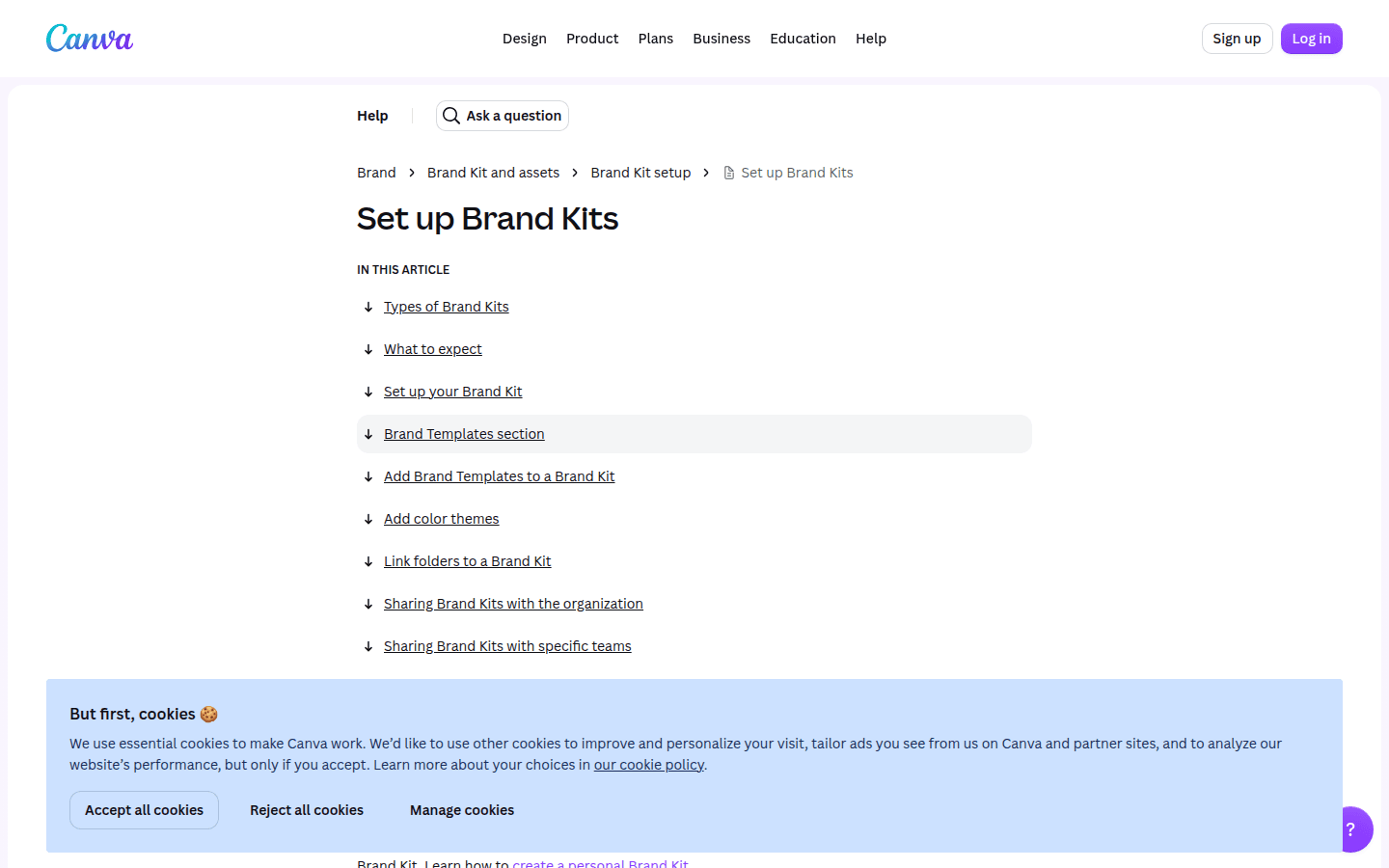
Canva is the most straightforward fit for teams that want a familiar editor with clear brand controls around it. Its Brand Kits let teams upload and organize official logos, colors, fonts, and assets in one place, which helps with the first consistency problem most teams run into: asset sprawl.
Canva also documents Brand Controls that can restrict team members to approved colors and fonts. That does not answer every object-level locking question, but it gives teams a practical baseline for everyday branded production.
For teams that need review before anything goes live, Canva documents design approvals on eligible plans and roles. Its plan pages also show that Business includes Brand Kits and approvals, while Enterprise adds a larger Brand Kit allowance, tiered approvals, and multi-team management.
The trade-off is precision. Canva is easier to defend as a strong brand-kit and approvals tool than as the most granular template-locking system in this group. If your main risk is someone using the wrong font or color, Canva looks strong. If the risk is someone shifting protected layout objects or swapping media from the wrong source, Adobe Express or Marq may offer firmer documented boundaries.
One practical note: Canva Teams is no longer available for new sign-ups or upgrades, so older plan comparisons can still look more confusing than they need to.
Best if you want strong template locking inside a mainstream content tool: Adobe Express
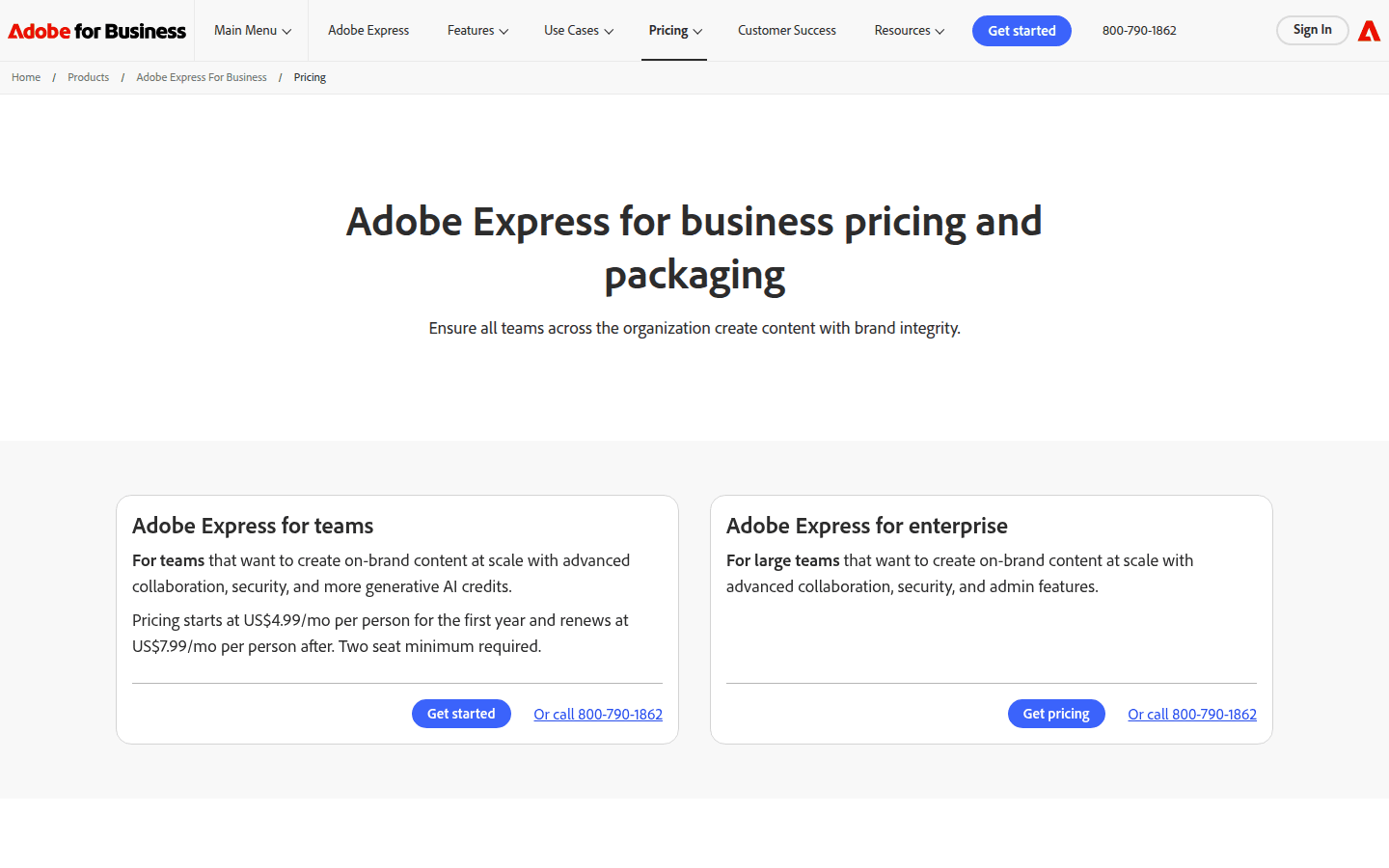
Adobe Express stands out if you want an accessible content tool but care deeply about documented template restrictions. Adobe publicly lists brand kits, branded templates with template locking, brand controls, and roles and permissions in its business offering.
The important difference is not just that templates exist. Adobe help pages spell out what those controls can do: lock elements, restrict styles, and limit replacement images to approved sources such as Brands, Libraries, or Projects. That matters for teams where non-designers should be able to edit copy, dates, or one image slot, but not improvise the rest.
Adobe also documents built-in review and approval workflows for templates. That makes it easier to treat the product as a controlled production environment, not just a design surface.
The limitation is plan gating and availability language. Template controls are documented for Teams and Enterprise plans, and Adobe’s Brand Check is still marked coming soon. Adobe Express looks excellent for governed template use, but you should confirm which business tier includes the controls your team expects.
It fits organizations that want mainstream ease, stronger lock logic than a lightweight editor usually offers, and a path that feels familiar to Adobe-using teams.
Best if your marketing production should stay inside Figma workflows: Figma Buzz
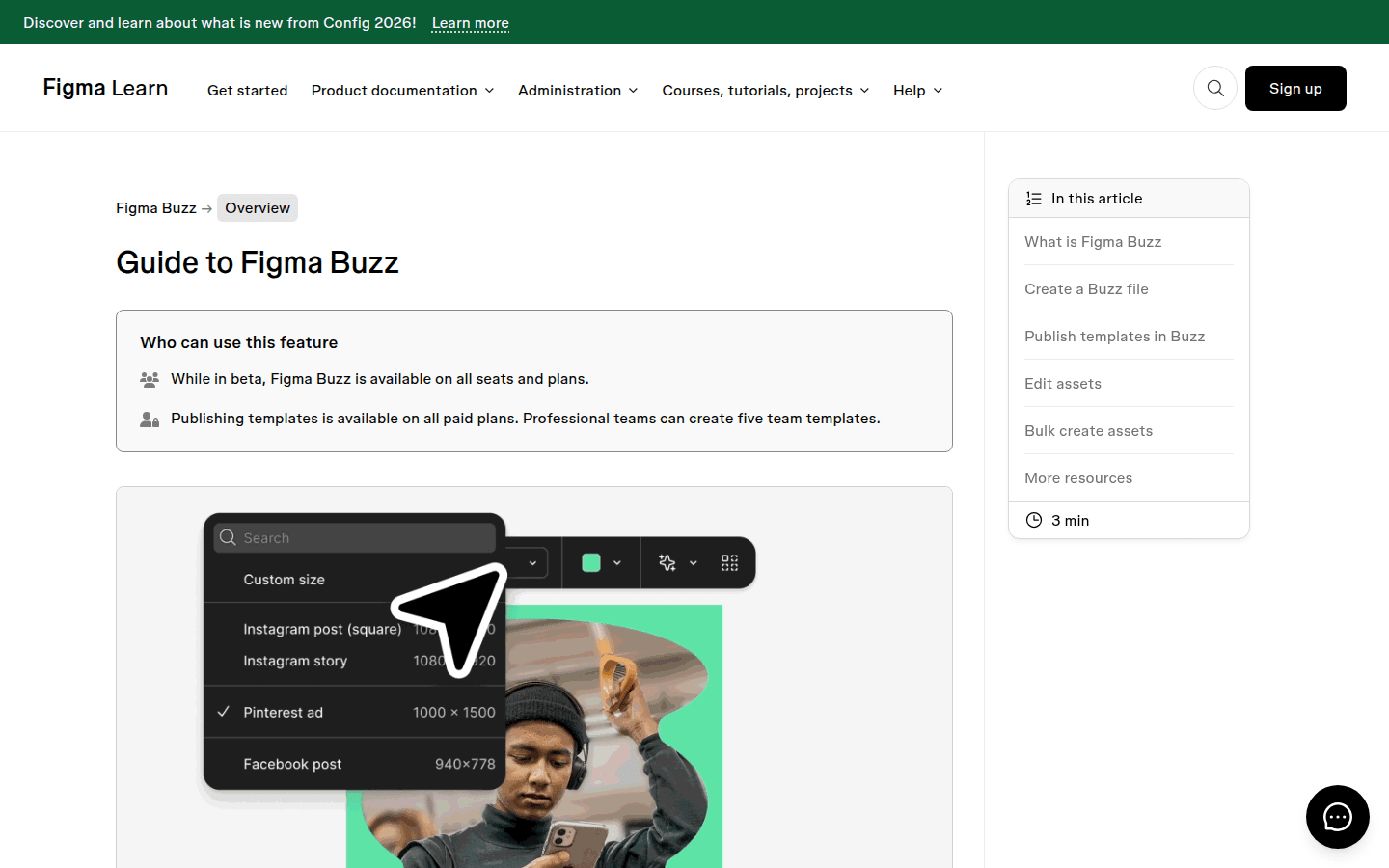
Figma Buzz belongs on this shortlist because it directly targets template-based marketing asset production inside Figma. But it needs a careful read: Figma documents Buzz as beta, and that status matters.
While it is in beta, Figma says Buzz is available on all seats and plans, and it documents template publishing on paid plans. It also supports brand controls through locked template objects and editing boundaries, so teams can decide what stays fixed and what contributors can change.
For approvals, Figma says Buzz approvals are available on Organization and Enterprise plans, and admins can require approval before export. That makes it one of the more interesting options for larger Figma-native teams that want to keep production close to their design system habits.
The main caveat is scope. Buzz is easier to understand as a template-governance workflow than as a deep asset-governance or DAM-style platform. If your team already lives in Figma and wants marketing templates without switching ecosystems, it makes sense. If you need mature asset permissions, broad admin structure, and a stable long-term packaging model, the beta label is a real constraint.
Best if brand governance and a central brand hub matter more than a lightweight social editor: Frontify
Frontify makes the most sense from the brand hub side, not the quick-editor side. Its platform positioning centers on DAM, guidelines, templates, and portals, which gives a clear sense of where it wants to sit inside an organization.
That matters for teams where approved assets need structure before anyone starts designing. Frontify also says assets can move through configurable approval workflows before they become accessible to wider teams, which is useful when the brand team wants control over what enters circulation.
Its templates support locked and editable elements, including text, fonts, colors, and images. Frontify’s help documentation also frames that template workflow as suitable for social media collateral, alongside print and event use.
The trade-off is simple: Frontify should not be mistaken for a casual self-serve social editor. Its strength is governance-first infrastructure with template reuse attached. That suits brand teams, larger organizations, and environments where central visibility and controlled distribution matter more than giving every marketer the easiest possible post builder.
Best if your starting point is DAM control with templated downstream reuse: Brandfolder
Brandfolder also makes the most sense when the asset library comes first. Its public product materials say admins can approve assets before they become visible to others and manage permissions across Brandfolders and Collections, which is exactly the kind of control distributed teams need once multiple regions, agencies, or departments enter the mix.
On the production side, Brandfolder offers templating with locked design elements for controlled customization. It also supports preset resizing for social-oriented formats including Facebook, Twitter, Instagram, LinkedIn, and Pinterest.
That combination is useful when the main failure point in your process is not design skill but asset misuse and format inconsistency. Teams can start from approved assets, move into controlled templates, and resize into common social shapes without opening the door to unlimited editing.
The limitation is scope. Brandfolder is easier to recommend as a DAM-led system with templated reuse than as a broad, flexible social design workspace. If your marketers want freeform creative play every day, it is probably not the first stop. If your brand operations team wants order, visibility, and downstream control, it becomes much more compelling.
Best if you want strong template locks and approval gates without leading with DAM: Marq
Marq sits in an interesting middle position. Its public pricing grid lists brand assets, custom brand templates, template locking, social posting, and web publishing, which makes the product easier to understand from the outside than some enterprise platforms.
Its clearest strength is lock granularity. Marq documents project-level, page-level, and content-level locks, along with options for size and position, style, content, and full lock. For teams trying to prevent accidental layout drift, that is a concrete advantage.
Marq also documents approval requirements before downloading, printing, or publishing projects. That is a practical control point because it keeps the review step attached to output, not just editing.
The trade-off is positioning. Marq looks strongest as a controlled template production tool, not as the deepest DAM environment in this group. Public materials also show stronger template locking on Team and Enterprise than on Pro, so rollout planning should include a close check of tier differences.
Quick comparison table: which platform fits your team’s control model?
| Platform | Approved asset hub documented? | Reusable templates documented? | What can be locked or restricted? | Permissions or role controls documented? | Approval step documented? | Best fit based on evidence | Important caveat | Plan or availability note |
|---|---|---|---|---|---|---|---|---|
| Canva | Yes, Brand Kits | Yes | Approved colors and fonts can be restricted | Yes | Yes | Easy everyday branded social production | Public documentation is stronger for brand controls than detailed object locks | Business and Enterprise differ; Teams is legacy for existing subscribers |
| Adobe Express | Yes, brand kits | Yes | Lockable elements, style restrictions, approved replacement sources | Yes | Yes | Mainstream editor with strong documented template controls | Some controls are tier-dependent; Brand Check is not live yet | Template controls documented for Teams and Enterprise |
| Figma Buzz | Limited public documentation here | Yes | Locked objects and edit boundaries | Limited here | Yes | Figma-native marketing template workflow | Still in beta | Beta on all seats and plans while beta lasts; template publishing on paid plans |
| Frontify | Yes, via DAM and brand hub structure | Yes | Text, fonts, colors, and images can be locked or editable | Documented at a high level | Yes | Governance-first brand hub with template reuse | Not best framed as a lightweight social editor | Quote-led and plan-dependent in places |
| Brandfolder | Yes, DAM and collections | Yes | Locked design elements | Yes | Yes, for asset visibility | DAM control with templated downstream social use | Less evidence for a broad native design workflow | Enterprise-style packaging can require sales contact |
| Marq | Yes, brand assets | Yes | Project, page, and content locks | Not a main public strength here | Yes | Controlled template production with strong lock depth | Less evidence for deep DAM breadth | Locking depth varies by tier |
How to decide in three practical scenarios
1. Your social team needs speed, and the brand team mostly wants guardrails
Start with Canva or Adobe Express. Canva is the cleaner fit if adoption speed and familiar editing matter most. Adobe Express is the better fit if you need stronger documented template restrictions inside that accessible editor model.
2. Your main problem is governance, not editing
Look first at Frontify or Brandfolder. Frontify is the clearer brand-hub choice when guidelines, templates, approvals, and central brand infrastructure need to work together. Brandfolder stands out when permissions, visibility, and DAM-led asset control are the backbone of the workflow.
3. Your team is already built around Figma or template locking
Choose Figma Buzz if the team is deeply Figma-native and comfortable with a beta-stage workflow. Choose Marq if you want explicit lock depth and approval gates in a template-led production system without making DAM the center of the product.
Once the governance side is sorted, some teams also want lightweight motion systems for finished posts and assets. If that is your next step, animated icons for social media can extend a static template system without changing the brand structure underneath it.
What not to assume before rollout
Do not treat this category like a simple price comparison. Public pricing and packaging shift, several products gate key controls by plan, and some enterprise tools remain quote-led.
It is also risky to assume the best scheduler, the best analytics, or the best creative output from the material here. The strongest documented differences are about asset organization, template reuse, locks, permissions, approvals, and availability.
Two product-specific gaps matter most. For Figma Buzz, the public material here is stronger on template governance than on deep asset-library governance. For Canva, the public material here is stronger on Brand Kits, approvals, and color or font restrictions than on detailed object-level lock behavior.
If you are choosing for a large team, the safest rollout is usually a short pilot built around one real approval path: approved assets, one social campaign, two or three template types, and a few contributor roles. That setup reveals quickly whether your problem is editing friction, weak governance, or both.
The short version: choose Canva for accessible branded production, Adobe Express for stronger documented template locking in a mainstream tool, Figma Buzz for Figma-native template workflows, Frontify or Brandfolder when governance and asset control lead, and Marq when template locks and approval gates matter more than deep DAM structure.
 Icon Template
 Logo Template
 Logo Template
 Logo Template