Imagine a designer meticulously crafting a user interface, only to discover the perfect icon comes with a licensing clause that demands a prominent credit line on every screen. Or perhaps the ideal visual is trapped in a raster format, pixelating into an unusable mess when scaled. These aren’t just minor inconveniences; they’re workflow roadblocks that can derail a project. Choosing an icon library isn’t merely about aesthetic appeal; it’s about practicalities: legal compliance, file format flexibility, and seamless integration into your design ecosystem.
For example, a commercial app needs a simple, universally understood arrow icon. If the chosen library’s free tier requires visible attribution, that visual clutter directly compromises user experience and brand consistency. Conversely, finding the ideal icon only to realize it’s a raster image means losing crispness when resizing for different screen densities. These real-world constraints underscore why understanding an icon library’s mechanics—licensing, formats, and usage rules—is as vital as its visual offerings. This comparison will guide you through these critical decision points between Flaticon and Noun Project.
License and Attribution Requirements
The fundamental distinction between icon libraries often lies in their licensing models and attribution policies. These details dictate how you can use, modify, and distribute icons, directly impacting your project’s legal standing and visual presentation.
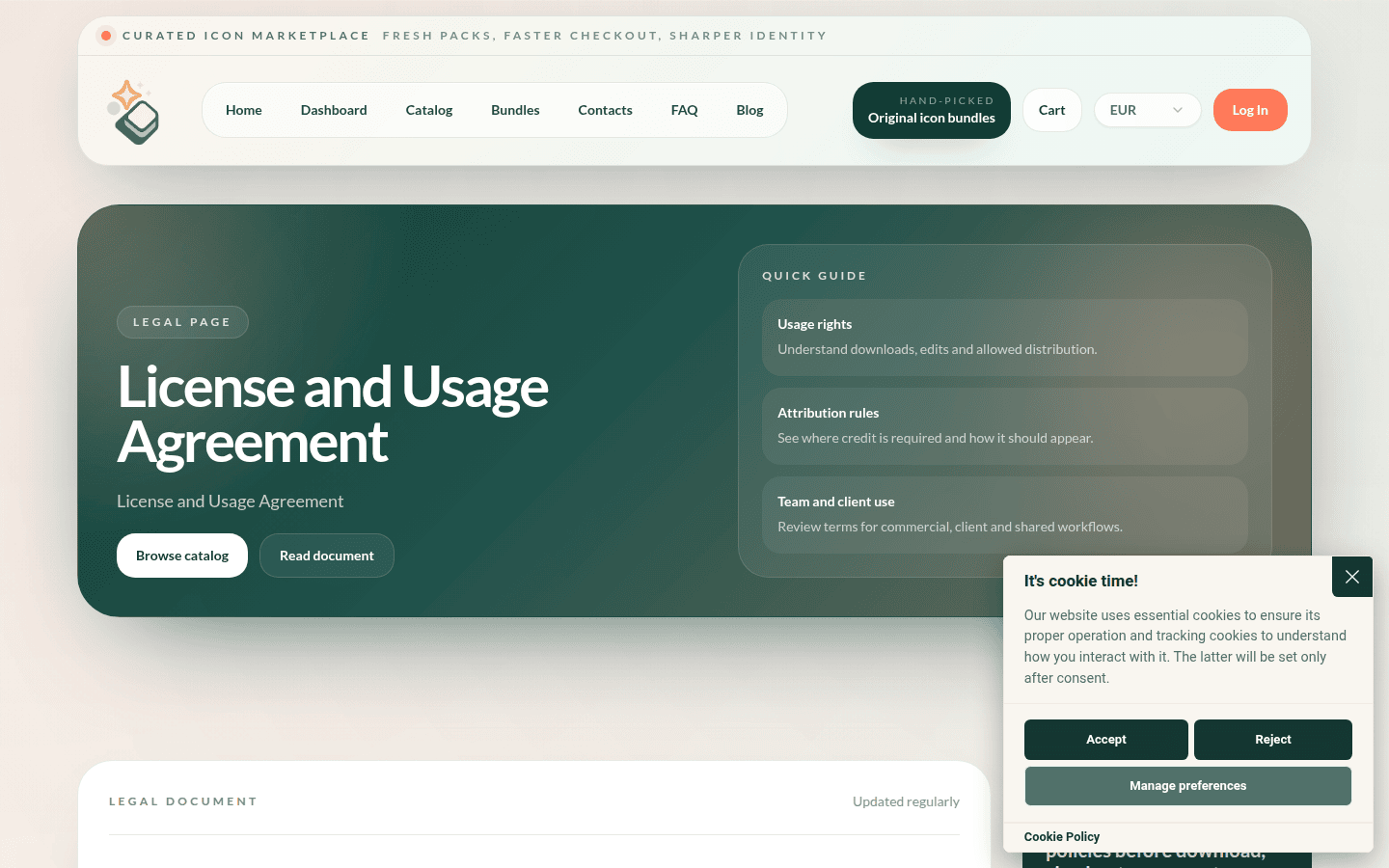
Noun Project provides a limited, non-exclusive, non-transferable, non-sublicensable, and revocable license. This permits you to access, download, use, modify, resize, recolor, crop, and reformat assets within the scope of your licensed use. However, every use remains subject to compliance with their overall agreement, applicable orders, subscription plans, and the specific license terms for each individual asset. This granular approach requires designers to pay close attention to each icon’s specific conditions, especially when working across multiple projects or clients. For more detailed information, consult the Noun Project License and Usage Agreement.
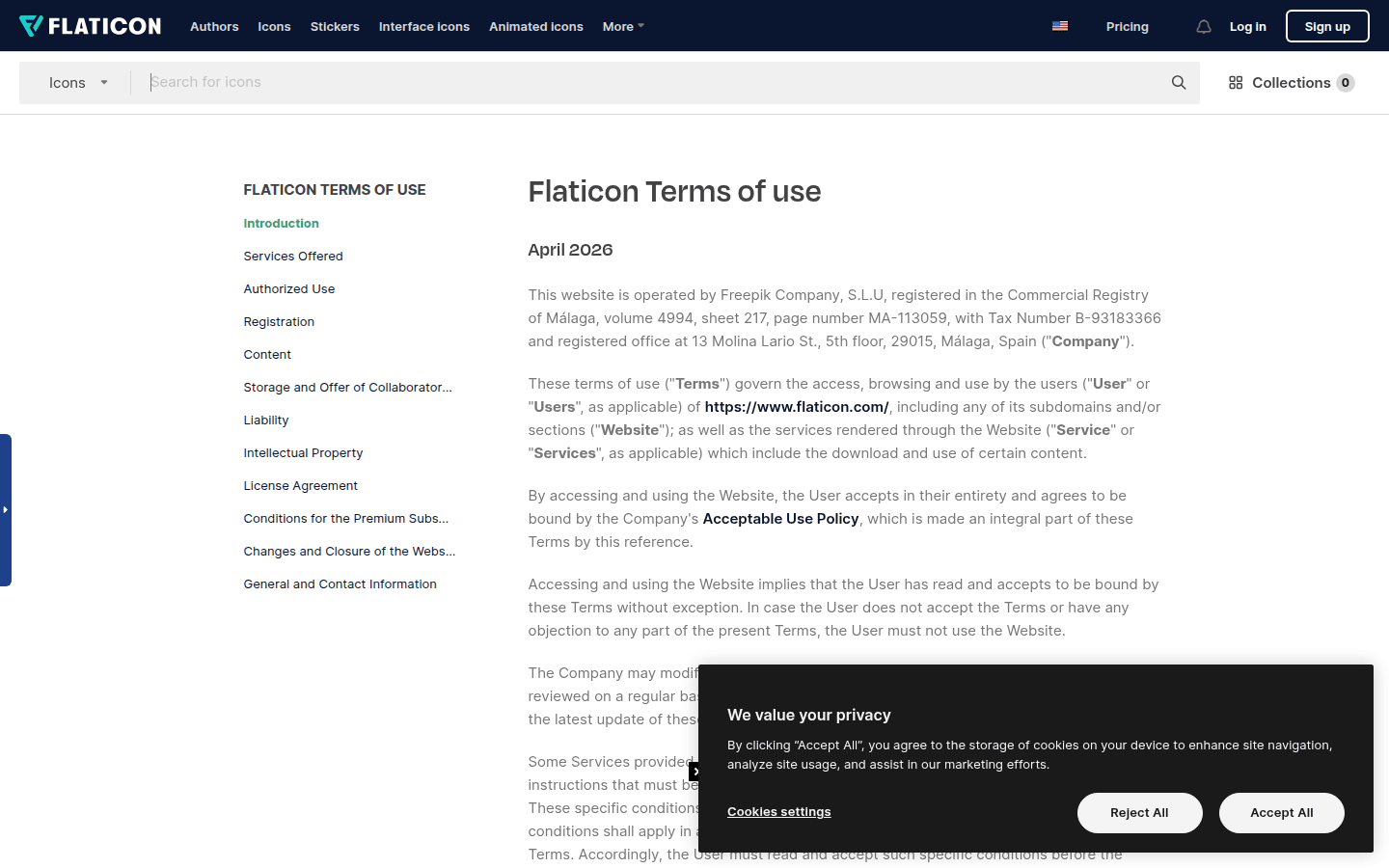
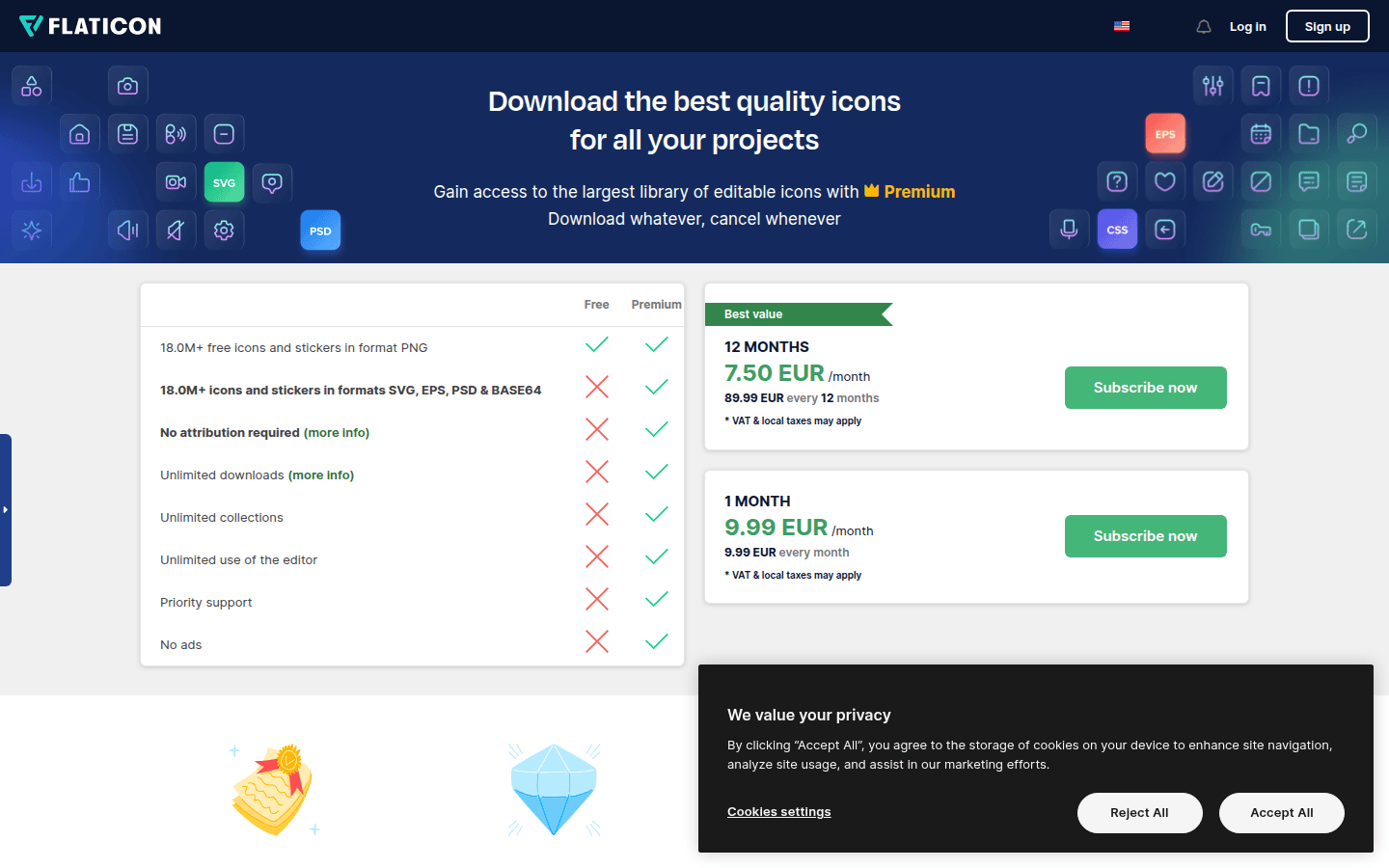
Flaticon, conversely, allows users to download, use, and modify content under its license terms on a limited, worldwide basis. For free icons, attribution is a requirement. This typically involves crediting Flaticon or the original author in a visible manner. However, their premium plans offer a significant advantage: attribution-free use. This covers commercial projects, client work, and products, simplifying the legal and visual overhead for designers who need clean, uncredited assets. This distinction is vital for projects where a consistent, unbranded visual language is paramount. You can review their full terms on the Flaticon legal page.
Consider a scenario where a design agency is developing a new brand identity for a client. Using Noun Project might involve meticulous tracking of attribution for each icon, potentially leading to a complex legal appendix for the client. With Flaticon’s premium plan, the agency could integrate icons without the need for individual credits, presenting a cleaner, more unified brand experience. The choice here hinges on whether the project can accommodate visible attribution or if a subscription for attribution-free use streamlines the workflow more effectively.
Who fits here: Noun Project suits designers or projects where individual asset tracking and specific license adherence are manageable, or where the budget prioritizes per-asset acquisition over subscription. Flaticon’s premium offering is ideal for agencies and product teams that require extensive, attribution-free icon usage across commercial ventures and client work, valuing simplicity in legal compliance.
Available File Formats and Export Options
The utility of an icon library extends beyond its visual content to the practical formats it provides. The ability to export icons in various file types directly impacts a designer’s workflow, ensuring compatibility with different software, platforms, and scaling needs.
Flaticon’s premium users benefit from a wide array of export options, including SVG, EPS, PSD, BASE 64, and PNG formats. This versatility is particularly valuable for icon designers. SVG (Scalable Vector Graphics) is crucial for web and UI design, allowing icons to scale infinitely without pixelation. EPS (Encapsulated PostScript) is a vector format often used in print design. PSD (Photoshop Document) offers layered raster options, while PNG provides transparent backgrounds for web and digital use. The inclusion of BASE 64 is useful for embedding icons directly into CSS or HTML, reducing HTTP requests and optimizing web performance. This breadth of formats means designers can adapt icons for web, print, and application interfaces without needing extensive conversion tools. More details are available on the Flaticon pricing page.
While Noun Project allows users to modify, resize, recolor, crop, and reformat assets, the specific export formats available can vary based on the asset and subscription level. The primary focus is often on vector scalability, but the explicit list of formats like Flaticon’s is not as prominently highlighted in their general terms. Designers typically expect SVG and PNG as standard, but specialized formats like EPS or BASE 64 might require additional steps or may not be universally available across all assets. This means a designer might need to perform extra conversions or adjustments depending on the target medium.
Consider a mobile app designer who needs icons for both iOS and Android platforms, requiring different resolutions and potentially different vector optimization. Flaticon’s SVG and PNG options, alongside BASE 64 for web-based components, offer a direct path. If the designer were using Noun Project and needed a less common format, they might find themselves needing to open the SVG in a vector editor and export it manually, adding an extra step to their process. The efficiency gain from direct export options can be significant in fast-paced development cycles.
Who fits here: Flaticon is a strong choice for designers who need a comprehensive range of vector and raster formats for diverse applications, from web development to print. Noun Project is suitable for designers primarily focused on standard web and app icon needs, where SVG and PNG are the main requirements, and who are comfortable with potential manual adjustments for less common formats.
Usage Limits and Redistribution Restrictions
Understanding the boundaries of asset usage and redistribution is critical for icon designers, especially those working on commercial projects or for clients. These restrictions can affect how icons are integrated into products, shared with teams, or used in branding materials.
Noun Project’s license explicitly states that asset use is subject to compliance with their agreement, subscription plans, and specific license terms. This implies a careful review of each icon’s individual rights, particularly concerning redistribution. While modification and use are permitted, the terms do not broadly grant rights for unlimited redistribution as standalone assets or as part of a new, competitive library. The focus is on incorporating icons into larger design projects rather than making them available for others to download or use independently. For further details, refer to the Noun Project Terms of Service.
Flaticon’s FAQ clarifies that paid plans allow attribution-free use across commercial projects, client work, and products. This suggests a more permissive approach to integrating icons into commercial offerings without the burden of individual usage limits beyond the scope of a standard subscription. However, like most libraries, Flaticon likely prohibits the direct redistribution of their icons as part of a new icon set or in a way that competes with their service. The key benefit for designers is the ability to use icons freely within their commercial end-products without worrying about per-use limitations or complex redistribution clauses for the final design. The Flaticon FAQ provides additional insights.
Imagine a product designer creating a UI kit for a software application. With Flaticon’s premium subscription, they can confidently include icons in the kit, knowing that the client can use the application without further attribution or licensing concerns for those specific icons. If using Noun Project, the designer would need to verify that each icon’s license permits inclusion in a redistributable UI kit, which could be a time-consuming process. This difference highlights the importance of understanding how deeply an icon can be embedded into a product that might then be distributed to end-users.
Who fits here: Flaticon is better suited for designers creating commercial products or client work where icons need to be deeply integrated and distributed as part of a larger offering without ongoing attribution. Noun Project is more appropriate for projects where icons are used internally or within a single product, and where the designer is prepared to manage individual license terms for each asset.
Official Search and Browsing Workflow
The efficiency of finding the right icon can significantly impact a designer’s productivity. A well-structured search and browsing workflow allows for quick discovery, filtering, and selection, minimizing time spent hunting for assets.
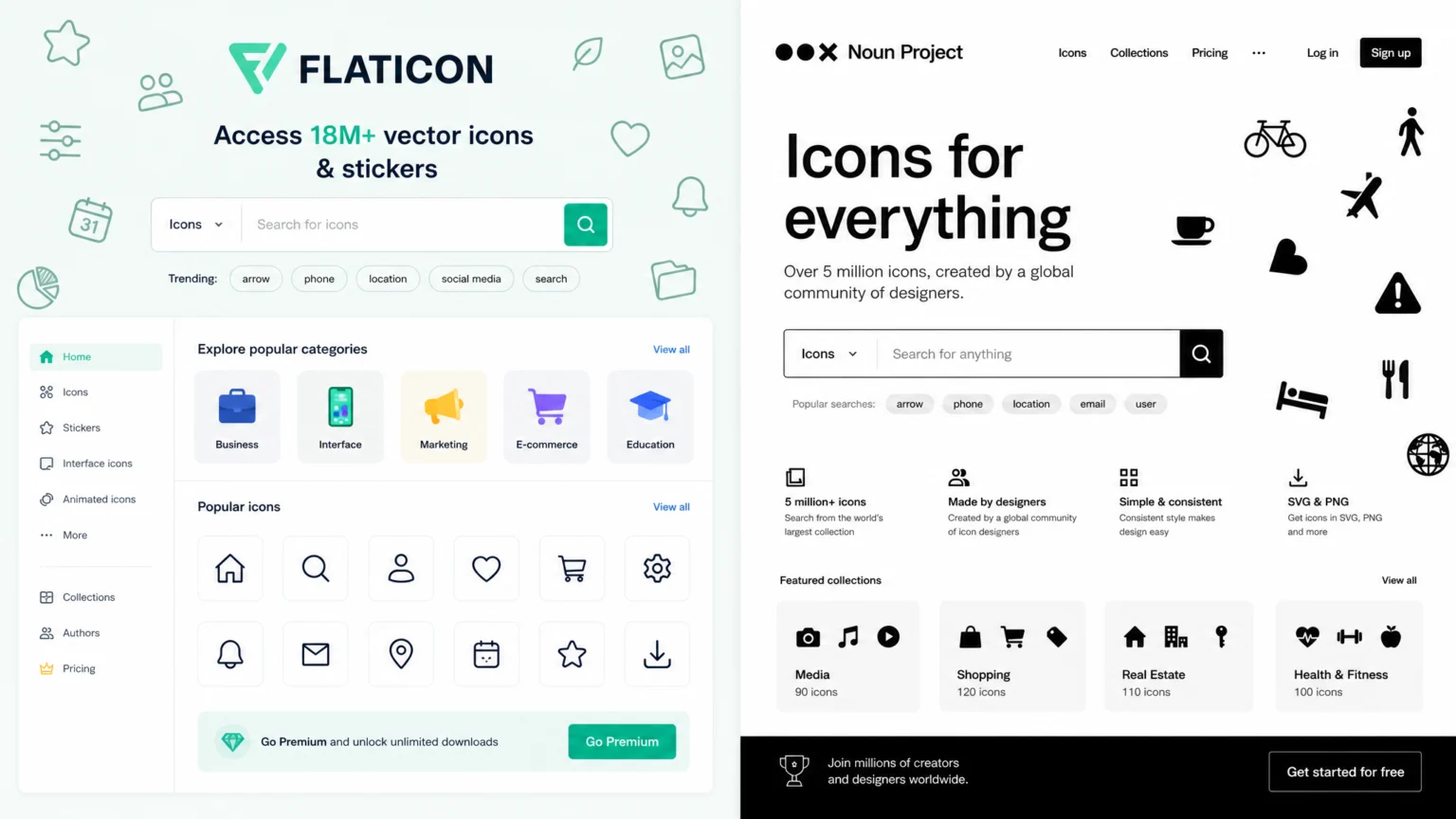
Both Flaticon and Noun Project offer robust search functionalities. Flaticon’s platform is known for its extensive collection and intuitive search interface, often featuring categories, packs, and style filters to narrow down results. Users can search by keywords, explore curated collections, or browse by style to find icons that match their aesthetic requirements. The platform also highlights popular icons and trending searches, which can be helpful for designers looking for current visual trends. The ability to quickly preview icons and see related sets streamlines the selection process.
Noun Project also provides a strong search experience, emphasizing its vast library of symbols. Their platform allows users to search by keyword, and they often provide similar icons or collections from the same designer, which helps maintain visual consistency. Noun Project’s strength lies in its focus on clear, minimalist icons, making it easier to find universally recognizable symbols. They often feature options to customize color and basic styling directly on the platform before download, which can save time in external editing software. You can explore their offerings at Noun Project’s website.
Consider a graphic designer working on a presentation who needs a series of icons that share a consistent visual style, such as outline or filled. Flaticon’s ability to browse by icon packs or styles would allow the designer to quickly identify a cohesive set. If the designer were using Noun Project, they might search for individual concepts and then rely on the “similar icons” feature to build a consistent collection, potentially requiring more manual curation to ensure stylistic harmony. The difference lies in the initial organization and how easily a designer can discover related or stylistically similar assets.
Who fits here: Flaticon is excellent for designers who prioritize browsing curated packs and styles to quickly find cohesive icon sets for diverse projects. Noun Project is strong for designers seeking individual, clear symbols and who appreciate on-platform customization options to adapt icons to their specific needs.
Fit for Icon Design and Production Use
Ultimately, the best icon library integrates seamlessly into a designer’s daily workflow, supporting both the creative process and the technical demands of production. This involves considering how easily icons can be modified, exported, and used across various design tools and platforms.
Flaticon’s provision of SVG, EPS, and PSD formats for premium users makes it highly suitable for professional icon design and production. SVG files are ideal for web and app development due to their scalability and small file sizes. EPS files are valuable for print materials, ensuring crisp vector output. The inclusion of PSD offers flexibility for designers who might need to integrate icons into raster-based compositions or make pixel-level adjustments. The attribution-free licensing for premium users also simplifies production, as designers don’t need to embed credit lines, maintaining a clean visual hierarchy and reducing legal complexity during deployment.
Noun Project, with its focus on a vast library of symbols and the ability to modify assets, also caters well to icon designers. The platform’s emphasis on clear, universally understood icons aligns with the principles of effective icon design. While specific export formats beyond standard vectors might require external processing, the core offering supports designers who need to quickly find and adapt symbols. The detailed licensing for each asset, while requiring attention, ensures designers are fully aware of their usage rights, which is crucial for professional production where legal compliance is paramount.
For example, a UX designer building an interactive prototype might find Flaticon’s readily available SVG exports to be a time-saver, directly importing them into tools like Figma or Sketch without extra steps. If that same designer needed a highly specific, niche icon that only Noun Project offered, they might download the SVG, then open it in Adobe Illustrator to refine paths or adjust colors before importing it. The choice often comes down to balancing immediate availability of diverse formats against the unique breadth of symbols.
Who fits here: Flaticon excels for designers needing a wide range of production-ready vector and raster formats with straightforward, attribution-free licensing for commercial projects. Noun Project is a strong contender for designers who prioritize a vast selection of clear, customizable symbols and are comfortable with potentially more hands-on file preparation to meet specific production requirements.
When selecting an icon library, consider not just the visual appeal of the icons, but also the practical implications of their licensing, formats, and integration into your workflow. Test out the search functions, review the legal terms, and evaluate how easily you can get the icons into your preferred design software. Your choice should ultimately streamline your process and ensure your designs are both visually effective and legally sound.
 Photo Template
 Icon Template
 Photo Template
 Icon Template