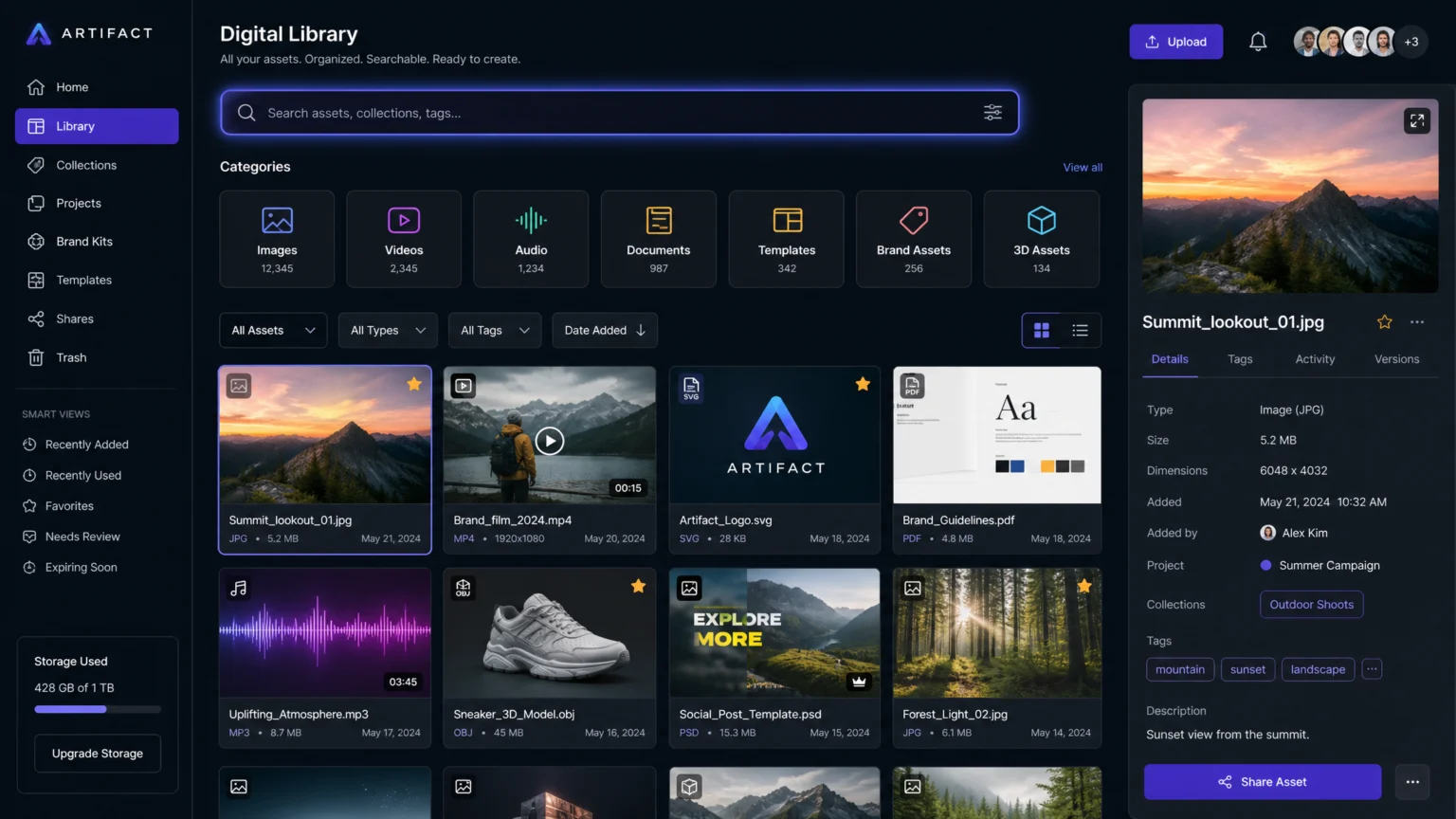
Imagine a creative team searching for a specific brand logo or product shot, only to find multiple versions, inconsistent file names, or outdated assets. This common friction point slows down projects and introduces visual inconsistencies. Effective digital asset organization isn’t just about neatness; it’s about making every asset immediately discoverable and usable, ensuring visual integrity across all touchpoints.
The core challenge lies in transforming a sprawling collection of files into a structured, searchable library. This guide outlines practical steps to implement a robust system for organizing and tagging digital assets, helping creative teams retrieve exactly what they need, when they need it, without guesswork.
Establish a Controlled Vocabulary for Consistency
The foundation of effective asset organization is a standardized language. Without it, different team members might use varying terms for the same item, leading to fragmented search results. For instance, one designer might tag an image as "product launch," while another uses "new collection." This inconsistency makes both assets harder to find.
To prevent this, develop a controlled vocabulary—a predefined list of approved keywords and phrases. This standardizes terms, reduces spelling mistakes, and ensures that everyone tags assets using the same language. Fotoware suggests gathering terminology from across your organization to build this vocabulary, ensuring it reflects how different departments refer to assets.
Define Core Metadata Fields
Beyond general keywords, identify essential metadata fields that every asset should include. Adobe recommends defining required fields such as Title, Description, Language, and Geo-location where relevant. These structured fields provide critical context and make assets discoverable through specific criteria, not just broad searches. For example, a product image might require fields for "Product ID," "Color Variant," and "Usage Rights." This level of detail ensures that when someone searches for a "red t-shirt, spring collection, web use," they get precise results.
Build a Hierarchical Taxonomy for Structured Browsing
Flat tag lists can quickly become unwieldy as your asset library grows. A more effective approach is to create a hierarchical taxonomy, which organizes assets from broad categories to specific subcategories. Frontify emphasizes hierarchical taxonomies over flat tags for better grouping of related assets. This structure mirrors how users naturally navigate information, moving from general concepts to more refined details.
Consider a structure like: Campaigns > [Campaign Name] > [Asset Type] > [Specific Asset]. For example, a marketing image could be categorized as Marketing > Summer Sale 2026 > Social Media > Instagram Story Ad. This allows users to browse through logical paths even if they don’t know the exact keyword, improving discoverability.
Map Asset Types to Their Attributes
Different types of assets benefit from different organizational structures. A video file might need tags for "duration," "aspect ratio," and "featured talent," while a logo might require "color palette," "version," and "usage guidelines." Mapping these specific attributes to asset types within your hierarchy ensures that relevant information is always captured. This foresight prevents future confusion, such as using a print-resolution logo for a web banner or vice-versa.
Implement a Phased Tagging Strategy
Tackling an entire existing asset library can feel overwhelming. A phased approach makes the process manageable and ensures that the most critical assets are organized first. Veritone suggests that a DAM indexing strategy commonly starts by defining who is responsible for tagging, establishing a tagging standard, and setting milestones for backfilling older content.
Bynder recommends a practical rollout sequence: prioritize your most important assets, apply high-level categories in bulk, and then move to targeted item-level tagging for specific asset groups. This ensures that high-value, frequently used assets are immediately searchable, providing quick wins and demonstrating the system’s value.
Leverage Bulk Tagging and Automation
For large volumes of assets, manual tagging is inefficient. Digital Asset Management (DAM) systems often provide tools for bulk metadata updates, such as CSV import/export, as noted by Adobe. This allows you to apply common tags or update fields across many assets simultaneously. For example, all images from a single photoshoot can be bulk-tagged with the photographer’s name, shoot date, and location.
While auto-tagging features can speed up the process, AssetBank advises using them carefully and validating automated tags with human review. Automated systems might misinterpret context, leading to irrelevant or incorrect tags that hinder searchability rather than help it. Human oversight ensures accuracy and maintains the integrity of your controlled vocabulary.
Maintain and Refine Your Asset Library
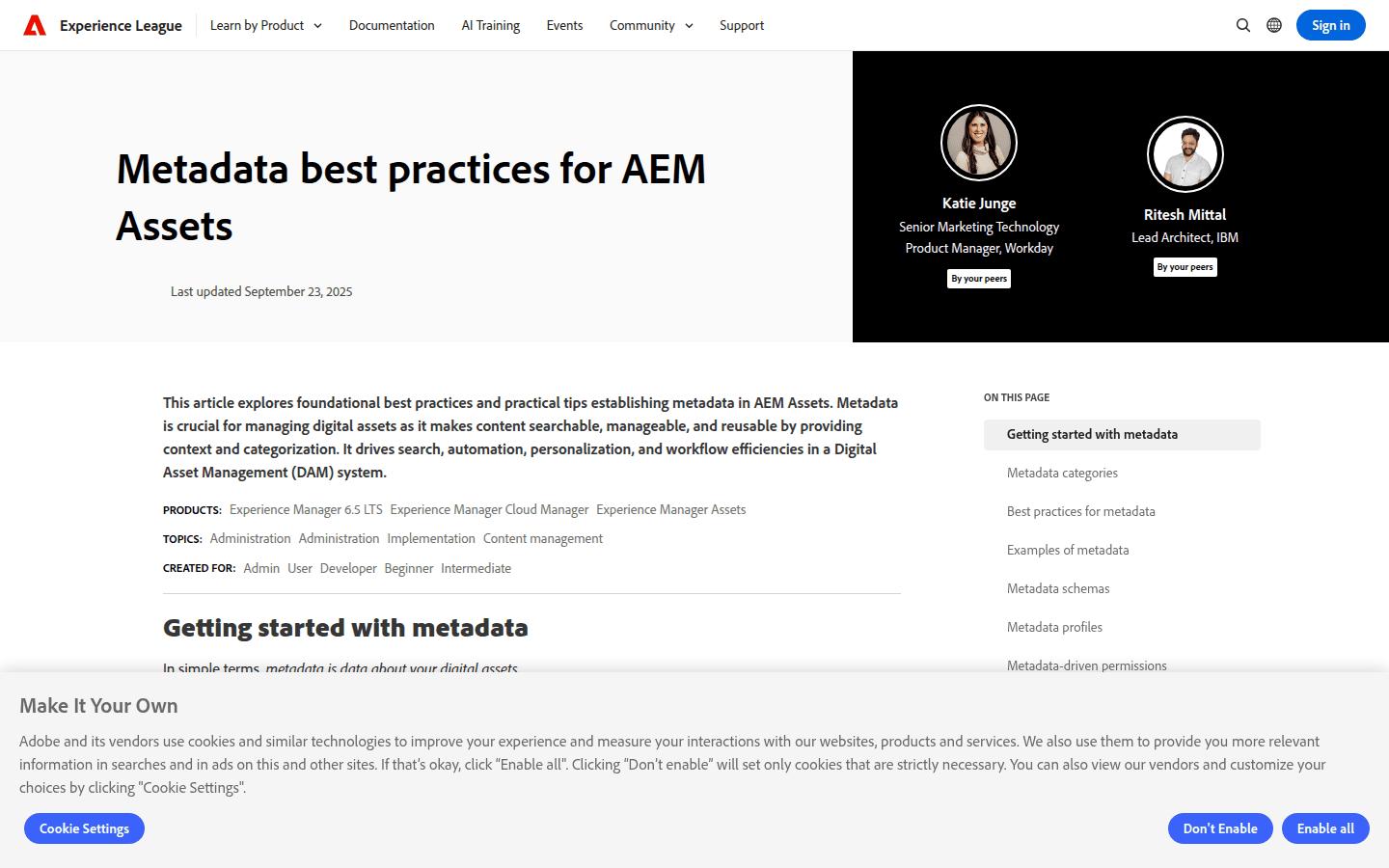
Asset organization is not a one-time task; it’s an ongoing process. New assets are constantly added, and existing ones may become outdated or require updated metadata. Without regular maintenance, even the best system can degrade over time, leading to tag bloat, duplicates, and irrelevant search results.
Orange Logic recommends periodic monitoring for duplicates or irrelevant tags and suggests tag management tools for editing and merging. Adobe also recommends scheduled metadata reviews to keep search results accurate over time. This proactive approach ensures your asset library remains a reliable resource for your creative team.
Schedule Regular Metadata Audits
Implement a schedule for reviewing your metadata and tags. This could be quarterly or bi-annually, depending on the volume of new assets. During these audits, look for:
- Redundant tags: Are there multiple tags for the same concept (e.g., "brochure" and "pamphlet")? Merge them into the approved term from your controlled vocabulary.
- Outdated tags: Are there tags related to old campaigns or discontinued products? Remove or archive them.
- Missing metadata: Are there assets lacking essential fields? Fill them in.
- Usage patterns: Are certain tags frequently searched for but rarely applied? Adjust your tagging guidelines or training.
A well-organized digital asset library empowers creative teams to work faster and more consistently. By investing in a structured approach to tagging and organization, you transform a potential bottleneck into a powerful accelerator for design and marketing efforts.
 Icon Template
 Logo Template
 Icon Template
 Icon Template