Why Does Finding Brand Assets Feel So Hard?
A designer needs a specific logo variant for a new social campaign. Instead of finding it in seconds, they spend ten minutes sifting through folders. These folders are often named “Logos_Final,” “Logos_V2,” or “Logos_Approved_New.” This common friction point often stems from a lack of structured metadata and a clear taxonomy for brand assets. The visual hierarchy collapses, and brand consistency suffers when the right asset isn’t immediately visible.
Without a consistent system, creative teams waste valuable time searching for files. This increases the risk of using outdated or off-brand visuals. Metadata, which is information added to brand assets, helps organize and surface them reliably in search. A robust taxonomy defines how assets are categorized, making retrieval intuitive and efficient. The goal isn’t just to store assets, but to make them instantly actionable for any project.
1. Audit Your Existing Assets and Search Behavior
Before building any new system, understand what you already have. Observe how people currently look for assets. Start by auditing your existing brand assets. Review all current files, noting their types, versions, and how they are inconsistently named or stored. Simultaneously, observe or interview team members about their search habits. What terms do they use? Which assets are hardest to find? Which ones are frequently misused?
For example, if designers consistently search for “product shot” but assets are tagged “e-commerce image,” you’ve identified a vocabulary mismatch. If an asset library contains five versions of a brand guideline document, but only one is current, the audit highlights a version control problem. This initial phase helps identify common pain points. It establishes a baseline for improvement, ensuring your new system addresses real-world needs rather than theoretical ones.
2. Define Required and Optional Metadata Fields
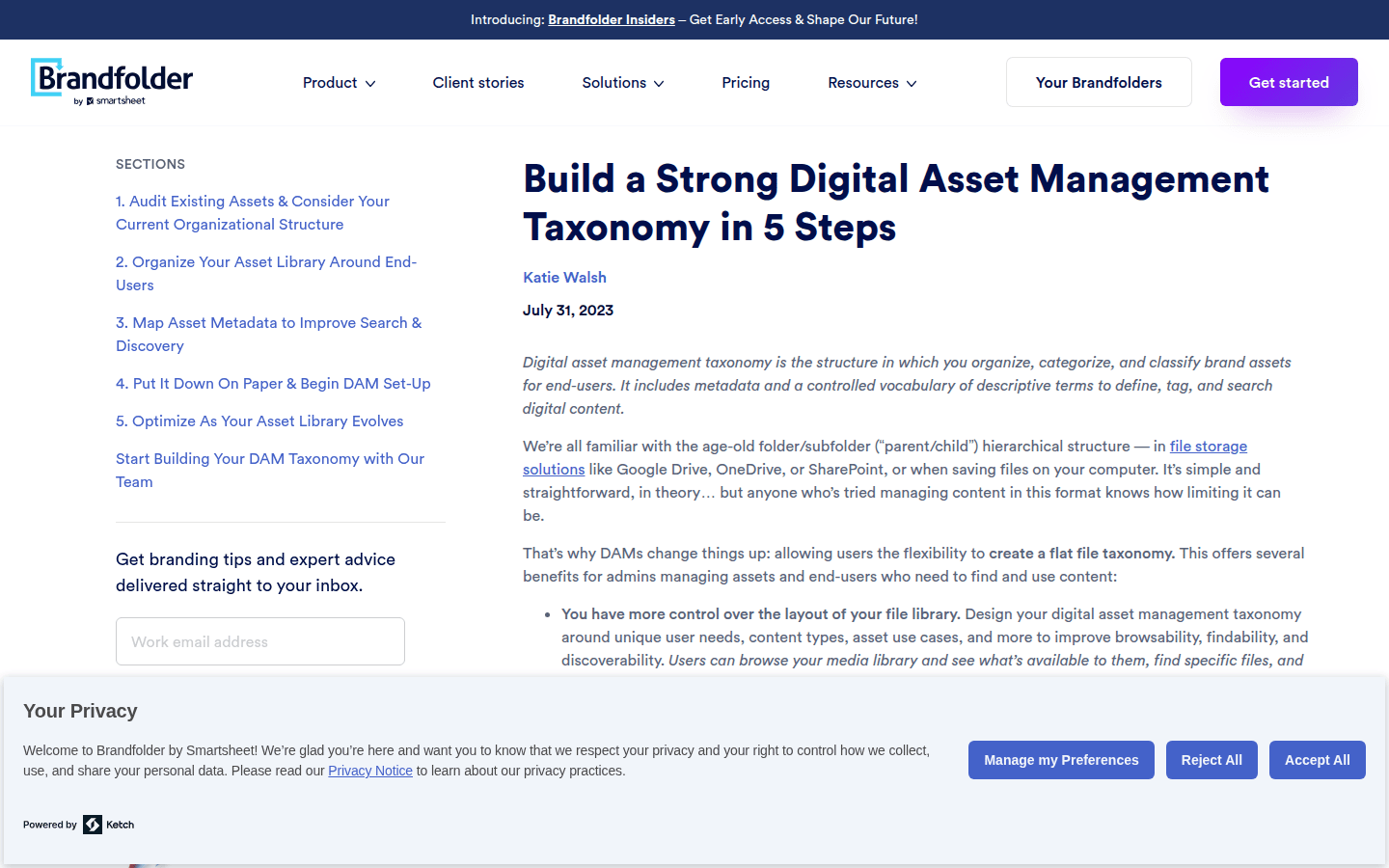
Once you understand your current state, standardize the metadata fields that will describe each asset. Clearly define these fields as either required or optional. Required fields ensure critical information is always present. Optional fields allow for additional detail without creating unnecessary burdens. For instance, every logo might require a “Brand” and “Asset Type” field. A “Campaign” field might be optional, depending on the asset’s origin.
A controlled vocabulary is crucial for fields like brand, market, asset type, campaign, language, and usage rights. This means pre-defining a fixed set of terms users must choose from. This prevents variations like “logo,” “logotype,” and “brandmark” from describing the same thing. This consistency is fundamental for reliable search results. Without it, a search for “logo” might miss assets tagged as “logotype.”
3. Build a Structured Taxonomy for Organization
A digital asset management (DAM) taxonomy defines how assets are organized, categorized, and retrieved. It uses metadata and controlled terms. This structure should reflect your brand’s operational logic. Think about how your teams naturally group assets. Is it by product line, campaign, region, or asset purpose? A well-designed taxonomy makes asset discovery intuitive.
For example, a taxonomy might start with broad categories like “Marketing,” “Product,” and “Internal.” It then branches into subcategories such as “Marketing/Campaigns/Summer2026” or “Product/Packaging/CoffeeBeans.” This hierarchical structure provides a clear path for users to browse and filter. This works even if they don’t know the exact search term. The goal is to make the organization visible and predictable, reducing cognitive load for users.
4. Separate Descriptive Metadata from Flexible User Tags
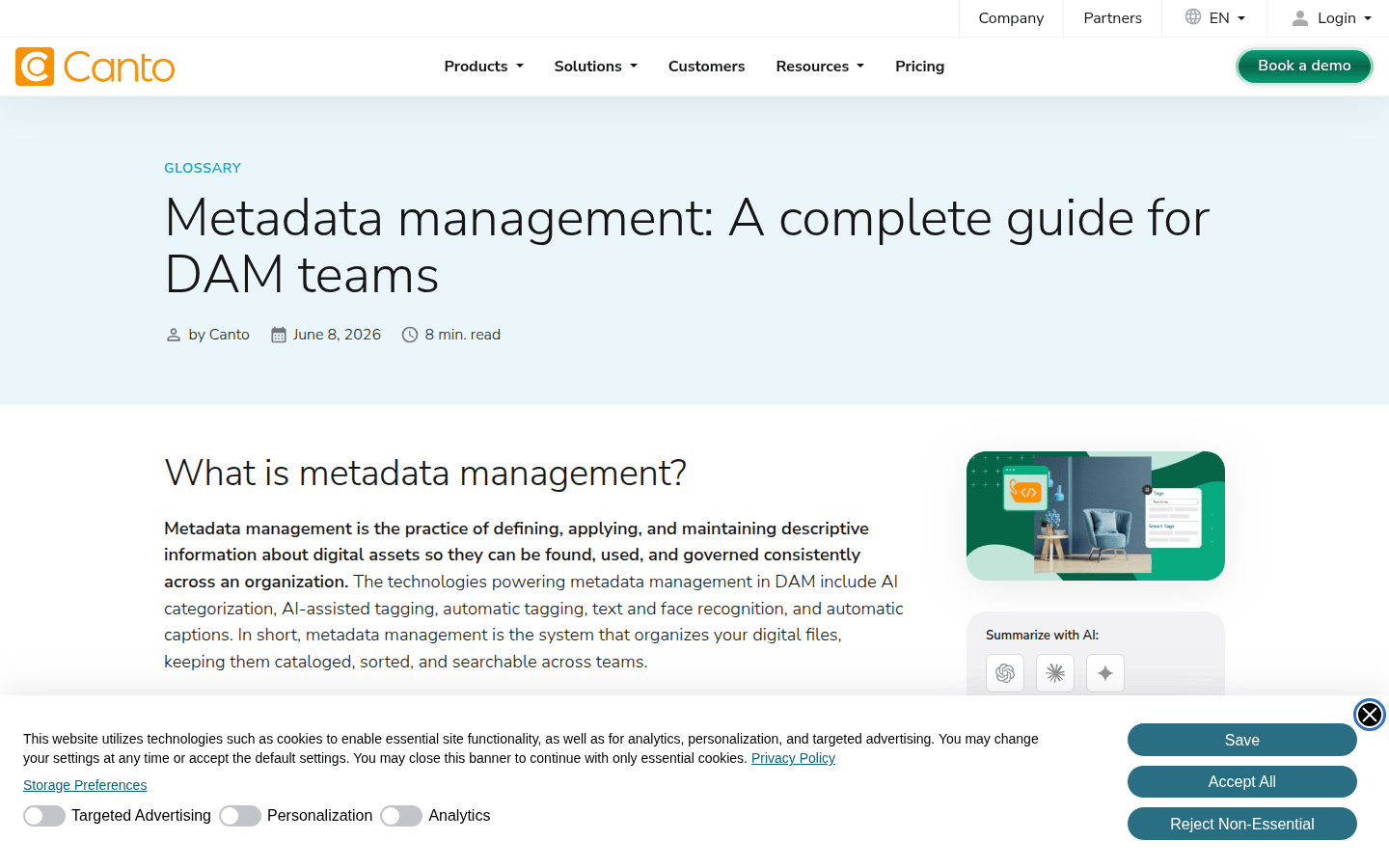
Not all metadata serves the same purpose. It’s beneficial to distinguish between descriptive metadata and more flexible user-generated tags. Descriptive metadata includes structured information like creation date, copyright, and file type. This is often populated automatically or through controlled vocabularies. These are fixed and essential for asset management, providing core identification.
User tags, on the other hand, offer flexibility. These might include keywords relevant to a specific project, emotional attributes, or informal descriptors. They help creative teams find assets in a more intuitive way. For example, a product image might have descriptive metadata like “Product: Coffee Beans, SKU: CB001, Usage Rights: Global.” It could also have user tags such as “cozy,” “morning ritual,” or “sustainable.” This dual approach balances strict control with creative freedom, enhancing both findability and discoverability.
5. Implement Bulk Tagging and Import Tools
Manually tagging every asset can be time-consuming and error-prone. To streamline this, leverage bulk tagging or CSV-based update tools. These features allow you to apply or correct metadata across many assets simultaneously. This significantly reduces manual effort. For instance, if you upload 50 images from a single photoshoot, you can apply the same photographer, date, and campaign tags to all of them at once.
Similarly, when migrating existing assets into a new DAM system, import tools that support metadata mapping can automatically populate fields. This is based on existing file names or folder structures. This automation not only saves time but also ensures a higher degree of consistency from the outset. This is especially true when dealing with large volumes of legacy assets. Canto and Adobe Experience Manager Assets both highlight the efficiency gains from such tools, making initial setup much smoother.
6. Establish Intake and Review Checkpoints
Metadata quality degrades over time without governance and periodic maintenance. Implement clear intake and review checkpoints to ensure new assets are properly tagged. This also ensures existing metadata remains accurate. Define who is responsible for tagging new uploads, what fields are mandatory, and what the approval process looks like. This proactive approach prevents future disorganization.
For example, a workflow might require a content manager to review all new marketing images. They would check for correct campaign and usage rights tags before publication. Regular audits, perhaps quarterly, can identify inconsistencies or gaps in metadata. This ongoing review process prevents the system from becoming cluttered with poorly described assets. It maintains the integrity and searchability of your brand asset library, ensuring long-term usability.
7. Train Your Team on the New Workflow
Even the most perfectly designed taxonomy and metadata structure will fail without proper user adoption. Provide clear training and documentation for all team members who interact with the asset library. Explain not just *how* to use the system, but *why* it’s important for their daily work and overall brand consistency. Show them how proper tagging leads to faster retrieval and less frustration, directly impacting their productivity.
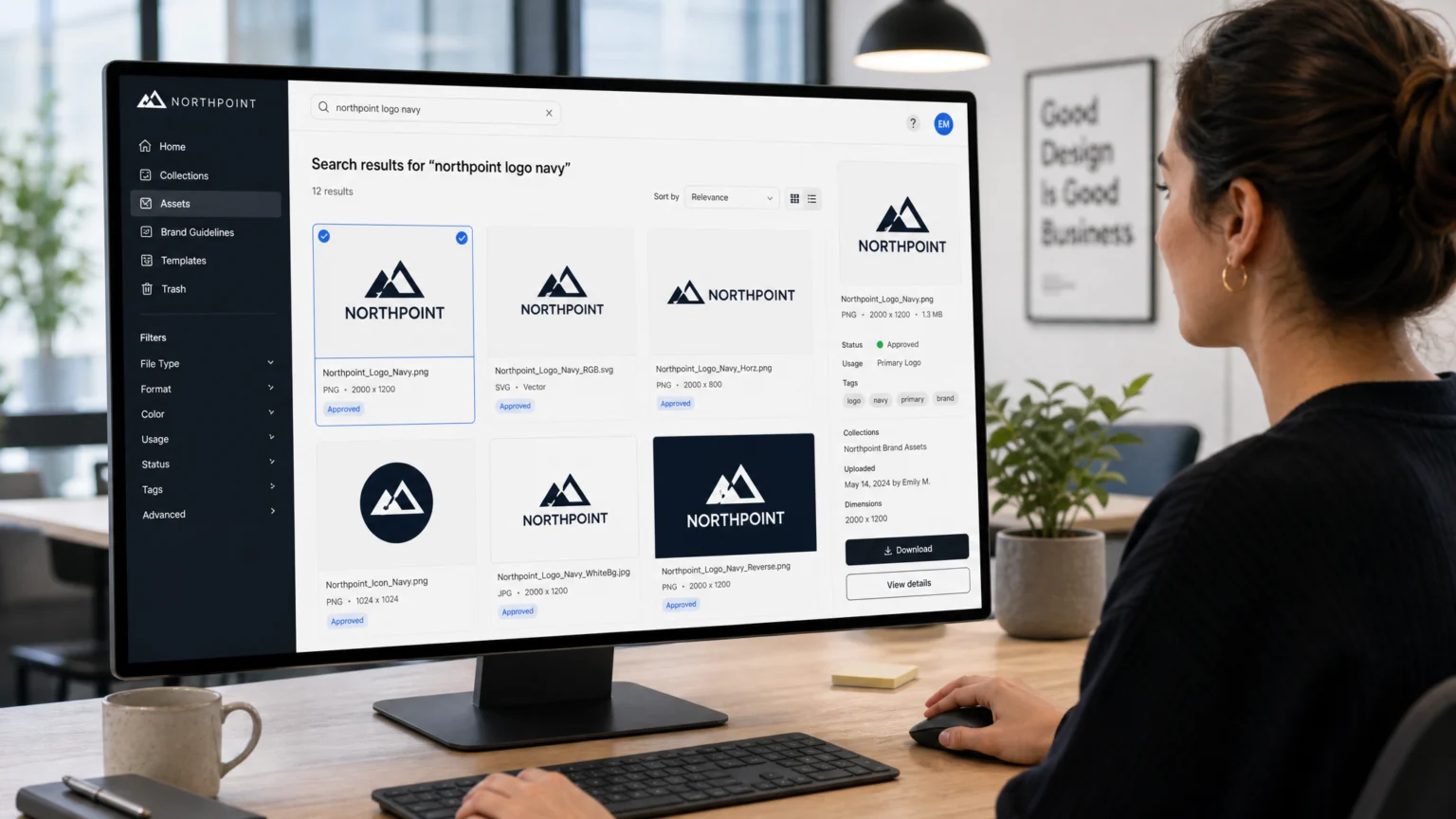
Offer practical examples during training. Demonstrate how searching for “Summer Campaign 2026 banner ad” instantly brings up the correct file. Contrast this with a manual hunt through unorganized folders. Highlight the visual impact of using the correct, approved brand assets. Ongoing support and a feedback mechanism for users to suggest improvements or report issues will also foster a sense of ownership. this helps the system evolves with your team’s needs, becoming a truly integrated tool.
Maintaining a Living System for Brand Assets
A brand asset tagging and categorization system is not a static document. It’s a living system that requires continuous attention. Regularly review your taxonomy, metadata fields, and controlled vocabularies. this helps they still meet the evolving needs of your brand and creative teams. As new product lines emerge, campaigns launch, or visual styles shift, your asset organization must adapt. This proactive approach ensures that your brand assets remain discoverable, usable, and consistently on-brand. It makes creative work faster and more reliable, ultimately strengthening your brand’s visual identity and market presence.
Consider setting up a dedicated metadata governance committee or assigning a metadata steward. This individual or group would be responsible for overseeing the system’s health, making decisions on new tag requests, and resolving conflicts. Regular check-ins with creative teams can also surface pain points and opportunities for improvement. For instance, if a new product line introduces unique visual elements, the committee can decide on appropriate new tags or categories. This prevents ad-hoc solutions that might fragment the system over time.
Another key aspect of maintenance is integrating the DAM system with other tools in your creative workflow. For example, connecting your DAM to project management software can automatically link assets to specific tasks or campaigns. This reduces manual data entry and ensures metadata consistency across platforms. Similarly, integrating with content management systems can streamline the publication process, ensuring only approved and correctly tagged assets are used. These integrations reinforce the value of a well-maintained DAM, making it an indispensable part of your brand’s operational infrastructure.
Finally, remember that the success of your asset management system hinges on user engagement. Encourage teams to provide feedback on search results, tagging accuracy, and overall usability. Gamification elements, like recognizing teams with the highest tagging compliance, can also boost adoption. By fostering a culture of shared responsibility for asset organization, you transform a technical system into a collaborative tool that empowers everyone to contribute to brand consistency and efficiency. This continuous feedback loop ensures the system remains relevant and effective, adapting to the dynamic needs of your creative environment.
 Icon Template
 Logo Template
 Photo Template
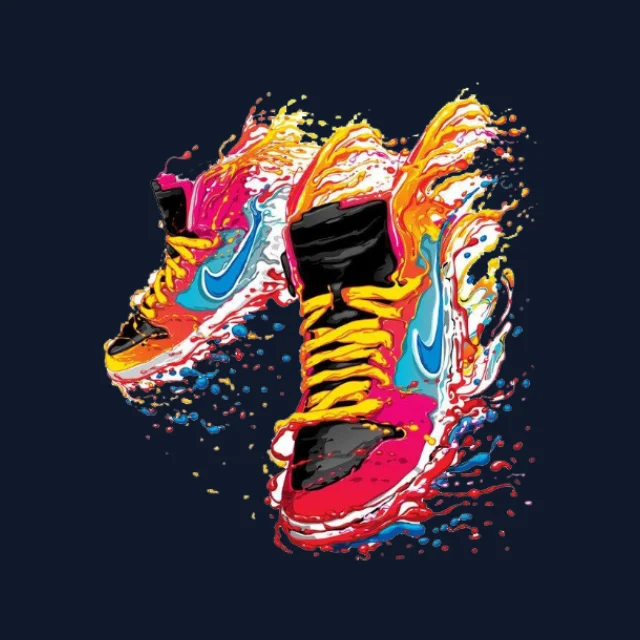 Photo Template