
When Ad Management Becomes a Time Sink
Imagine a small business owner trying to launch a new product across Facebook, Instagram, and LinkedIn. Without a unified system, they’d be logging into three separate ad managers, uploading creatives, setting budgets, and tracking performance individually. This fragmented approach not only consumes valuable time but also makes it nearly impossible to maintain consistent brand messaging or gain a holistic view of campaign effectiveness. The result is often a disjointed customer experience and missed opportunities for cross-platform optimization.
Social media ad automation tools address this challenge by centralizing and streamlining these tasks. Instead of manual scheduling or bid adjustments, these platforms automate publishing, optimize ad delivery, and consolidate reporting into a single dashboard. This allows marketers to shift their focus from repetitive execution to strategic planning and creative development. This article explores five prominent social media ad automation tools, examining their core capabilities, supported channels, and how they integrate into various campaign workflows.
Hootsuite: Integrated Organic and Paid Social Management
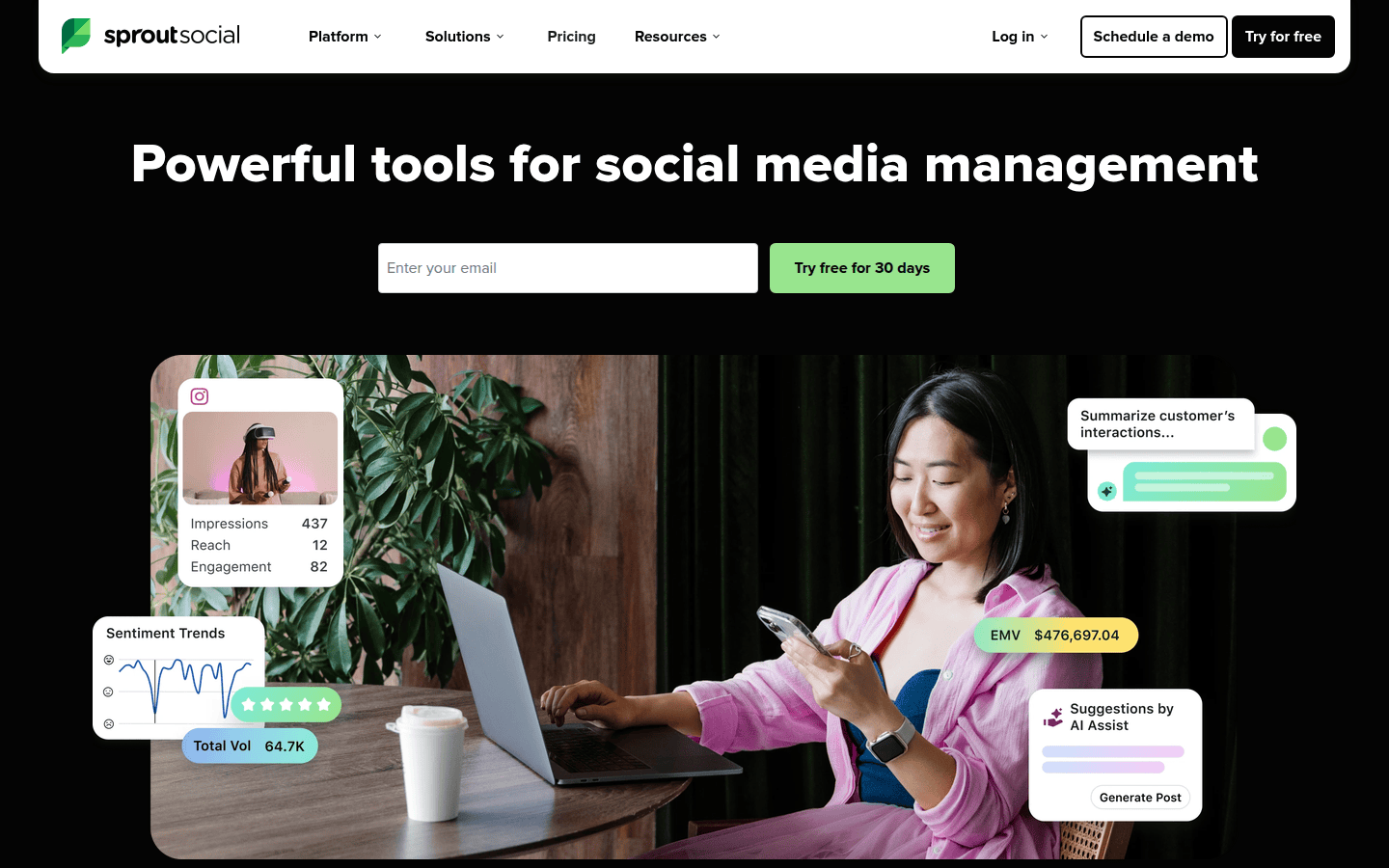
Hootsuite offers a comprehensive solution for social media management, extending its capabilities to include social advertising. Users can create, manage, optimize, and measure ads across major platforms like Facebook, Instagram, LinkedIn, and X (formerly Twitter) from a single dashboard. This integration allows for side-by-side management of both organic social content and paid campaigns, which is a significant advantage for maintaining brand consistency and understanding the interplay between content strategies.
The primary benefit of Hootsuite lies in its ability to centralize diverse social activities. For a brand launching a new product, this means coordinating an organic announcement post with a targeted ad campaign on LinkedIn and Instagram, all within the same interface. This unified view ensures ad creatives align with organic messaging and that performance data from both streams can be analyzed together, providing a clearer picture of overall campaign effectiveness. Learn more about Hootsuite’s ad management features on their blog.
Best For: Managing multiple social ad platforms alongside organic content, especially for teams prioritizing a unified social media presence.
Limitations: While comprehensive, its broad feature set might present a steeper learning curve for users solely focused on ad management without organic social needs.
Hootsuite provides a unified dashboard for managing both organic and paid social content.
Sprout Social: Automation with Deep Reporting and Collaboration
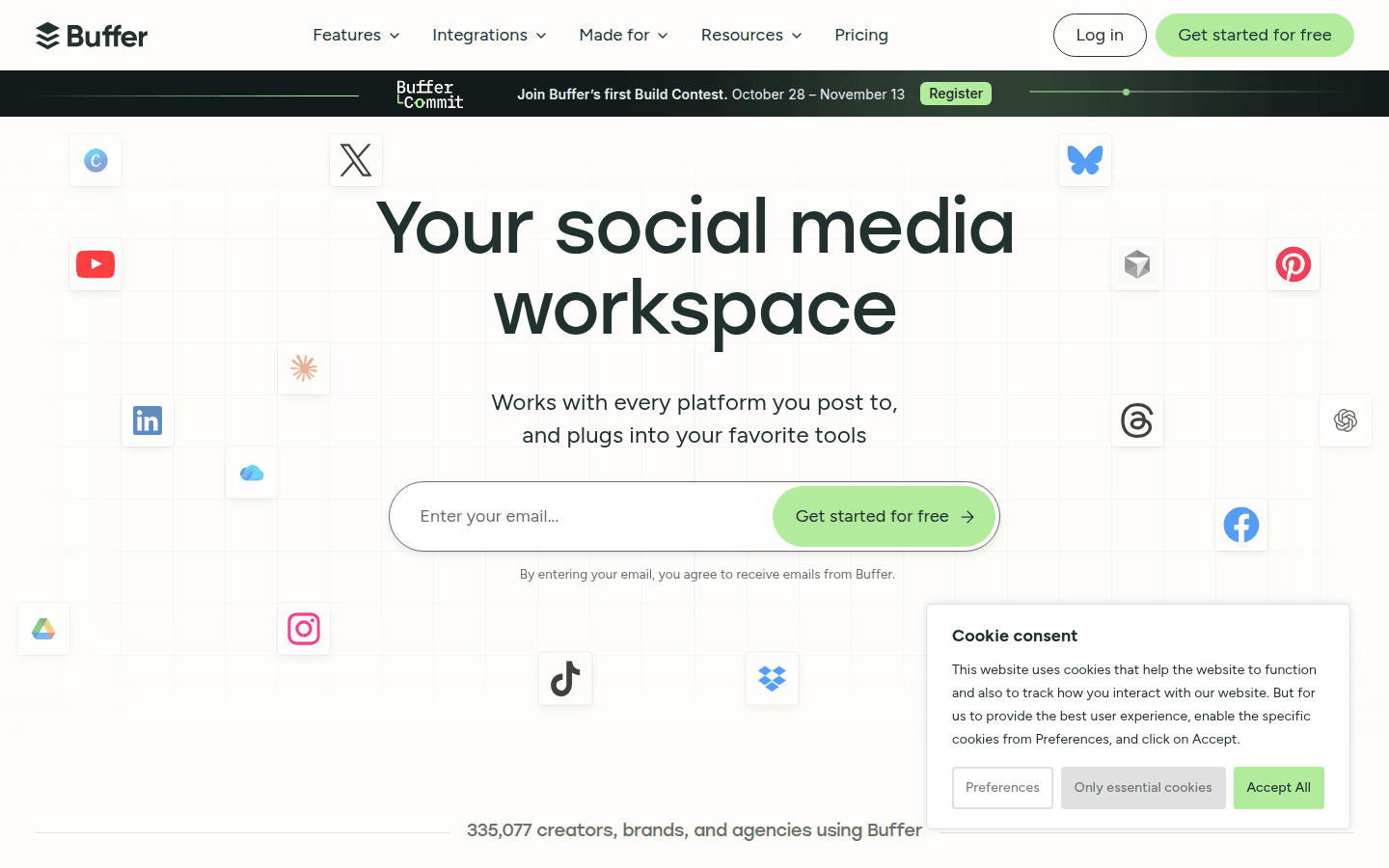
Sprout Social positions itself as a robust social media automation tool with a strong emphasis on publishing, detailed reporting, a unified inbox, and advanced analytics. Its automation features extend beyond simple scheduling, helping teams streamline content delivery and engagement processes. For ad campaigns, this translates into more efficient ad deployment and the ability to track performance with granular detail.
The platform’s strength lies in its analytical depth and collaborative features. Imagine a marketing team launching a seasonal sale. Sprout Social could automate ad scheduling across various platforms, then provide in-depth reports on ad spend, impressions, and conversions. The unified inbox also helps manage responses to ad comments and messages, ensuring customer interactions are handled promptly and consistently, which is crucial for maintaining brand reputation during active campaigns. Explore Sprout Social’s automation capabilities on their insights page.
Best For: Teams needing extensive automation features combined with strong reporting, analytics, and collaborative workflows for social media and ad management.
Limitations: Its comprehensive nature and advanced analytics might be more than what very small businesses or individual marketers require, potentially leading to a higher cost for unused features.
Sprout Social offers detailed analytics for tracking social media ad performance.
Buffer: Streamlined Scheduling and Performance Tracking
Buffer is widely recognized as a social media management platform that simplifies publishing, performance tracking, and post automation. While it offers a lighter touch than some enterprise-focused counterparts, Buffer provides essential automation capabilities that can significantly ease the burden of consistent social media presence, including for paid content. Its interface is often praised for being intuitive and user-friendly, making it accessible for individuals and smaller teams.
For a small business with a limited marketing budget, Buffer can automate the distribution of ad creatives across different social channels after they’ve been designed. this helps ads are posted at optimal times without constant manual intervention. The platform’s performance tracking then helps monitor how these posts are resonating, allowing for quick adjustments. This balance of automation and accessible analytics makes it a practical choice for those who need efficiency without overwhelming complexity. Discover more about Buffer’s automation features in their resource guide.
Best For: Lighter-weight scheduling and automation, ideal for small businesses or individuals focused on consistent content delivery and basic performance insights.
Limitations: May not offer the deep, granular ad optimization features or extensive channel support found in more specialized ad platforms.
Buffer simplifies scheduling and tracking for social media posts, including ads.
AdEspresso: Specialized Optimization for Facebook and Instagram Ads
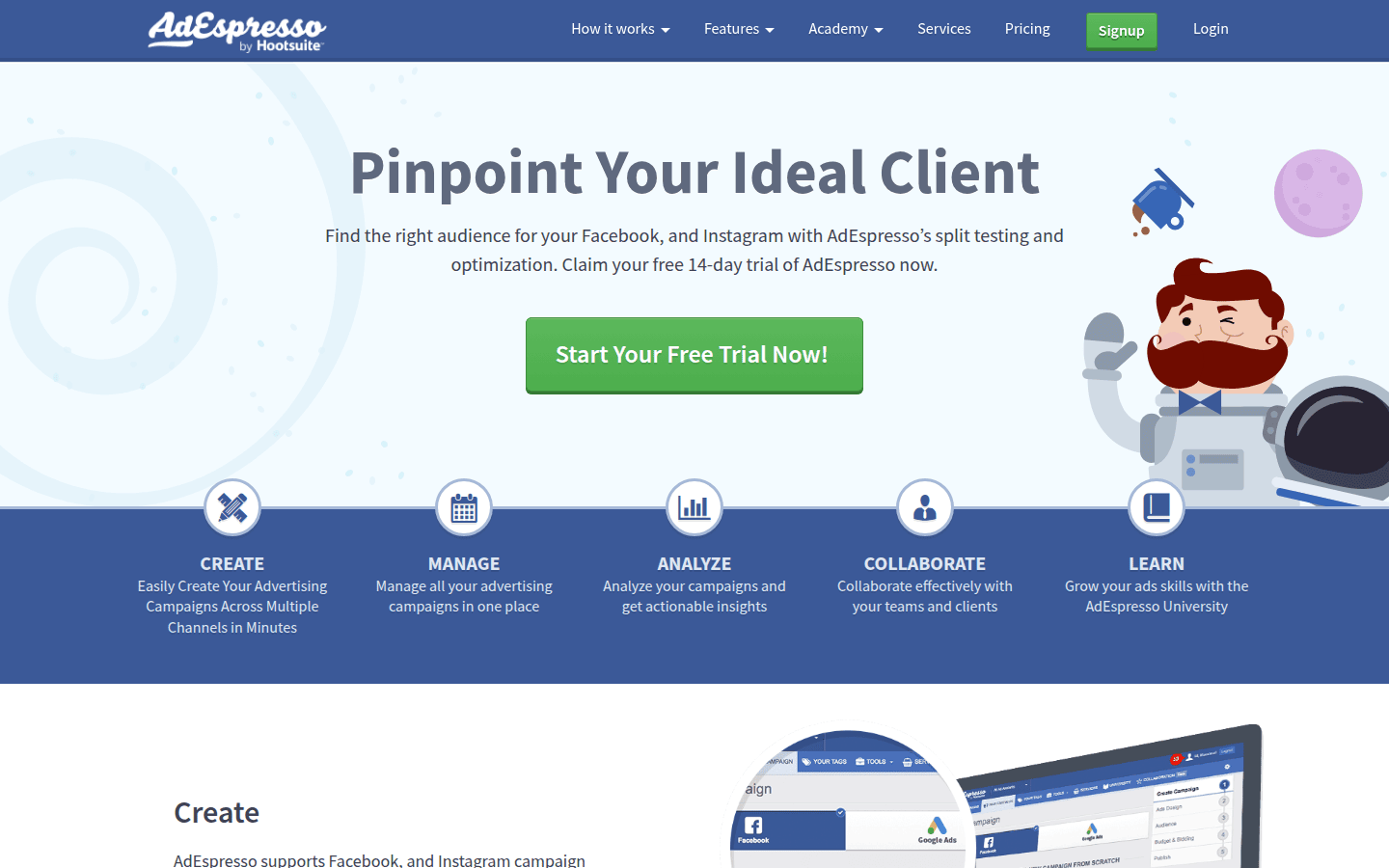
AdEspresso stands out as a specialized tool for creating, managing, and optimizing advertising campaigns specifically on Facebook and Instagram. Unlike broader social media management platforms, AdEspresso focuses intensely on the nuances of these two dominant ad networks. This specialization allows it to offer more in-depth features for A/B testing, audience segmentation, and creative optimization tailored to Facebook and Instagram’s ecosystems.
Consider a marketer running complex A/B tests to determine the most effective ad creative and audience combination for a new product. AdEspresso facilitates this by allowing easy creation of multiple ad variations and precise targeting. It can automate the process of turning off underperforming ads and scaling up successful ones, directly impacting return on ad spend. This focused approach makes it a powerful ally for those whose primary ad spend is concentrated on these platforms. Learn about AdEspresso’s capabilities on Siteefy’s marketing tools listing.
Best For: Facebook and Instagram ad experimentation and optimization, particularly for marketers seeking advanced testing and scaling capabilities.
Limitations: Its specialization means it does not support other social ad platforms, requiring additional tools for multi-channel campaigns beyond Facebook and Instagram.
AdEspresso specializes in optimizing Facebook and Instagram ad campaigns.
Zoho Social: CRM-Connected Social Management for Small Businesses
Zoho Social is designed with small businesses in mind, offering tools to plan posts, track engagement, and crucially, connect social data directly to their CRM. This integration is a significant differentiator, allowing businesses to link social interactions with customer profiles and sales pipelines. For small teams, this means a more holistic view of customer journeys, from initial social engagement to conversion.
Imagine a small e-commerce store running an ad campaign to drive traffic to a new product. Zoho Social can help schedule the ad posts and monitor engagement. More importantly, if a potential customer interacts with an ad, that interaction can be logged in Zoho’s CRM, providing sales teams with valuable context for follow-up. This direct link between social activity and customer relationship management streamlines workflows and helps demonstrate the tangible impact of social efforts. Find out more about Zoho Social’s features on Hootsuite’s blog.
Best For: Small businesses that want to integrate their social media management and ad efforts directly with their customer relationship management (CRM) system.
Limitations: While strong on CRM integration and small business focus, it might lack the extensive ad optimization features or broad platform support of more specialized or enterprise-level tools.
Zoho Social connects social media management with CRM for small businesses.
Aligning Ad Automation with Your Campaign Goals
Selecting the ideal social media ad automation tool depends heavily on your specific needs and existing ecosystem. Consider these factors:
- Ad Automation Capabilities: Do you need basic scheduling, or advanced features like automated bid adjustments and A/B testing?
- Supported Ad and Social Channels: Are you focused on one or two platforms, or do you require broad multi-channel support?
- Reporting and Analytics Depth: How detailed do your performance reports need to be? Do you require custom dashboards or just high-level metrics?
- Workflow and Collaboration Fit: How many team members will use the tool, and what level of collaboration and approval workflows are necessary?
- Audience Testing and Optimization Tools: Is granular audience segmentation and automated optimization a priority for your campaigns?
For instance, if your team primarily runs Facebook and Instagram ads and needs deep optimization, AdEspresso offers specialized features. If you manage organic social alongside paid campaigns across many platforms, Hootsuite provides a unified view. Small businesses prioritizing CRM integration might find Zoho Social a better fit. Evaluate your current ad spend, team size, and the complexity of your campaigns to align with the tool that offers the most practical value.
Ultimately, the best tool will streamline your ad operations without adding unnecessary complexity, allowing your team to make more informed decisions faster. Test a few options that align with your core requirements to see how they integrate into your daily workflow and impact your campaign performance. Consider starting with a free trial to assess the user experience and feature set before committing to a long-term solution.
 Logo Template
 Logo Template
 Photo Template
 Logo Template