Which kind of brand system do you need after the logo is made?
The better question is not which tool makes a logo fastest. It is which one gives you enough structure once that logo has to live on a business card, a social post, a cover image, or a shared team file.
This comparison stays close to six practical checks: logo-first or platform-first workflow, what the brand kit actually includes, how much help you get from templates or ready-made assets, which file formats are clearly supported, whether more than one person can work from the same source, and how tightly those features are gated by plan.
The differences are distinct enough to act on. Looka is the clearest logo-to-brand-kit bundle, Canva is strongest for template-driven reuse, Adobe Express works best as a broader design workspace with brand organization, and Wix suits people who want logo creation tied to downstream assets inside the Wix and Wixel system.
Quick answer: pick based on what happens next
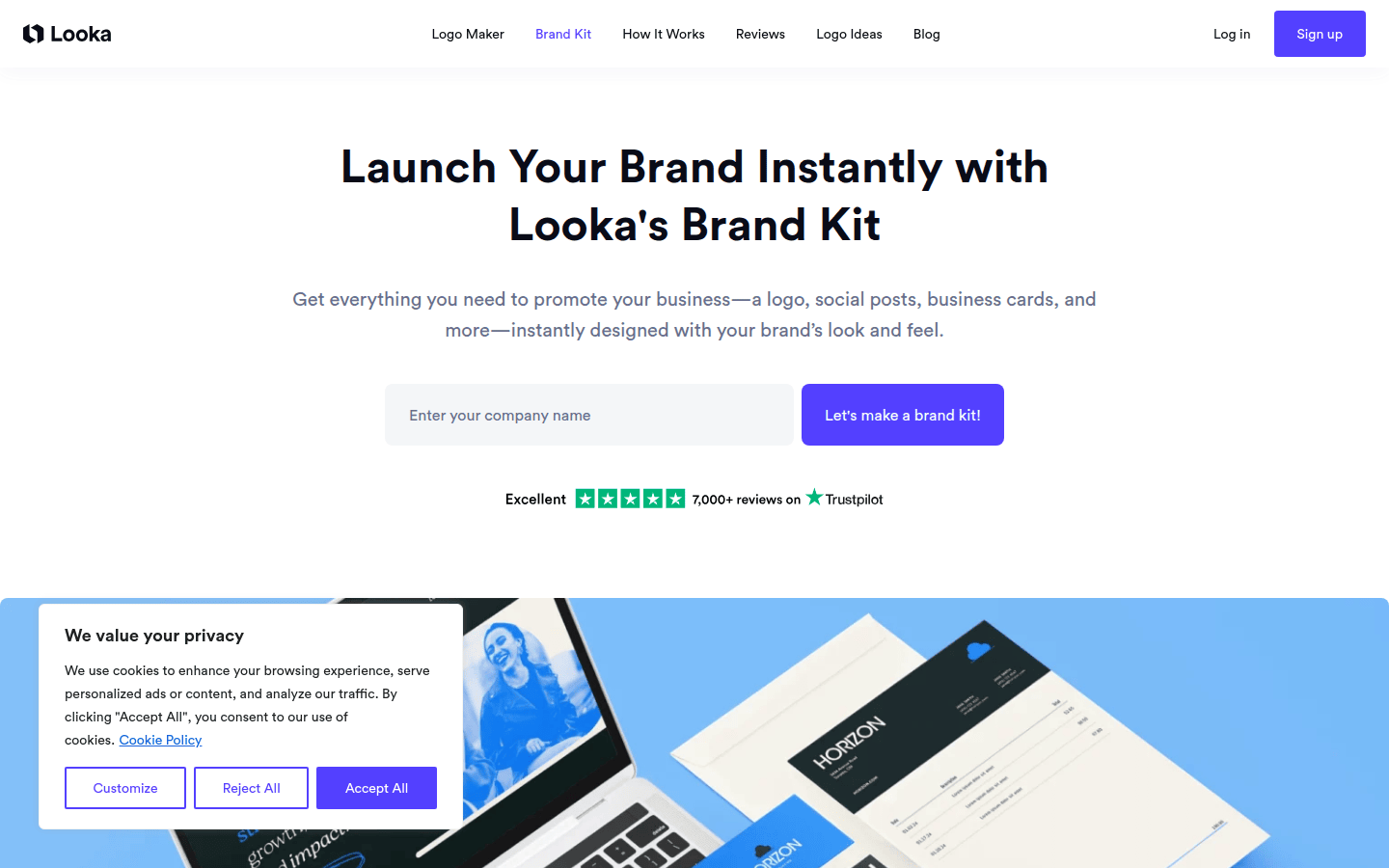
If you want a logo package and then a starter identity with guidelines and branded assets, Looka is the cleanest fit. Its materials show a one-time logo package path and a separate Brand Kit subscription, so the buying path is easy to read.
If the logo is only the first step and the real work is posts, slides, flyers, and repeat content, Canva makes more sense. Its strongest case is Brand Kits, Brand Templates, and a very large template library.
If several people touch the brand and you want a shared design space rather than a dedicated logo storefront, Adobe Express is the better frame. Its brand-kit page defines the system broadly and explicitly mentions collaborator access.
If you want logo creation tied to social graphics, business cards, and Wix-connected outputs, Wix is the practical choice. The main caveat is product naming: Wix says Wixel is now the main place for new logos and visual assets, while the older Wix Logo Maker is still available.
Comparison table: logo maker plus usable brand kit
| Service | Best fit for | Workflow type | What the brand kit includes | Templates or ready-made assets | Export and file-format details | Collaboration or reuse controls | Pricing or plan details | Important caveat |
|---|---|---|---|---|---|---|---|---|
| Looka | Founders who want a direct logo-to-brand-kit bundle | Logo-first, with separate logo package and brand-kit subscription paths | Brand guidelines and 300+ ready-to-use branded assets | 300+ branded assets; annual Brand Kit subscribers get access to over 1000s of customizable templates | Premium Logo Package includes PNG, EPS, SVG, and PDF plus transparent-background variations | Looka does not clearly document a comparable collaborator feature | Premium Logo Package listed at $65 one-time; Brand Kit Subscription listed at $96/year billed annually | Brand Kit access is subscription-based; template count is described loosely |
| Canva | Teams and solo operators who need reusable branded content | Platform-first, with logo support inside a broader design system | Brand Kits plus a fixed Brand Templates section for every non-personal Brand Kit | Canva Pro lists 3.6M+ templates | Canva recommends PNG for flexible use and SVG for scalable use, especially for print | Brand Templates support repeated reuse; plan, role, and country can affect features | Free includes 1 Brand Kit with 3 colors only; Pro includes 5 Brand Kits | Not a dedicated logo-first buying flow |
| Adobe Express | Users who need brand organization and sharing in a broader design workspace | Platform-first, with logo creation plus brand organization | Adobe defines a brand kit as assets, guidelines, and resources | Adobe does not publish a comparable template count on its Brand Kit pages | Brand-kit guidance lists PNG, SVG, EPS, PSD, and Ai as formats to gather | Brand kits can be shared with collaborators | The Brand Kit page references Adobe Express Premium, but it does not clearly list every plan-specific limit | Do not assume every listed format is available in every export workflow or tier |
| Wix Logo Maker / Wixel | Users who want logos tied to social and business-card assets in the Wix ecosystem | Logo-first, with ecosystem tie-in and current Wixel transition | Secondary logo files, business card files, social post files, and social media cover files | Wix emphasizes downstream asset types rather than a broad template count | Advanced plan includes resizable SVG logo files | Wix does not clearly document comparable collaborator controls on its Brand Kit pages | Brand Kit included with Social, Brand Plus, Unlimited, or Business Logo plans | Wix does not present clean comparable pricing on its public pages, and its product naming is in transition |
Choose Looka if you want the clearest logo-to-brand-kit bundle
Looka is the easiest recommendation when you want a dedicated logo path that grows into a starter identity system without changing mental gears. Official pricing separates the one-time logo purchase from the ongoing brand-kit layer, so you can tell quickly whether you only need files or also need repeated branded outputs.
The strongest point is export readiness. Looka’s Premium Logo Package is listed at $65 one-time and includes PNG, EPS, SVG, and PDF files, plus multiple color variations including transparent backgrounds. For a small business that needs to place a logo on a site header, a document, signage mockup, and social post, that file package matters more than a polished demo.
Looka’s Brand Kit subscription is listed at $96 per year billed annually. Looka also lists brand guidelines and 300+ ready-to-use branded assets, and Looka’s help documentation says annual Brand Kit subscribers get access to over 1000s of customizable templates.
That makes Looka a compact system: logo files, usage guidance, and a shelf of branded materials. It suits founders, solo consultants, and early-stage teams that want consistency without taking on a large shared workspace.
The trade-off is clear. The richer brand layer is subscription-based, and Looka does not clearly document deeper team collaboration, bespoke originality, or trademark protection. If the work after the logo is heavy content production across many formats, Canva offers more room.
Once you have transparent logo files in hand, the next practical step may be turning them into moving assets for reels, intros, or headers. DanceLogo’s transparent logo animation guide is a useful bridge from static export files to motion-ready brand use.
Choose Canva if reusable templates and brand controls matter more than a logo-first flow
Canva is stronger when the logo is just the start of an ongoing publishing routine. Its official materials are less about a dedicated logo package and more about managing brand ingredients inside a broad content system.
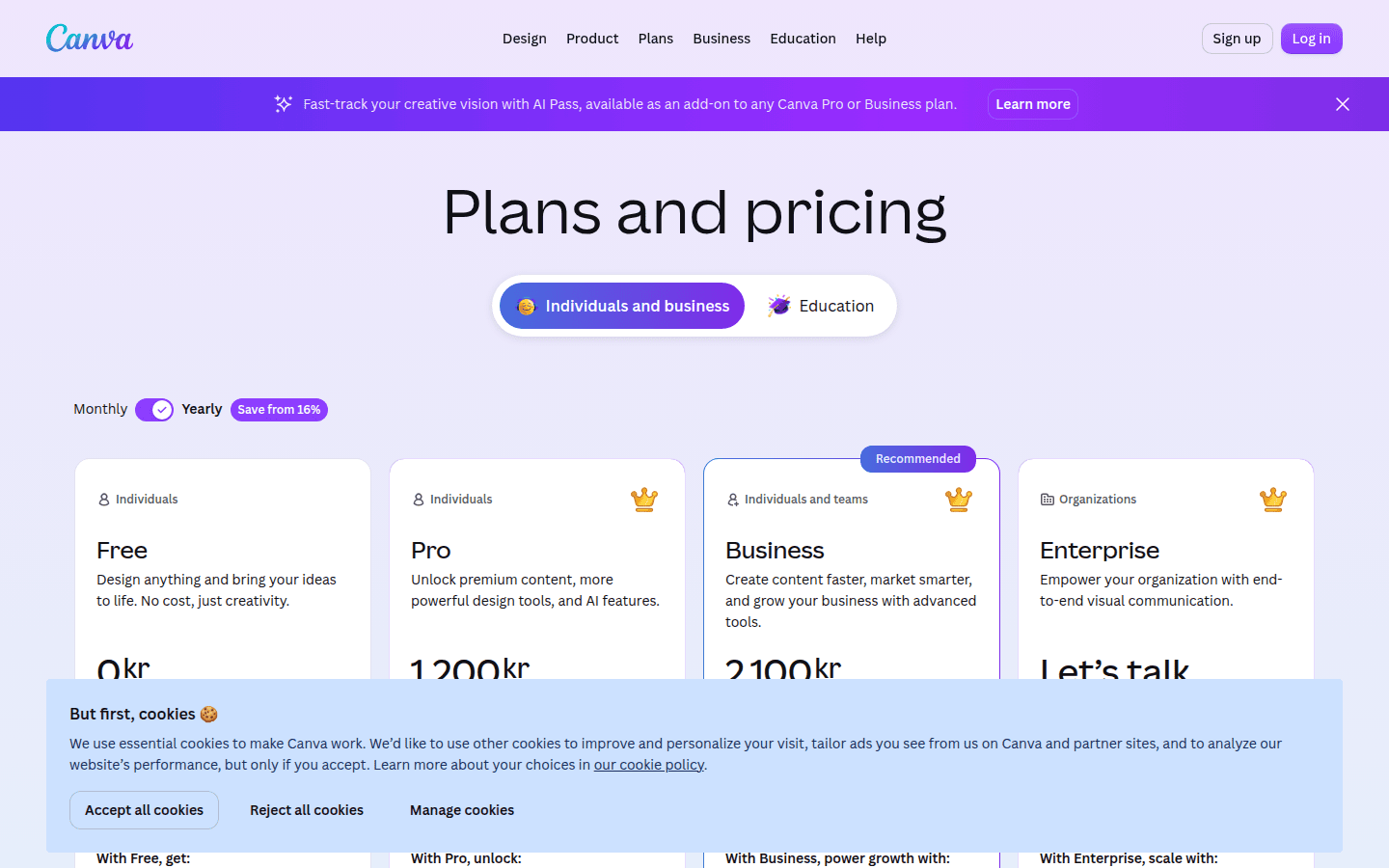
The plan structure makes that easy to spot. Canva Free includes 1 Brand Kit with 3 colors only, while Canva Pro includes 5 Brand Kits. That tells you Canva treats the brand kit as an organizing layer inside the platform, not only as a file bundle.
The template story is where Canva moves ahead in this comparison. Canva Pro lists 3.6M+ templates, and every Brand Kit except personal Brand Kits includes a fixed Brand Templates section. If your weekly work includes social posts, presentations, simple ads, print pieces, and internal documents, that repeatability matters more than a one-time logo checkout.
Canva also has a useful setup detail for brands that already exist in pieces. Its Brand Kit Builder can extract logos, colours, and public fonts from a website or PDF, which can save time when you are gathering assets from old files or a live site rather than starting from scratch.
On file readiness, Canva’s best-practice guidance recommends PNG files for flexible use and SVGs for scalable use, especially for print. That is practical advice for keeping edges clean across digital and physical formats, though it should not be stretched into claims about every export entitlement on every plan.
Canva fits small teams, in-house marketers, community managers, and solo operators who need a steady stream of branded pieces. The limitation is simple: it is not a dedicated logo-first service. If you want the cleanest path to a purchased logo package with a clearly bundled starter kit, Looka remains more direct.
If those branded templates will mostly end up on social channels, motion can keep the identity from feeling static. DanceLogo’s page on animated logos for social media is a natural next step once you have repeatable Canva outputs.
Choose Adobe Express if you need a broader design workspace with brand organization and sharing
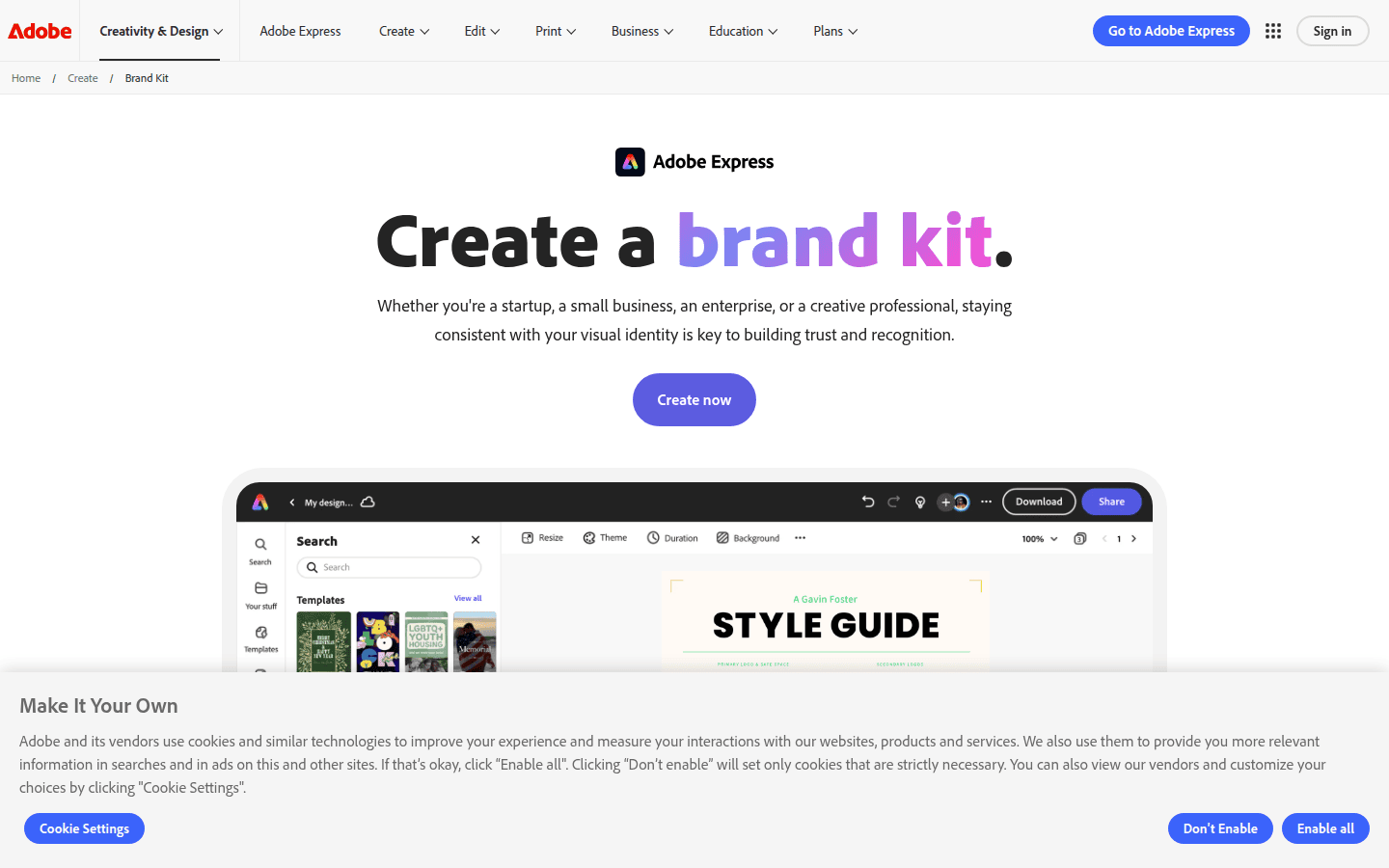
Adobe Express sits in a different category from Looka, even when both can help with logo creation. Adobe describes a brand kit as a collection of assets, guidelines, and resources that define how a brand should appear and be used. That framing is about organizing brand materials, not only producing a mark.
The key difference here is sharing. Adobe Express says brand kits can be shared with collaborators so everyone is working from the same brand source. For teams where founders, marketers, freelancers, or social editors all touch the same identity, that shared reference point can matter more than the initial logo step.
Adobe’s guidance also lists the kinds of logo files a brand kit should gather: PNG, SVG, EPS, PSD, and Ai. That is useful as a brand-operations signal. It suggests Adobe expects users to manage a mixed file set across web, print, and editable source files.
Its logo-maker page also says users can generate logo ideas by entering a brand name, industry, and style. So logo support is present, but it sits inside a wider creative workspace rather than leading the product story.
Adobe Express fits readers who already think in terms of asset libraries, shared systems, and multi-person workflows. It is less ideal for someone who wants a simple purchase decision with very clear package boundaries. Another limit matters too: Adobe’s public Brand Kit pages do not fully enumerate current limits by plan, so any plan-specific comparison needs care.
If you end up organizing a clean set of brand assets in Adobe, the next step may be motion rather than more static variations. DanceLogo’s logo animator can help turn established brand marks into reusable animated outputs.
Choose Wix if you want logo creation tied to social graphics, business cards, and the Wix/Wixel ecosystem
Wix is the most ecosystem-shaped option in this set. It is not only about creating a logo; it is also about what that logo becomes inside Wix-connected tools and branded assets.
The first thing to understand is the naming transition. Wix support says Wixel is now the main place to create new logos and visual assets with Wix, while the older Wix Logo Maker is still available. A buyer may see two overlapping product labels, and that should not be mistaken for two completely separate brand systems.
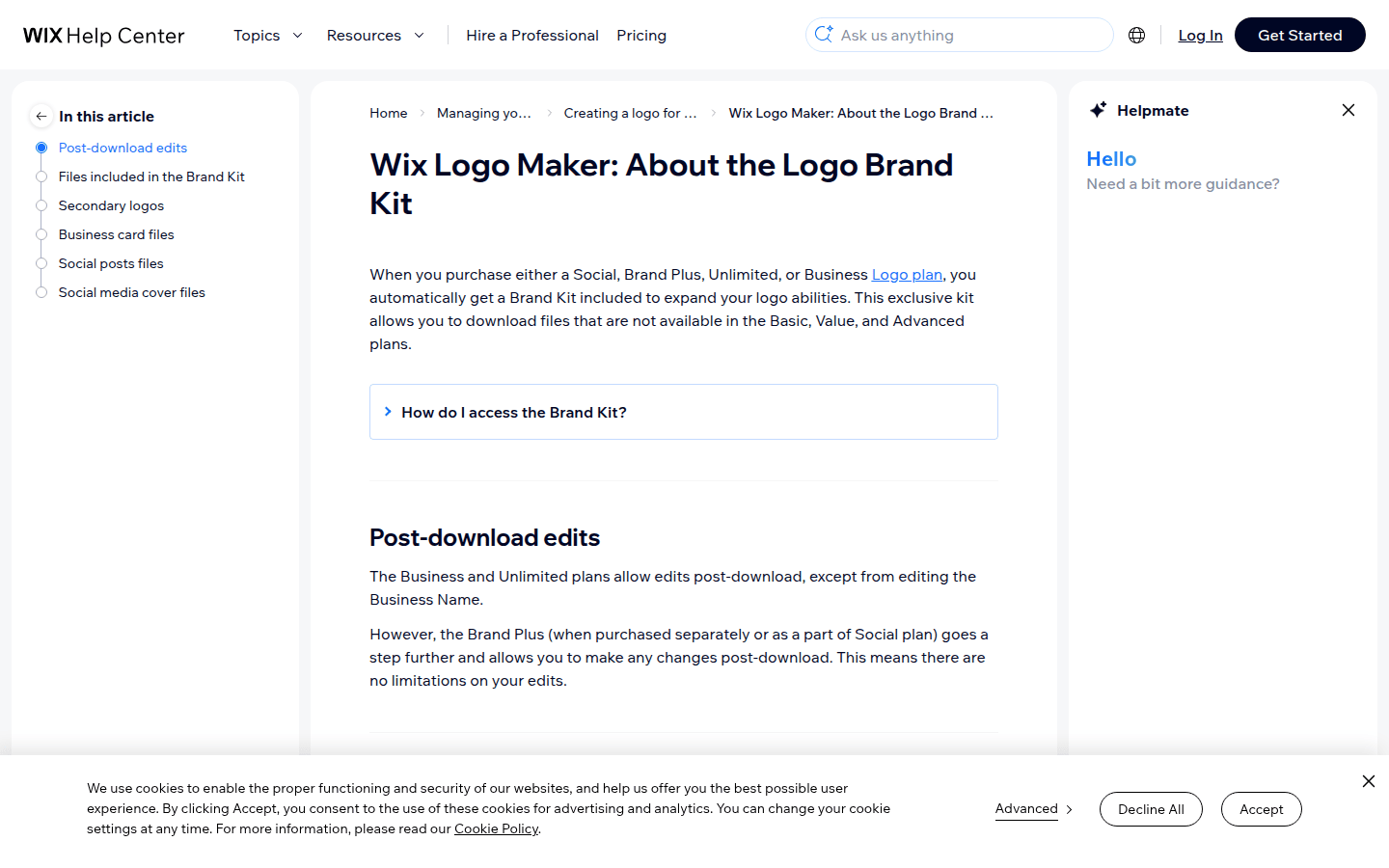
Wix does list concrete outputs. Wix says its Brand Kit is included with Social, Brand Plus, Unlimited, or Business Logo plans. It also says that Brand Kit includes secondary logo files, business card files, social post files, and social media cover files.
That makes Wix appealing for someone who wants immediate downstream assets without assembling them elsewhere. If the next week involves setting up a business card, profile graphics, and social covers, Wix has a practical case.
Its export details are narrower but still meaningful. Wix says the Advanced plan includes resizable SVG logo files ideal for printing on merchandise. That gives at least one clear signal that scalable logo use is part of the offer.
The trade-offs are mostly about clarity. Wix’s public pages do not present clean, directly comparable price points, so it is not the right choice if you want a neat price-against-price comparison today. And because Wix’s product naming is in transition, readers who dislike ecosystem complexity may find Looka or Canva easier to judge.
How to decide based on the output you need in the next 30 days
If the next month requires a finished logo file package first, choose Looka. Its mix of PNG, EPS, SVG, PDF, transparent-background variations, brand guidelines, and ready-made branded assets gives you the most obvious starter bundle.
If the next month is really about making lots of branded content from one central setup, choose Canva. Its Brand Kits, Brand Templates, and 3.6M+ template count suit repeated production better than a logo-first storefront.
If the next month involves shared brand use across more than one person, choose Adobe Express. The strongest advantage is brand organization plus collaborator sharing, which often becomes the real pain point once a business stops being a one-person operation.
If the next month includes social graphics, covers, business cards, and possibly a broader Wix site or Wixel workflow, choose Wix. Its kit is less about abstract brand governance and more about practical asset outputs connected to its ecosystem.
And if the next month includes motion as well as static brand use, a finished logo kit is only half the job. DanceLogo’s logo animation templates can help extend those newly organized brand assets into repeatable animated formats.
What still needs a closer look
Some gaps matter, and it is better to name them plainly. Adobe Express does not clearly enumerate every brand-kit limit by plan on its public pages, so a precise feature-tier grid would be misleading.
Wix does not show clean, directly comparable public price points across the plans discussed here. That means Wix can be discussed accurately by plan names and included asset types, but not by a clean side-by-side price claim.
Template counts also should not be normalized beyond the exact official wording. Canva’s 3.6M+ templates and Looka’s “over 1000s of customizable templates” describe very different libraries in different terms, so forcing them into a direct numeric ranking would mislead readers.
Export entitlements can also vary by plan, workflow, role, or country. The safest choice is to match the service to the kind of brand system you need next, then confirm the exact current plan details on the live product page before purchase.
For most readers, the answer gets simple once the real job is clear. Looka suits a tidy logo-to-brand-kit bundle. Canva suits repeated branded production. Adobe Express suits brand organization and sharing. Wix suits logo creation tied to practical branded assets in its own ecosystem.
 Logo Template
 Logo Template
 Logo Template
 Logo Template