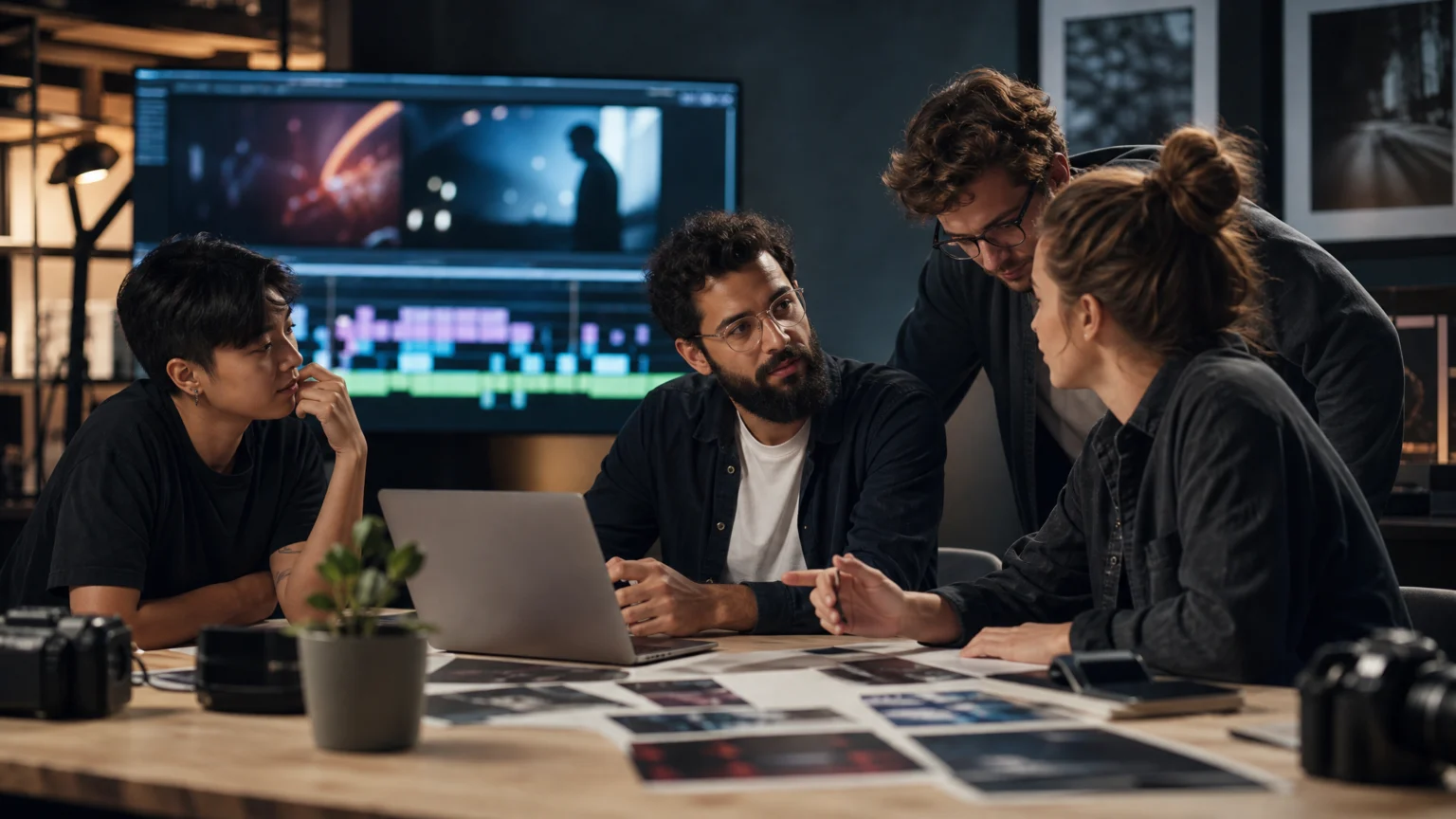
AI video editing for on-brand content is the use of AI agents to review raw footage, assemble a first cut, and shape its structure, pacing, color, and sound around a brand’s established identity. Instead of an editor building every sequence by hand, a brand team describes what the video should do, and an agent carries out the repetitive assembly work on an editable timeline. For teams that publish video across several platforms, that changes how quickly one shoot can become a full set of consistent, ready-to-review versions.
This matters to design and brand teams because a visual identity doesn’t stop at the logo and the color palette. It extends into how a video opens, how fast it moves, what the audio feels like, and how a cut looks on a vertical feed versus a website hero. Understanding how AI video editing actually works, step by step, makes it much easier to guide the process so the result looks like it belongs to the brand.
What Happens Inside an AI Video Editing Workflow
Most AI-assisted editing follows the same four stages, whatever tool runs it. Knowing what each stage does makes it clearer where brand direction can be added.
1. Ingest and analysis. The agent takes in the raw material: footage from one or more cameras, dialogue recordings, music, and other audio. It analyzes what’s on screen, what’s being said, and how it’s delivered, building an understanding of the material before it cuts anything.
2. Selection. Raw footage almost always contains repeated takes, false starts, pauses, and unusable moments. The agent reviews the material against the brief and selects the strongest complete version of each line or moment, setting aside what doesn’t fit.
3. Assembly. Selected clips are laid onto a timeline in a sequence that follows the structure the brief describes, whether that’s a story order, a topic order, or a rhythm built around a music track. The result is a first cut, often called a rough cut, that already holds the shape of the final video.
4. Refinement. From the first cut, direction continues in plain language or by hand: tighten the opening, shorten the middle, change the look, rebalance the audio, or build a version for a different platform. The timeline stays editable throughout, so every decision remains visible and adjustable.
Where Brand Identity Enters the Process
Brand consistency in video isn’t one decision, it’s a series of small ones made at different stages. Each part of a brand’s identity maps to a specific point in the workflow where it can be guided.
| Brand element | Where it’s guided | How it’s expressed |
| Story and structure | The brief | Describing the narrative order, key messages, and moments to prioritize |
| Pacing and rhythm | Assembly and restructuring | Asking for a faster opening, a shorter middle, or cuts timed to a track |
| Color and tone | Grading | Describing a look, sharing a reference image, or applying a saved LUT |
| Sound | Audio refinement | Choosing the music, cleaning dialogue, and balancing the audio elements |
| Platform formats | Versioning | Building separate cuts for different durations, ratios, and audiences |
How to Brief an Agent So the Cut Stays On-Brand
The quality of an AI-assembled cut depends heavily on the direction it’s given. A vague brief produces a generic result, while a specific one gives the agent enough to work with. A useful brief for brand video usually covers the following:
- The story or message the video needs to carry, and the order it should unfold in
- The pace you want, such as fast and energetic or slow and considered
- The target duration, and the moments that must make the cut
- The audio direction, including any music track or voice recording to build around
- The platform the cut is for, since an opening that works on a website can fall flat in a feed
- A reference for the look, whether that’s a still image, a previous campaign, or a described mood
The more of a brand’s guidelines can be translated into plain language direction like this, the less correction the first cut needs afterward.
Invideo Editor: Assembling On-Brand Footage Into a Rough Cut
Invideo Editor is built around exactly this sequence of ingest, selection, assembly, and refinement. Its approach to rough cut editing starts with raw footage and a brief, the agent reviews the on-screen action, delivery, and dialogue, removes unusable material, selects the strongest takes, and assembles an editable base cut on the timeline.
Key features:
- Base cut assembly from raw footage and a plain-language brief, with the strongest takes selected automatically
- Footage that can be arranged around a music track, voice recording, or beat pattern, with cuts timed to the rhythm
- Restructuring requests like a faster opening, a shorter middle, or a cut to a target duration, while preserving important context
- Cut-downs and new versions, including trailers, highlight reels, social cuts, and platform-specific edits built from the same timeline
- Color grading from a described look or a reference image, alongside manual wheels, curves, and scopes
- Dialogue cleanup, sound effects, audio balancing, and mastering within the same project
- A manual timeline throughout, so any clip, timing, or effect can be adjusted by hand
- Shareable review links, so stakeholders can leave feedback on a draft without exporting files
For brand teams, the versioning capability is often the most practical. The same shoot can produce different edits by changing the opening, pacing, duration, or footage selected for each audience and platform, which keeps the underlying material consistent while the cut adapts to where it will run.
A Practical Workflow for Turning One Shoot Into Many On-Brand Versions

Brand teams often shoot once and publish many times. A simple, repeatable workflow keeps those versions consistent:
- Gather the assets. Upload footage, dialogue, music, and any reference material in one project, so everything the agent needs is in the same place.
- Write the master brief. Describe the story, pace, duration, audio, and look for the primary version, using the checklist above.
- Review the first cut. Check the assembled timeline against the brand guidelines, and give direction in plain language for anything that drifts.
- Apply the look and sound. Use a reference image or saved look for color, and finish the audio so the cut feels consistent with the brand’s other video.
- Build the platform versions. Ask for the shorter, vertical, or highlight versions from the finished timeline, specifying the format, duration, and moments to prioritize.
Working this way means the brand decisions are made once, in the master brief and first review, and carried through every version, rather than being re-made from scratch each time.
Common Ways On-Brand Video Drifts
Even with good tools, a few habits tend to pull video away from a brand’s identity. Writing a generic brief is the most common: without direction on pace, tone, and structure, the first cut reflects the footage rather than the brand. Skipping a visual reference is another, since a described mood can be read many ways while a reference image gives the grade something concrete to match. Treating every platform version as an afterthought leads to cuts that feel off-brand in feeds even when the master version is strong. And skipping a review pass before publishing means small inconsistencies in audio, captions, or color carry through into every version.
FAQ

How does AI video editing know what’s on-brand?
It follows the direction it’s given. Briefs that describe structure, pacing, audio, and look, along with reference material, give the agent a concrete picture of the brand to work toward.
Can AI video editing handle multiple platform versions of the same video?
Yes. Once a master cut exists, versions for different durations, formats, and audiences can be built from the same timeline by specifying the format, length, and moments to prioritize.
Does Invideo Editor work with brand-specific looks and audio?
Invideo Editor supports color grading from a described look or reference image, plus music-led assembly and audio cleanup, all within one project, so brand direction can be applied across the cut.
What kind of footage works best for AI-assisted rough cuts?
Footage with real repetition, such as multiple takes of the same lines, interviews, product shoots, and multicam recordings, gives an agent the most useful work to do in selecting and assembling a first cut.
Is the AI-assembled cut final?
No, it’s a starting point. The first cut is built on an editable timeline, so brand teams can review it, give further direction, or adjust clips, timing, and audio by hand before publishing.
 Logo Template
 Logo Template
 Logo Template
 Icon Template